
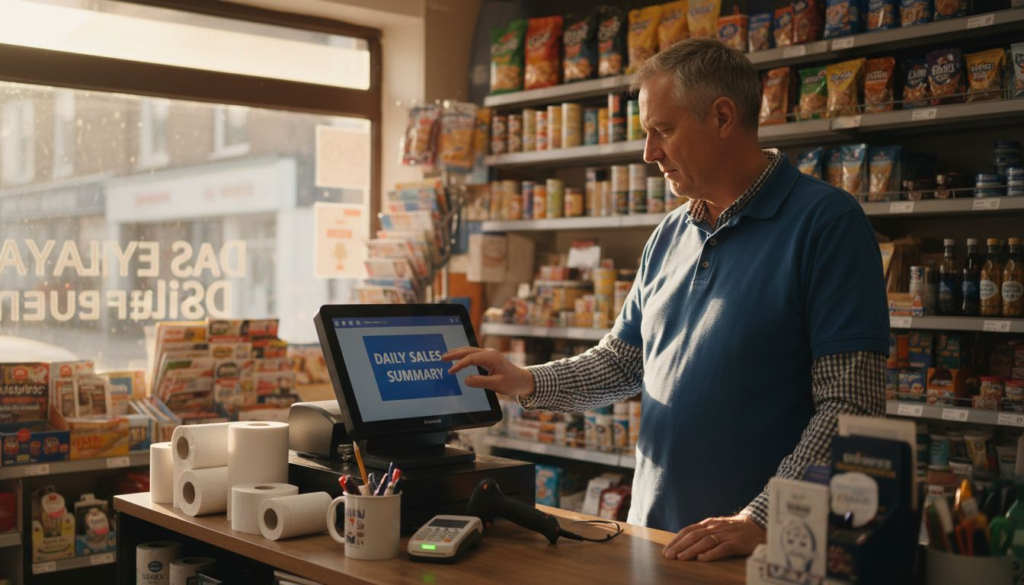
Choosing new POS equipment can feel daunting for UK restaurant and retail owners faced with technical jargon and competing models. The right system is more than just a till—it is a combination of hardware and software that transforms how you run your business. Understanding key device roles and POS hardware integration with business operations helps you avoid costly mistakes and select equipment that truly meets your needs.
Table of Contents
- Core POS Hardware Concepts And Misconceptions
- Key Device Types Used In POS Systems
- How POS Hardware Integrates With Software
- Cost Implications And Maintenance Considerations
- Common Mistakes When Choosing POS Hardware
Key Takeaways
| Point | Details |
|---|---|
| Understanding POS Systems | A POS system is an integrated tool for handling transactions and managing business data, not just a cash register. |
| Selecting the Right Hardware | Choose hardware based on actual business needs and workflows rather than on unnecessary features. |
| Importance of Integration | Ensure that your POS hardware and software are compatible to avoid operational glitches and inefficiencies. |
| Planning for Cost and Support | Consider total ownership costs, including maintenance and support, to avoid unexpected financial burdens. |
Core POS Hardware Concepts and Misconceptions
A Point of Sale (POS) system is far more than just a cash register. It’s an integrated combination of hardware and software that handles transactions, tracks inventory, and provides crucial business data. Many restaurant and retail owners assume POS systems are overly complicated or limited to payment processing, but the reality is quite different. Modern POS setups work as comprehensive business optimisation tools, not just transaction processors.
The core hardware components are straightforward once you understand their roles. Your POS typically includes a terminal (the main unit), barcode scanners for product identification, card readers for payments, and receipt printers. Each component serves a specific function, but they work together seamlessly. Think of it like a kitchen brigade: each person has their job, but the restaurant only runs smoothly when everyone coordinates.
One common misconception is that you need expensive, bulky equipment to run an effective POS system. Modern terminals and integrated hardware come in various sizes and price points. Compact countertop units, mobile tablets, and traditional terminals all offer genuine functionality. Your choice depends on your business type and workflow, not on some arbitrary complexity standard. A takeaway might thrive with a tablet-based system, whilst a larger retail store could benefit from a multi-terminal setup.
Another myth surrounds the learning curve. Staff training doesn’t need to be painful. Good POS systems are designed with user experience in mind. Most employees get comfortable with the basics within a few hours, not weeks. The software guides them through processes, prompts appear when needed, and intuitive touchscreens reduce confusion. Proper training upfront saves time and frustration later.
Many owners worry that upgrading their POS will disrupt operations. In reality, modern systems integrate with your existing workflows. Whether you’re moving from an older till or setting up your first proper system, the transition can be smooth. YCR Distribution supports UK retailers and restaurants through this process with next-day delivery and setup assistance, ensuring minimal downtime.
Pro tip: When selecting POS hardware, prioritise systems that match your actual daily operations rather than choosing based on impressive features you’ll never use. Request a demonstration with your typical transaction volume to see how equipment performs under real conditions.
Key Device Types Used in POS Systems
Understanding the different hardware components in a POS setup helps you choose the right configuration for your business. Each device type serves a specific purpose, and knowing what they do will make your purchasing decisions much clearer. Your POS system doesn’t need every device available, just the ones that match your actual workflow.
Countertop terminals are the traditional hub of most retail operations. These fixed units sit at your till point and handle the bulk of transactions. They connect to barcode scanners, receipt printers, and card readers, creating a complete transaction station. For restaurants and retail shops, countertop terminals provide stability, reliability, and plenty of processing power. They’re designed to handle high transaction volumes without breaking stride.
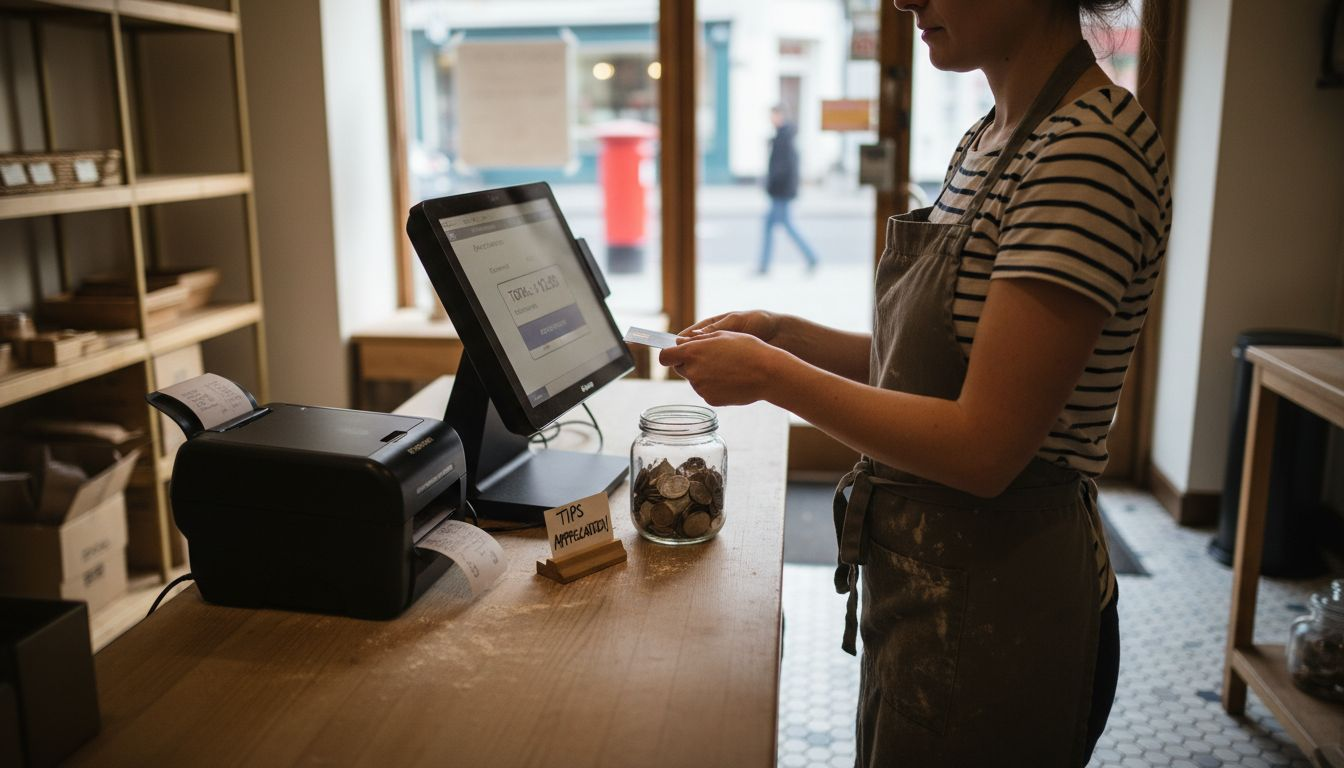
Portable and mobile POS devices have changed the game for many businesses. Portable units and mobile systems enable wireless transactions throughout your premises. Restaurants use handheld tablets to take orders tableside, whilst retail staff can process payments from anywhere in the shop. Mobile POS systems integrate smartphones or tablets with payment functionality, giving flexibility traditional registers simply cannot match. This matters when you need speed and convenience on the shop floor.
Barcode scanners read product information instantly. These scanning devices are crucial for inventory tracking and accurate pricing. They eliminate manual entry errors and speed up checkout dramatically. Whether you choose laser scanners or 2D imaging scanners depends on your product types and scanning distances. Modern scanners work with both physical barcodes and digital codes on customer phones.
Card readers and PIN pads process payments securely. PIN pads can be standalone units or integrated into terminals. They ensure customer payment data stays encrypted and compliant with security standards. Every payment method today requires secure card reading, making these devices non-negotiable for any retail operation.
Receipt printers document transactions and build customer records. Modern printers produce receipts quickly and reliably. Some businesses use thermal printers for speed, whilst others prefer impact printers for carbon copies. Your choice depends on whether you need physical records or primarily digital receipts.
Customer display screens show totals and promotional information. These secondary displays face customers during transactions, building trust and showing prices clearly. Many modern systems integrate displays into the terminal itself, reducing clutter on your counter.
Here’s a comparison of POS hardware types and their ideal business use cases:
| POS Hardware Type | Ideal For | Key Benefit |
|---|---|---|
| Countertop Terminal | Busy retail or restaurants | Reliable, handles high volumes |
| Mobile POS (Tablet) | Takeaways, pop-up shops | Flexible, easy to reposition |
| Barcode Scanner | Shops with many products | Fast, accurate inventory control |
| Card Reader/PIN Pad | Any payment-based business | Secure, compliant transactions |
| Receipt Printer | Businesses needing records | Quick receipts, supports returns |
| Customer Display Screen | Customer-facing operations | Boosts trust and transparency |
Pro tip: When evaluating POS hardware for your retail or restaurant operation, consider what tasks your staff performs most frequently, then ensure the device types you select directly support those workflows rather than adding unnecessary complexity.
How POS Hardware Integrates With Software
Your POS hardware and software don’t work independently. They’re a single ecosystem where hardware executes what software commands. Understanding this relationship helps you make better decisions about your system setup and why certain configurations matter for your business.
The software controls everything your hardware does. When a scanner reads a barcode, software interprets that data and decides what happens next. When you press a button on the terminal, software responds by triggering printers, card readers, or inventory updates. POS system integration connects hardware components with business applications like inventory management and accounting systems, creating a unified operation rather than isolated machines.
Real-time data flow is where the magic happens. Your barcode scanner sends product information to software instantly. Software checks inventory levels, calculates prices, applies discounts, and updates stock counts simultaneously. This seamless integration ensures smooth real-time data flow across devices, improving your operational efficiency dramatically. Without this synchronisation, you’d be managing inventory manually and facing constant stock discrepancies.
Manual entry errors disappear when hardware and software work properly together. Staff no longer type product codes or prices because scanners feed accurate data directly into the system. Automation reduces human mistakes that cost you money and customer satisfaction. Your till reconciliation becomes straightforward because every transaction is recorded automatically.
Integration extends beyond just transaction processing. Good POS software connects to your accounting package, customer relationship management systems, and reporting tools. This means your sales data flows into accounts without manual entry, customer purchase history builds automatically, and you get real-time financial reports. Restaurant and retail businesses benefit tremendously from this unified approach because decision-making becomes faster and more accurate.
Choosing compatible hardware and software is crucial. Not every scanner works with every terminal, and not every POS software integrates smoothly with every accounting system. When you’re evaluating options, verify that hardware and software components are designed to work together. YCR Distribution stocks systems specifically tested for compatibility, removing guesswork from your purchasing decision.
Pro tip: Before purchasing new POS hardware, confirm it integrates seamlessly with your existing software or chosen POS platform rather than purchasing components separately and hoping they work together later.
Cost Implications and Maintenance Considerations
POS hardware represents a real business investment, and understanding the full cost picture helps you budget properly. Initial equipment costs are just the beginning. You’ll also face ongoing expenses for maintenance, repairs, software updates, and potential replacements. Getting this right from the start saves you money and headaches later.
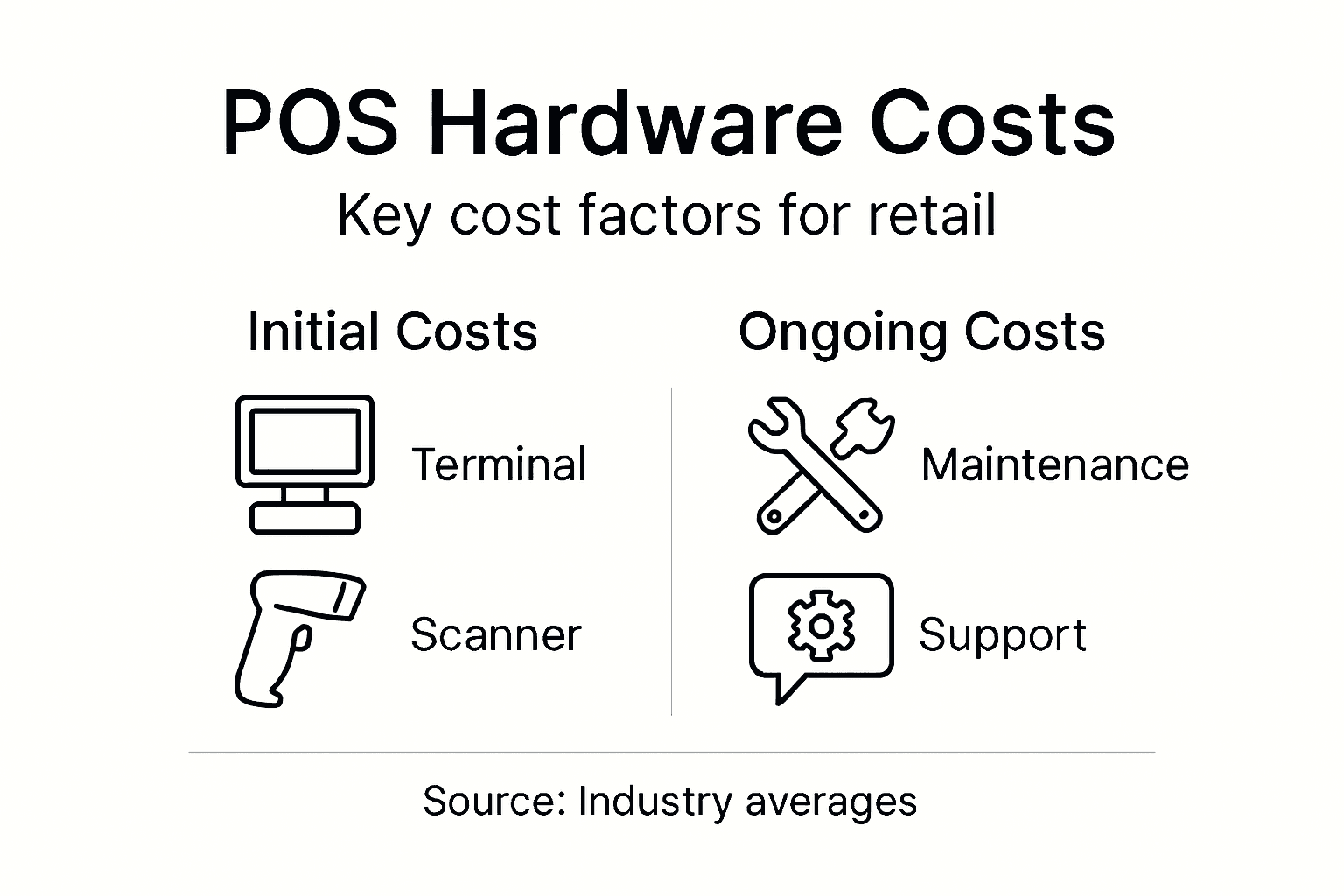
Initial hardware costs vary dramatically based on your setup. A basic single countertop terminal with barcode scanner and printer might cost between £800 and £2,000. A multi-terminal restaurant setup could reach £5,000 to £15,000 depending on complexity. Mobile POS solutions often sit at the lower end because they use tablets you might already own. The key is matching your budget to genuine business needs rather than overspending on unnecessary features.
Maintenance costs are often overlooked but absolutely crucial to plan for. Thermal receipt printers need regular cleaning to prevent jams and faded receipts. Barcode scanners require occasional recalibration if they start misreading codes. Card readers need firmware updates for security compliance. Budget roughly 10-15% of your initial hardware cost annually for maintenance and minor repairs. Neglecting this leads to equipment failures during busy periods, costing you lost sales.
Warranty and support packages matter significantly. Standard manufacturer warranties typically cover one year of hardware failures. Extended warranties might add £500 to £1,500 to your initial cost but protect against expensive repairs after year one. YCR Distribution offers next-day delivery and support services, which means when problems occur, you’re back up and running quickly rather than waiting weeks for repairs.
Replacement cycles depend on usage intensity. Countertop terminals in busy restaurants might need replacement every 5-7 years due to heavy use. Retail operations with moderate traffic can stretch equipment to 7-10 years. Modern equipment generally lasts longer, but older systems become expensive to repair as parts become scarce. Plan for replacement rather than being caught off guard.
Downtime is your hidden cost. When your till fails during service, you lose transactions and frustrate customers. Investing in reliable equipment and proper support reduces this risk substantially. Cheaper systems that fail frequently cost far more in lost business than higher quality alternatives.
To clarify long-term financial planning, see this summary of POS hardware cost factors:
| Cost Aspect | Typical Range/Info | Why It Matters |
|---|---|---|
| Initial Equipment | £800–£15,000 depending on setup | Impacts capital budgeting |
| Maintenance Annual | 10–15% of hardware cost | Prevents failures, reduces downtime |
| Warranty Extension | £500–£1,500 for multi-year coverage | Lowers long-term repair risk |
| Replacement Period | 5–10 years based on usage | Affects upgrade planning |
| Hidden Cost: Downtime | Lost sales during failures | Undermines service reliability |
Pro tip: Factor in total cost of ownership rather than just purchase price when comparing POS systems. Include maintenance, support contracts, and likely replacement timelines to understand the true investment required over five to ten years.
Common Mistakes When Choosing POS Hardware
Business owners often make costly decisions when selecting POS hardware because they focus on the wrong priorities. Understanding these pitfalls prevents expensive mistakes that can affect your operations for years. The good news is that most errors are entirely avoidable with the right guidance.
Choosing based purely on price is the most common trap. The cheapest equipment rarely delivers value because it fails more frequently, requires costly repairs, and becomes obsolete quickly. You end up replacing it sooner, negating any initial savings. A mid-range system that lasts seven years costs significantly less per year than a budget model lasting three years. Invest in reliability rather than chasing the lowest quote.
Ignoring compatibility between hardware and software creates serious problems. You cannot assume that any barcode scanner works with any terminal or that your chosen POS software integrates smoothly with all printers. Mismatched components lead to glitchy operations, staff frustration, and wasted troubleshooting time. Always verify that your hardware selection matches your software requirements before purchasing anything.
Oversizing your setup wastes money unnecessarily. A small takeaway does not need a five-terminal restaurant system. A convenience store does not require the same equipment as a supermarket. Match your hardware configuration to your actual daily transaction volume and floor layout. Retail and convenience operations have distinctly different hardware needs, so evaluate your specific business type carefully.
Neglecting future growth is equally problematic. Choose systems that can expand as your business grows without replacing everything from scratch. If you plan to open additional locations or add new product lines, select hardware and software that scales easily. Scalability saves you from costly replacements when success arrives.
Skipping proper staff training is a false economy. Budget time and money for training because undertrained staff slow down service, make errors, and avoid using system features that could benefit you. Your investment in hardware only pays off when your team uses it effectively.
Failing to plan for support and maintenance leaves you vulnerable. Equipment breaks at the worst possible moments. Choose providers like YCR Distribution who offer reliable support contracts so when problems occur, you have professional help available quickly rather than scrambling to find a technician.
Pro tip: Before committing to any POS hardware purchase, list your three most important business needs, then evaluate equipment against only those criteria rather than being swayed by impressive features you will never use.
Simplify Your POS Hardware Journey with YCR Distribution
Navigating the complex terminology and selecting the right POS hardware can feel overwhelming. Whether you are dealing with countertop terminals, barcode scanners, or card readers, understanding how each component fits your retail operation is essential to avoid costly mistakes and downtime. If you want to ensure your business has reliable, compatible hardware that truly meets your daily needs, expert support is within reach.

Discover how YCR Distribution combines over thirty years of experience with trusted brands like SAM4S and iMin to deliver tailored POS solutions for the UK retail and hospitality sectors. From next-day delivery to integrated software options like SAMTOUCH and EZEEPOS, you will gain peace of mind knowing your investment is supported by dependable service designed to grow with your business. Take control of your POS hardware selection today by visiting our website and exploring a total solution that matches your terminology and needs.
Frequently Asked Questions
What are the core components of a POS system?
A typical POS system includes hardware components such as a terminal, barcode scanners, card readers, receipt printers, and customer display screens. Each serves a distinct function to facilitate transactions and improve business operations.
How does POS hardware integrate with software?
The POS hardware and software work as a single ecosystem, where the software directs the hardware’s actions, such as processing transactions and managing inventory in real time, ensuring data accuracy and operational efficiency.
What factors should I consider when choosing POS hardware?
When selecting POS hardware, consider factors like your business size, transaction volume, compatibility with existing software, and the specific functions you need to support your daily operations rather than merely focusing on impressive features.
What are the common mistakes to avoid when selecting POS hardware?
Common mistakes include choosing equipment based solely on price, ignoring compatibility between hardware and software, oversizing your setup for your actual needs, neglecting future growth, skipping staff training, and failing to plan for support and maintenance.