

Finding the perfect POS hardware can feel like searching for a solution in a sea of endless options. For UK-based restaurant and retail owners, every transaction counts and customer satisfaction hinges on selecting POS components that truly support your workflow. This guide cuts through the clutter, helping you pinpoint exactly what matters most, from identifying your unique business needs to evaluating device compatibility and vendor reliability, so you can confidently invest in technology that elevates your daily operations.
Table of Contents
- Step 1: Assess Your Business Requirements
- Step 2: Identify Compatible POS Hardware Options
- Step 3: Compare Features And Integration Capabilities
- Step 4: Evaluate Vendor Support And Reliability
- Step 5: Test And Verify POS Hardware Performance
Quick Overview
| Key Insight | Explanation |
|---|---|
| 1. Assess Business Needs First | Identify your specific requirements like transaction volume and product variety to enhance efficiency and customer service. |
| 2. Choose Compatible Hardware Types | Opt for hardware that integrates well with your existing POS software and meets your operational needs, like mobile or stationary terminals. |
| 3. Compare Features Thoroughly | Evaluate crucial features such as software compatibility and payment methods to ensure the POS system aligns with your business operations. |
| 4. Verify Vendor Reliability | Assess vendor support, warranty, and training resources to ensure long-term operational success and minimise potential downtimes. |
| 5. Conduct Rigorous Testing | Test hardware under realistic conditions to validate performance, payment compatibility, and integration with existing systems. |
Step 1: Assess Your Business Requirements
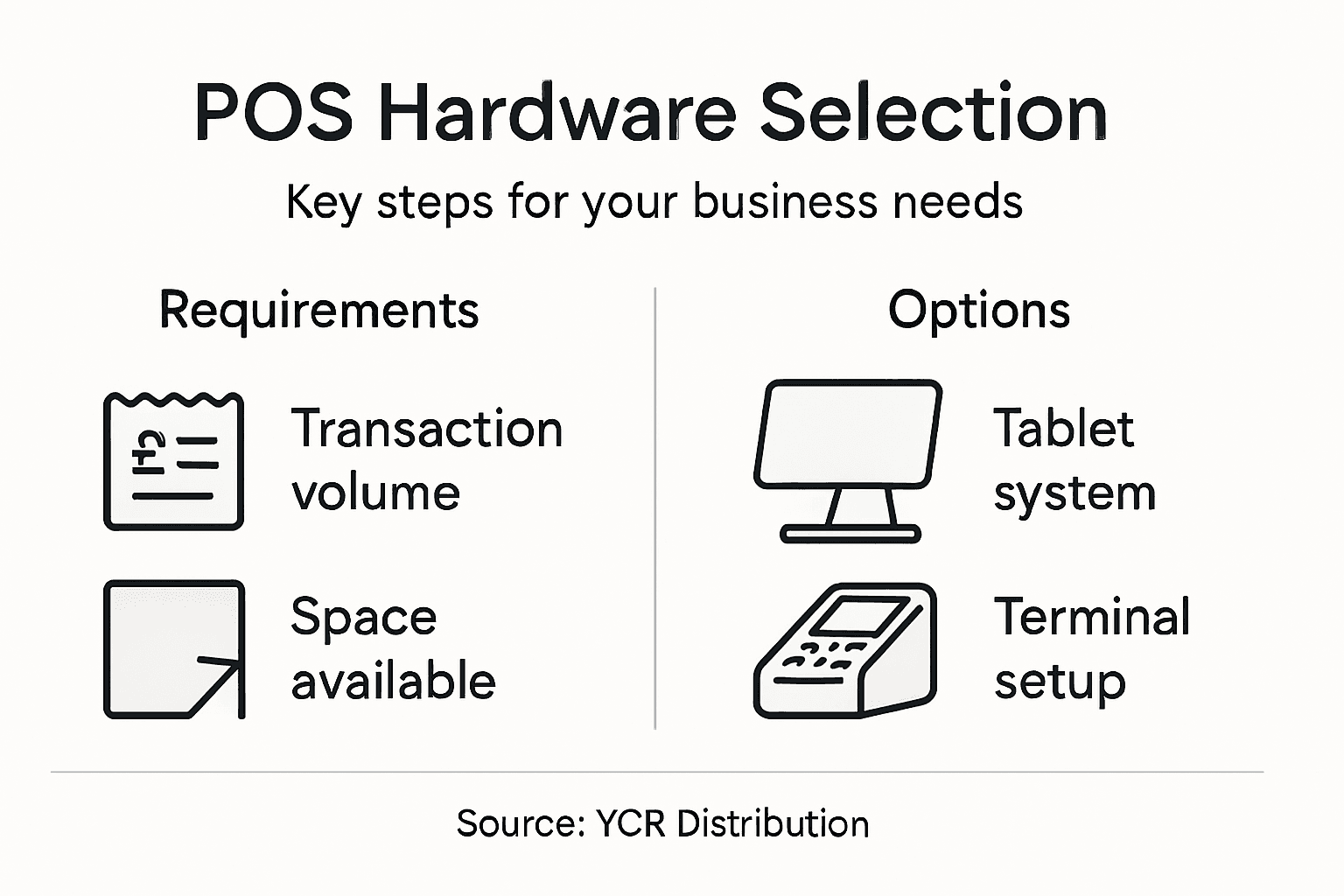
Choosing the right point of sale (POS) hardware starts with a comprehensive evaluation of your specific business needs. Understanding your operational requirements is crucial for selecting a system that will enhance efficiency and customer service. Retail POS hardware selection demands careful consideration of several key factors.
Your assessment should focus on critical elements that will impact your POS hardware decision. Start by examining these fundamental aspects:
- Transaction volume – How many sales do you process daily?
- Product variety – What types of items will you be selling?
- Customer interaction style – Do you need mobile or stationary terminals?
- Business size – Are you a small café or a large retail outlet?
The core POS hardware components you might need include terminals, barcode scanners, receipt printers, and cash drawers. Each business will require a slightly different configuration based on its unique operational requirements. For instance, a quick-service restaurant might prioritise mobility and speed, while a boutique clothing store might need more detailed inventory tracking capabilities.
Selecting the right POS hardware is about matching technology to your specific business workflow, not just purchasing the most expensive system.
Top tip: Always test potential POS systems with a live demo that mimics your actual business operations to ensure genuine compatibility.
Step 2: Identify Compatible POS Hardware Options
Identifying the right POS hardware requires a strategic approach to ensuring seamless technology integration for your business. POS device compatibility encompasses more than just selecting individual components – it’s about creating a cohesive system that supports your operational needs.
When exploring compatible hardware options, consider these primary device categories:
- Smartphones and tablets for mobile point of sale
- Traditional terminal systems for fixed checkout points
- Card readers for flexible payment processing
- Mobile POS devices for dynamic business environments
Each hardware type offers unique advantages depending on your business model. A quick-service restaurant might prioritise mobile tablets for tableside ordering, while a boutique retail store might prefer a stationary terminal with integrated inventory management. The key is finding devices that can run your specific POS software and integrate smoothly with your existing peripherals.
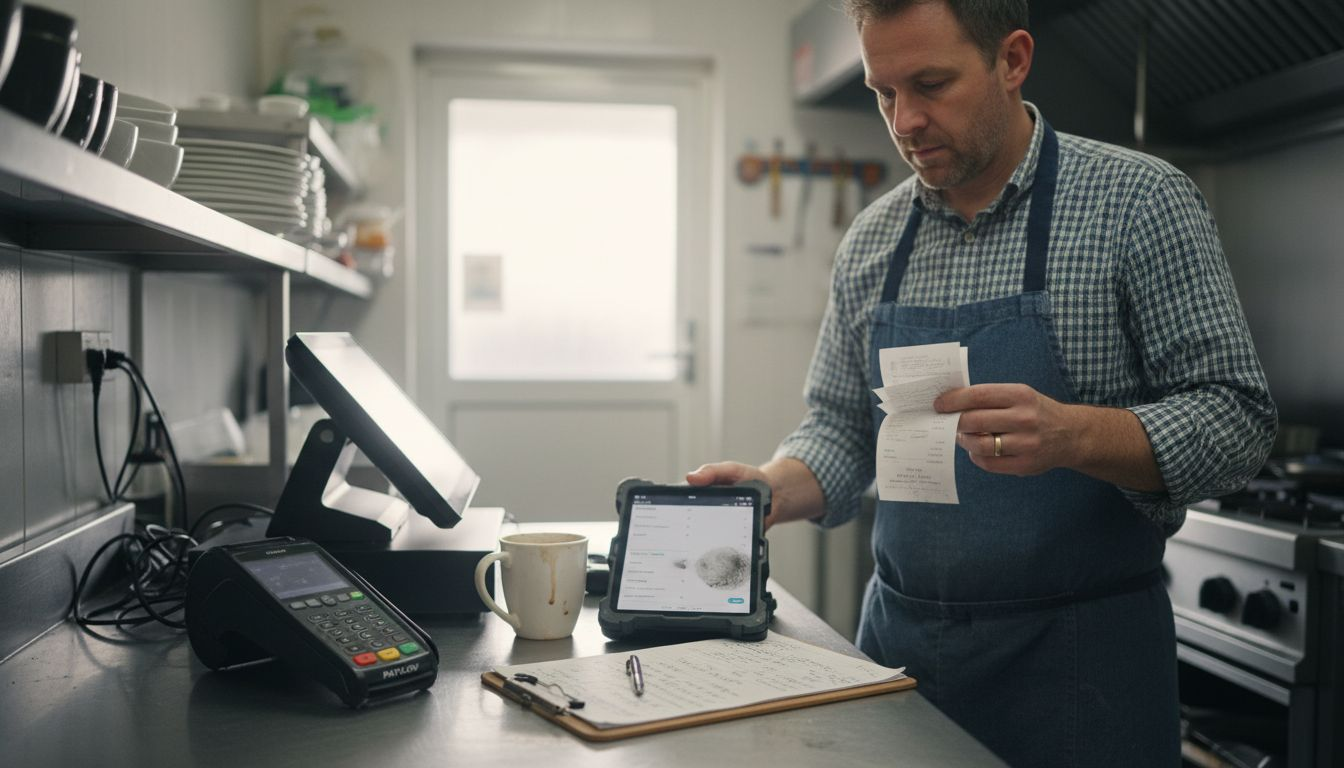
Here is a summary of POS hardware types and their ideal business use:
| Hardware Type | Best for Business Type | Key Benefit |
|---|---|---|
| Mobile Tablets | Quick-service restaurants | Enables tableside ordering |
| Stationary Terminals | Boutique retail stores | Supports detailed inventory management |
| Card Readers | Seasonal market stalls | Flexible payment acceptance |
| Barcode Scanners | High-volume retailers | Speeds up checkout process |
Compatibility is not just about technology – it’s about finding hardware that truly understands and supports your business workflow.
Key compatibility factors include software integration capabilities, peripheral connectivity, and scalability potential. Ensure your chosen hardware can grow with your business and adapt to changing technological landscapes.
Top tip: Always request a comprehensive demonstration of the POS system in an environment that closely mirrors your actual business operations.
Step 3: Compare Features and Integration Capabilities
Comparing POS hardware features requires a systematic approach that goes beyond surface-level specifications. With multiple hardware options available, understanding the nuanced integration capabilities becomes crucial for making an informed decision that supports your business operations.
When comparing POS hardware, focus on these critical evaluation criteria:
- Software compatibility – Ensure seamless integration with your existing systems
- Peripheral support – Check connectivity with printers, scanners, and cash drawers
- Payment processing – Verify support for multiple payment methods
- Reporting capabilities – Assess depth of data analytics and reporting tools
- Scalability potential – Determine hardware’s ability to grow with your business
Each feature demands careful consideration. Payment processing flexibility, for instance, means more than just accepting credit cards. You need a system that can handle different transaction types, from split payments to refunds, while maintaining accurate financial records.
The most expensive hardware is not always the best – compatibility and functionality matter more than price tag.
Beyond technical specifications, consider the vendor’s reputation for customer support, update frequency, and long-term reliability. A robust POS system should provide comprehensive support that extends well beyond the initial hardware purchase.
Top tip: Request detailed integration documentation and arrange hands-on testing with your specific business workflows before making a final hardware selection.
Step 4: Evaluate Vendor Support and Reliability
Evaluating vendor support and reliability is a critical step in selecting the right POS hardware for your business. Vendor assessment frameworks provide essential insights into a supplier’s capability to support your long-term operational needs.
When assessing vendor reliability, consider these key evaluation criteria:
- Technical support availability – Response times and communication channels
- Warranty and maintenance – Coverage period and repair/replacement policies
- Update frequency – Software and firmware improvement track record
- Training resources – Quality of documentation and onboarding support
- Crisis management – Vendor’s approach to addressing systemic hardware or software issues
Beyond technical specifications, vendor reputation matters significantly. Look for providers with proven track records in your specific industry, preferably those with experience supporting businesses similar to yours. References and case studies can offer valuable insights into a vendor’s real-world performance and commitment to customer success.
Compare critical vendor support factors to guide your selection:
| Vendor Factor | Why It Matters | Example Consideration |
|---|---|---|
| Support Hours | Minimises downtime | 24/7 or office hours only? |
| Warranty Length | Reduces long-term costs | One year or extended coverage? |
| Update Policy | Ensures system security | Regular updates and patches |
| Training Offerings | Quick staff onboarding | Onsite sessions or online guides? |
A reliable vendor is not just a hardware supplier, but a strategic partner in your business growth.
Consider conducting comprehensive background checks, including financial stability, customer testimonials, and independent reviews. Don’t hesitate to request detailed service level agreements that clearly outline support expectations and performance guarantees.
Top tip: Schedule direct conversations with the vendor’s support team to assess their responsiveness and depth of technical understanding before making a final commitment.
Step 5: Test and Verify POS Hardware Performance
Testing your potential POS hardware thoroughly is crucial to ensuring seamless business operations. POS hardware testing involves comprehensive validation across functional, performance, and security dimensions to guarantee reliable transaction processing.
Develop a systematic testing approach that covers these essential verification points:
- Transaction processing speed – Measure response times under different load conditions
- Payment method compatibility – Test various card types and payment methods
- Software integration – Check connectivity with existing business systems
- Security protocols – Verify data protection and encryption standards
- Hardware durability – Assess physical robustness and component reliability
Simulation of real-world scenarios is key to uncovering potential performance issues. This means testing your POS hardware under conditions that closely mirror your actual business environment – including peak transaction times, multiple user interactions, and varied payment scenarios.
Performance testing is not about finding perfection, but identifying potential limitations before they impact your business operations.
Consider requesting demonstration units that allow extended testing periods. This enables you to thoroughly evaluate the hardware’s performance across different operational contexts, ensuring it meets your specific business requirements.
Top tip: Create a detailed testing checklist that covers every potential scenario, and involve staff members from different departments to provide comprehensive feedback during the hardware evaluation process.
Find the Perfect POS Hardware Solution for Your Business Today
Selecting the right POS hardware is a critical step that can make or break your daily business operations. This article highlights the challenges of matching POS hardware to your unique business needs, from understanding transaction volumes to ensuring seamless software compatibility and reliable vendor support. If you want to overcome common pain points such as limited device integration, inadequate support, or inflexible payment processing, it is essential to partner with a provider who truly understands these complexities.
At YCR Distribution, we specialise in delivering comprehensive POS solutions that directly address these crucial concerns. With our extensive range of POS terminals and tablets plus tailored software options like SAMTOUCH and EZEEPOS, we help businesses across the United Kingdom, including restaurants, retail stores, and cafés, streamline their operations effortlessly. Our trusted partnerships with global brands ensure you receive reliable, scalable hardware built to grow with your business.

Take the next step towards enhancing your business efficiency and customer experience now. Visit YCR Distribution to discover how our bespoke POS hardware and software solutions provide the exact compatibility and support your business deserves. Don’t wait until operational issues arise; equip your business with the right POS technology designed for your success today.
Frequently Asked Questions
How do I assess my business requirements for POS hardware?
To assess your business requirements for POS hardware, evaluate critical elements such as transaction volume, product variety, customer interaction style, and business size. Begin by analysing how many sales you process daily and the types of items you sell to determine your specific needs.
What compatible POS hardware options should I consider for my business?
Consider POS hardware options such as mobile tablets for quick-service environments, traditional terminal systems for fixed locations, and card readers for flexible payment processing. Identify which hardware types best align with your business model to optimise your setup.
How can I compare features and integration capabilities of POS hardware?
To compare features and integration capabilities, focus on software compatibility, peripheral support, payment processing options, and scalability potential. Create a checklist of essential criteria that meet your operational needs, allowing you to make an informed decision.
What should I evaluate regarding vendor support and reliability for POS hardware?
Evaluate vendor support by examining their technical support availability, warranty coverage, frequency of updates, and training resources. Ensure the vendor has a strong reputation for reliability, which will help ensure long-term support for your POS system.
How can I effectively test and verify the performance of POS hardware before purchase?
To test and verify POS hardware performance, develop a systematic testing approach that includes transaction speed, payment method compatibility, and integration with existing systems. Perform tests under real-world conditions to identify any potential limitations before finalising your choice.