
Slow service and order mistakes frustrate customers and hurt your bottom line. Research shows that optimized point of sale systems can slash transaction times by up to 30% and reduce order errors by 40%. This guide walks you through proven strategies to transform your hospitality POS processes, from evaluating your current setup to training staff on streamlined workflows that deliver faster service and happier guests.
Table of Contents
- Before You Start: Prerequisites And Setup
- Step 1: Evaluate Current POS System And Identify Pain Points
- Step 2: Integrate Tailored Hardware And Software
- Step 3: Streamline Transaction Workflows
- Step 4: Train Staff On Optimized POS Use
- Common Mistakes To Avoid
- Expected Results And Outcomes
- Alternative Approaches And Tradeoffs
- Discover Expert Hospitality POS Solutions At YCR
- Frequently Asked Questions About Optimizing Hospitality POS
Key Takeaways
| Point | Details |
|---|---|
| Speed and accuracy gains | Effective POS optimization reduces transaction times by up to 30% and order errors by 40%. |
| Essential components | Combining tailored hardware, hospitality-specific software, and streamlined workflows is critical. |
| Training is non-negotiable | Staff training maximizes system benefits and prevents costly mistakes. |
| Avoid common pitfalls | Outdated software and poor integration undermine optimization efforts. |
| Flexible solutions exist | Cloud-based systems and modular hardware adapt to different business sizes. |
Before You Start: Prerequisites and Setup
You need a clear picture of your current setup before making changes. Start by documenting every piece of hospitality POS hardware you own, including terminals, printers, and card readers. Note software versions and license details.
Define what success looks like for your business. Are you targeting faster table turnover? Fewer kitchen miscommunications? Set measurable goals like reducing average transaction time from 90 seconds to 60 seconds. Track baseline metrics now so you can measure improvement later.
Budget matters. Allocate funds for new hardware if needed, software licenses, and staff training time. Block out calendar time for implementation when your venue is least busy. Choose suppliers with proven hospitality experience and compatibility guarantees.
Pro Tip: Create a simple spreadsheet tracking current hardware models, purchase dates, and warranty status. This inventory becomes invaluable when selecting compatible upgrades and planning replacement cycles.
Commit to regular software updates from day one. Outdated systems create security vulnerabilities and compatibility headaches. Schedule monthly checks for patches and quarterly reviews of new features that could streamline operations further.
Step 1: Evaluate Current POS System and Identify Pain Points
Map your transaction flow from the moment a server takes an order to final payment processing. Walk through every screen tap, every printed ticket, every handoff between staff members. Time each step with a stopwatch during peak hours.
Track error rates religiously for two weeks. Count wrong orders sent to the kitchen, incorrect bills, payment processing failures, and any transaction requiring manager override. Calculate these as percentages of total transactions to establish your baseline.
Talk to your team. Servers know which menu items are buried three screens deep. Kitchen staff can tell you when order tickets print illegibly. Bartenders understand which drink modifiers cause confusion. Customer feedback reveals when long waits or billing errors damage their experience.
Common pain points include clunky interfaces requiring six taps for simple orders, hardware that freezes during rush periods, and systems that fail to sync between front of house and kitchen. Identify whether delays stem from hospitality POS terminology confusion, hardware limitations, or workflow design.
Pro Tip: Shadow a server during a busy shift. You’ll spot inefficiencies you’d never notice from behind a desk, like awkward terminal placement forcing staff to walk extra steps or screen glare making displays unreadable.
Step 2: Integrate Tailored Hardware and Software
Select hardware built for hospitality environments. Spill-resistant touchscreens, compact kitchen display systems, and wireless handheld terminals designed for constant use outperform generic retail equipment. Modular systems let you add stations as you grow without replacing everything.
Choose bespoke hospitality POS software designed for your sector. Restaurant software handles table management and course timing differently than café software optimized for quick service. Cloud-capable platforms enable real-time reporting and remote management.
Integration determines whether your system hums or stumbles. Your POS must communicate seamlessly with payment processors, kitchen display screens, inventory management, and reservation systems. Poor integration means manual data entry, duplicate work, and errors multiplying across systems.
Modern POS terminals for hospitality combine payment processing, order entry, and customer display in sleek units that save counter space. Integrated systems eliminate the delays of separate devices that don’t talk to each other. Studies show integrated solutions boost transaction speed by 25% compared to cobbled-together systems.
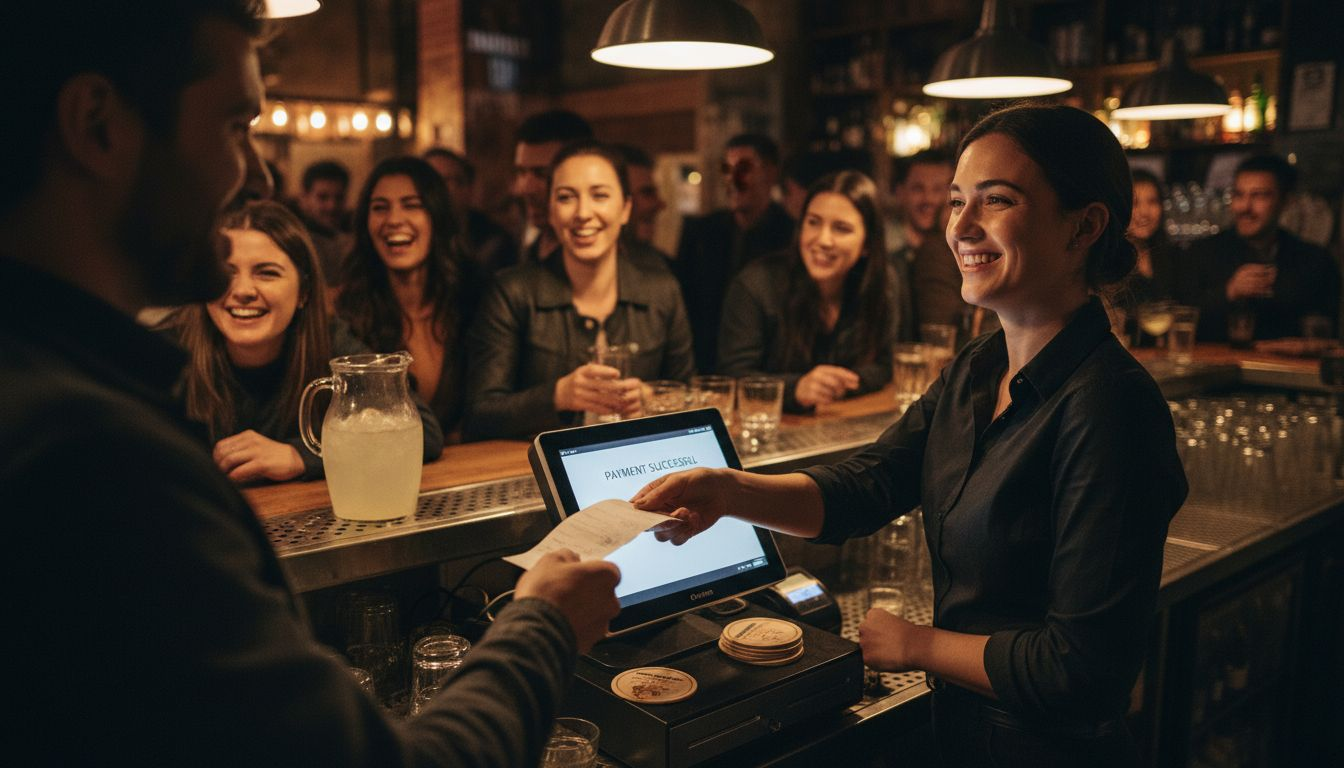
POS hardware benefits extend beyond speed. Reliable equipment means fewer service interruptions, while intuitive interfaces reduce training time for new hires. Investment in quality hardware pays back through reduced downtime and fewer support calls.
Step 3: Streamline Transaction Workflows
Simplify your interface ruthlessly. Display only the functions staff use during each shift. Breakfast service needs different quick-access buttons than dinner service. Customize screens so the most ordered items appear first, reducing scrolling and search time.
Automate repetitive tasks wherever possible. Set up automatic course firing times so appetizers print to the kitchen immediately while mains delay based on table pace. Configure systems to suggest upsells at checkout. Link streamlined hospitality POS workflows to real-time inventory so out-of-stock items grey out automatically.
Redesign order entry to minimize steps. Compare your current process to this optimized flow:
- Server selects table number (one tap)
- Menu items appear by category with visual icons
- Modifiers populate based on item selected
- Order sends to kitchen and updates table status
- Payment processes with single card tap
Pro Tip: Test workflows during slow periods before rolling out changes during peak hours. Staff feedback during trial runs catches issues before they impact service.
| Workflow Element | Before Optimization | After Optimization |
|---|---|---|
| Average taps per order | 12-15 taps | 5-7 taps |
| Order entry time | 90 seconds | 45 seconds |
| Kitchen ticket accuracy | 85% correct | 97% correct |
| Payment processing | 60 seconds | 20 seconds |
The role of POS in streamlining hospitality operations extends to coordination between front and back of house. When bespoke POS software for workflow integration synchronizes order timing, kitchen prep, and service delivery, the entire operation runs smoother.
Step 4: Train Staff on Optimized POS Use
Structured training makes or breaks your optimization efforts. Schedule hands-on sessions covering every function staff will use daily. Break training into digestible modules: order entry basics, payment processing, handling modifications, and troubleshooting common issues.
Role-play scenarios during training. Practice rush hour order floods, handling customer complaints, processing refunds, and managing split payments. Staff who practice under pressure make fewer mistakes when real customers wait.
Provide ongoing support beyond initial training. Designate POS champions on each shift who receive advanced training and can help colleagues. Schedule monthly refresher sessions introducing new features or reinforcing best practices. Create quick-reference cards with step-by-step instructions for complex tasks.
Measure training impact by tracking error rates before and after sessions. Effective training for POS system use typically reduces mistakes by 50% within the first month. Monitor which errors persist and target those areas with additional coaching.
Confident staff work faster and make customers feel more comfortable. When your team masters the system, service flows naturally and customers notice the difference in speed and accuracy.
Common Mistakes to Avoid
Neglecting software updates creates cascading problems. Outdated systems develop security vulnerabilities, lose compatibility with payment processors, and miss bug fixes that prevent crashes. The importance of POS software updates cannot be overstated. Set automatic updates during off-hours or schedule monthly maintenance windows.
Overcomplicated interfaces slow everyone down. Adding every possible feature sounds appealing but clutters screens and confuses staff. Keep interfaces clean with only essential functions visible. Hide advanced features behind manager access to prevent accidental changes during busy service.
Poor integration between POS and other systems wastes time and breeds errors. When your POS doesn’t talk to your kitchen display system, orders get lost. When inventory doesn’t sync, you sell items you don’t have. Invest in proper integration from the start rather than patching problems later.
Insufficient training guarantees higher error rates and frustrated staff. Handing someone a manual doesn’t constitute training. Budget adequate time for hands-on practice and ongoing support. Staff turnover means training is never truly finished.
Ignoring staff feedback misses optimization opportunities. Your team uses the system every shift and knows where it fails. Regular check-ins capture insights you’d never discover from reports alone. Create channels for staff to suggest improvements without fear of criticism.
Expected Results and Outcomes
Properly optimized POS systems deliver measurable improvements within weeks. Transaction times typically drop by 20-30%, meaning customers wait less and tables turn faster. A restaurant processing 200 transactions daily saves 100+ hours annually at just 30 seconds per transaction.
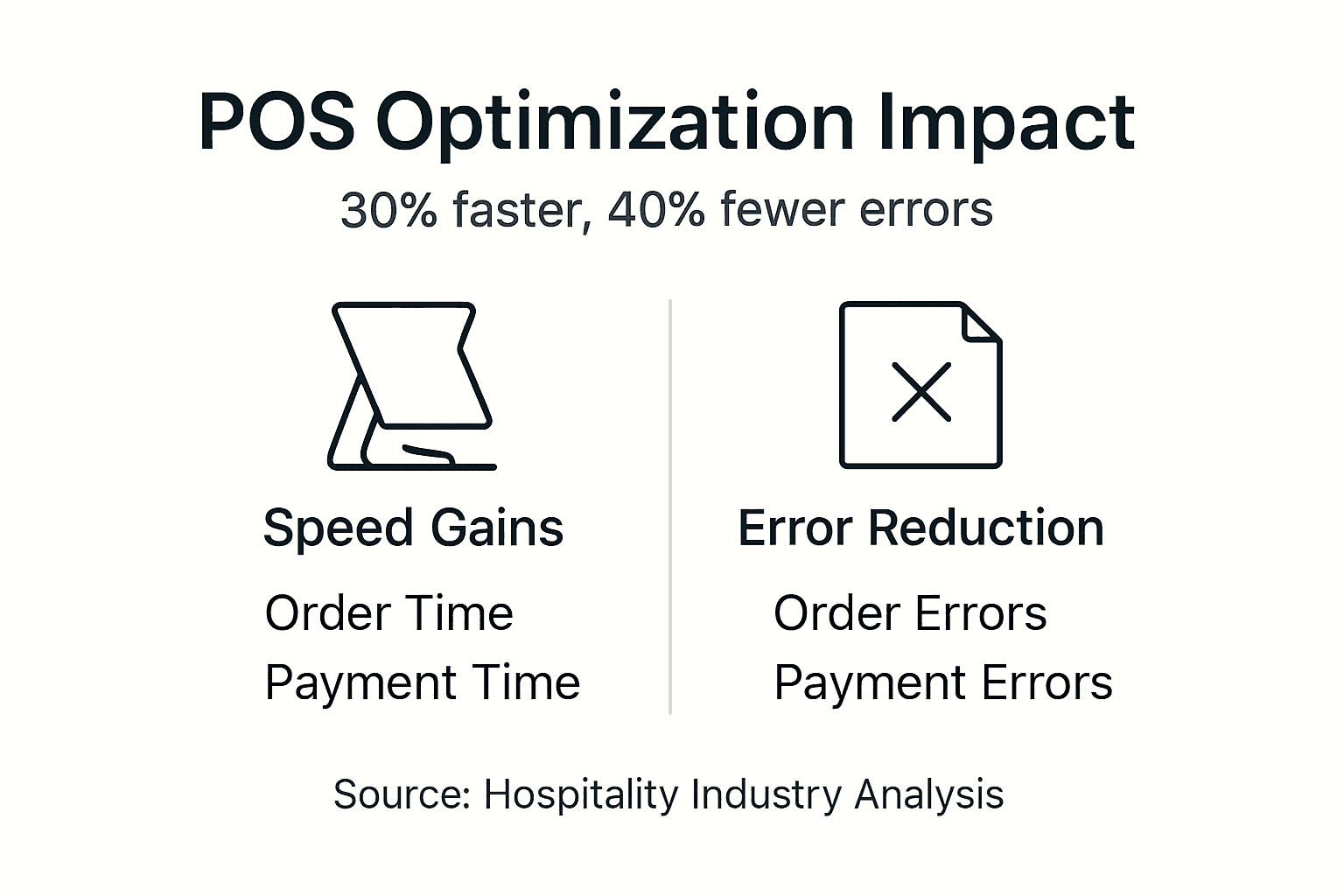
Order accuracy improvements show up immediately in reduced kitchen waste and fewer customer complaints. Venues commonly see error rates fall from 8-10% to under 3%. Each prevented mistake saves the cost of remaking food plus the goodwill of an unhappy guest.
| Metric | Before Optimization | After 3 Months | After 6 Months |
|---|---|---|---|
| Avg transaction time | 85 seconds | 60 seconds | 55 seconds |
| Order error rate | 9% | 4% | 2.5% |
| Customer satisfaction | 3.8/5.0 | 4.3/5.0 | 4.5/5.0 |
| Daily transaction capacity | 180 orders | 225 orders | 240 orders |
Customer satisfaction scores typically rise 10-15% as faster service and fewer mistakes improve the dining experience. Online reviews increasingly mention quick service and accurate orders. Return visit rates climb when customers trust you’ll get things right.
ROI timelines vary by investment size. Hardware upgrades costing £5,000 might pay back in 8-12 months through increased capacity and reduced waste. Software optimizations with minimal upfront cost show positive returns within weeks. Track savings from reduced errors, increased table turns, and lower labour costs per transaction.
Did You Know? Venues that optimize POS workflows can serve 20-25% more customers during peak hours without adding staff, directly boosting revenue per labour hour.
Alternative Approaches and Tradeoffs
Cloud-based versus traditional POS systems present different advantages. Cloud systems offer remote access, automatic backups, and lower upfront costs through subscription pricing. Traditional systems provide faster processing during internet outages and complete data control. Weigh your internet reliability and preference for ownership versus subscription costs.
| Approach | Pros | Cons |
|---|---|---|
| Cloud-based POS | Remote management, automatic updates, lower initial investment | Requires reliable internet, ongoing subscription fees |
| Traditional on-premise | Works offline, one-time purchase, complete data control | Higher upfront costs, manual updates, limited remote access |
| Full system overhaul | Maximum efficiency gains, modern features, unified platform | Highest cost, significant disruption, steep learning curve |
| Incremental upgrades | Lower immediate cost, gradual staff adaptation, test changes | Longer optimization timeline, potential compatibility issues |
Full system overhauls deliver fastest results but cost more and disrupt operations during transition. Incremental upgrades spread costs and ease staff adaptation but take longer to realize full benefits. Consider your budget, staff capacity for change, and urgency of improvements.
Modular hardware offers flexibility to mix and match components as needs evolve. Start with essential types of POS systems and add features later. All-in-one units simplify setup and support but limit customization options.
Small cafés benefit from simplified systems focused on quick service and mobile payments. Large restaurants need sophisticated table management, kitchen routing, and multi-location reporting. Right-sizing your solution prevents overpaying for unused features while ensuring you have capacity to grow.
Discover Expert Hospitality POS Solutions at YCR
Ready to transform your hospitality operation with optimized POS technology? YCR hospitality POS solutions combine decades of experience with cutting-edge hardware and software tailored for UK venues. Whether you run a busy restaurant or a cozy café, we provide the tools to speed service and delight customers.

Our team helps you select compatible systems, provides thorough training, and offers ongoing support to keep your POS running smoothly. Explore hospitality POS hardware explained to understand your options, or consult our POS hardware troubleshooting resources when you need quick answers. We’re here to help you serve faster, reduce errors, and grow your business.
Frequently Asked Questions About Optimizing Hospitality POS
What are the first signs that my hospitality POS needs optimization?
Watch for frequent order errors, staff complaints about complex interfaces, and transaction times exceeding 60 seconds. Customer feedback mentioning slow service or billing mistakes signals immediate need for improvement.
How often should POS software be updated to maintain efficiency?
Update software monthly for security patches and bug fixes, with quarterly reviews for new features. Postponing updates creates security risks and compatibility problems that compound over time.
Can small cafés benefit from the same POS optimizations as large restaurants?
Absolutely, though implementation looks different. Small venues focus on quick payment processing and simple order entry, while large restaurants prioritize table management and kitchen coordination. The core principles of streamlined workflows apply universally.
What is the typical timeline to see ROI after POS optimization?
Software and workflow improvements show returns within 4-8 weeks through reduced errors and faster service. Hardware investments typically pay back in 8-12 months through increased capacity and lower maintenance costs.
Are cloud-based POS systems suitable for venues with intermittent internet?
Modern cloud POS systems include offline modes that cache transactions locally and sync when connection returns. However, venues with frequent extended outages should consider hybrid systems combining cloud benefits with offline reliability.