
Upgrading your POS system shouldn’t bring your business to a standstill. Yet many UK restaurant and retail owners face costly downtime, frustrated staff, and unhappy customers during transitions. Without a clear upgrade workflow, what should be a simple improvement becomes an operational nightmare. This guide delivers a proven, step-by-step process to cut disruption in half whilst boosting efficiency across your entire operation.
Table of Contents
- Prerequisites And Required Tools
- Step-By-Step Upgrade Workflow
- Staff Training And Adoption
- Common Mistakes And Troubleshooting
- Security And Compliance
- Expected Results And Outcomes
- Discover Expert Pos Hardware And Software Solutions
- Frequently Asked Questions
Key takeaways
| Point | Details |
|---|---|
| Phased upgrades minimise risk | Structured rollouts reduce downtime by up to 50% and prevent operational chaos. |
| Training accelerates adoption | Comprehensive staff programmes cut learning curves by 70%, reducing errors immediately. |
| Security updates protect revenue | Regular software patches lower breach risk by over 40%, safeguarding customer data. |
| KPIs verify success | Monitoring transaction speed and error rates confirms upgrades deliver measurable improvements. |
| Backup plans save operations | Fallback strategies and offline modes prevent costly service interruptions during transitions. |
Prerequisites and required tools
Before touching a single cable or installing new software, you need the right foundation. Rushing into upgrades without proper preparation is the fastest route to chaos.
Start with cloud-based, scalable POS software designed for UK hospitality and retail environments. Modern systems offer remote updates, real-time data synchronisation, and flexibility to grow with your business. Understanding the role of POS in hospitality helps you select technology that truly supports your operational goals rather than just processing payments.
Compatibility checks prevent nasty surprises. Audit your existing hardware: terminals, printers, scanners, payment devices, and kitchen display systems. Document every model number and firmware version. Your new software must communicate seamlessly with this equipment, or you’ll face expensive replacements mid-upgrade.
Security compliance isn’t optional. PCI-DSS standards protect customer payment data and shield your business from devastating breaches. Regular system updates reduce security risks by over 40%, making scheduled maintenance a business imperative, not an IT luxury. The importance of POS software extends far beyond transactions into protecting your reputation and legal standing.
Pro Tip: Create a detailed inventory of all POS touchpoints including back-office systems, online ordering platforms, and inventory management tools before selecting new software.
Staff readiness determines adoption speed. Identify tech-savvy team members who can become internal champions during rollout. Prepare training materials in advance: quick-reference cards, video tutorials, and hands-on practice scenarios. High-turnover environments like restaurants need simplified, repeatable training that new hires can absorb quickly.
Your upgrade timeline should account for peak trading periods. Never launch during Christmas, school holidays, or other busy seasons. Build in buffer time for unexpected issues. A realistic schedule includes pilot testing, phased deployment, and post-launch support rather than a single “big bang” switchover.
Finally, establish your backup plan. Document rollback procedures if the new system fails. Ensure you can revert to the old setup within hours, not days. Stock spare hardware components. Identify 24/7 technical support contacts. These preparations seem excessive until you need them at 7pm on a Saturday night.
Step-by-step upgrade workflow
A structured approach transforms complex upgrades into manageable phases. Follow this proven sequence to maintain service quality whilst transitioning systems.
1. Document current workflows and pain points
Map every transaction type your business handles: dine-in orders, takeaways, click-and-collect, gift cards, loyalty programmes, split payments, refunds. Interview staff about daily frustrations with the existing system. These insights guide configuration of the new POS and prevent recreating old problems.
2. Select and configure new POS software and hardware
Choose solutions that address your documented pain points. Learn how to choose a POS system suited to your specific sector and business size. Configure menu layouts, pricing structures, tax settings, and integrations in a test environment. Import historical data carefully, verifying accuracy before going live.
3. Conduct a pilot phase to gather user feedback
Test the new system at one location or during off-peak hours. Select your most experienced staff for initial trials. They’ll identify issues quickly and provide credible feedback to colleagues. Effective rollouts reduce operational downtime by up to 50% when pilot testing catches problems before full deployment.
4. Roll out in phases prioritising critical locations
Deploy to your busiest or most profitable sites first. Success here builds confidence for remaining locations. Stagger implementations by at least one week, allowing your support team to focus resources effectively. The restaurant POS implementation process demonstrates why rushed, simultaneous rollouts create unnecessary risk.
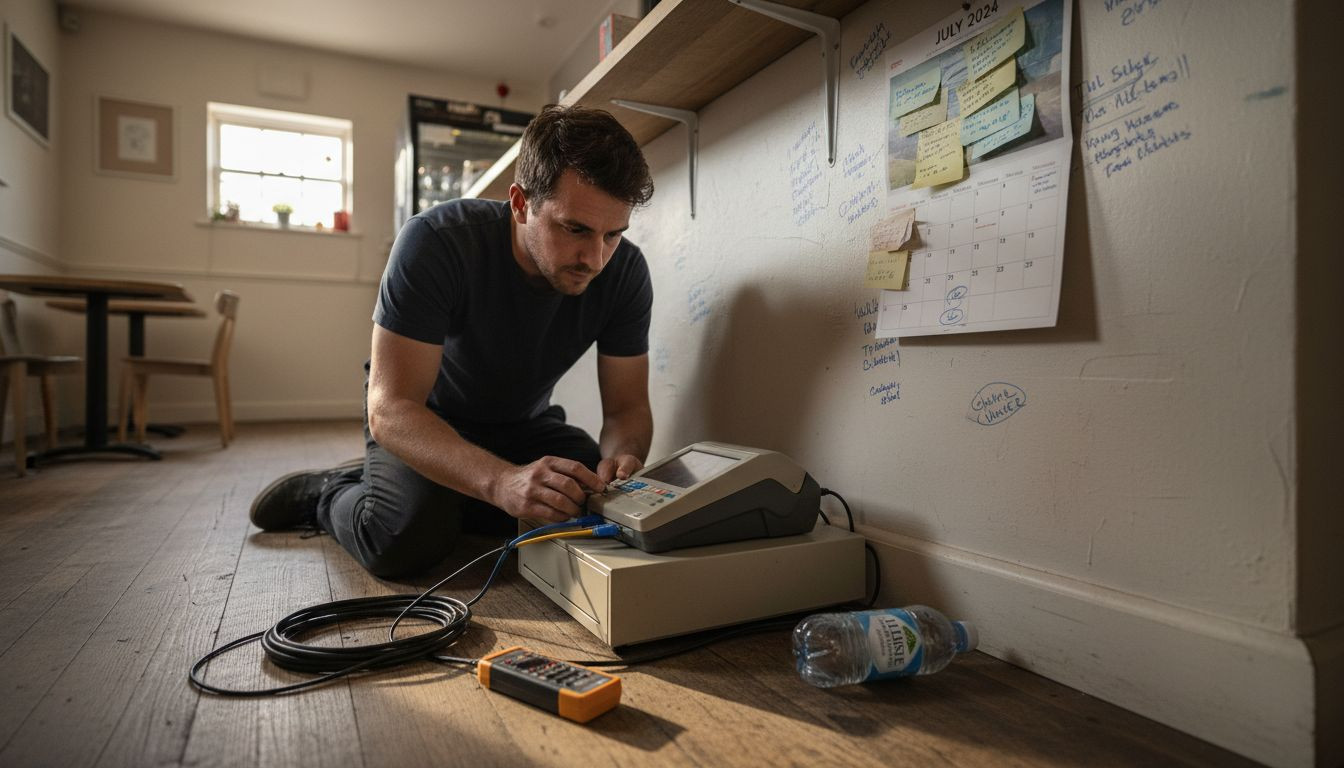
5. Install hardware with tested fallback offline modes
Physically install terminals, printers, and payment devices during closed hours. Configure offline transaction capability so you can continue trading if internet connectivity drops. Test every hardware component thoroughly before opening. Understanding why to upgrade your POS system includes appreciating that modern systems offer resilience older technology cannot match.
| Phase | Duration | Key Activities | Success Criteria |
|---|---|---|---|
| Planning | 1-2 weeks | Requirements gathering, vendor selection, timeline creation | Detailed project plan approved by stakeholders |
| Configuration | 1-2 weeks | System setup, data migration, integration testing | All features working in test environment |
| Pilot Testing | 1 week | Single-location trial, user feedback collection | Zero critical issues, staff confidence above 80% |
| Phased Rollout | 2-4 weeks | Sequential deployment across locations | Each site operational within 24 hours |
| Stabilisation | 2 weeks | Issue resolution, performance monitoring | Transaction times meet targets, error rate below 2% |
Pro Tip: Schedule your pilot test during a typical trading week, not a quiet period, to expose the system to realistic transaction volumes and stress conditions.
Staff training and adoption
Brilliant technology fails without competent users. Your training programme determines whether the upgrade succeeds or stumbles.
High-turnover hospitality environments demand streamlined, repeatable training. Create modular sessions: basic transactions, refunds and voids, end-of-day procedures, troubleshooting common errors. Each module should take 15-20 minutes maximum. Staff retain information better through short, focused sessions than marathon training days.
Hands-on simulation beats lecture every time. Set up practice terminals loaded with dummy data. Let staff process fake orders, handle payment scenarios, and make deliberate mistakes in a risk-free environment. They’ll build muscle memory and confidence without the pressure of real customers watching.
Engage your team during pilot phases. Early adopters become your internal support network, answering colleagues’ questions and demonstrating best practices. Their enthusiasm spreads faster than any management memo. The retail POS workflow training approach emphasises peer learning because staff trust colleagues’ advice more than vendor presentations.
Provide multiple learning formats: video tutorials for visual learners, laminated quick-reference cards for kinesthetic learners, FAQ documents for those who prefer reading. Accommodate different learning styles to maximise comprehension across your entire team.
Ongoing support matters as much as initial training. Schedule refresher sessions after two weeks and one month. Address questions that only emerge through daily use. Establish a clear escalation path: who handles technical issues versus user questions. Following proven POS setup for restaurants and cafés methods includes building long-term support structures, not just launch-day help.
Pro Tip: Appoint a “POS champion” at each location who receives advanced training and serves as the first point of contact for staff questions, reducing pressure on your central support team.
Common mistakes and troubleshooting
Even well-planned upgrades hit snags. Recognising common pitfalls helps you avoid or quickly resolve them.
Insufficient training causes most post-upgrade problems. Staff revert to old habits, make costly errors, or simply avoid using features they don’t understand. This delays realising your return on investment and frustrates everyone involved. Invest in comprehensive training upfront rather than fixing mistakes later.
Neglecting backup and rollback plans risks prolonged outages when problems occur. Without documented procedures to revert to your old system, a failed upgrade can halt operations for days. Always maintain your previous POS fully functional for at least two weeks post-launch. Test your rollback process before you need it.
Upgrading everything simultaneously maximises disruption. If issues arise, you can’t isolate the cause or contain the impact. Phased rollouts let you learn from early implementations and refine your approach before touching remaining locations. This controlled methodology prevents organisation-wide chaos.
Ignoring performance metrics means you never verify the upgrade delivered promised benefits. Without tracking transaction speeds, error rates, and customer satisfaction scores, you’re operating blind. Establish baseline measurements before upgrading, then monitor religiously for at least 90 days. Data reveals whether you achieved your objectives or need corrective action.
Skipping integration testing creates nasty surprises when your POS can’t communicate with accounting software, inventory systems, or online ordering platforms. Test every connection thoroughly in your pilot phase. Understanding how to avoid POS upgrade mistakes starts with comprehensive pre-launch testing across all business systems.
Rushing hardware installation leads to physical problems: loose cables, poorly positioned screens, printers too far from preparation areas. These ergonomic issues reduce efficiency and frustrate staff daily. Take time during installation to optimise workspace layout for natural workflow patterns.
Security and compliance
Upgrading your POS system presents the perfect opportunity to strengthen security posture and ensure regulatory compliance.
Outdated software is a hacker’s favourite target. Legacy systems often contain known vulnerabilities that cybercriminals exploit routinely. Neglected updates increase security breach risk by over 40%, turning your POS into a liability rather than an asset. Modern, actively maintained systems receive regular security patches that protect customer payment data and your business reputation.
PCI-DSS compliance is mandatory for any business processing card payments. These standards cover data encryption, network security, access controls, and regular security testing. Non-compliance exposes you to devastating fines and loss of payment processing privileges. Your upgraded POS must meet current PCI-DSS requirements, not outdated standards from years ago.
Regular software updates and patches form your first line of defence. Enable automatic updates where possible, or schedule monthly maintenance windows to apply security fixes manually. Never postpone updates because “everything’s working fine.” That complacency creates the opening attackers need.
Implement strong access controls limiting who can process refunds, void transactions, or access sensitive reports. Role-based permissions ensure staff only access features relevant to their positions. This reduces both security risks and opportunities for internal fraud.
Data protection extends beyond payment information. Customer contact details, purchase histories, and loyalty programme data require safeguarding under UK GDPR requirements. Your upgraded POS should encrypt data both in transit and at rest. Understanding POS software and security helps you select systems built with privacy by design, not bolted-on afterthoughts.
Physical security matters too. Position terminals away from customer sightlines to prevent shoulder surfing of PIN entries. Use secure mounting hardware to prevent device theft. Implement automatic logout timers so unattended terminals don’t provide easy access.
Regular security audits verify your defences remain effective. Schedule annual penetration testing and quarterly vulnerability scans. Review POS security best practices and update your procedures as threats evolve. Security isn’t a one-time checkbox but an ongoing commitment.
Expected results and outcomes
A properly executed POS upgrade delivers measurable improvements across multiple operational areas. Set realistic expectations and track results objectively.
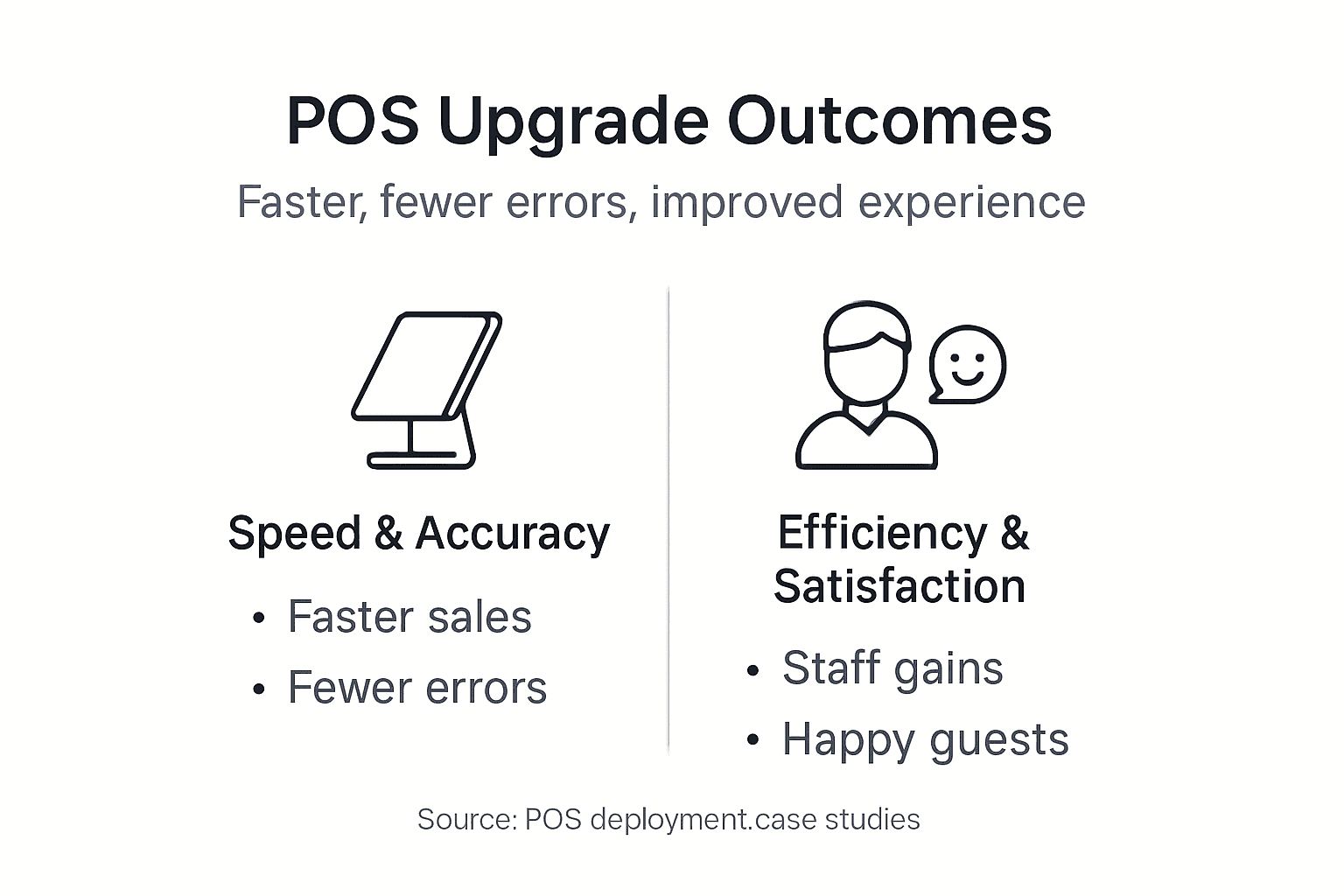
Transaction speed increases by at least 20% with modern systems. Faster processors, optimised software, and intuitive interfaces shave seconds off every sale. Those seconds compound across hundreds of daily transactions, reducing queues and improving customer satisfaction. In busy restaurants and retail environments, speed directly impacts revenue capacity.
POS-related errors drop by 50% or more after upgrading. Clearer interfaces reduce mis-keyed orders. Automated calculations eliminate arithmetic mistakes. Integrated inventory systems prevent selling out-of-stock items. Fewer errors mean happier customers, less waste, and reduced refund processing.
Inventory accuracy improves dramatically when your POS integrates real-time stock management. Automated depletion tracking, low-stock alerts, and supplier reordering prevent the costly stockouts that lose sales and disappoint customers. Businesses typically see 30% fewer stockouts within the first quarter post-upgrade.
Staff efficiency gains emerge as employees spend less time fighting temperamental technology and more time serving customers. Simplified workflows, reliable hardware, and mobile POS options let your team work smarter. Labour cost percentages often decrease by 2-3 points as productivity rises.
KPI tracking improves operational decisions by 40% when you leverage your upgraded system’s reporting capabilities. Real-time sales data, labour cost analysis, and product performance metrics enable informed adjustments rather than guesswork management.
| Metric | Pre-Upgrade Baseline | Expected Post-Upgrade | Measurement Timeframe |
|---|---|---|---|
| Average Transaction Time | 90 seconds | 70 seconds | 30 days post-launch |
| Daily POS Error Rate | 8-12 errors | 3-4 errors | 60 days post-launch |
| Inventory Stockouts | 15 per week | 10 per week | 90 days post-launch |
| Staff Training Time | 8 hours | 4 hours | Immediate |
| System Downtime | 3 hours/month | 30 minutes/month | 90 days post-launch |
| Customer Checkout Satisfaction | 72% positive | 88% positive | 60 days post-launch |
Customer satisfaction rises when transactions flow smoothly. Shorter wait times, accurate orders, and functioning payment terminals create positive experiences that drive repeat business. The POS upgrade benefits extend far beyond operational metrics into customer loyalty and lifetime value.
Measure success using concrete KPIs: average transaction time, error rate per hundred transactions, inventory accuracy percentage, staff training hours required, system uptime percentage. Compare these against pre-upgrade baselines at 30, 60, and 90-day intervals. Adjust training or configuration based on what the data reveals.
Track POS upgrade KPIs consistently rather than sporadically. Monthly reporting keeps improvements visible and identifies emerging issues before they become serious problems. Data-driven management beats intuition every time.
Discover expert POS hardware and software solutions
Executing a successful POS upgrade requires more than just good planning. You need reliable hardware, proven software, and expert support tailored to UK hospitality and retail operations.

YCR Distribution provides comprehensive POS solutions designed specifically for restaurants, cafés, retail stores, and hospitality venues across the UK. With over three decades of experience, we understand the unique challenges British businesses face during system transitions. Our range of POS hardware from YCR includes terminals, tablets, printers, scanners, and payment devices from trusted manufacturers like SAM4S and iMin.
Our POS software solutions including SAMTOUCH and EZEEPOS are built for the demanding pace of UK hospitality and retail environments. Cloud-based architecture, real-time reporting, and seamless integrations ensure your upgraded system delivers the efficiency gains you expect. We offer tailored packages matching your business size, sector requirements, and growth ambitions.
Benefit from UK-based technical support that understands British business operations, trading hours, and compliance requirements. Our team guides you through every upgrade phase, from initial assessment through post-launch optimisation. Next-day delivery and same-day dispatch mean minimal waiting when you’re ready to transform your operations.
Frequently asked questions
How long does a typical POS system upgrade take?
Most upgrades span three to six weeks from initial planning through final deployment, depending on your business size and number of locations. Phased rollouts take longer than single-site implementations but dramatically reduce operational risk. Rushing the process saves time upfront but costs far more in disruption and rework.
What are the key KPIs to monitor after upgrading a POS?
Track transaction speed, error rates per hundred sales, inventory accuracy percentages, and system uptime as your primary metrics. Customer satisfaction scores and staff training completion rates provide important context. Monitoring these KPIs for at least 90 days post-launch helps you verify the upgrade delivered promised improvements and identify areas needing refinement.
How can I ensure my staff adapt quickly to the new POS system?
Implement hands-on training using practice terminals with realistic transaction scenarios rather than classroom lectures. Engage experienced staff during pilot testing to build internal champions who support colleagues. Provide multiple learning formats including videos, quick-reference cards, and FAQ documents. Schedule refresher sessions at two weeks and one month post-launch to address questions that emerge through daily use.
What security measures should I prioritise during a POS upgrade?
Maintain PCI-DSS compliance throughout the entire upgrade process, ensuring all payment data remains encrypted and protected. Enable automatic security updates or schedule monthly patch installations. Implement role-based access controls limiting sensitive functions to authorised personnel only. Conduct security audits within 30 days of going live to verify your defences function as intended.
Can I upgrade my POS system without closing my business?
Absolutely. Phased rollouts during off-peak hours minimise customer-facing disruption. Install hardware overnight or during closed days. Configure and test systems thoroughly before switching from your old POS to the new one. Maintain your previous system fully operational for at least two weeks as a fallback option, ensuring you can revert instantly if serious issues arise.