
TL;DR:
- Choosing a POS system should be based on your specific operational workflow and needs.
- Different POS types suit different business models, from counter-service to multi-site chains.
- Matching the POS system to your business reduces costs and operational friction.
Choosing a POS system for your restaurant or café feels straightforward until you realise there are dozens of options, each promising to solve every problem you have. The truth is, no single system suits every business. A busy city-centre takeaway has completely different needs from a fine-dining restaurant with 60 covers and a complex wine list. Pick the wrong model and you will pay for features you never use, or worse, find yourself missing the ones you desperately need. This guide breaks down the four main POS types used across UK hospitality, compares their strengths, and helps you match the right system to the way your business actually works.
Table of Contents
- How to choose the right POS system model
- Counter-service POS systems: Speed for cafés and takeaways
- Table-service POS systems: Full control for sit-down restaurants
- Hybrid and multi-site POS: Flexibility for growth
- POS system comparison table: Features at a glance
- Why matching POS types to business models saves time and money
- Connect with the UK’s leading restaurant POS experts
- Frequently asked questions
Key Takeaways
| Point | Details |
|---|---|
| Know your business model | Identifying whether you prioritise speed, table management, or scalability is the first step for selecting a POS system. |
| Compare POS types | Each POS model—counter-service, table-service, hybrid, multi-site—matches unique restaurant styles and growth plans. |
| Prioritise essential features | List your must-have workflows and choose a POS with those as core capabilities, not just the trendiest add-ons. |
| Plan for future growth | Restaurants aiming to expand or diversify should consider hybrid or multi-site POS systems for long-term flexibility. |
How to choose the right POS system model
Before you compare products or request demos, you need to be honest about how your business operates day to day. The single biggest mistake restaurant and café owners make is shopping for a POS system based on brand reputation or price alone. The right place to start is your own workflow.
Here is a practical framework to guide your thinking:
- Define your service model. Are you running counter service, table service, or a mix of both? Your answer immediately narrows the field. As UK restaurant POS experts outline, there are four distinct service-model based types: Counter-Service POS for quick-service cafés and takeaways with fast entry and basic inventory; Table-Service POS for sit-down restaurants with table maps, split bills, and course management; Hybrid POS for dine-in, takeaway, and delivery with order routing; and Multi-Site POS for chains with centralised menus and reporting.
- Assess your order volume and complexity. A café serving 200 coffees a day needs lightning-fast entry, not elaborate table layouts. A restaurant with tasting menus needs the opposite.
- Identify your back-office priorities. Do you need detailed stock tracking, multi-location reporting, or integration with accounting software? These requirements can rule out simpler systems quickly.
- Think about your front-of-house workflow. How do orders move from customer to kitchen? Does your team need handheld devices, kitchen display screens, or both?
- Set a realistic budget that includes growth. A system that fits today but cannot scale will cost you more in the long run.
Pro Tip: Before speaking to any supplier, write down your three most frustrating daily operational problems. The right POS system should solve at least two of them directly. If it does not, keep looking.
Understanding how to choose a POS system before you commit will save you from expensive mistakes, and exploring the POS system benefits relevant to hospitality will sharpen your expectations further.
Counter-service POS systems: Speed for cafés and takeaways
Now that you know how to assess your requirements, let us break down each primary POS type, starting with counter-service systems.
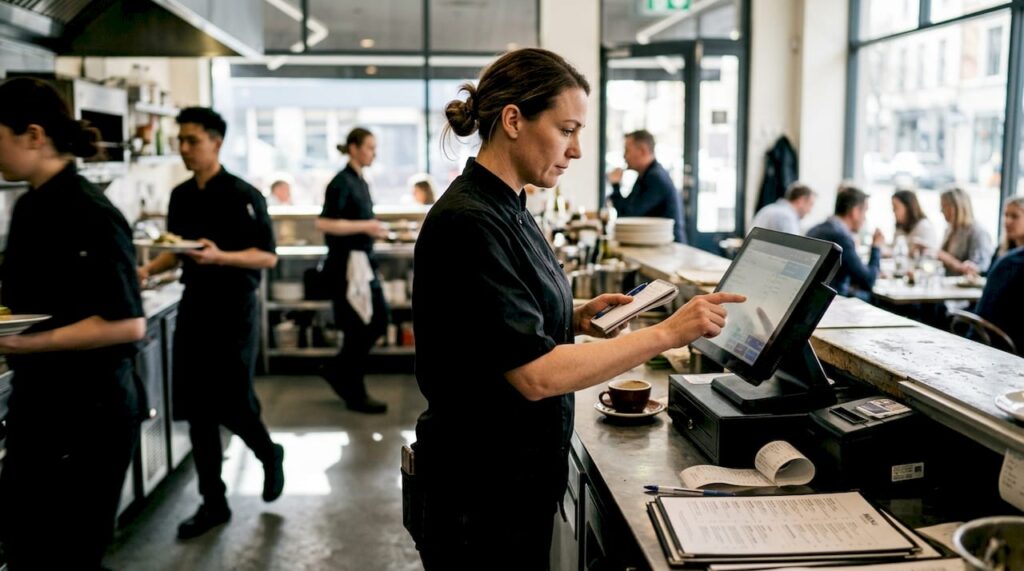
Counter-service POS is built around one goal: getting orders processed as fast as possible. In a busy café or takeaway, every second counts. A customer queue that moves slowly costs you sales and damages your reputation. These systems are designed with minimal steps between order entry and payment, so staff can serve more customers in less time.
Quick-service POS for cafés prioritises fast entry and basic inventory, which is exactly what most grab-and-go operations need. You are not managing 12-course tasting menus. You are selling flat whites, paninis, and meal deals at pace.
Key features of a counter-service POS system include:
- Fast product lookup using large touchscreen buttons or barcode scanning
- Basic inventory tracking to flag when popular items are running low
- Integrated payment processing for card, contactless, and mobile payments
- Receipt printing or digital receipts for quick customer turnaround
- Simple end-of-day reporting covering sales totals and popular items
- Queue-busting capability with optional self-service kiosk integration
Where counter-service systems fall short is in managing complexity. If a customer wants a modified order across multiple courses, or if you need to track a table’s spend over two hours, this type of system will frustrate both staff and guests. It is also less suited to environments where staff need to take orders away from the till.
Pro Tip: If your café is considering adding table service in future, check whether your chosen counter-service POS can be upgraded rather than replaced. Some platforms allow you to add table management as a module later.
For a broader look at POS types for hospitality, or if you are specifically looking at takeaway POS solutions, there are tailored options worth exploring before you commit.
Table-service POS systems: Full control for sit-down restaurants
Next, let us look at how table-service POS platforms cater to more complex restaurant settings.
Table-service POS is a different beast entirely. Where counter-service is about speed at the point of sale, table-service is about managing an experience that unfolds over time. A guest sits down, orders drinks, then starters, then mains, then desserts. They might split the bill four ways. They might move tables. All of that needs to be tracked accurately without slowing your floor team down.
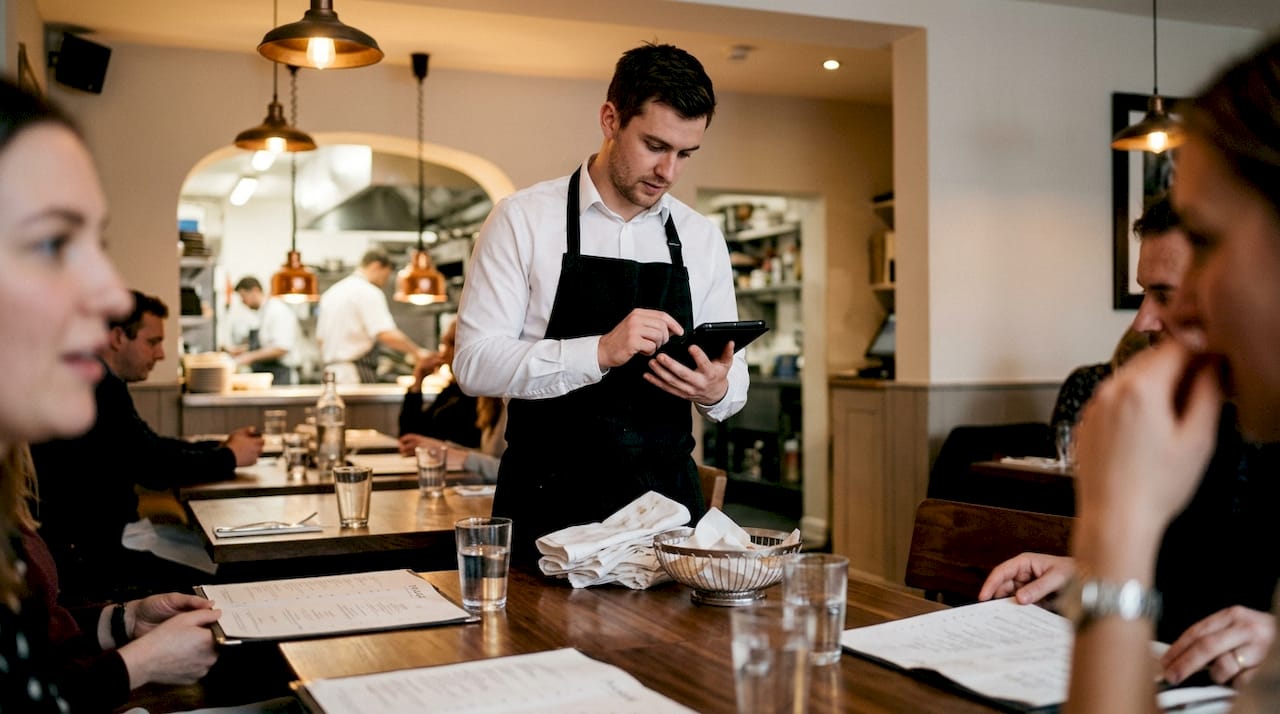
Table-service POS for sit-down restaurants includes table maps, split bills, and course management as standard features. These are not optional extras; they are the foundation of a smooth dining operation.
Core features that matter most in table-service environments:
- Interactive table maps showing which tables are occupied, available, or awaiting payment
- Course management so the kitchen receives starter orders before mains are sent
- Split billing allowing guests to pay individually or in custom groups
- Server assignment so each member of staff owns their section
- Kitchen display system (KDS) integration to replace paper tickets and reduce errors
- Allergen and modifier tracking for accurate, safe order communication
A table-service POS is not just a till. It is the nervous system of your restaurant floor, connecting your guests, your team, and your kitchen in real time.
For midsize to large restaurants, or any business with high table turnover, the efficiency gains are significant. Staff spend less time running back to the till and more time with guests. Errors drop. Table turns improve. The investment pays for itself quickly when you look at POS solutions for restaurants designed specifically for the hospitality sector. You can also explore the broader POS software benefits to understand how the right platform transforms back-office visibility too.
Hybrid and multi-site POS: Flexibility for growth
For businesses looking to expand or serve multiple channels, hybrid and multi-site POS systems offer the next level of sophistication.
Hybrid POS systems are designed for restaurants that do not fit neatly into one category. Perhaps you run a café that offers dine-in at weekends and delivery on weekday evenings. Perhaps you have a restaurant with a takeaway counter. A hybrid POS for mixed service handles dine-in, takeaway, and delivery with order routing and integrations, keeping everything in one system rather than forcing staff to juggle multiple platforms.
Multi-site POS takes things further for growing chains. Centralised menus mean a price change rolls out across all locations instantly. Central reporting gives you a real-time view of which sites are performing and which need attention.
| Feature | Hybrid POS | Multi-site POS |
|---|---|---|
| Dine-in management | Yes | Yes |
| Delivery integration | Yes | Yes |
| Centralised menu control | Limited | Full |
| Cross-site reporting | No | Yes |
| Best for | Mixed-service independents | Growing chains |
It is worth noting that independent review sources tend to favour simpler, lower-cost platforms like Square for small setups, while recommending analytics-heavy systems like Lightspeed for multi-site operations. Vendor rankings, by contrast, naturally favour their own products. Always cross-reference both when researching.
The trade-off with hybrid and multi-site systems is cost and complexity. Setup takes longer, staff training is more involved, and monthly fees are higher. Explore the best restaurant POS systems available in the UK, and review POS hardware types to understand what physical infrastructure each model requires.
POS system comparison table: Features at a glance
To make your choice even clearer, here is a concise table comparing the essential features of each POS type.
The four POS types tailored to UK restaurant models each prioritise different things: counter-service prioritises speed; table-service focuses on front-of-house workflow; hybrid suits multi-channel operations; and multi-site is built for scaling.
| POS type | Best for | Speed | Table management | Delivery integration | Multi-location | Typical cost |
|---|---|---|---|---|---|---|
| Counter-service | Cafés, takeaways | Very high | No | Basic | No | Low |
| Table-service | Sit-down restaurants | Medium | Full | No | No | Medium |
| Hybrid | Mixed-service venues | High | Partial | Full | Limited | Medium to high |
| Multi-site | Restaurant chains | High | Full | Full | Full | High |
Key takeaways for your decision:
- If speed is your priority and table management is irrelevant, counter-service wins on simplicity and cost.
- If your guests sit down and expect attentive service, table-service POS protects the experience.
- If you serve customers across multiple channels, hybrid removes the chaos of managing separate systems.
- If you are running or planning multiple sites, multi-site POS is not a luxury; it is a necessity.
For a solid grounding in the fundamentals, reviewing POS system basics will help you interpret what suppliers are actually offering when they pitch their products.
Why matching POS types to business models saves time and money
Here is something vendor brochures rarely admit: the most expensive POS mistake is not buying the cheapest system. It is buying the wrong one.
We see this regularly across UK hospitality. A small café owner gets sold a multi-site platform with enterprise reporting because it sounds impressive. They spend months learning features they will never use, and their staff hate it. Meanwhile, a growing restaurant chain tries to stretch a basic counter-service system beyond its limits, then rebuilds everything from scratch 18 months later at twice the cost.
The uncomfortable truth is that POS impact in UK businesses is only positive when the system matches the actual operating environment. Chasing all-in-one platforms because they rank well in vendor comparisons is a trap. Your workflow is unique. Your POS should reflect that.
Smaller operations genuinely benefit from keeping it simple. A reliable, fast counter-service system that your team can learn in an hour is worth more than a feature-rich platform that creates friction every shift. For larger or growing businesses, futureproofing matters enormously. The cost of migrating systems mid-growth is significant, both financially and operationally.
Let your real daily problems guide the decision, not marketing materials.
Connect with the UK’s leading restaurant POS experts
Ready to make your choice or get help tailoring your POS to your restaurant model?
At YCR Distribution, we have spent over three decades helping UK restaurants and cafés find the right POS setup for their specific needs. Whether you are a single-site café looking for a fast, reliable counter-service solution or a growing chain that needs centralised control, we have the hardware, software, and expertise to match.

Explore our full range of POS software options including SAMTOUCH and EZEEPOS, purpose-built for UK hospitality. Browse our POS hardware for hospitality to understand what physical setup your chosen model requires. Or head straight to our POS hardware range for terminals, tablets, printers, and more, all available with next-day delivery across the UK.
Frequently asked questions
What is the main difference between counter-service and table-service POS systems?
Counter-service POS is built for fast, simple transactions at cafés and takeaways, while table-service POS manages complex dining workflows including table mapping, split bills, and course sequencing in sit-down restaurants.
Which POS type is best for a restaurant chain with several locations?
A multi-site POS system centralises menus, reporting, and day-to-day operations across all locations, making it the most practical choice for any chain managing more than one site.
Can hybrid POS systems handle both dine-in and delivery efficiently?
Yes. Hybrid POS systems are specifically designed for restaurants with mixed service flows, routing dine-in, takeaway, and delivery orders through a single integrated platform.
What is the most cost-effective POS choice for small cafés?
For most small cafés, a counter-service POS delivers all the essential functionality at the lowest cost and with the simplest daily operation, making it the most practical starting point.