
The role of printers in modern POS systems
TL;DR:
- Printers remain essential components of modern POS systems, supporting compliance, accuracy, and customer trust every day.
- Choosing between thermal and impact printers depends on environmental factors, operational needs, and workflow requirements.
- Proper connectivity, driver selection, and printer placement significantly enhance performance, reliability, and overall business efficiency.
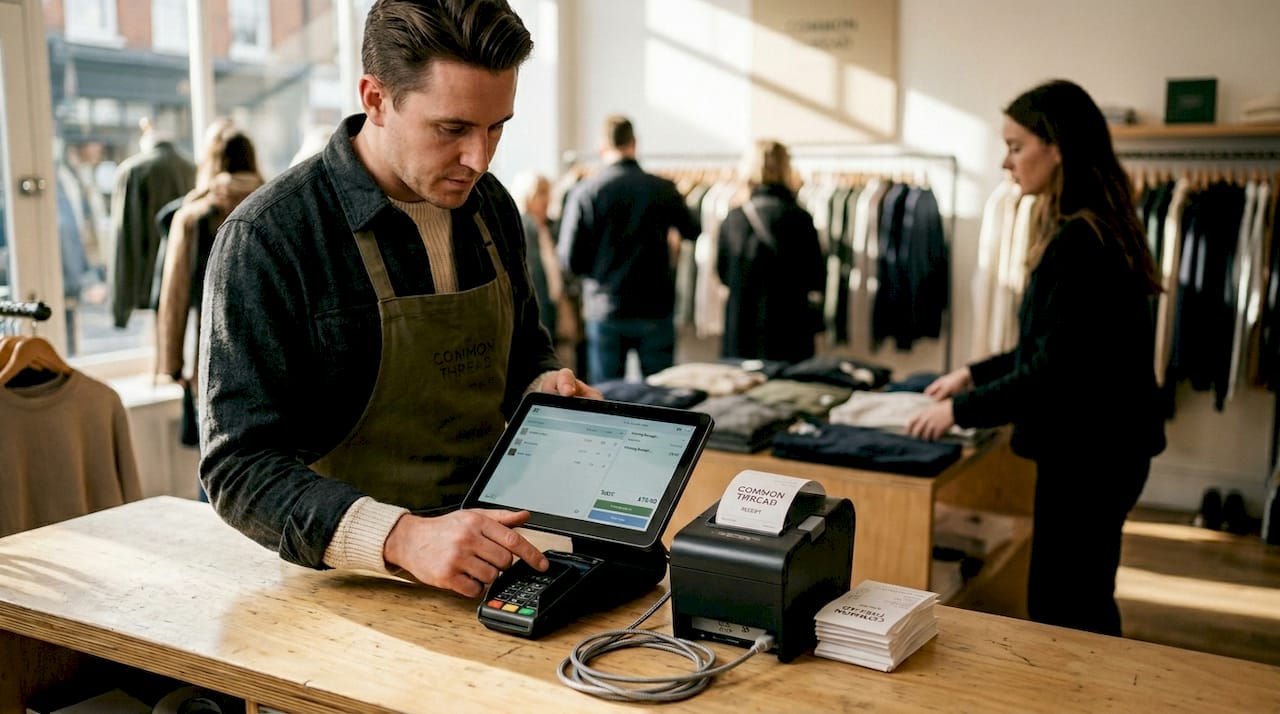
Digital payments have surged, contactless transactions are commonplace, and yet the role of printers in modern POS systems is as significant as it has ever been. For retail and hospitality operators, printers are not legacy hardware waiting to be retired. They are working components that support compliance, kitchen accuracy, customer trust, and transaction speed every single day. This article covers the key printer technologies used in current POS setups, how they connect with software and peripherals, what they actually do across different workflows, and how to choose the right one for your operation.
Table of Contents
- Key takeaways
- The role of printers in modern POS: thermal vs impact
- Connectivity and software integration
- Operational roles across retail and hospitality
- Choosing the right printer for your operation
- My take on printers as strategic POS components
- Upgrade your POS printing with Ycr
- FAQ
Key takeaways
| Point | Details |
|---|---|
| Printers remain operationally vital | Physical receipts support tax compliance and returns processing even as digital payments grow. |
| Thermal vs impact is a critical choice | Thermal printers suit retail and café environments; impact printers handle heat and humidity in kitchens. |
| OPOS drivers outperform Windows drivers | OPOS integration delivers faster, more reliable printing in high-volume retail and hospitality settings. |
| Multi-printer setups improve workflow | Using separate printers for receipts, kitchen tickets, and documents reduces bottlenecks and errors. |
| Printer choice affects brand experience | Customised receipts with logos and QR codes turn every transaction into a brand touchpoint. |
The role of printers in modern POS: thermal vs impact
When operators think about upgrading their POS setup, printers rarely make the shortlist of exciting decisions. That is a mistake. The technology underpinning your receipt or kitchen printer directly affects how fast your queue moves, how accurately your kitchen operates, and whether your staff are dealing with jammed paper in the middle of a Friday night rush.
There are two dominant printing technologies in modern POS environments: thermal and impact (also called dot matrix).
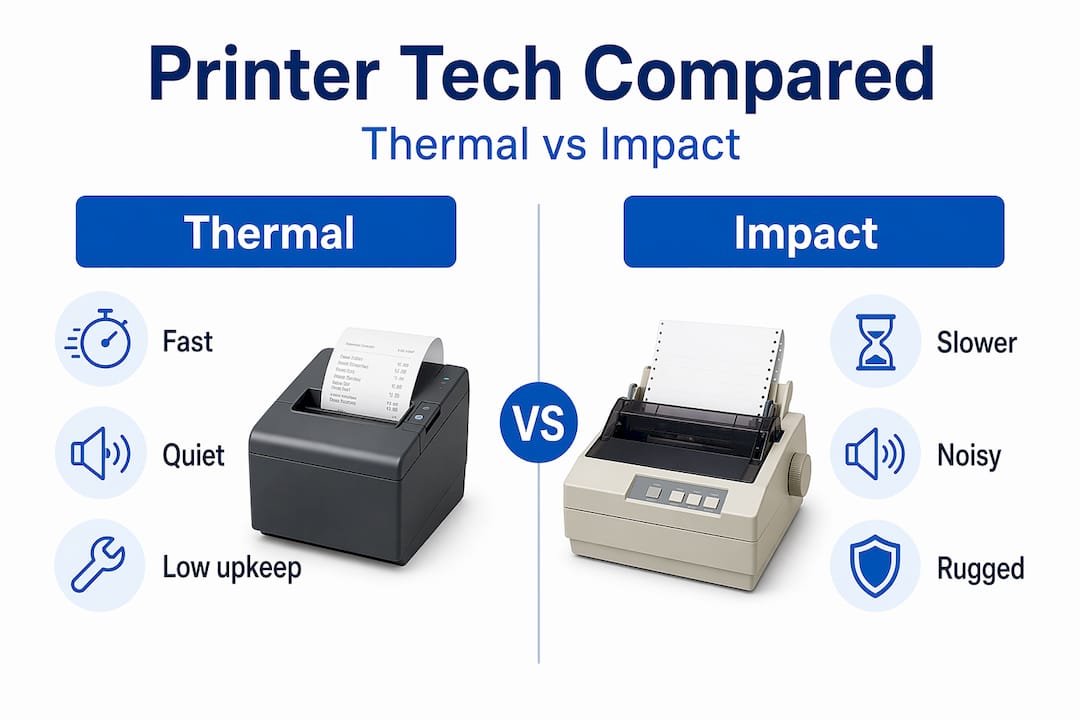
Thermal printers use heat to activate chemically treated paper, producing an image without ink or ribbon. Thermal printers print up to 20 lines per second, making them the fastest option available for customer-facing receipt printing. They operate quietly, require minimal maintenance beyond paper loading, and produce clean, professional output. You will find them in retail checkouts, cafés, quick-service restaurants, and hotel front desks. The trade-off is that thermal paper degrades when exposed to prolonged heat, grease, or direct sunlight, which makes them poorly suited for kitchen environments.
Impact printers work by striking an ink-soaked ribbon against paper, much like a traditional typewriter mechanism. They are slower, averaging around three lines per second, and audibly louder. However, impact printers handle heat and humidity better, making them the standard choice for professional kitchen environments where thermal paper would simply degrade and become illegible. They also support multi-part paper, which is useful when you need duplicate copies of an order ticket.
| Feature | Thermal printer | Impact printer |
|---|---|---|
| Print speed | Up to 20 lines/sec | Around 3 lines/sec |
| Noise level | Quiet | Audible |
| Consumables | Paper roll only | Ink ribbon + paper |
| Heat resistance | Low | High |
| Best use case | Retail receipts, cafés | Kitchens, hot environments |
| Maintenance frequency | Low | Moderate |
The environmental factors in your operation should drive this decision before anything else. A busy kitchen with a commercial grill nearby needs an impact printer. A boutique clothing shop needs a thermal unit. Many hospitality businesses run both in the same operation, which is an entirely sensible approach.
Pro Tip: When specifying a kitchen printer, check the operating temperature range in the product datasheet. Some impact printers are rated up to 45°C ambient temperature, which matters in busy commercial kitchens.
For a detailed comparison of both technologies in real-world UK settings, thermal receipt printing guidance covers the practical considerations across retail and hospitality contexts.
Connectivity and software integration
A printer that cannot communicate reliably with your POS software is not a printer. It is an expensive paperweight. Understanding how printers connect with your system is one of the most underrated aspects of modern POS printing solutions.
There are two primary driver models used in retail and hospitality POS setups:
- OPOS (OLE for POS): A standardised driver model built specifically for POS peripherals. OPOS-optimised printing improves speed and transaction times, which is why system integrators consistently prefer it for high-volume environments. It offers better peripheral control and fewer compatibility issues than the alternative.
- Windows drivers: More familiar to IT generalists, but slower in practice. They work adequately in lower-volume settings but can become a bottleneck when transaction speed matters.
- USB: The most common wired connection for counter-based POS terminals. Reliable and straightforward to set up.
- Ethernet: Preferred for networked environments where a printer serves multiple terminals or needs to sit across the room from the primary workstation.
- Bluetooth and Wi-Fi: Increasingly common in mobile POS setups, particularly for tableside ordering in restaurants and portable checkout in retail pop-ups.
Modern POS platforms like those supported by Microsoft Dynamics 365 Commerce support receipt printers via OPOS and Windows drivers, with the ability to connect up to two printers for complex output scenarios. This means you can configure one printer to handle standard customer receipts and a second to produce full-page reports or management documents without routing both jobs through the same device.
Pro Tip: If you are running a busy retail or hospitality environment, default to OPOS where your POS software supports it. The speed difference is noticeable during peak hours, and the reduction in driver-related errors alone justifies the setup time.
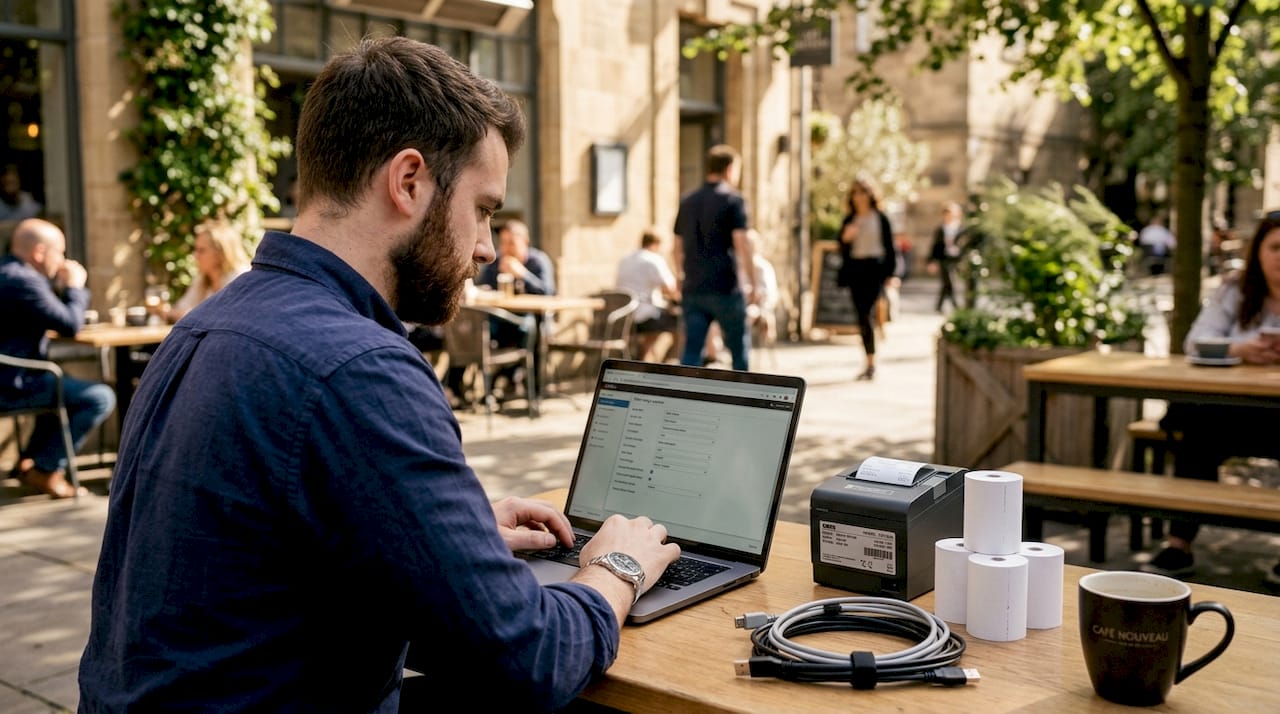
The interface you choose also shapes your maintenance experience. USB connections are easy to diagnose when something goes wrong. Network-connected printers require slightly more technical knowledge to troubleshoot but offer far greater flexibility in positioning. For context on how printers fit within a broader POS hardware setup, POS peripherals explained is worth reading alongside this.
Operational roles across retail and hospitality
Most operators think of printers as receipt machines. That is one function out of several, and arguably not the most operationally critical one in a hospitality setting.
POS printers handle receipts, kitchen orders, and tickets using continuous paper rolls built for high-frequency, on-demand printing. The breadth of that function is worth examining:
- Customer receipts: Still legally and operationally necessary. Physical receipts support regulatory needs around tax compliance, returns processing, and customer records. Customised receipts with your logo, promotional messaging, or QR codes linking to feedback forms also serve a direct brand function.
- Kitchen order tickets: In any restaurant, café, or takeaway handling volume, the speed and accuracy of kitchen ticket printing directly affects throughput. A missed or misprinted ticket leads to a wrong order, a delay, and a dissatisfied customer. High-speed kitchen impact printers produce over 13 receipts per minute with features like drop-in paper loading to reduce downtime during service.
- Item-level and order-level labelling: This is where modern printing roles go beyond the obvious. Multi-stage kitchen workflows rely on printer integration with kitchen display systems to produce item-level labels for packaging and order verification. In a high-volume takeaway or delivery-focused kitchen, labelling each item correctly before it leaves the pass reduces fulfilment errors significantly.
- Returns and compliance documentation: In retail, a printed receipt is still the standard proof of purchase for returns, warranty claims, and chargeback disputes.
“In a busy restaurant, the kitchen printer is not a peripheral. It is the connective tissue between the front of house and the kitchen. When it fails, service fails.”
The importance of printers in POS operations becomes clearest when one breaks down mid-service. The shift in workflow and the sudden reliance on verbal communication or handwritten tickets reveals exactly how much silent work a reliable printer was doing. Understanding this helps you treat printer uptime as a genuine business continuity concern, not just a hardware footnote.
For a closer look at how printers interact with checkout workflows specifically, the guide to retail checkout workflow covers transaction speed considerations in detail.
Choosing the right printer for your operation
Selecting the best printers for modern POS use is not a matter of picking the most expensive model. It comes down to matching the printer’s capabilities to the demands of your environment.
- Environment first: Kitchens need impact printers. Retail counters and café service points need thermal. If you run both, budget for both types.
- Print speed and queue management: In a high-footfall retail environment, slow receipt printing creates visible queue buildup. Look for thermal units with print speeds above 200mm per second for busy checkouts.
- Paper loading: Drop-in paper loading sounds like a minor convenience, but during a busy Saturday shift, a staff member fumbling with paper loading slows everything down. Prioritise designs that make paper replacement fast.
- Durability and build quality: A printer on a kitchen pass faces grease, moisture, and heat daily. Ratings and build materials matter considerably more than they do for a retail counter unit.
- Branding options: Many thermal printers support logo printing via a stored bitmap. If your receipts are a customer touchpoint, use this feature.
- Total cost of ownership: Thermal printers have lower consumable costs since they require only paper. Impact printers carry ongoing ribbon costs. Factor this into your long-term budget alongside initial hardware outlay.
Pro Tip: Request sample print outputs from your supplier before committing to a model. Print quality varies between manufacturers and matters more than spec sheets suggest, particularly for logo reproduction and barcode legibility.
Ycr’s range of POS printers covers both thermal and impact technologies suited to UK retail and hospitality environments, with expert guidance available to help you match the right unit to your setup.
My take on printers as strategic POS components
I have seen businesses spend considerable time and budget on POS software selection, terminal hardware, and payment processing, and then treat the printer as an afterthought. The result is a fast, capable POS system bottlenecked by a slow or unreliable printer that no one paid much attention to during the procurement process.
What I have learned, working across retail and hospitality POS deployments over many years, is that the printer is where the transaction becomes tangible. Software processes the sale. The printer completes it in a way the customer can hold, the kitchen can act on, and the business can reference later.
The emerging use of cloud-connected printers and multi-stage kitchen printing workflows represents a genuine shift in how operators should think about this hardware. Printers are no longer simply output devices. They are active participants in fulfilment and compliance processes. Getting the driver model right, the connectivity right, and the placement right transforms printing from a background function into a genuine operational advantage.
My honest advice: treat your printer selection with the same rigour you apply to your POS terminal choice. The impact on daily operations, staff confidence, and customer experience is more significant than most operators realise until something goes wrong.
— John
Upgrade your POS printing with Ycr
If this article has prompted you to reconsider your current printer setup, Ycr is well placed to help. As the UK’s largest independent POS VAR, with over thirty years of experience across retail and hospitality, Ycr offers a full range of thermal and impact printers suited to every operational environment.

Whether you are equipping a single café counter or a multi-site restaurant group, the Ycr hardware range covers everything from entry-level receipt printers to high-speed kitchen units, alongside the software and peripheral solutions needed to integrate them properly. If you are new to POS terminology or want to compare printer types before purchasing, the POS hardware terminology guide is a useful starting point. Ycr also provides a troubleshooting tutorial for businesses that want to reduce printer downtime without relying on external support for every minor issue. Next-day delivery and same-day dispatch are available across the range.
FAQ
What is the difference between thermal and impact POS printers?
Thermal printers use heat to print on chemically treated paper and are faster and quieter, making them ideal for retail receipts. Impact printers strike an ink ribbon against paper, offering greater durability in hot, humid environments like commercial kitchens.
Why do POS systems still need printers if payments are digital?
Physical receipts remain necessary for tax compliance, returns processing, and chargeback documentation regardless of payment method. Kitchen ticket printing is also a critical operational function in hospitality that has no reliable digital substitute in all settings.
What connectivity options do modern POS printers support?
Modern POS printers connect via USB, Ethernet, Bluetooth, or Wi-Fi. OPOS driver-based setups deliver the fastest and most reliable performance for high-volume retail and hospitality environments.
How many printers does a typical hospitality POS system need?
Most hospitality setups benefit from at least two printers: one customer-facing receipt printer and one kitchen ticket printer. Larger operations may add a third for management reports or item-level labelling at the pass.
Can POS printers print logos and branded content on receipts?
Yes. Most modern thermal printers support bitmap logo printing, and many allow promotional text, QR codes, and custom footers. This turns the receipt into a low-cost branding and marketing tool with no additional media spend required.