
Tablets in retail POS: the 2026 operations guide
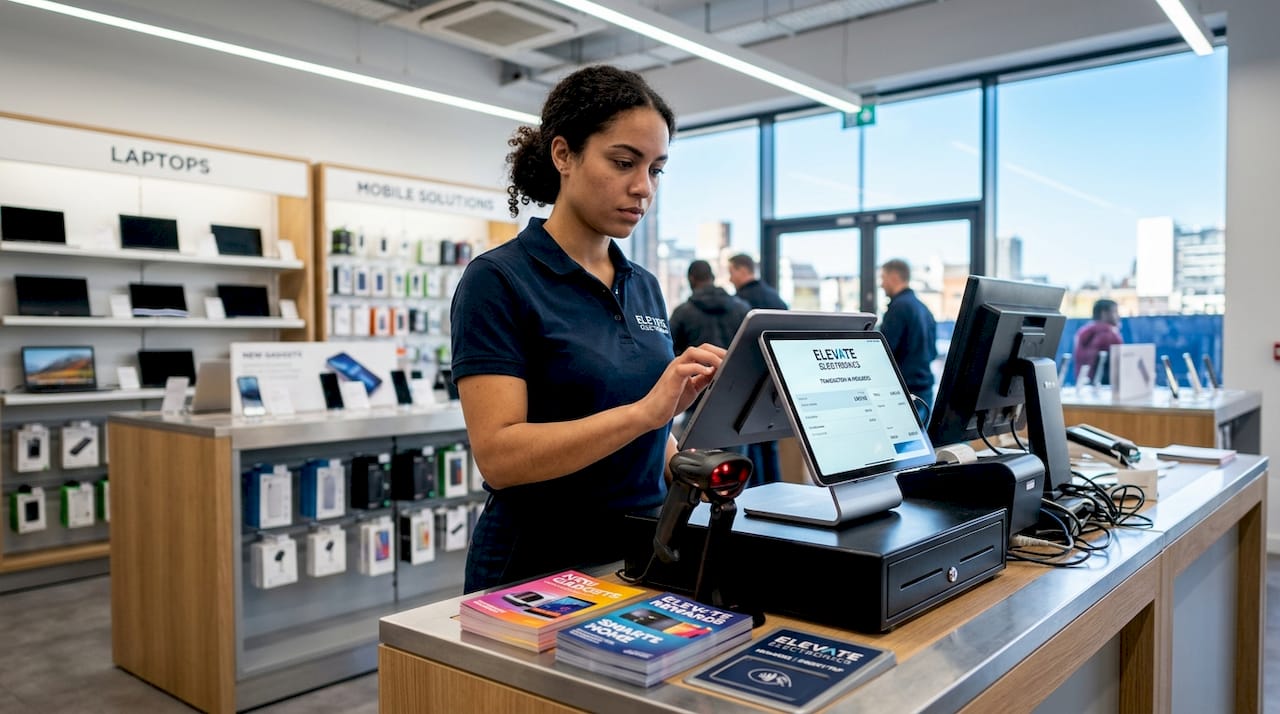
Tablets are defined as the primary user interface in a modern point of sale system, running POS software, controlling peripherals via a POS hub, and enabling staff to process transactions from anywhere on the shop floor. Shopify confirms that the tablet’s role includes processing transactions and managing peripheral support through a centralised hub. Whether you are running a multi-site fashion retailer, a busy café, or a street food operation, the device in your associate’s hands is the execution layer for every sale, return, and stock lookup. Apple iPad and Android tablets dominate the market, and each brings distinct advantages for fleet management, cost, and peripheral integration that directly affect your operational decisions.
What is the role of tablets in retail POS?
Tablets serve as the front-end interface that runs your POS software, displays the product catalogue, and connects to peripherals such as barcode scanners, receipt printers, and card readers. The POS hub sits between the tablet and those peripherals, translating USB or Bluetooth signals into a unified workflow. This architecture means a single tablet can replace a fixed terminal, a separate scanner, and a dedicated display, reducing both counter clutter and hardware spend.
The mobility advantage is where tablets genuinely separate themselves from traditional fixed tills. An associate carrying a tablet can process a sale in the fitting room, check stock in the stockroom, or complete a return at the kerbside. This is not a marginal gain. It changes the entire customer journey by removing the need to queue at a fixed point. For hospitality operators, the same principle applies at the table, the bar, or the festival stand, making the role of POS tablets equally critical across sectors.

Retail and hospitality professionals should also understand that tablets integrate with POS software platforms such as SAMTOUCH and EZEEPOS, which are designed specifically for UK operators. The hardware and software pairing determines how reliably the system performs under load, so choosing compatible devices from the outset is not a detail to defer.
How do tablets speed up transactions and improve customer engagement?
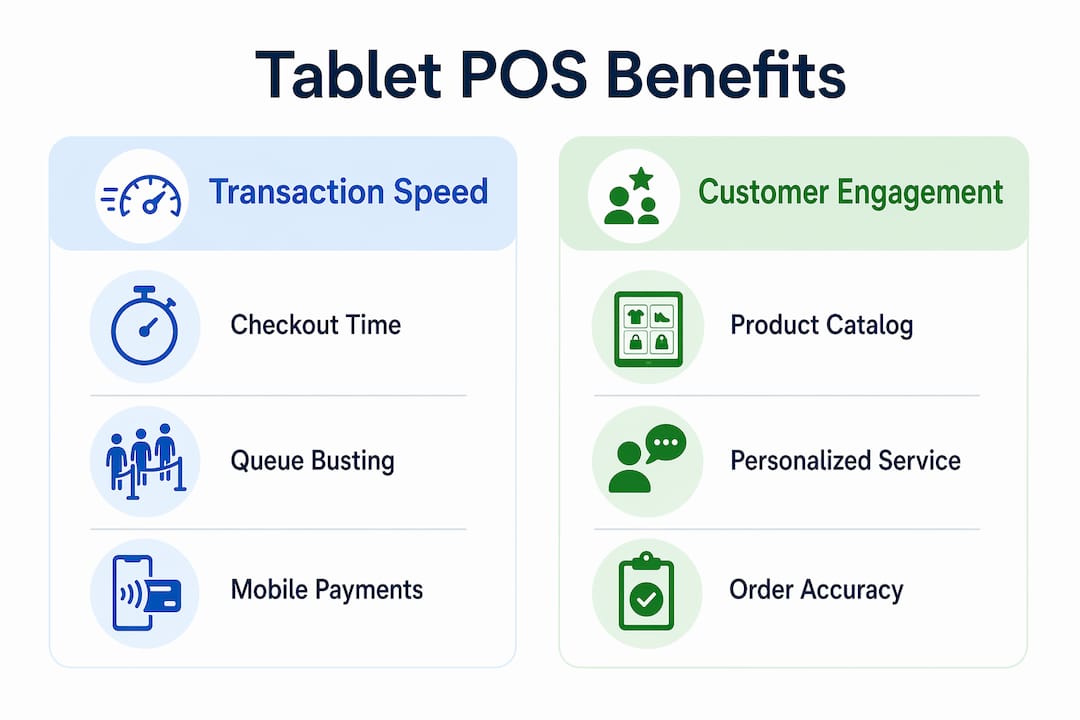
Tablet-based POS reduces checkout time from approximately three minutes to thirty seconds during peak periods, a sixfold improvement driven by barcode scanning, automatic tax calculation, and tap-to-pay functionality. That figure matters most during Saturday afternoon rushes or lunchtime service, when queue length directly correlates with lost sales. Removing friction at the point of payment is one of the highest-return investments a retail or hospitality operator can make.
In hospitality specifically, tableside ordering tablets cut drink service time from eight minutes to four, while simultaneously reducing order errors. Fewer errors mean fewer comped items and fewer frustrated guests. The tablet becomes both a speed tool and a quality control mechanism, which is why the role of tablets in restaurants extends well beyond simple payment processing.
Customer engagement benefits are equally tangible. When an associate can pull up real-time stock availability, suggest complementary products, or process a loyalty redemption without leaving the customer’s side, the interaction feels personal rather than transactional. That shift in experience is measurable in basket size and return visit rates.
- Barcode scanning at point of need removes the walk to a fixed scanner
- Tap-to-pay acceptance on a handheld device eliminates queue formation
- Real-time product lookup gives associates the information to upsell confidently
- Tableside payment in hospitality removes the delay between requesting the bill and settling it
- Mobile returns processing reduces the pressure on a single service desk
Pro Tip: During peak trading periods, deploy a second tablet-carrying associate specifically for queue-busting. This person processes payments only, while the primary till handles exchanges and complex queries. The split reduces average wait time without requiring additional fixed hardware.
iPad vs Android tablets for retail POS: which platform fits your operation?
The choice between Apple iPad and Android tablets for POS is primarily a device management and total cost question, not a software one. Both platforms support peripheral connectivity through POS hubs, and both run the major POS software platforms available in the UK market. The operational differences emerge when you manage a fleet of ten or more devices across multiple locations.
Apple iPad, managed through Apple Business Manager and declarative device management, allows IT teams to pin specific app versions and push configuration profiles silently across every device. This means a POS app update can be held at a tested version while the vendor releases a new build, protecting operational stability. Android, managed through Managed Google Play, delays app updates by up to ninety days, giving operations teams a comparable window to test before fleet-wide deployment.
Android’s broader price range is a genuine advantage for operators building large fleets on constrained budgets. USB-C native connectivity on many Android devices also simplifies peripheral cabling compared to the Lightning or USB-C adapters required on iPad. The trade-off is that Android device fragmentation requires more rigorous MDM workflows to maintain consistency across different manufacturers and firmware versions.
| Factor | Apple iPad | Android tablets |
|---|---|---|
| Device management | Apple Business Manager with app version pinning | Managed Google Play with up to 90-day update delay |
| Peripheral support | Via POS hub or USB-C adapter | Native USB-C on most models; hub support equivalent |
| Price range | Premium, consistent pricing | Wide range from budget to premium |
| Update control | Declarative MDM; granular version control | Update delay window; requires disciplined MDM workflows |
| Fleet consistency | High; single manufacturer | Variable; depends on device selection and MDM rigour |
Pro Tip: Before committing to a platform, confirm that your chosen POS software vendor has a certified MDM compatibility list. Some platforms have tighter integration with specific MDM tools, and discovering an incompatibility after purchasing fifty devices is an expensive lesson.
How to manage a tablet POS fleet across multiple locations
Managing a tablet fleet without Mobile Device Management software is the single most common operational mistake in multi-site retail. MDM platforms provide centralised remote control of every device in your estate, covering app deployment, security policy enforcement, WiFi configuration, and real-time device health monitoring. Without MDM, each device becomes an independent risk point that requires physical intervention to update or troubleshoot.
A staged rollout approach is the recognised best practice for POS app updates across a retail estate. Rather than pushing a new version to every device simultaneously, you deploy to a pilot group of two or three stores first, monitor for peripheral compatibility issues and transaction errors, then expand to the full fleet once stability is confirmed. This single discipline prevents a faulty update from taking down POS capability across every location on the same morning.
The following sequence describes a reliable update management process for a multi-site tablet POS fleet:
- Receive notification of a new POS app version from your software vendor.
- Deploy the update to a single pilot store during a low-traffic period, ideally early morning.
- Test receipt printer, barcode scanner, and cash drawer compatibility post-update, as peripheral testing after every update is critical to avoiding disruption.
- Run the pilot store through a full trading day and review transaction logs for errors.
- If stable, schedule fleet-wide deployment via MDM outside trading hours.
- Monitor device health dashboards for the first forty-eight hours post-deployment.
- Maintain a rollback plan by keeping the previous app version available through your MDM platform.
Pro Tip: Configure your MDM to push WiFi credentials and security certificates automatically when a new device is enrolled. This removes the manual setup step that most retail IT teams cite as the biggest time drain during new store openings or device replacements.
How tablets support omnichannel retail and real-time inventory management
Tablets are the in-store execution point for omnichannel retail strategy. Salesforce research identifies tablets as key tools for giving associates access to unified inventory and customer data, enabling them to sell from both physical and online stock simultaneously. This capability directly supports Buy Online Pick Up In Store (BOPIS) and endless aisle selling, two fulfilment models that have become standard expectations for UK retail customers.
Real-time inventory visibility at item level is the operational foundation of both models. When a customer asks whether a specific size is available at another branch, an associate with a tablet can answer in seconds rather than making a phone call or walking to a back-office terminal. That speed of response is the difference between a confirmed sale and a lost one. The tablet’s connection to a centralised product catalogue also reduces the manual errors that accumulate when stock counts are managed on paper or in disconnected systems.
The practical benefits for omnichannel operations include:
- Instant stock lookup across all locations from the shop floor
- BOPIS order confirmation and pick list access without visiting a back-office terminal
- Endless aisle selling by placing online orders for out-of-stock items directly from the tablet
- Unified customer profile access, enabling personalised service and loyalty management
- Reduced manual stock discrepancies through real-time transaction recording at point of sale
For street food operators and market traders, the same principles apply at a smaller scale. A tablet running a mobile POS system with cloud-based stock management gives a single operator the same inventory accuracy as a fixed retail store, without the infrastructure cost.
Key takeaways
Tablets define the operational capability of a retail or hospitality POS system, and the platform choice, management strategy, and peripheral integration plan determine whether that capability is reliable or fragile.
| Point | Details |
|---|---|
| Tablets are the POS interface | They run POS software, connect peripherals via a hub, and enable mobile transactions across the store. |
| Transaction speed is measurable | Barcode scanning, tap-to-pay, and tableside ordering reduce checkout time by up to sixfold during peak periods. |
| Platform choice affects fleet management | iPad and Android both support POS peripherals, but differ significantly in update control and total cost. |
| MDM is non-negotiable at scale | Staged update rollouts via MDM prevent fleet-wide outages and are the recognised best practice for multi-site retail. |
| Tablets enable omnichannel execution | Real-time inventory access and unified catalogues allow associates to fulfil BOPIS, endless aisle, and in-store sales from one device. |
Why tablet strategy matters more than tablet choice
I have seen operators spend weeks debating iPad versus Android, then deploy their chosen fleet with no MDM strategy and no update testing protocol. Within three months, they are dealing with mismatched app versions across stores, peripheral failures after uncontrolled updates, and IT teams making emergency site visits. The device decision is secondary to the management framework around it.
The mobility benefit is real, but it only materialises if your network infrastructure supports it. Dead zones in stockrooms or fitting rooms mean associates revert to the fixed till, and the investment in mobile hardware delivers nothing. Planning for continuous network coverage is as important as selecting the right tablet model, and it is the detail most operators overlook until after go-live.
My strongest advice is to treat the tablet as a system component, not a standalone device. Its value comes from the POS software it runs, the peripherals it connects to, and the MDM platform that keeps it stable. Get those three elements right, and the tablet becomes the most flexible and cost-effective POS terminal you will ever deploy. Get any one of them wrong, and you will spend more time managing the hardware than serving customers.
— John
Explore tablet POS hardware from Ycr
Ycr supplies a wide range of tablets and POS hardware designed for retail and hospitality operators across the UK, with same-day dispatch and next-day delivery available on stocked lines.

From barcode scanners and receipt printers to complete tablet POS bundles, Ycr’s catalogue covers the peripherals and devices you need to build a reliable, mobile-ready checkout system. The team supports both resellers and direct business customers with expert guidance on device selection, peripheral compatibility, and software pairing. Browse the full range of POS hardware or explore the POS hardware terminology guide to clarify exactly which components your operation requires.
FAQ
What does a tablet do in a retail POS system?
A tablet runs the POS software, displays the product catalogue, and connects to peripherals such as barcode scanners, receipt printers, and card readers via a POS hub. It acts as the primary user interface for every transaction and workflow on the shop floor.
Why use POS tablets instead of fixed terminals?
Tablets enable associates to process sales, check stock, and handle returns from anywhere in the store, removing the need for customers to queue at a fixed point. During peak periods, this mobility can reduce checkout time by up to sixfold compared to traditional fixed-till workflows.
What is the role of tablets in hospitality POS?
In hospitality, tablets enable tableside ordering and payment, reducing service time and order errors simultaneously. Research from Micros Integrated Payments shows tableside tablet ordering cuts drink service time from eight minutes to four, directly improving guest satisfaction and table turnover.
How do you manage a large fleet of POS tablets?
Mobile Device Management software provides centralised control over app deployment, security policies, and device health monitoring across every tablet in your estate. Staged update rollouts, where updates are tested at a pilot store before fleet-wide deployment, are the recognised best practice for maintaining operational stability.
Can tablets support omnichannel retail operations?
Tablets give associates real-time access to unified inventory and customer data, enabling BOPIS fulfilment, endless aisle selling, and cross-location stock lookups from the shop floor. Salesforce identifies tablets as the key in-store execution tool for omnichannel retail strategies.