
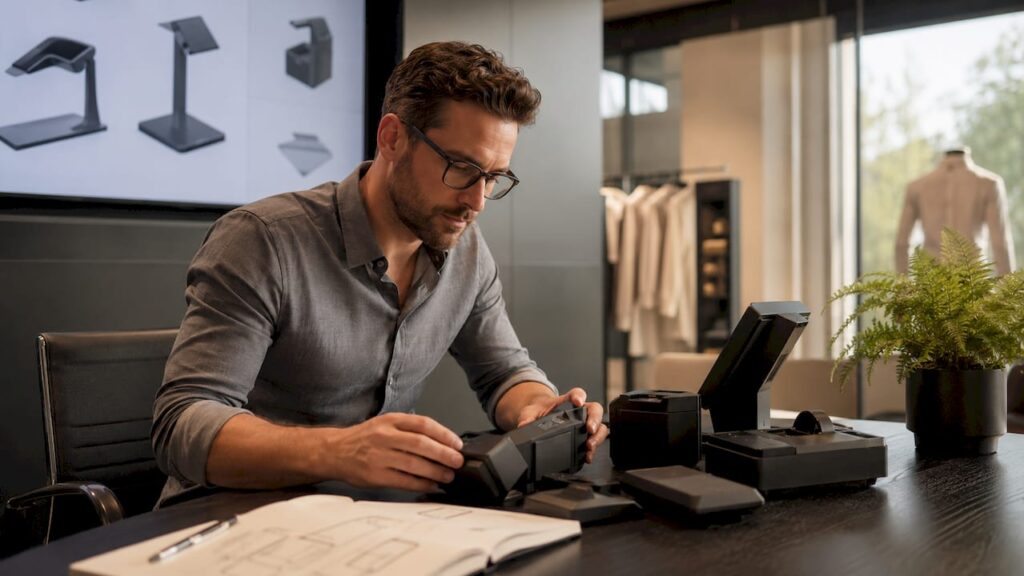
Why choose modular POS hardware for your business

Modular POS hardware is defined as a point-of-sale architecture built from independent, interchangeable components, where the compute unit, display, and peripherals each function separately and can be upgraded or replaced without touching the rest of the system. This design approach is the preferred choice for hospitality and retail businesses that need flexibility, controlled costs, and the ability to scale without rebuilding from scratch. Brands like SUNMI, SAM4S, and iMin have built entire product lines around this principle, and adoption is accelerating across UK restaurants, cafes, and retail stores. Understanding why choose modular POS hardware comes down to one core truth: you pay for what breaks, not for what still works.
What are the key benefits of modular POS hardware?
Modular POS hardware reduces total cost of ownership by allowing component-level upgrades rather than whole terminal replacements. That means when your receipt printer fails during a Friday evening service, you replace the printer, not the entire station. For a business running five or ten terminals, this distinction is the difference between a £50 fix and a £2,000 emergency.
The operational uptime advantage is equally significant. Modular systems isolate failures between compute and display, allowing faster component-level swaps and reducing downtime in high-volume environments. A busy restaurant cannot afford a 48-hour turnaround for a full terminal repair. With a modular setup, a spare compute box can be swapped in minutes.
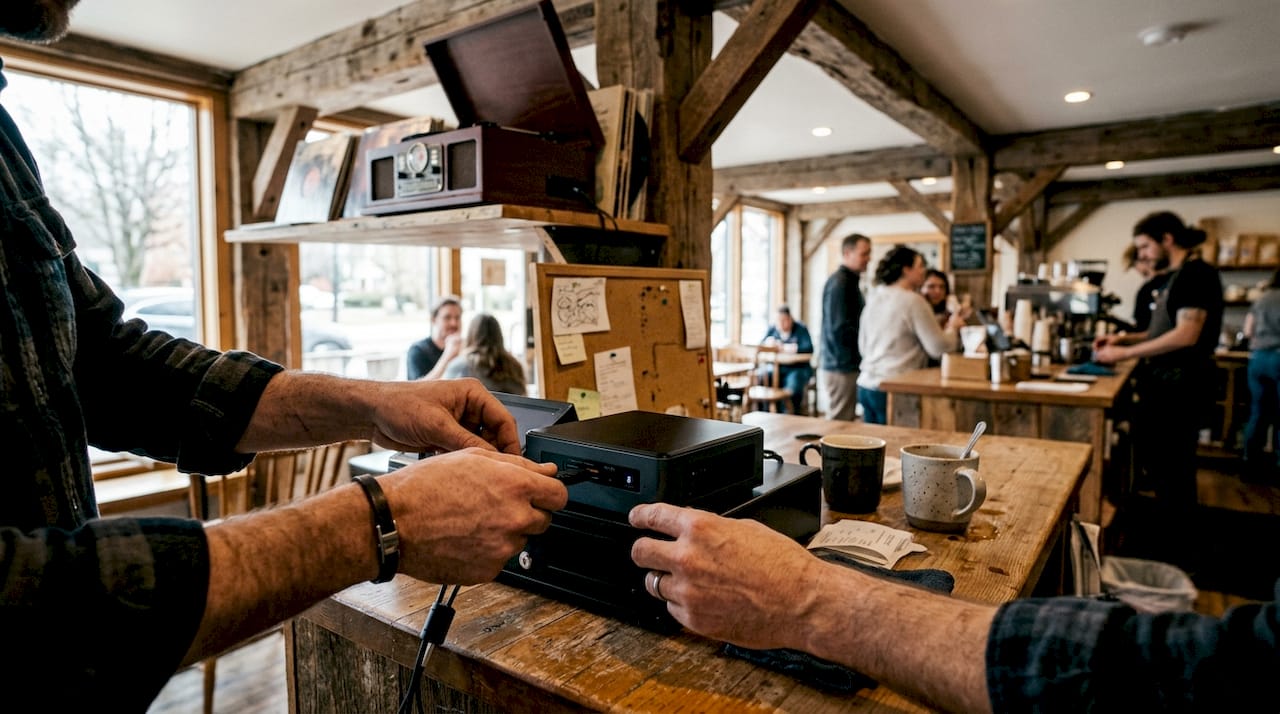
The benefits of modular POS systems extend to peripheral integration as well. These systems provide flexible port configurations essential for connecting legacy hardware like serial printers, customer-facing displays, and barcode scanners. All-in-one units typically offer limited ports, forcing businesses to choose between peripherals or invest in additional hardware.
Here is a summary of the core advantages:
- Cost control: Replace only the failed component, not the full terminal
- Faster repairs: Isolating the compute unit from the display cuts average repair time significantly
- Legacy support: Flexible port options accommodate serial printers, scales, and older peripherals
- Scalability: Add kitchen display systems, scanners, or customer displays without rearchitecting the setup
- Sustainability: Replacing only outdated components reduces electronic waste, making modularity a genuine sustainability strategy
Pro Tip: When budgeting for a modular POS rollout, factor in the cost of one spare compute unit per five stations. That single spare can serve as a hot-swap replacement across your entire site, cutting potential downtime to near zero.
How does modular POS compare with all-in-one systems?
All-in-one POS systems combine the processor, screen, and I/O ports into a single sealed unit. This makes initial installation tidy, but it creates a significant maintenance liability. When any internal component fails, the entire unit goes offline and typically requires a full replacement or a lengthy repair by the manufacturer.
Modular systems separate these functions entirely. The compute unit sits away from the customer-facing display, which means a screen crack does not take down your transaction processing. This separation also allows businesses to upgrade processing power independently of their display hardware, extending the useful life of both.
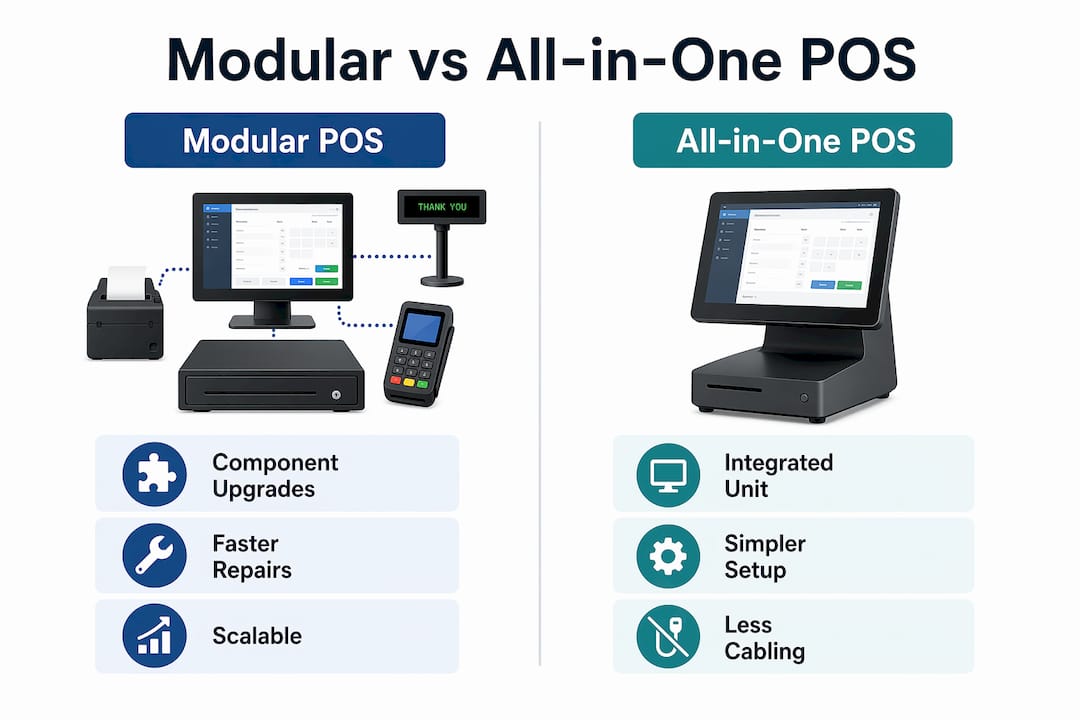
The table below compares the two approaches across the criteria that matter most to hospitality and retail operators:
| Criteria | Modular POS | All-in-one POS |
|---|---|---|
| Component failure impact | Single component replaced; rest stays live | Full unit offline until repaired or replaced |
| Upgrade path | Upgrade compute, display, or peripherals independently | Full unit replacement required for major upgrades |
| Port availability | Multiple port options for legacy and modern peripherals | Limited ports; often requires adapters |
| Repair time | Minutes with hot-swap spare | Hours to days depending on manufacturer support |
| Upfront cost | Moderate; scales with configuration | Lower initially; higher long-term replacement cost |
| Environmental resilience | Compute unit can be placed in a protected location | Entire unit exposed to the same harsh conditions |
The trade-off with modular systems is cabling complexity. More components mean more cables, more mounts, and more installation planning. Businesses that underestimate this often find their modular setup becomes harder to manage than expected. That is why accessory standardisation is not optional. It is the foundation of a well-run modular deployment.
For a broader view of how modular POS solutions perform specifically in UK retail environments, the operational evidence is consistent: businesses that plan their modular architecture properly report lower maintenance costs and faster recovery from hardware failures.
What should you consider when selecting modular POS hardware?
Choosing the right modular POS hardware requires more than picking a terminal from a catalogue. The decisions you make at procurement stage will determine how easy or difficult your system is to maintain at scale.
Follow this process when evaluating your options:
-
Define your peripheral requirements first. List every device your setup needs: receipt printers, barcode scanners, customer displays, kitchen display systems, card payment terminals. This bill of materials drives every other hardware decision. Reviewing POS peripherals in detail before committing to a compute unit prevents costly mismatches later.
-
Standardise your accessories across all sites. Using the same cables, mounts, and display models across every location dramatically reduces support overhead. The biggest mistake in modular POS procurement is neglecting accessory standardisation, which creates long-term support challenges that compound as you scale.
-
Evaluate build quality for your specific environment. A kitchen environment exposes hardware to grease, steam, and heat. A retail floor exposes it to dust and physical contact. Assess IP ratings, casing materials, and operating temperature ranges before purchasing.
-
Plan your hot-swap spare inventory. A single spare compute box can serve multiple stations, optimising spare management and reducing downtime to minutes rather than days. Budget for at least one spare per site from day one.
-
Confirm software compatibility. Modular hardware from SAM4S, iMin, or SUNMI must be compatible with your POS software, whether that is SAMTOUCH, EZEEPOS, or a third-party system. Verify operating system support and driver availability before committing.
Pro Tip: Document your full bill of materials, including cable lengths, mount types, and firmware versions, in a shared document before installation begins. Without this discipline, modular setups become operationally chaotic and difficult to troubleshoot at scale.
How does modular POS hardware improve operations and customer experience?
The operational benefits of modular point-of-sale architecture go well beyond hardware maintenance. The physical flexibility of separating components allows you to design ergonomic, workflow-specific layouts that all-in-one units simply cannot match.
The SUNMI CPad is a practical example of this in action. It supports both countertop and handheld modes, functioning as a full countertop station when docked and as a mobile ordering device when undocked. This consolidates what would otherwise require two separate devices into one, reducing hardware costs and simplifying staff training.
The table below shows how modular POS features map to specific operational scenarios:
| Operational scenario | Modular POS feature | Business benefit |
|---|---|---|
| Tableside ordering in restaurants | Detachable compute unit or handheld mode | Faster order entry, reduced errors |
| Queue busting in retail | Mobile undocked terminal | Shorter wait times at peak periods |
| Multi-location standardisation | Identical hardware across all sites | Consistent training and simplified support |
| Kitchen environments | Compute unit placed away from heat and grease | Extended hardware lifespan in harsh conditions |
| Legacy peripheral integration | Multiple port configurations | Retain existing printers and scales |
Beyond the table, there is a less-discussed benefit worth noting. Placing the compute unit away from public-facing touch displays extends hardware lifespan in environments with grease, dust, and temperature fluctuation. In a busy kitchen, this single design decision can add years to the life of your most expensive component.
Modular payment platforms also allow businesses to scale payment capabilities component by component, avoiding platform-wide redevelopment as transaction volumes or payment methods change. This is particularly relevant for hospitality businesses adding contactless, QR code payments, or split-bill functionality without replacing their entire POS infrastructure.
Key takeaways
Modular POS hardware delivers lower long-term costs, faster repairs, and greater scalability than all-in-one systems, making it the stronger strategic choice for hospitality and retail businesses planning for growth.
| Point | Details |
|---|---|
| Component-level cost control | Replace only what fails, avoiding full terminal replacement costs. |
| Hot-swap spares reduce downtime | One spare compute unit per site can restore operations in minutes. |
| Accessory standardisation is non-negotiable | Consistent cables, mounts, and displays prevent long-term support complexity. |
| Environmental separation extends lifespan | Keeping compute units away from heat and dust adds years to hardware life. |
| Scalability without rearchitecting | Add peripherals like kitchen displays and scanners as your business grows. |
The case for modular POS is stronger than most operators realise
I have seen businesses spend significant sums replacing entire POS terminals because a single port failed or a screen cracked. Every time, the conversation afterwards is the same: “We didn’t realise we could have just replaced that one part.” That is the gap modular architecture closes, and it is a gap that costs UK hospitality and retail businesses real money every year.
What I find operators consistently underestimate is the compounding value of standardisation. The hardware decision is straightforward. The discipline of documenting your bill of materials, standardising your cabling, and maintaining a small spare parts inventory is where most deployments either succeed or quietly unravel. I have watched well-specified modular setups become support nightmares because nobody documented which cable went where across twelve sites.
The other insight worth sharing is this: the sustainability argument for modular POS is not marketing language. When you replace a compute unit rather than a full terminal, you are keeping a functioning screen, chassis, and peripheral set out of the waste stream. For businesses with ESG commitments or simply a preference for not throwing away working hardware, this matters more than most procurement conversations acknowledge.
My practical advice is to treat your first modular deployment as a template. Get the accessory management right, document everything, and build your hot-swap inventory before you go live. The businesses that do this find modular POS genuinely transformative. The ones that skip it spend the next two years firefighting.
— John
Explore modular POS hardware from Ycr
Ycr supplies a broad range of modular POS hardware and accessories to hospitality and retail businesses across the UK, including terminals from SAM4S and iMin, alongside the full peripheral ecosystem needed to build a properly specified setup.

Whether you are configuring a single-site café or standardising hardware across a multi-location retail chain, Ycr’s team can advise on component selection, spare parts strategy, and software compatibility. Browse the full POS hardware range to compare modular terminals and peripherals, or visit the POS hardware terminology guide to clarify specifications before you buy. Next-day delivery and same-day dispatch are available on stocked lines.
FAQ
What is modular POS hardware?
Modular POS hardware is a point-of-sale system built from independent components, including a separate compute unit, display, and peripherals, where each part can be replaced or upgraded without affecting the others. This contrasts with all-in-one systems where all components are integrated into a single unit.
Why choose modular POS hardware over an all-in-one system?
Modular POS hardware reduces downtime by isolating failures to individual components and allows businesses to upgrade or replace only what is needed, rather than the entire terminal. It also supports a wider range of peripherals through flexible port configurations.
How does modular POS hardware support business growth?
Modular systems allow businesses to add peripherals such as kitchen display systems, barcode scanners, and customer-facing screens incrementally, without rearchitecting the core setup. This makes scaling to new sites or new workflows significantly less disruptive and less costly.
What is a hot-swap spare in a modular POS setup?
A hot-swap spare is a pre-configured replacement component, typically a compute unit, kept on-site so it can be swapped in immediately when a live component fails. A single spare compute box can serve multiple stations, reducing repair time from days to minutes.
How do I avoid common mistakes when deploying modular POS hardware?
The most common mistake is neglecting accessory and cabling standardisation across sites, which creates long-term support complexity. Document your full bill of materials before installation, use consistent cable and mount specifications across all locations, and budget for spare parts from day one.