
Step by step restaurant checkout process explained
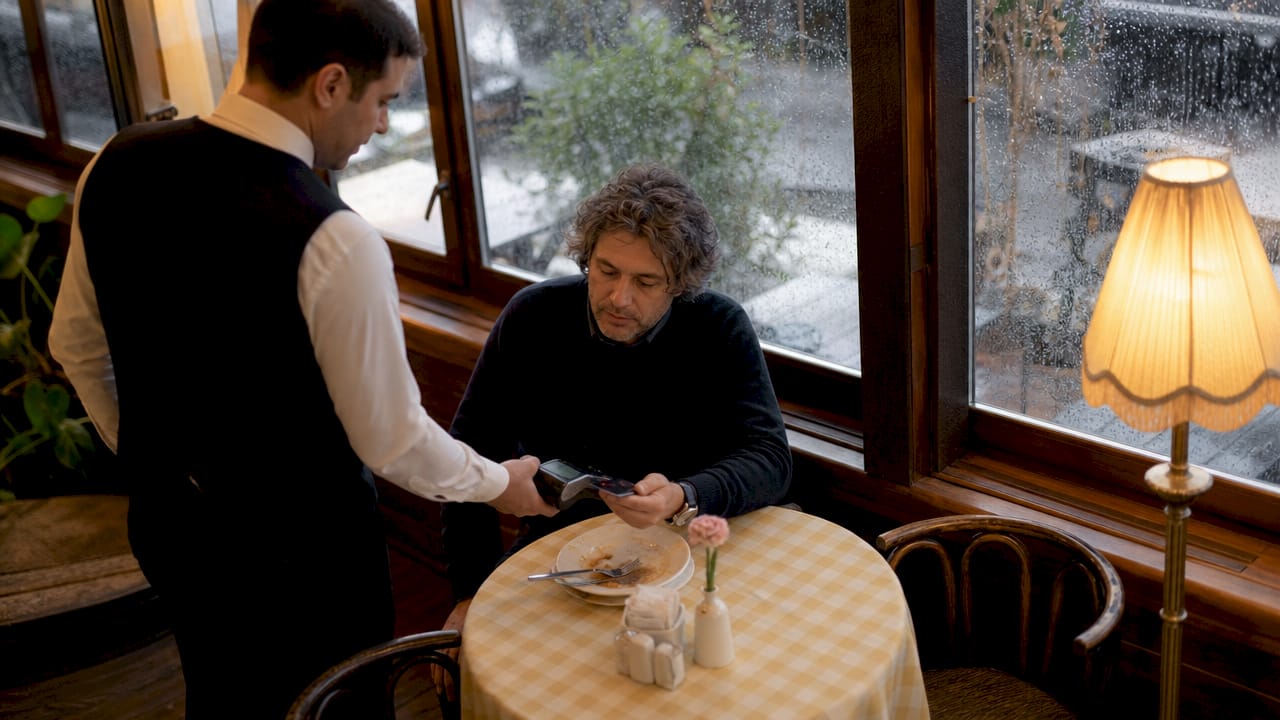
The restaurant checkout process, known in the industry as the dining payment flow, is the operational sequence that takes a table from final bite to cleared cover. Getting it right directly affects table turnover, revenue, and the impression guests leave with. This guide walks restaurant managers and owners through every stage of the step by step restaurant checkout process, from order confirmation to receipt delivery, with practical guidance on POS systems like SAMTOUCH and Touchpoint, payment methods including Apple Pay and contactless card terminals, and the technology choices that separate a slick operation from a frustrating one. Average restaurant transactions take 2–4 minutes, and every second of unnecessary delay costs you covers.
What are the essential components of an efficient restaurant checkout?
A restaurant checkout depends on three interlocking layers: POS software, payment hardware, and system integration. Remove any one of them and the process breaks down under pressure.
POS software features that matter at checkout
The right POS software handles bill splitting, tip prompts, service charge calculations, and itemised receipts without staff needing to intervene manually. SAMTOUCH, for example, is built specifically for hospitality and manages table-level billing across multiple covers simultaneously. Touchpoint offers similar functionality with strong kitchen display integration. Both allow staff to close a table in seconds rather than minutes.
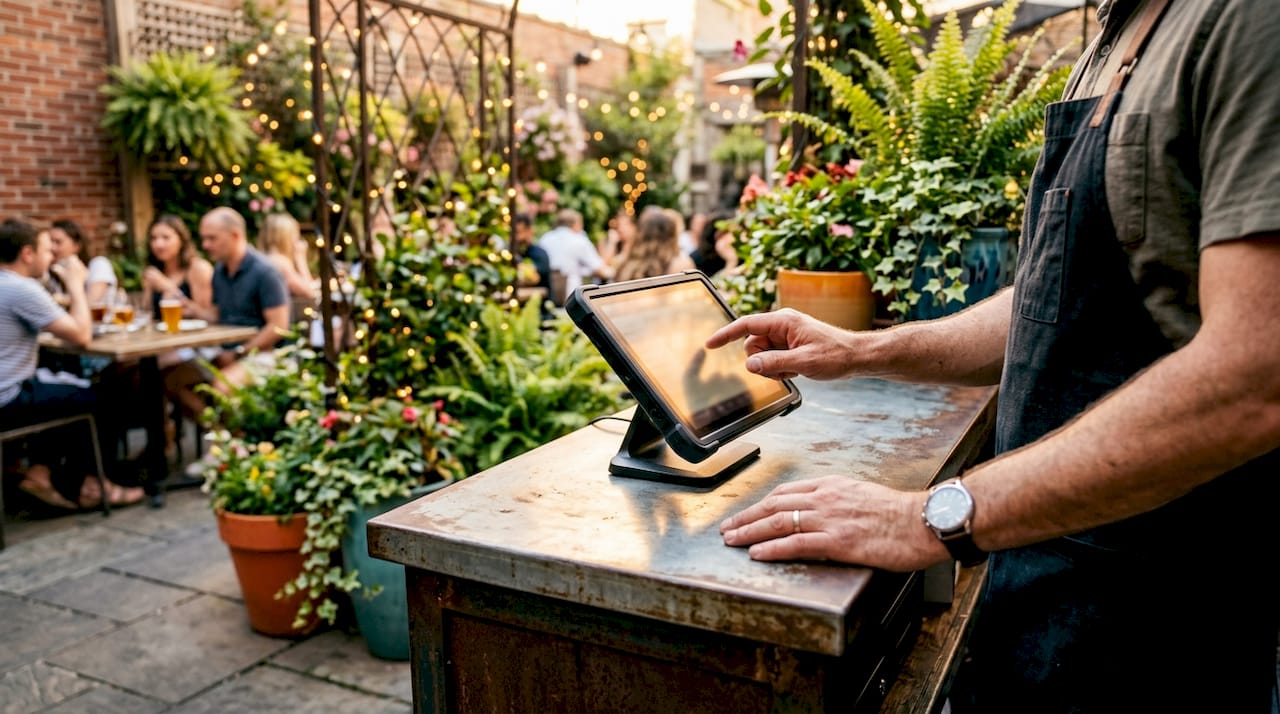
Pro Tip: Set your POS tip prompt to appear automatically after the total is displayed. Restaurants that prompt for tips digitally see higher average tip values than those relying on staff to ask verbally.
Payment hardware and processor options
Card terminals, mobile wallets, and contactless readers are the physical layer of the dining payment flow. Apple Pay and Google Pay now account for a growing share of restaurant payments in the UK, and any card terminal you deploy must support NFC contactless as standard. POS integration with kitchen and inventory systems prevents billing errors by pulling live order data directly into the checkout screen.
The table below compares the core hardware and software components you need for a complete restaurant checkout setup.
| Component | Function | Examples |
|---|---|---|
| POS terminal | Central order and payment hub | SAM4S, iMin |
| POS software | Billing, splitting, tip management | SAMTOUCH, Touchpoint |
| Card terminal | Contactless and chip payment | SumUp Solo, EMP terminal |
| Receipt printer | Physical and digital receipts | Thermal printers |
| Kitchen display | Live order sync to kitchen | Integrated via POS software |
Choosing open-architecture POS hardware avoids the costly equipment lock-in that proprietary processors impose. That flexibility matters when you need to upgrade terminals or switch payment processors without replacing your entire setup.
How does the step by step restaurant checkout process work?
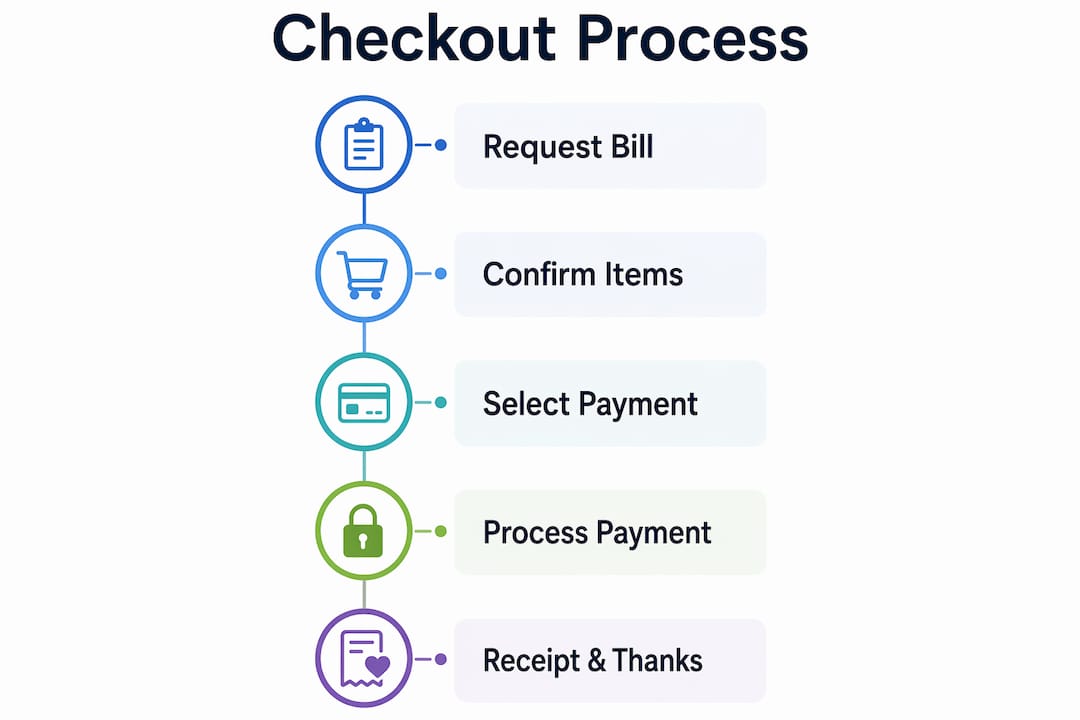
The restaurant billing steps follow a clear sequence. Each step has a defined owner, a time target, and a failure point if skipped.
-
Confirm all items are served. Before any bill is raised, the server confirms every ordered item has reached the table. This prevents disputes and reduces the need to adjust the bill mid-transaction.
-
Generate the itemised bill. The POS system produces a full itemised bill showing each dish, any service charge, and applicable VAT. Guests expect clarity here. A vague total invites questions and slows the process.
-
Present the bill promptly. Deliver the bill within 60 seconds of the guest requesting it. Delays at this stage are the single most common cause of negative end-of-meal feedback in UK restaurants.
-
Offer and process payment options. Guide guests through available methods: cash, chip and PIN, contactless card, Apple Pay, or Google Pay. Pay-at-table and QR code payment systems remove the bottleneck of carrying a terminal back and forth across a busy floor.
-
Complete the transaction and issue a receipt. The POS closes the table, prints or emails the receipt, and records the transaction. Digital receipts reduce paper costs and give you a clean audit trail.
-
Clear and reset the table. Staff clear covers, reset the table, and mark it available in the POS system. POS-integrated checkout saves approximately 5 minutes of labour per table. Over a busy Friday service with 40 covers, that is over three hours of recovered staff time.
Pro Tip: Assign one staff member per section to own the checkout process from bill request to table reset. Divided responsibility is the fastest route to a delayed turnover.
The table below shows realistic time targets for each stage during a standard dinner service.
| Checkout stage | Target time | Common delay cause |
|---|---|---|
| Bill confirmation | Under 30 seconds | Unconfirmed items on order |
| Bill presentation | Under 60 seconds | Staff unavailability |
| Payment processing | Under 90 seconds | Terminal queues or network issues |
| Receipt and close | Under 30 seconds | Manual receipt printing |
| Table reset | Under 3 minutes | Insufficient floor staff |
How do you reduce checkout friction and abandoned transactions?
Cart abandonment is not just an e-commerce problem. Online food ordering abandonment reaches up to 70% when checkout flows are complex or preferred payment methods are missing. That figure applies directly to restaurants running online ordering or delivery platforms alongside their dine-in operation.
The fixes are straightforward:
- Enable guest checkout on any online ordering platform. Forced account creation is the leading cause of drop-off at the payment stage. Removing it lifts conversion immediately.
- Deploy pay-at-table technology. Handheld terminals or QR code payment links let guests pay without waiting for a member of staff to bring a terminal. This is the single fastest way to cut end-of-meal wait times in a busy restaurant.
- Simplify checkout screens. POS checkout screens with too many prompts slow staff down. Limit the payment screen to three choices: card, cash, and mobile wallet.
- Train staff on payment communication. Staff who confidently explain payment options reduce guest hesitation. A 30-second verbal guide to the payment terminal eliminates most confusion at the point of payment.
- Accept all major contactless methods. Apple Pay, Google Pay, and contactless Visa and Mastercard are now expected as standard in UK hospitality. A terminal that does not support NFC contactless creates friction every time.
The checkout experience is the final interaction a guest has with your venue. Smooth payment systems influence overall dining satisfaction far more than most operators realise. A guest who waits eight minutes for a bill after a good meal will remember the wait, not the food.
What are the common challenges in the restaurant payment procedure?
Every restaurant manager encounters the same recurring problems at checkout. Knowing them in advance means you can build the fix into your setup before they cost you covers.
Split bills. Splitting a bill across multiple cards is the most common source of checkout delays. A POS system that handles split billing natively, such as SAMTOUCH or Touchpoint, removes the mental arithmetic and the risk of undercharging. Staff should never attempt to split a bill manually on a calculator.
Hardware lock-in. Proprietary payment processors often tie restaurants to expensive terminal leases and limited software options. Open-architecture POS systems allow you to switch processors or upgrade hardware without replacing the entire setup. This is a decision that saves thousands of pounds over a three-year contract.
Payment declines and network failures. Card declines happen. Network outages happen. The correct response is a clear, calm script for staff: offer an alternative payment method, never suggest the guest’s card is at fault, and have a manual backup process documented at every till point.
Fund settlement delays. Payment processors typically settle funds within 1–3 business days, though some providers offer next-day or instant payouts. Cash flow matters in hospitality. Choose a processor whose settlement timeline matches your payroll and supplier payment schedule.
“The checkout process is where operational discipline becomes visible to the guest. Every delay, every error, and every awkward moment at the payment stage is a direct reflection of your systems and your training.”
Staff communication during checkout. Train staff to narrate the payment process briefly. “I’ll bring the terminal to you” or “You can pay by scanning this QR code” removes uncertainty and keeps the guest in control. Guests who feel informed during checkout leave with a better impression of the entire meal.
Key takeaways
A well-executed restaurant checkout process depends on integrated POS technology, clear staff protocols, and frictionless payment options at every stage of the dining payment flow.
| Point | Details |
|---|---|
| POS integration is non-negotiable | Connect POS software to kitchen and inventory systems to prevent billing errors and delays. |
| Each checkout stage needs a time target | Bill presentation within 60 seconds and payment processing within 90 seconds keeps covers moving. |
| Reduce friction at every payment point | Deploy pay-at-table, QR codes, and contactless options to cut end-of-meal wait times. |
| Avoid proprietary hardware lock-in | Choose open-architecture POS hardware to retain flexibility and control over processing costs. |
| Fund settlement timing affects cash flow | Select a payment processor whose payout schedule aligns with your operational payment commitments. |
Why checkout is where restaurant operations are won or lost
I have spent years working with hospitality operators across the UK, and the pattern is consistent. Restaurants invest heavily in kitchen equipment, interior design, and menu development, then treat the checkout process as an afterthought. That is a costly mistake.
The checkout stage is where the guest forms their final, lasting impression. A table that waited 12 minutes for a bill after a perfectly executed meal will not return at the same rate as one that paid in 90 seconds via a QR code. The pay-at-table technology now available in the UK market makes that 90-second checkout achievable for any restaurant, regardless of size.
What I find operators consistently underestimate is the revenue impact of table turnover. Saving 5 minutes per table during a three-hour Friday dinner service across 20 tables is not a marginal gain. It is the difference between fitting in two covers per table or three. That is a direct revenue multiplier, not an operational nicety.
My honest advice: audit your current checkout process this week. Time every stage from bill request to table reset. If any stage exceeds the targets in this guide, that is your first fix. Technology is the enabler, but the process discipline has to come first. The best POS systems for restaurants will not compensate for a team that has not been trained on a clear checkout sequence.
— John
How Ycr supports your restaurant checkout setup
Ycr has supplied POS hardware and software to UK hospitality businesses for over three decades. The SAMTOUCH POS software, available with or without hardware, is built for the exact checkout workflow described in this guide, covering split billing, tip management, kitchen display integration, and contactless payment processing.

For restaurants that need a complete setup, SAMTOUCH with hardware bundles the software with compatible terminals and peripherals, ready for same-day dispatch. If you already have hardware in place, the SAMTOUCH software-only option integrates with your existing setup. Ycr also stocks card terminals including the SumUp Solo and EMP terminal for restaurants adding pay-at-table capability. Browse the full restaurant POS range or contact Ycr directly to discuss your specific checkout requirements.
FAQ
What is the standard restaurant checkout process?
The standard restaurant checkout process runs from order confirmation through itemised bill presentation, payment processing, receipt issue, and table reset. Each stage should be completed within defined time targets to maintain table turnover.
How long should a restaurant checkout take?
A complete checkout, from bill request to cleared table, should take under 5 minutes. POS-integrated systems save approximately 5 minutes of labour per table compared to manual processes.
What payment methods should a restaurant accept?
Restaurants should accept chip and PIN, contactless card, Apple Pay, Google Pay, and cash as a minimum. Missing any major contactless method creates friction and risks losing the sale at the final stage.
How do I handle split bills efficiently?
Use a POS system with native split-billing functionality, such as SAMTOUCH or Touchpoint. Manual bill splitting on a calculator is slow and error-prone, and it is the most common cause of checkout delays in UK restaurants.
How quickly do restaurant payment processors settle funds?
Most payment processors settle funds within 1–3 business days. Some providers offer next-day or instant payouts, which is worth prioritising if your restaurant has tight weekly cash flow commitments.