
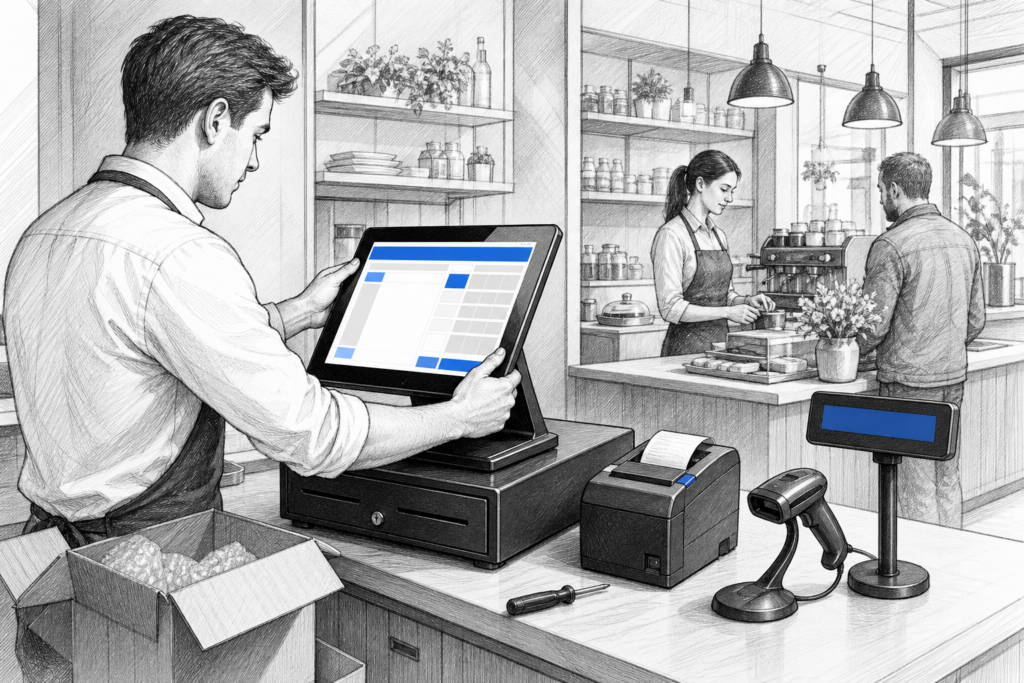
Many UK businesses still rely on Windows-based EPOS because it is familiar, flexible and widely supported. But when a till begins to slow down, struggle with peripherals or become difficult to service, it is often a sign that the whole setup needs reviewing rather than patching up again.
A Windows POS upgrade does not have to mean a disruptive overhaul. For retailers, cafés, pubs and restaurants, the right approach is usually about matching the hardware to how the business actually trades: counter space, printer layout, customer interaction, software requirements and the level of support needed after installation.
Why businesses replace ageing Windows POS hardware
Older POS equipment can keep working for years, but as software becomes more demanding and business needs change, the limitations start to show. A terminal that once felt perfectly adequate may begin to cause delays at the busiest times or become awkward to maintain when parts and accessories are harder to source.
In practical terms, businesses often start looking at replacement when they notice:
- slower transaction processing at peak times
- unreliable peripheral connections
- reduced responsiveness from the touchscreen
- difficulty adding new printers, scanners or displays
- more time spent on fixes than on trading
For EPOS resellers and installers, these are useful warning signs because they often point to a wider need for standardisation. Replacing one ageing terminal on its own may help in the short term, but a more consistent hardware plan can reduce support calls and make future servicing much easier.
What to look for in a modern Windows POS terminal
A purpose-built Windows POS terminal is designed for commercial use rather than as a general office computer. That matters in a shop, café or restaurant where the hardware may be dealt with by multiple staff members every day and needs to work reliably in a busy environment.
When choosing a replacement, the most important questions are usually practical rather than technical:
- Will it fit the available counter space?
- Is the screen layout comfortable for staff to use all day?
- Can it support the printers, scanners and cash drawer setup already in use?
- Will it be manageable for the EPOS installer or reseller supporting the system?
- Does it support the existing operating and software environment without unnecessary complexity?
That last point is especially important. Many businesses want the familiarity of Windows because it fits with their software and support processes. A well-chosen Windows POS terminal can therefore be a practical replacement for an ageing machine without changing the wider EPOS workflow.
Retail and hospitality use cases are not the same
Although both sectors use POS hardware, the priorities can be very different. In retail, speed at the checkout and reliable barcode scanning are often the main concerns. In hospitality, the focus may be on order entry, kitchen communication and the ability to work quickly during busy service periods.
A convenience store or gift shop may prioritise a compact counter setup with a clear customer-facing workflow. A café or table-service restaurant may need a terminal arrangement that supports menu navigation, split bills and printer placement without crowding the till area. In both cases, the aim is the same: keep transactions moving and reduce the chance of error.
This is where modern Windows POS hardware can make a real difference. A commercial terminal with the right connectivity and layout is easier to integrate into the day-to-day operation than a standard office computer adapted for the front counter.
Planning around peripherals and the wider EPOS setup
A Windows POS replacement should be planned as part of a complete system, not as a standalone box. Receipt printers, cash drawers, scanners and customer-facing displays all affect the final result. If one part of the setup is upgraded without considering the rest, the business can end up with awkward cabling or mismatched hardware.
For example, a reseller may need to think through whether the printer sits beside the terminal, under the counter or in another part of the workstation. In hospitality, a second printer may be needed for kitchen or bar use, which changes how the software and hardware are arranged. Even small details such as screen angle and cable routing can influence how easy the system is to operate throughout the day.
Useful planning questions include:
- What peripherals are staying in place?
- Are there service access needs for future maintenance?
- Does the business need a customer display now or later?
- Will the new terminal be used in one location or across multiple sites?
The value of support from a UK POS distributor
For many businesses, the main benefit of working with a UK POS distributor is not just access to hardware, but access to advice before and after installation. YCR Distribution supports EPOS resellers, dealers and installers who need to specify suitable point-of-sale hardware for real-world UK retail and hospitality environments.
That support matters when a project involves replacing existing terminals, maintaining a mixed estate or planning a standard hardware platform for multiple sites. It can also help when businesses need to keep downtime to a minimum and want replacement equipment that fits into an established installation more smoothly.
For resellers, that means less guesswork. For business owners, it means a more deliberate upgrade path and fewer surprises once the new POS system is in daily use.
Choosing the right time to upgrade
A Windows POS upgrade is usually easiest when it is planned before a failure causes disruption. Businesses that wait until a terminal stops working altogether often have to make rushed decisions. By contrast, a planned replacement allows time to review the current setup, confirm software requirements and think about how the counter should work in the future.
If you are upgrading a retail checkout or hospitality EPOS system, it is worth considering the terminal as part of the whole working environment: software, peripherals, counter layout and support requirements. That approach nearly always leads to a better long-term result than simply replacing equipment like for like.
For more information about point-of-sale hardware and EPOS solutions, contact YCR Distribution on 01924 438238 or visit www.ycr.co.uk.