
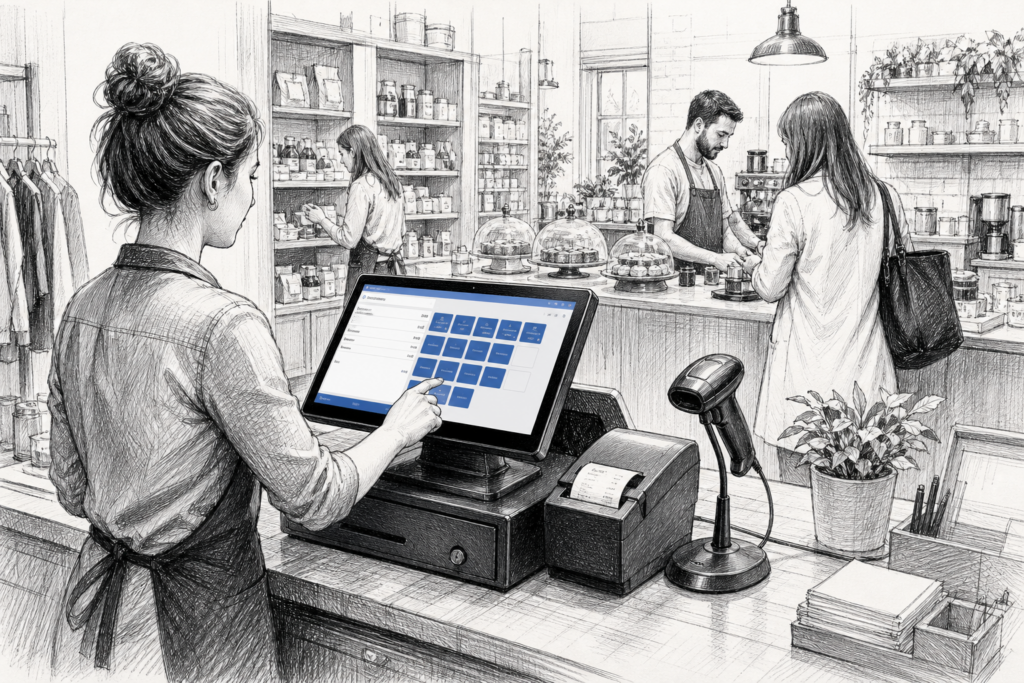
For many UK retailers and hospitality businesses, a Windows POS terminal remains a practical foundation for day-to-day trading. Although Android systems are now common in the point-of-sale market, Windows-based EPOS hardware still has an important role where established software, familiar workflows and long-term support are priorities.
The key is not simply choosing a terminal with a screen and a processor. A good Windows POS setup has to fit the way the business works, the software it runs and the pressure placed on the checkout during busy periods. That is why resellers and installers often look beyond specification sheets and focus on durability, connectivity and serviceability.
Where a Windows POS terminal makes sense
Windows POS is often a good fit for businesses that already rely on established EPOS software or integrate with wider back-office systems. Retailers with a long product catalogue, hospitality sites with complex table management, and multi-site operators that want a familiar operating environment may all benefit from a Windows-based terminal.
Typical use cases include:
- independent retailers replacing ageing tills with a purpose-built touchscreen terminal
- cafés, bars and restaurants that need stable front-of-house operation
- convenience stores and specialist retailers with existing Windows EPOS software
- installers standardising hardware across multiple locations
In these environments, the terminal is not just a computer at the counter. It is the main transaction point, often handling sales, voids, refunds, loyalty functions, product lookup and reporting throughout the day.
What to look for in a commercial POS terminal
A Windows POS terminal should be chosen for more than just its appearance. A conventional office PC is rarely the best option at the checkout because it is not designed for the same demands. Purpose-built POS hardware is normally more suitable because it is designed for touch operation, commercial installation and constant use.
When selecting hardware, UK resellers and business owners usually need to think about:
- Screen format: whether the terminal needs a compact footprint for a tight counter or a larger display for easier operation
- Touch operation: a touchscreen that feels accurate and responsive during fast-paced trading
- Connectivity: the ports and network options needed for printers, scanners, cash drawers and customer displays
- Installation style: wall mounting, counter mounting or a free-standing setup depending on the site
- Cooling and reliability: hardware built for commercial use rather than general office work
These practical details matter because a checkout has to work predictably under pressure. If the install is awkward, the terminal is difficult to service or the peripherals are hard to connect, the business will feel the consequences every day.
Why serviceability matters as much as performance
One reason many businesses still choose Windows POS hardware is the ability to support and maintain the installation over time. In retail and hospitality, downtime at the till quickly becomes visible to both staff and customers, so a replaceable component or a straightforward hardware swap can make a real difference.
For EPOS installers and dealers, serviceability also affects the long-term value of the installation. A terminal that can be supported with sensible spares, known accessories and clear product guidance is easier to maintain than a generic device with limited documentation. This is especially relevant for multi-site operators, where consistency across locations can reduce training time and simplify support.
YCR Distribution works with resellers, installers and end users who need dependable POS hardware in the UK market. That includes businesses planning new EPOS installations as well as those replacing older equipment that has become harder to support.
Pairing the terminal with the right peripherals
A Windows POS terminal is usually only one part of the complete setup. In practice, the rest of the counter configuration is just as important, especially where the business wants a tidy, efficient till point.
Common pairings include:
- a thermal receipt printer for fast front-of-house printing
- barcode scanners for product lookup and faster checkout
- a customer-facing display for order confirmation or basket transparency
- a cash drawer where cash handling is still part of the operation
In hospitality, the same terminal may also need to work alongside kitchen printing or order-routing workflows. In retail, it may need to support barcode-heavy operations and fast staff training for seasonal or part-time teams. The terminal therefore needs to fit the wider environment, not just the software.
Windows POS versus a standard desktop PC
Some businesses are tempted to use a standard desktop computer at the till point. While that might work in the short term, it often creates problems around space, cabling, dust, physical access and day-to-day usability. A commercial POS terminal is designed with the counter in mind.
That usually means a neater footprint, easier touchscreen operation and a more practical layout for drawers, printers and other peripherals. It also helps installers create a cleaner, more supportable checkout area. For many businesses, that is a better long-term decision than adapting office hardware to a point-of-sale role.
Planning a Windows EPOS upgrade in the UK
If a business is replacing older EPOS hardware, the upgrade process should start with the software environment, not the terminal alone. Checking the operating requirements, peripheral connections and physical layout first often avoids unnecessary changes later. Resellers and installers can then recommend a terminal that suits the software and the workflow, rather than forcing the business to adapt around the hardware.
That is where an experienced UK POS distributor can add value. Access to product knowledge, hardware options and practical installation advice can make it easier to choose a terminal that will be supportable over the longer term. For businesses and dealers alike, that support is often as important as the device itself.
For more information about point-of-sale hardware and EPOS solutions, contact YCR Distribution on 01924 438238 or visit www.ycr.co.uk.