
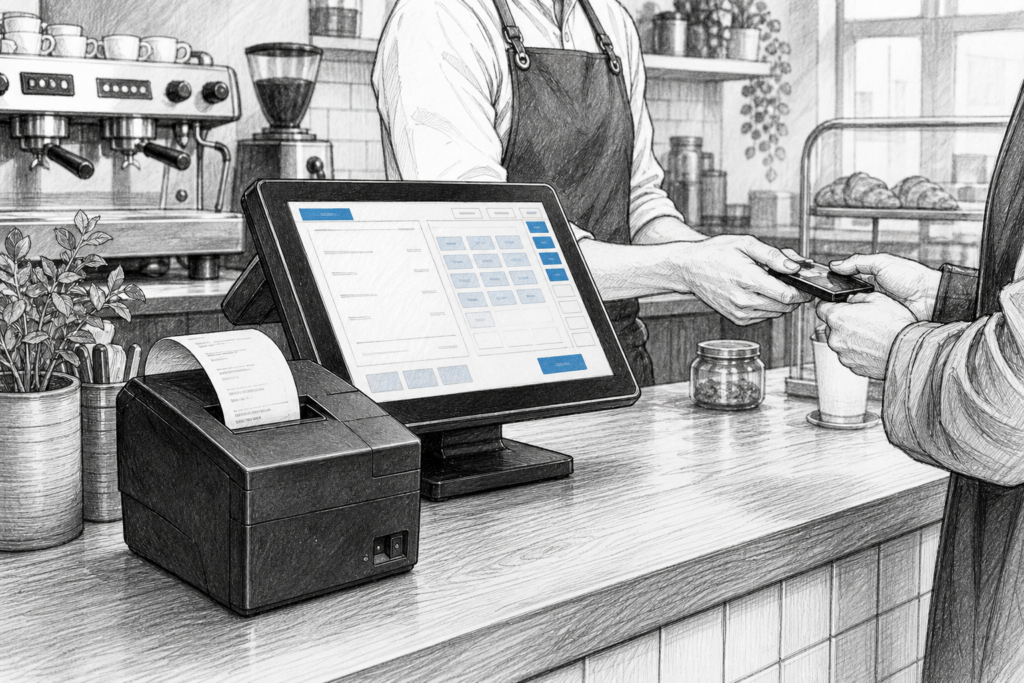
A receipt printer can have a bigger impact on day-to-day trading than many businesses expect. In retail and hospitality, it is often the last step in the transaction, the handover point for the customer and, in many cases, the bridge between front-of-house service and back-office record keeping.
For EPOS resellers, installers and business owners, the challenge is rarely just finding a printer that works. The real task is choosing a model that fits the environment, the workflow and the wider point-of-sale setup. A printer that is suitable for a quiet boutique may not be right for a café counter, a takeaway hatch or a busy store till point.
Why the receipt printer still matters
Even as digital receipts and app-based ordering become more common, printed receipts remain an important part of many UK POS systems. Customers may want proof of purchase, kitchen teams may need printed order tickets, and staff may rely on hard-copy audit trails during busy service periods.
In practical terms, a receipt printer affects how quickly staff can complete transactions, how clearly order information is presented and how much interruption the team experiences during a busy shift. A slow or unreliable printer can hold up the queue, create confusion at the counter and put unnecessary pressure on staff.
Matching the printer to the environment
One of the most useful questions to ask is not simply what printer is available, but where it will be used. Retail and hospitality settings place different demands on POS hardware.
Retail checkout areas
In a shop, a receipt printer usually needs to sit close to the terminal and barcode scanner, leaving enough space for staff to work comfortably. The priority is often straightforward ticket production, easy paper replacement and consistent output throughout the day. A compact desktop receipt printer can help keep the counter tidy without compromising workflow.
Cafés, bars and takeaways
In hospitality, the demands can be tougher. Printers may need to handle repeated bursts of orders, operate in tighter spaces and cope with heat, spill risk or constant handling. A suitable thermal printer should be easy for staff to reach, simple to load and reliable enough to keep pace with service.
For some sites, a front-of-house printer is only part of the picture. Kitchens may need separate printing for food orders, while the counter team needs customer receipts and order summaries. Planning the printer layout properly can reduce mistakes and speed up service.
Connectivity and integration
Connectivity is a major consideration when selecting POS hardware UK businesses can depend on. The printer must fit the way the EPOS system is installed, whether that means a direct connection to the terminal, networked printing over Ethernet or another approved setup within the site.
When choosing a printer, it is sensible to think about the wider installation rather than one device in isolation. Installers and resellers often need to consider where the cable routes will go, how the printer will be configured and whether a site might later expand to include another till point or kitchen station.
- USB connections are often suitable for a close-coupled counter setup.
- Ethernet can suit networked installations and shared printing environments.
- Compact desktop formats are often ideal where counter space is limited.
YCR Distribution supplies a range of POS printing hardware for the UK market, including desktop receipt printers from established brands such as HPRT, Bixolon and SAM4S. Where possible, choosing a recognised product family makes life easier for installers and support teams because the hardware is designed with commercial use in mind.
Reliability and ease of maintenance
A good printer should not only work well on day one, but remain easy to support throughout its working life. In many installations, simple maintenance features matter just as much as headline specifications. Easy paper loading, practical access to serviceable parts and clear status feedback can all reduce the time staff spend dealing with printer issues.
That is especially important for EPOS resellers and installers supporting multiple sites. Standardising on a printer family can make spare part management and service work far easier. It also helps businesses maintain consistency across locations, which is useful when staff move between branches or when a site needs replacement hardware later on.
Thermal printing in everyday use
Most modern receipt printers used in point of sale UK environments rely on thermal printing. For businesses, the main benefit is speed. There is no need for ink or toner, and the printer can typically produce clear receipts and tickets with very little day-to-day intervention.
However, thermal printing only performs well when the device is matched correctly to the job. For example, a printer in a busy café may need to cope with repeated short bursts of printing, while a retail checkout might prioritise quiet operation and neat presentation. Thinking about the actual use case is more useful than focusing only on the printer category name.
Choosing for new installations or upgrades
When planning a new EPOS system or replacing older POS hardware, the receipt printer should be selected alongside the terminal, scanner and any customer-facing display. That helps ensure the installation feels coherent rather than pieced together from unrelated devices.
For a new convenience store, for example, a compact counter printer may need to sit next to a touchscreen POS terminal without crowding the space. In a restaurant, the printer may need to support a front-of-house workflow where staff are moving quickly between tables, till points and the pass. In both cases, the physical setup is just as important as the printer model itself.
It is also worth planning for growth. A business that starts with a single till may later add another counter, a takeaway station or a back-of-house printer. Selecting hardware with a clear support path can make those changes much simpler.
Support that helps the installation last
For dealers and installers, reliable UK distribution matters because it supports the entire lifecycle of the installation. Access to knowledgeable product advice, sensible hardware options and replacement components can make a real difference when a printer needs to be maintained rather than replaced wholesale. That kind of support is especially valuable in hospitality and retail, where downtime directly affects service.
YCR Distribution works with EPOS resellers, installers and businesses looking for practical POS hardware UK solutions. If you are planning a printer upgrade, building a new EPOS package or replacing ageing equipment, choosing the right device family at the outset can save time later.
For more information about point-of-sale hardware and EPOS solutions, contact YCR Distribution on 01924 438238 or visit www.ycr.co.uk.
To view relevant printer options, see the YCR desktop receipt printer collection at https://store.ycr.co.uk/collections/desktop-recipe-printers.