
A good receipt printer is easy to overlook until a busy service period exposes its weaknesses. In many UK retail and hospitality environments, it is still one of the most important pieces of EPOS hardware on the counter, behind the bar or at the kitchen pass.
For resellers, installers and business owners, choosing the right thermal receipt printer is not just a specification exercise. It is about matching the printer to the way the site actually trades: how many receipts it prints, where it sits, who relies on it and how important speed and reliability are at peak times.
Why the receipt printer still matters
Modern point-of-sale systems in the UK often place a strong focus on touchscreens, cloud software and reporting. However, the printer remains a practical part of day-to-day trading. It produces customer receipts, order tickets, collection slips and other printed records that staff still depend on.
In retail, the printer needs to keep pace with checkout activity without slowing down the queue. In hospitality, it often has to handle more varied tasks, from front-of-house billing to kitchen or bar printing. That means a receipt printer should be selected as part of the full EPOS setup, not treated as an afterthought.
What to consider before choosing a model
The most suitable printer is usually the one that fits the environment rather than the one with the longest feature list. A small café, a busy pub, a convenience store and a multi-site retail chain may all need thermal printing, but they will not necessarily need the same configuration.
1. Connectivity
Connection type affects both installation and long-term support. USB remains common for simple counter setups, while Ethernet is often preferred where the printer must sit on a network or serve more than one terminal. In some installations, connectivity requirements may also influence how easily the printer can be moved, replaced or shared across the system.
For EPOS installers, the main question is whether the printer needs to be attached directly to a single terminal or integrated into a wider networked environment. That answer will shape the hardware choice more than the brand name alone.
2. Print volume and service pace
Retail tills and hospitality counters can both generate bursts of print activity. A printer used in a quiet boutique will face very different demands from one used in a takeaway, quick-service restaurant or busy store checkout. The key issue is whether the printer can keep up consistently when the site is busiest.
Thermal receipt printers are often chosen because they are fast and straightforward, but print speed alone is not enough. A sensible selection also takes into account paper handling, maintenance access and whether the device can stay dependable with frequent use.
3. Installation and physical layout
Space at the point of sale is rarely generous. A compact printer can help when the counter is crowded with a touchscreen terminal, card reader and cash drawer. In a hospitality setting, the printer may need to fit under the counter, near the pass or in a back-of-house position where space is tight and cabling needs to stay tidy.
Good placement matters as much as the printer itself. If staff have to reach awkwardly for paper, or if the printer is positioned where it is vulnerable to splashes, knocks or heat, day-to-day usability will suffer.
Retail and hospitality use cases are different
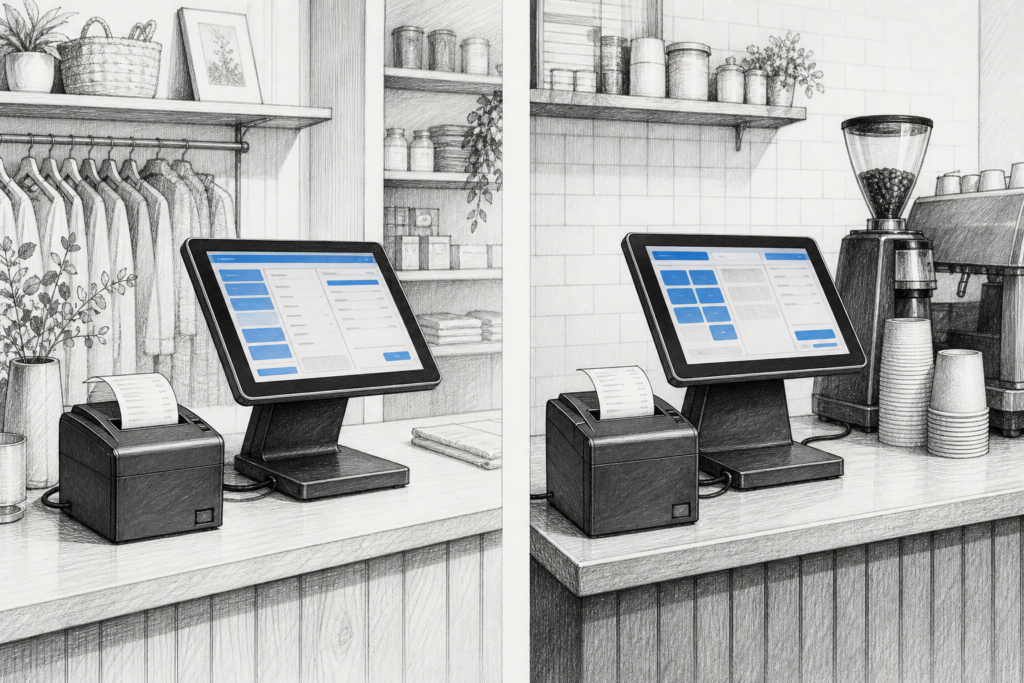
Although thermal receipt printers are often discussed as one category, retail and hospitality place different demands on them.
- Retail: fast customer receipts, clear transaction records and straightforward checkout integration.
- Hospitality: order tickets, kitchen or bar communication, split bills and repeat printing during busy service periods.
- Convenience and takeaway: rapid ticket production and dependable operation when transaction flow is continuous.
For hospitality EPOS, the printer often becomes part of the communication chain between front of house and the kitchen or bar. Any delay or failure at this stage can lead to errors, duplicate work or slower service. In retail, the focus is usually on speed, simplicity and consistency at the till.
Why serviceability should not be ignored
A receipt printer is a working component, and all working components eventually need attention. That is why serviceability matters. Businesses and support partners benefit from hardware that is easy to maintain, easy to replace and simple to integrate into an existing setup.
When a printer is selected with support in mind, it can reduce disruption later. Installers can spend less time correcting common issues, and businesses can avoid unnecessary downtime at the checkout. This is especially valuable for multi-site operators and for resellers supporting customers with installed EPOS hardware over a long period.
For some sites, the wider decision is not just which printer to buy, but how to standardise printer models across locations. Consistency can make training easier, simplify spares planning and make ongoing support more predictable.
Where YCR Distribution fits in
YCR Distribution supports the UK point-of-sale industry with hardware and technology for resellers, installers and end users. That makes it a useful partner when planning a new EPOS installation or replacing ageing receipt printers within an existing setup.
If you are sourcing hardware for a retail or hospitality project, it can help to work with a distributor that understands the practical side of POS deployment: compatibility, installation planning, peripheral selection and ongoing support. YCR’s product range includes receipt printers, terminals and related POS hardware, which makes it easier to build a complete solution rather than sourcing each component separately.
For businesses that already have an EPOS platform in place, choosing the right printer can also be part of a broader refresh strategy. Replacing a problematic printer at the right time may be less disruptive than waiting until it fails during a busy shift.
Choosing the right printer for the job
In simple terms, the best thermal receipt printer is the one that suits the workflow. A retail checkout may need a compact, dependable unit with straightforward connectivity. A hospitality site may need something that fits the service layout and supports fast ticket handling. A reseller or installer may need a model that is easy to standardise and support across multiple sites.
That practical approach is what usually leads to the best long-term result. Rather than focusing on features that will never be used, it is better to match the printer to the environment, the volume of transactions and the demands of the EPOS system around it.
For more information about point-of-sale hardware and EPOS solutions, contact YCR Distribution on 01924 438238 or visit www.ycr.co.uk.