
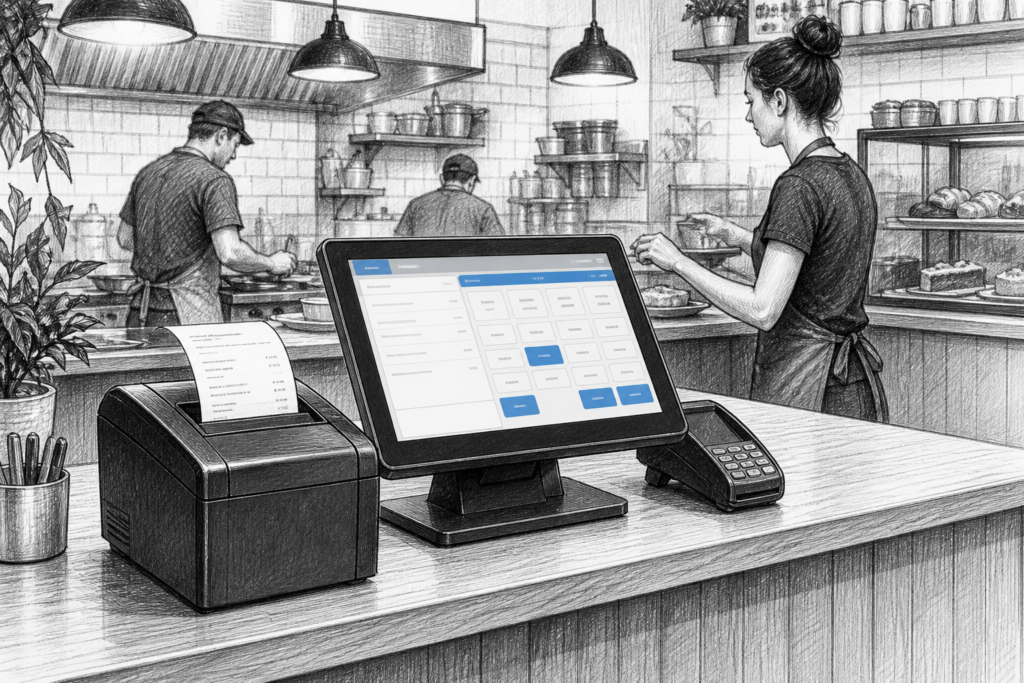
Thermal receipt printers may not be the most visible part of an EPOS setup, but they often have a big impact on checkout speed, order handling and day-to-day reliability. For many UK retailers, cafés, restaurants and takeaways, the printer is the point where the transaction becomes a customer receipt, a kitchen ticket or a production slip. If it slows down, jams or is awkward to maintain, the consequences are felt immediately at the counter.
That is why choosing the right receipt printer for a point of sale UK installation is about more than simply matching a device to a terminal. It is about understanding how the printer will be used, who will maintain it and how it fits into the wider EPOS hardware strategy. YCR Distribution works with resellers, installers and business owners across the UK, supplying POS hardware and supporting a wide range of point-of-sale applications.
Why thermal receipt printing still matters
Thermal receipt printers remain popular because they are straightforward to operate and well suited to busy trading environments. They do not rely on ink or toner, so there are fewer consumables to manage, and they can produce fast, clear output for receipts, order tickets and a range of front-of-house tasks.
In retail, a receipt printer needs to keep pace with the checkout without becoming a bottleneck. In hospitality, the printer may be asked to do more: print customer receipts at the counter, send tickets to the kitchen, or support collection orders where speed and legibility are important. That means the right model is often chosen for the environment first, and the software second.
What to consider before choosing a printer
There are several practical points worth weighing up before selecting a thermal receipt printer for EPOS systems UK installations:
-
Connectivity: USB, Ethernet and other verified connection options determine how easily the printer can be integrated into an existing setup.
-
Placement: Countertop space may be limited, especially in cafés, bars and convenience stores.
-
Print volume: A quiet boutique may have different requirements from a busy takeaway or a supermarket till point.
-
Serviceability: Access for paper loading, cleaning and routine maintenance matters when the printer is used all day.
-
Integration: The printer should fit naturally into the wider POS hardware UK environment, alongside the terminal, cash drawer and any customer-facing display.
These points may sound basic, but they are often what separates a printer that works well for a given site from one that creates unnecessary frustration.
Retail applications: fast, compact and dependable
In retail EPOS, the printer is usually expected to support a smooth checkout flow without attracting attention. The ideal printer is compact enough to sit neatly beside a touchscreen POS terminal, yet dependable enough to handle constant receipt traffic throughout the day.
For independent retailers, hardware choice can also affect how easy it is to standardise future installations. A reseller planning multiple sites may prefer a printer model that is easy to support, easy to replace and familiar to the installation team. That is particularly important where the business wants a consistent look and feel across several tills rather than a mixture of consumer-style devices.
Projects involving retail EPOS often benefit from selecting printers as part of the wider checkout design, rather than as an afterthought. Where space is tight, the printer footprint matters. Where the till is customer-facing, paper access and cable routing matter. And where staff change regularly, straightforward operation matters even more.
Hospitality applications: front of house and kitchen printing
Hospitality EPOS places different demands on printing. A thermal receipt printer at the bar or till may be used to issue customer receipts, while another printer may be dedicated to kitchen or order stations. In a food-led business, clear printed tickets can help reduce mistakes and keep service moving.
For cafés, pubs and takeaways, the key question is often how the printer will support the workflow. Can staff load paper quickly during service? Is the printer placed where it can be reached without disrupting the counter? Can the output be read easily by kitchen staff at a glance? These practical details have a direct effect on order accuracy and speed of service.
YCR Distribution supplies a range of point-of-sale hardware for hospitality EPOS and works with businesses that need reliable printing as part of a complete setup. Where a venue is expanding or changing service style, the printer choice should be reviewed alongside the terminal, software and counter layout.
Replacement projects and printed output quality
Many receipt printer purchases are replacement projects rather than brand-new installations. Older devices may still power on, but print quality can deteriorate, paper handling can become less reliable and maintenance can consume more time than the printer is worth.
When replacing ageing hardware, look at more than speed alone. A printer that is easy to service and simple to integrate can reduce disruption for the business and lower the burden on the installer. For EPOS dealers and service companies, this is where access to the right product range and replacement parts can be especially useful.
If a business has standardised its POS systems, it may also be sensible to keep printer models aligned across sites. That can simplify training, make spares easier to manage and reduce the number of variables when support is needed.
Why UK-based POS support matters
Receipt printers are often installed as part of a live business system, so local support can make a real difference. UK-based distribution and reseller knowledge can help with product selection, installation planning and troubleshooting if a site needs to replace hardware or expand its setup. That is particularly valuable for resellers and installers managing multiple customers with different POS requirements.
For businesses, it helps to work with a supplier that understands the operational realities of retail and hospitality rather than treating the printer as a generic office peripheral. In the POS industry, that understanding can save time during rollout and reduce disruption later on.
For more information about point-of-sale hardware and EPOS solutions, contact YCR Distribution on 01924 438238 or visit www.ycr.co.uk.