
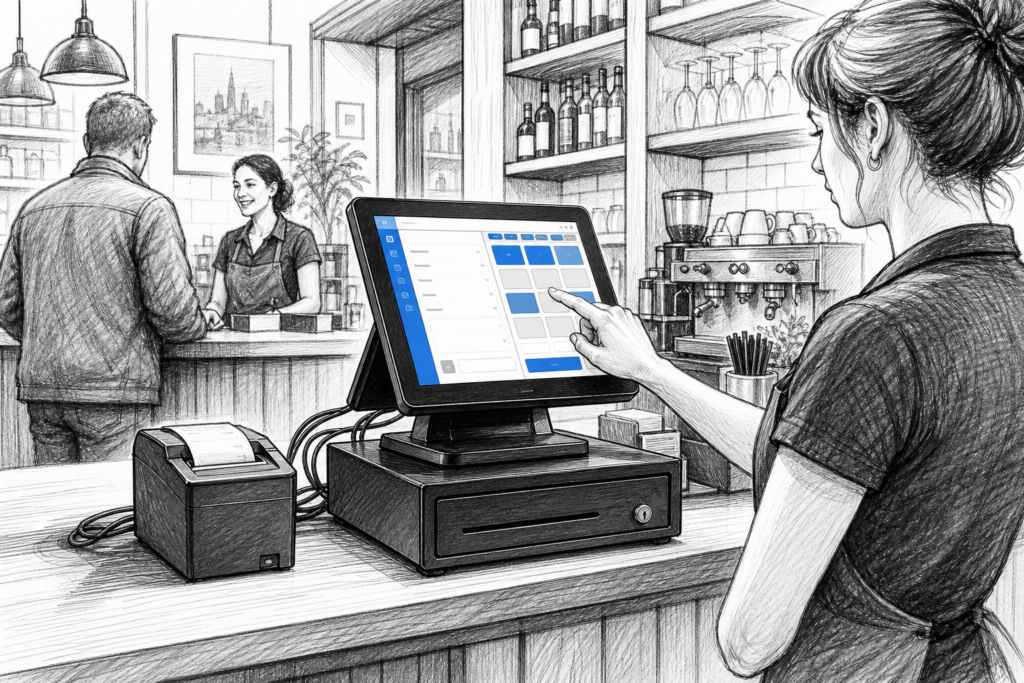
Windows POS terminals continue to play an important role in UK point of sale installations, especially where businesses want familiar software, dependable hardware and a straightforward path for support and replacement. For many retailers, cafés, pubs and service businesses, the appeal is not novelty; it is consistency. A purpose-built Windows POS terminal is designed to sit at the heart of day-to-day trading, handling tills, peripherals and reporting in a form that is easier to plan and maintain than a standard office PC.
For EPOS resellers and installers, that makes Windows POS hardware a practical choice when building systems that need to be supported over time. For business owners, it can be the difference between a checkout that keeps working smoothly and one that becomes a growing source of frustration.
Why businesses still choose Windows POS
Windows remains important in point of sale because many established EPOS software packages are built around it. If a retailer already uses a Windows-based back-office system, or a hospitality operator has trained staff on a familiar interface, changing the operating environment may not be necessary. Instead, the focus can stay on replacing ageing hardware with a more suitable terminal.
That is where a dedicated POS terminal has an advantage over a conventional desktop computer. Office PCs are built for desks. POS terminals are designed for counters, with attention to cable management, touchscreen use, peripheral connections and the demands of all-day trading. In practical terms, that means less compromise when the till point is busy and space is limited.
What to look for in a Windows POS terminal
When choosing hardware, the first question is not usually “what is the most powerful system?” It is “what will work reliably in this environment?” A good Windows POS terminal should make installation and service straightforward, while fitting the way the business operates.
- Touchscreen usability: staff need a screen that is easy to operate quickly, even during peak periods.
- Counter-friendly design: the unit should sit neatly on the till point without dominating it.
- Peripheral support: printers, scanners, cash drawers and customer displays often need to connect cleanly.
- Serviceability: EPOS installers benefit from hardware that is easier to support and replace when needed.
- Longer-term planning: businesses should be able to think beyond the initial install and consider maintenance over time.
For many sites, a compact footprint matters as much as specification. A busy café counter, for example, may need a terminal, receipt printer and payment hardware arranged in a very small area. In a retail environment, a clean installation can also help staff work more efficiently and reduce visual clutter at the front counter.
Retail and hospitality use cases
In retail, a Windows POS terminal is often chosen where product lookup, stock-related functions and reporting need to sit within an established EPOS system. Convenience stores, fashion shops, gift shops and specialist retailers may all value the familiarity of Windows-based software and the ability to connect supporting hardware without reinventing the whole checkout.
In hospitality, the priorities are often speed, resilience and ease of use. A café or restaurant may need quick order entry, reliable receipt printing and an interface that staff can learn quickly. Pubs, takeaways and quick-service venues can benefit from a terminal that handles front-of-house pressure without feeling like a general-purpose PC pressed into service.
For both sectors, the key point is that Windows POS is not just about the operating system. It is about having the right hardware platform for the software and peripherals that keep the business moving.
Planning for replacement and support
One of the biggest reasons businesses update their EPOS hardware is not because the old system has failed completely, but because it has become awkward to support. Replacement parts may be difficult to source, screens may no longer suit the counter layout, or the existing unit may simply look and feel tired in a modern trading environment.
In those situations, it helps to think about the whole installation rather than only the terminal itself. A new Windows POS terminal may be the right moment to review receipt printing, customer display requirements and cable routing. For resellers and installers, this is also a chance to standardise hardware across multiple sites, making future support easier and more predictable.
YCR Distribution works with EPOS dealers, resellers and installers across the UK, supplying point-of-sale hardware and related technology for commercial environments. That local distribution and product knowledge can be valuable when a business needs to replace older equipment, plan a fresh installation or source compatible POS hardware for an existing software environment.
Choosing hardware that fits the business, not just the specification sheet
The best Windows POS terminal is rarely the one with the longest feature list. It is the one that fits the trading space, supports the software properly and can be maintained without unnecessary disruption. A retailer upgrading a checkout area may prioritise screen size and counter layout. A hospitality venue may care more about fast interaction and dependable peripheral support. An installer may be focused on ease of deployment and future serviceability.
That is why it makes sense to view Windows POS hardware as part of a broader system. The terminal, printer, display and software all need to work together in a way that suits the business now and in the future. For many UK operators, that practical approach is what keeps a point of sale investment worthwhile.
For more information about point-of-sale hardware and EPOS solutions, contact YCR Distribution on 01924 438238 or visit www.ycr.co.uk.