
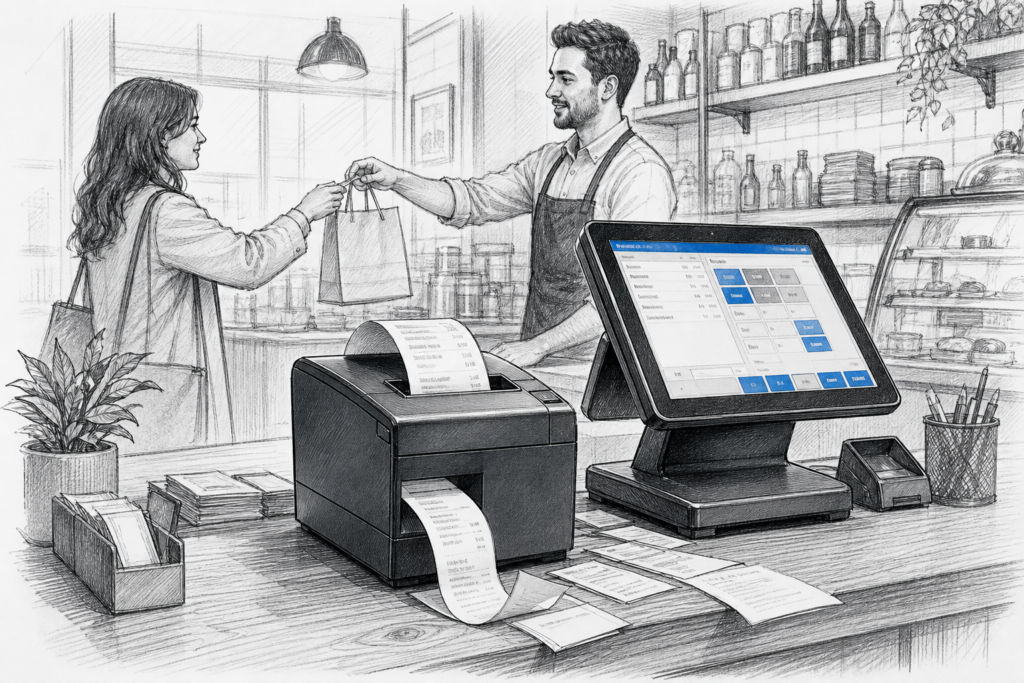
Receipt printers remain one of the most important pieces of EPOS hardware in retail and hospitality. Even where businesses have introduced digital receipts, kitchen screens or mobile ordering, printed tickets still support fast service, order accuracy and day-to-day reliability at the point of sale.
Why the right receipt printer still matters
A receipt printer may seem like a simple purchase, but in practice it affects far more than paper output. In a busy shop, café, bar or takeaway, the printer sits at the centre of the checkout or order flow. If it is too slow, awkward to install or difficult to maintain, staff feel the impact immediately.
That is why many businesses look at receipt printers as part of the wider EPOS design rather than as a stand-alone accessory. The right model should fit the way the business operates, the available counter space and the software or workstation setup already in place.
What businesses usually need from a thermal receipt printer
Thermal receipt printers are widely used because they are straightforward to operate and do not require ink or toner. For retailers, that usually means quicker transactions and less day-to-day consumable management. For hospitality businesses, thermal printing is often used both at the till and in back-of-house workflows, where legible order tickets matter just as much as speed.
When comparing options, the most useful questions are practical ones:
- Will the printer be used for customer receipts, kitchen tickets or both?
- Does it need to sit neatly under a counter or on a wall-mounted station?
- How much desk space is available around the terminal?
- How easy will it be for staff to load paper and clear routine issues?
- Which connectivity options are needed for the current installation?
Those questions matter as much as the hardware brand itself, because the best choice is usually the one that suits the workflow instead of forcing the workflow to suit the printer.
Retail use: speed, counter space and reliability
In retail EPOS, receipt printers are generally expected to be quick, tidy and dependable. Convenience stores, gift shops, farm shops and fashion retailers often want a compact printer that can handle high transaction volumes without taking over the till area.
For that environment, a thermal receipt printer should ideally support a neat counter layout and offer straightforward loading for staff who may be working under time pressure. If the checkout area is busy, even small usability details can make a difference, such as how the paper is replaced or how clearly the printer communicates status to the operator.
Many retailers also use the same printer hardware across multiple tills or sites. That makes standardisation easier for EPOS resellers and installers, because support staff only need to become familiar with one printer family rather than several different models. It can also simplify spares planning and maintenance.
Hospitality use: order flow and kitchen communication
In hospitality, the printer often has a more demanding role. A café might use it for front-of-house receipts and order chits, while a restaurant or takeaway may rely on printing to move orders into the kitchen quickly and clearly. In those settings, print clarity and dependable operation are important because the ticket is part of the communication between front of house and the kitchen.
Where staffing is varied, it also helps if the printer is simple enough for new team members to use with minimal training. Busy service periods leave little room for complicated workflows, so receipt printing should be direct and predictable.
For bars and pubs, receipt printers often need to cope with frequent transactions, split bills and quick handovers at the till. For takeaways, the priority may be rapid ticket printing that keeps pace with order intake. In both cases, a commercial thermal receipt printer should support the environment rather than slow it down.
Connectivity and installation planning
One of the most important choices in any receipt printer installation is connectivity. The right option depends on the EPOS terminal, the software environment and how the counter is physically arranged. In practice, installers often think first about where the printer will sit, then about how it will connect.
A well-planned installation can reduce cable clutter, improve access for staff and make the whole checkout area easier to maintain. This is especially relevant in sites where the printer is tucked away under a counter, shared between devices or placed in a tight serving space. A printer that is easy to position and connect is often easier to support over time.
Useful features to consider
- Thermal printing for simple, fast receipt output
- Compact design for counters where space is limited
- Clear access for paper loading and routine servicing
- Connectivity that suits the EPOS setup in use
- Suitable print speed for busy trading periods
Servicing, maintenance and replacement planning
For dealers and installers, receipt printers are also part of the longer-term support picture. Businesses do not only need a printer that works on day one; they need a model that can be supported, maintained and replaced sensibly when required. That is why commercial-grade EPOS hardware is usually preferred over consumer alternatives.
It also helps when a printer range is familiar to the support partner. If a business later expands to another site or adds another till, using the same or a closely related model can make upgrades less disruptive. For resellers, that consistency can improve installation workflow and after-sales support.
YCR Distribution supplies point-of-sale hardware to resellers, installers and businesses across the UK, helping them choose receipt printing equipment that fits the actual application rather than just the specification list. If you are planning a new retail EPOS or hospitality EPOS installation, or replacing ageing printer hardware, it is worth looking at the wider system design as well as the printer itself. You can review the relevant product ranges on www.ycr.co.uk, including receipt printer categories and related POS hardware.
For more information about point-of-sale hardware and EPOS solutions, contact YCR Distribution on 01924 438238 or visit www.ycr.co.uk.
In many cases, the most effective receipt printer is not the one with the longest specification sheet, but the one that best supports trading speed, installation simplicity and long-term serviceability. That is why it remains such an important part of modern POS systems UK businesses depend on every day.