
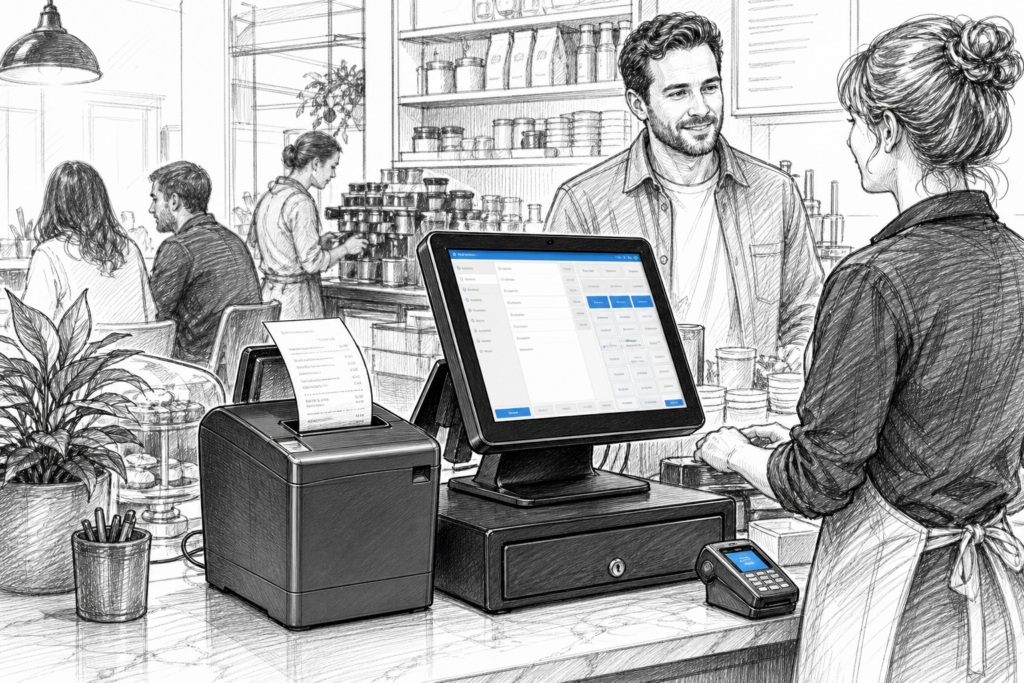
Thermal receipt printers may not be the most visible part of a point-of-sale system, but they often have a direct effect on how smoothly a counter or service area runs. In retail and hospitality, a dependable printer helps staff keep transactions moving, produce clear customer receipts and maintain a better flow between the till, the kitchen and the sales floor.
For UK businesses planning a new EPOS installation or replacing ageing equipment, choosing the right receipt printer is not just a technical decision. It is about matching the printer to the way the business trades, the space available at the counter and the level of support needed from the reseller or installer. YCR Distribution works with EPOS dealers, resellers and end users across these requirements, supplying POS hardware UK businesses can build around.
Why thermal receipt printers still matter
Thermal printing remains popular because it is quick, simple and well suited to busy checkout environments. Unlike impact printing, thermal printers use heat-sensitive paper, which generally means fewer moving parts in the print process and less day-to-day maintenance. That makes them particularly useful where speed and consistency matter, such as convenience stores, cafés, quick-service restaurants and front-counter retail.
In practical terms, a good printer can reduce delays at payment time, support clearer order handoff in hospitality and help staff avoid repeating transactions because a receipt did not print properly. For businesses that still handle paper records, printed receipts also remain important for refunds, order verification and customer service.
Choosing the right printer for the environment
The best receipt printer is not always the one with the most features. It is the one that fits the way the business operates. A small café counter has different requirements from a busy retail checkout or a restaurant pass-through area. Before choosing a model, it is worth considering how it will be used throughout the day.
- Retail counters: look for a printer that can keep up with regular transactions and fit neatly beside a POS terminal.
- Hospitality front-of-house: consider how quickly orders must be printed and whether the printer will sit close to staff, customers or a bar area.
- Kitchen or back-of-house use: reliability and legibility are especially important where multiple orders may arrive in quick succession.
- New installations: think about cable routing, desk layout and whether the printer needs to sit under-counter or beside a touchscreen terminal.
Connectivity is also important, but it should be selected to suit the whole EPOS design rather than as a stand-alone feature. For example, some installations are best kept simple with a direct connection between terminal and printer, while others need more flexible network printing across several workstations or service points.
Features that make a practical difference
When comparing receipt printers, it helps to focus on how each feature affects day-to-day use. A printer that is easy to load, easy to position and easy to service will usually be a better long-term fit than one chosen only for a short specification list.
Print speed and workflow
Fast printing is useful, but only if the rest of the setup can keep up. In a busy environment, a printer should support the pace of transactions without becoming a bottleneck. This matters in queue-heavy retail, fast service hospitality and any site where staff handle large numbers of small orders.
Paper handling
Thermal paper loading should be straightforward, especially in businesses where multiple staff members use the device. Quick access to the paper roll can save time during service periods and reduce the chance of incorrect loading. A good paper path also helps limit interruptions for busy teams.
Installation flexibility
Retail and hospitality counters are often short on space. A compact printer that can sit neatly alongside a terminal or under a counter can make the till area feel less cluttered. For resellers and installers, this flexibility can also simplify deployments where existing furniture or cable runs need to be reused.
Serviceability
For EPOS dealers and support teams, a printer that can be maintained sensibly is often preferable to one that has to be replaced entirely for minor issues. Access to replacement parts and a clear understanding of the printer design can help extend the life of installed equipment and reduce avoidable disruption.
How printers fit into wider EPOS decisions
Receipt printers are rarely chosen in isolation. They need to work with the POS terminal, the software setup and the way the business expects to trade. A Windows POS terminal in a multi-counter retail site may call for a different printer arrangement from an Android POS terminal used at a hospitality counter. Similarly, a business replacing a traditional cash register may want to modernise the printer at the same time as the terminal and software.
That is why many dealers and installers specify printer hardware as part of the wider point of sale UK planning process. Matching the printer to the rest of the system helps reduce compatibility headaches later and makes it easier to standardise support across several locations. For businesses that may expand, consistency across sites can also make training and maintenance much simpler.
Support matters as much as the hardware
One of the most overlooked parts of choosing a receipt printer is the support model behind it. UK retailers and hospitality operators often need practical guidance as much as they need equipment. That includes help selecting the right hardware, planning the installation and identifying sensible replacement paths when something needs servicing.
For EPOS resellers and installers, working with a distributor that understands retail EPOS and hospitality EPOS requirements can make a real difference. YCR Distribution supplies POS hardware and related technology to the UK channel, helping partners choose equipment that suits the job rather than simply buying a standalone device. That is especially valuable when printers need to fit into a larger terminal, software and peripheral strategy.
For more information about point-of-sale hardware and EPOS solutions, contact YCR Distribution on 01924 438238 or visit www.ycr.co.uk.
Whether you are upgrading a single checkout, designing a new hospitality counter or standardising hardware across several sites, the right thermal receipt printer should make the system easier to use, easier to support and better suited to everyday trading.