
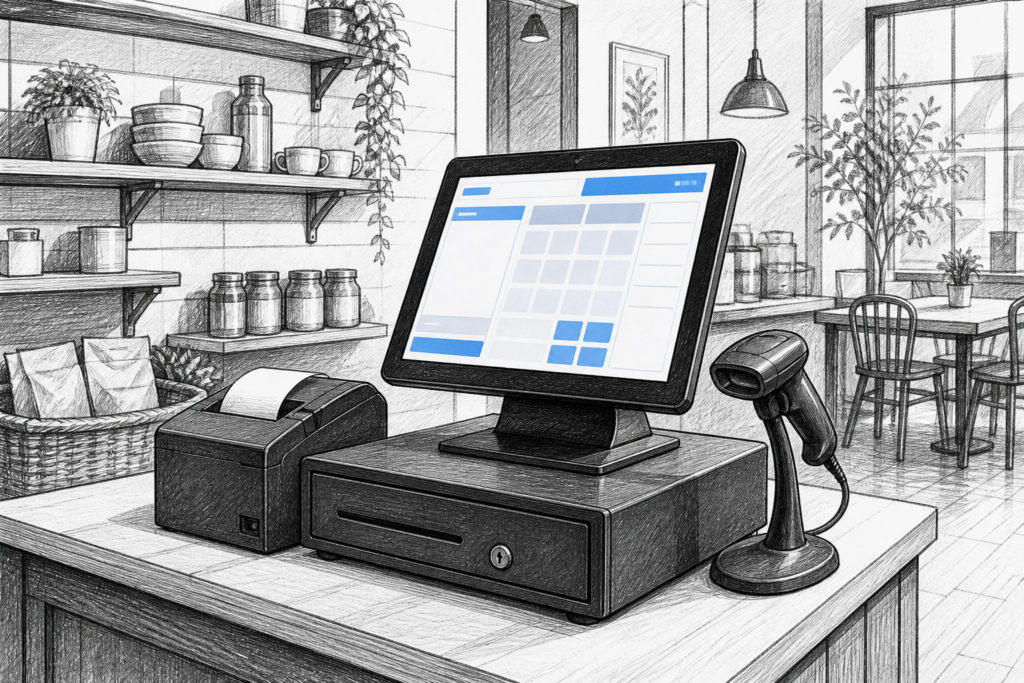
For many UK retailers, cafés, restaurants and service businesses, a Windows POS terminal remains a practical choice when selecting EPOS hardware. It offers a familiar operating environment for software providers and resellers, but the real value comes from how well the terminal fits the day-to-day demands of the counter.
Choosing the right model is not just about screen size or appearance. It is about finding hardware that can handle long trading hours, busy staff changes, peripheral connections and the realities of a commercial environment. YCR Distribution supplies POS and EPOS hardware to resellers, installers and business owners across the UK, helping them match the right terminal to the right application.
Why Windows POS terminals are still widely used
Windows POS systems remain popular because they sit comfortably within many established EPOS environments. A business may already use Windows-based software for sales, stock control, reporting or back-office tasks, so a Windows terminal can simplify deployment and support. That is especially useful for retailers and hospitality operators who want consistency across several locations or who need to standardise their hardware estate.
In practical terms, a purpose-built Windows POS terminal usually offers a neater and more dependable alternative to a standard office PC. It is designed for counter use, often with a touch display, compact footprint and mounting options suited to a till point rather than a desk. That matters when space is limited, staff need quick access to controls and the checkout area must remain tidy.
What to look for in a commercial POS terminal
The best hardware choice depends on the business environment. A small fashion boutique has very different needs from a busy restaurant, and a convenience store has different pressures again. Rather than focusing only on technical specifications, consider the real-world requirements of the installation.
- Screen usability: The display should be clear enough for staff to read quickly in different lighting conditions.
- Footprint: Counter space is often limited, so compact design can matter as much as raw performance.
- Peripheral support: Many sites need a receipt printer, payment device, barcode scanner or customer display connected at the same terminal.
- Mounting and positioning: Adjustable stands and tidy cable routing can improve both ergonomics and presentation.
- Serviceability: Hardware that can be supported and maintained over time is often a better long-term choice than a consumer device adapted for retail use.
For hospitality businesses, a Windows POS terminal may need to support fast order entry, table service workflows or front-of-house printing. For retail, the same terminal may need to integrate smoothly with barcode scanning, stock lookup and customer-facing display tools. The point is not that one terminal does everything, but that the hardware should suit the software and the environment together.
Windows POS versus a conventional computer
It can be tempting to use a standard desktop PC for a checkout if the software will run on it. In practice, that approach often creates avoidable problems. Office hardware is usually built for desks, not counters, and it may be harder to position neatly alongside printers, drawers and scanners. Cooling, cable routing and reboot behaviour may also be less suitable for a business that expects the system to sit at the point of sale all day.
A commercial Windows POS terminal is normally chosen because it is easier to install, easier to present to customers and better suited to operation by different members of staff. That makes it a sensible option for sites where reliability and consistency are more important than general-purpose computing flexibility.
Planning the terminal around the rest of the EPOS setup
A Windows POS terminal should never be selected in isolation. It is part of a wider EPOS setup that may include a receipt printer, cash drawer, kitchen printer, customer display or payment hardware. If the terminal has been chosen without thinking about these devices, the result can be poor cable management or a cluttered counter.
When planning a new installation or replacing ageing equipment, resellers and installers should think about the full workflow:
- how staff take orders or process sales
- which peripherals need to connect to the terminal
- whether the layout supports quick customer interactions
- how easily the system can be expanded later
- how the hardware will be supported if a component needs replacing
This kind of planning is especially valuable for multi-site businesses. Standardising on a known terminal type can make training easier and simplify support across different branches. It also helps dealers and service companies keep replacement planning more straightforward.
Why support matters in the UK POS market
For many EPOS buyers, the most important question is not just what the terminal can do today, but how it will be supported during its working life. That is where UK-based distribution and reseller knowledge make a real difference. A distributor that understands the point-of-sale market can help identify suitable hardware, reduce spec mismatches and avoid the delays that come from choosing consumer-grade equipment for a commercial job.
This is particularly useful for EPOS dealers and installers working with existing sites. Sometimes the challenge is not a full replacement, but choosing hardware that fits around software already in place, or finding a terminal that matches the service expectations of the customer. Having access to a UK supplier with product knowledge can help the installer make a better recommendation from the outset.
YCR Distribution works with resellers, installers and business owners looking for reliable POS hardware UK-wide, including Windows POS terminal options that fit different retail and hospitality environments. For businesses upgrading from older hardware, that support can make the transition much smoother.
Choosing the right path for your next EPOS upgrade
If you are planning an EPOS upgrade, start by assessing the practical demands of the site rather than comparing features on paper alone. A good Windows POS terminal should suit the software, the counter layout and the way staff actually work. It should also leave room for future support, service and expansion.
That approach usually leads to better long-term outcomes than choosing the largest screen or the most generic PC alternative. For retailers, restaurants and hospitality operators in particular, the best terminal is the one that helps the business serve customers efficiently with as little disruption as possible.
For more information about point-of-sale hardware and EPOS solutions, contact YCR Distribution on 01924 438238 or visit www.ycr.co.uk.
To explore related hardware options, see the Windows POS terminals collection.