
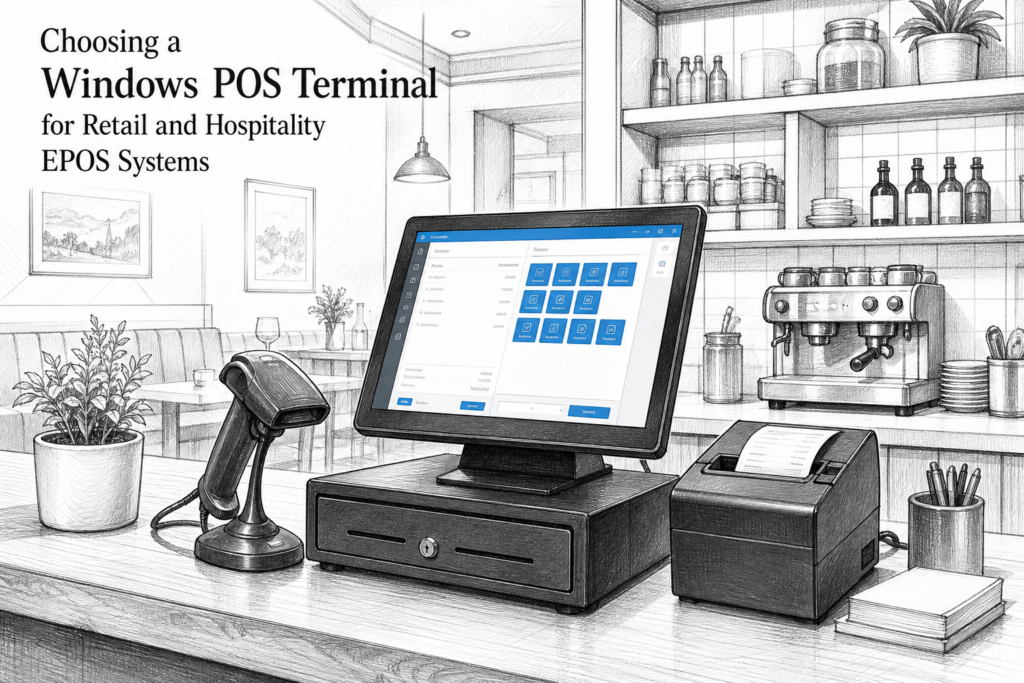
A Windows POS terminal still has an important place in many UK retail and hospitality environments. For businesses that rely on established EPOS software, specialist peripherals or multi-site standardisation, purpose-built Windows hardware can offer a familiar, supportable platform for day-to-day trading.
Rather than treating the terminal as just another screen on the counter, it helps to think of it as part of the service workflow. The right Windows POS terminal can improve till-point organisation, reduce disruption when systems are upgraded and make it easier for EPOS resellers and installers to maintain consistency across locations.
Why many businesses still choose Windows POS
In point of sale UK projects, Windows remains relevant because many software packages, drivers and back-office tools were built with it in mind. That can matter for independent retailers, hospitality venues and multi-site operators that need a stable platform for their existing EPOS environment.
For a retailer, a Windows POS terminal may support a familiar checkout layout, barcode scanning, weighing equipment or customer-facing hardware. In hospitality, it may suit front-of-house tills, bar service points or a central order station where compatibility with printers and accessories is important.
The key benefit is not simply the operating system. It is the combination of commercial-grade hardware, a clean installation and the ability to build a dependable setup around a known software stack.
What makes a POS terminal different from a standard PC?
A standard office computer can sometimes run EPOS software, but a dedicated POS terminal is designed for a very different environment. It is usually built for counter use, regular touch interaction and connection to peripheral devices such as receipt printers, cash drawers, barcode scanners and customer displays.
That matters because checkout areas are busy, space is limited and hardware faults can disrupt trading quickly. A purpose-built Windows POS terminal is normally easier to position, easier to service and more suitable for constant use than a conventional desktop PC tucked under the counter.
- It is designed around touch-first operation
- It can be easier to integrate into a retail or hospitality counter
- It is intended for commercial EPOS use rather than general office tasks
- It can support a more orderly installation with fewer loose components
Choosing the right terminal for the environment
The right Windows POS terminal depends on where it will be used. A small convenience store may need a compact footprint and reliable peripheral connectivity. A busy restaurant may prioritise clear screen visibility, counter space and quick staff operation. A garden centre or hardware store may need a terminal that can sit comfortably alongside scanners, receipt printing and product lookup workflows.
Installers and resellers should also think about what the site may need in future. If the customer plans to add customer-facing displays, more printing points or additional lanes later, the hardware choice should leave room for that growth. Standardising hardware within a business can also make life easier when replacing parts or training staff across several sites.
Practical features to consider
Exact specifications vary by model, so the most useful approach is to review the hardware against the operational need rather than chasing a long feature list. Useful questions include:
- Will the terminal suit front-of-house use without taking over the counter?
- Does it support the peripherals the business already uses?
- Will the installer be able to service it efficiently?
- Is the hardware appropriate for the pace of trading?
- Can the system be standardised across multiple sites?
These questions often matter more than headline specifications. A well-matched terminal can reduce clutter, simplify deployment and make support easier for the dealer responsible for the installation.
How Windows POS supports existing EPOS software
For many businesses, the main reason to keep using Windows POS is software continuity. If the site already runs established EPOS software, changing hardware without changing the user experience can be the least disruptive route. That is particularly useful in hospitality, where staff training time is limited and consistency at the till point matters.
Retailers also benefit when the terminal fits into existing back-office processes. Sales reporting, stock-related workflows and connected peripherals may already be tied into the current platform. In those cases, replacing ageing hardware with a more suitable Windows POS terminal can extend the life of a trusted EPOS setup without forcing a complete operational reset.
Support, serviceability and UK distribution matter
For EPOS dealers and installers, supportability is often just as important as the terminal itself. Hardware that is easier to deploy, document and maintain reduces call-backs and helps protect margins on installation projects. For business owners, it means less interruption at busy times and a clearer path when equipment needs replacing.
That is where a UK point-of-sale distributor can add real value. YCR Distribution supplies POS and EPOS hardware to resellers, installers and businesses across the UK, helping customers choose the right hardware for their software, counter layout and workflow. For those maintaining existing systems, having access to the right products and practical advice can make upgrades far smoother.
Where a Windows POS terminal fits best
A Windows POS terminal is often the right choice when software compatibility, dependable peripheral support and long-term serviceability are top priorities. It may be suitable for a small retailer replacing ageing till hardware, a hospitality venue planning a more organised front-of-house setup, or a multi-site operator looking to standardise hardware across branches.
The most successful installations usually start with the business need, not the device itself. Once the software requirements, counter layout and peripheral mix are clear, it becomes much easier to choose a terminal that works properly from day one and remains supportable over time.
For more information about point-of-sale hardware and EPOS solutions, contact YCR Distribution on 01924 438238 or visit www.ycr.co.uk.
If you are comparing Windows POS options, you can also review the current range of Windows POS terminals available from YCR Distribution.