
TL;DR:
- Digital menu displays increase UK retail and hospitality sales by up to 31.8%.
- They enable quick content updates, scheduling, and use animated visuals to boost customer engagement.
- Ongoing management and strategic content are essential to maximize return on digital signage investments.
Most hospitality and retail operators assume a laminated menu or a printed board is the safe, cost-effective choice. It is familiar, low-maintenance, and seemingly risk-free. But that assumption is costing many UK businesses real revenue. Digital menu displays can deliver up to a 31.8% sales lift in UK retail and hospitality environments, a figure that makes the case for change hard to ignore. This article walks you through what digital menu displays actually are, what they cost, how they shape customer behaviour, and how to roll them out without the common pitfalls that derail so many first attempts.
Table of Contents
- What is a digital menu display?
- The business case: Costs, savings, and return on investment
- How digital menu displays enhance customer experience
- Choosing, designing and rolling out digital menu displays
- Our take: What most businesses miss about digital menu displays
- Explore digital menu solutions for your business
- Frequently asked questions
Key Takeaways
| Point | Details |
|---|---|
| Dynamic content drives sales | Digital menu displays increase customer attention and can boost sales by up to 31.8%. |
| Long-term cost savings | While upfront costs are higher, businesses save 37% on printing over time with digital menus. |
| Flexibility and easy updates | Menus can be altered instantly to match time of day, customer trends or special promotions. |
| Success needs quality design | Poor design undermines benefit—use templates, whitespace and brand consistency for best results. |
What is a digital menu display?
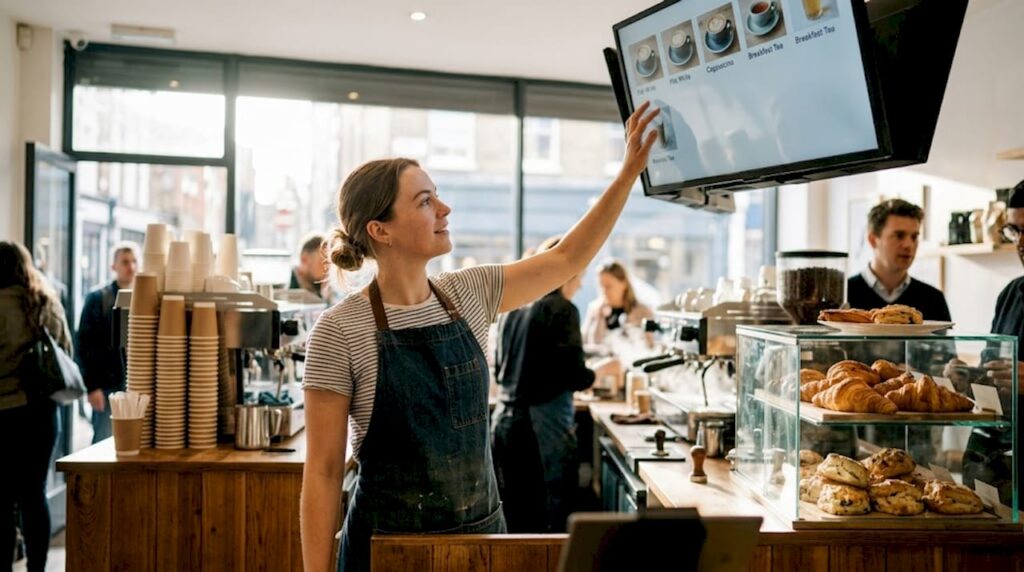
A digital menu display is a screen-based system used to present your menu, pricing, promotions, or product information to customers. Unlike a printed board, it is connected to software that lets you change content instantly, schedule different menus for different times of day, and incorporate video, animation, or branded graphics.
The difference from static menus is not just cosmetic. A chalkboard or printed menu requires physical replacement every time a price changes or a dish sells out. A digital display lets you make that same change in seconds, from a tablet, laptop, or smartphone. As menu board best practices confirm, digital systems allow rapid changes, scheduling by daypart, and genuinely dynamic content that static formats simply cannot match.
Here is a quick comparison:
| Feature | Static menu | Digital menu display |
|---|---|---|
| Update speed | Days or weeks | Seconds |
| Scheduling | Not possible | Automated by time/day |
| Motion/video | No | Yes |
| POS integration | No | Yes (with compatible systems) |
| Running costs | Ongoing print spend | Low after initial setup |
In practice, digital menu displays are used across a wide range of settings:
- Cafes and coffee shops: Morning/afternoon menu switching without staff intervention
- Takeaways and QSRs: Real-time sold-out updates to avoid disappointed customers
- Retail stores: Promotional screens at point of sale to highlight offers or new lines
- Restaurants: Seasonal specials that rotate without reprinting the entire menu
For businesses running multiple locations, the ability to push content changes from a single dashboard is a significant operational advantage. You can explore digital signage explained in more detail if you want a broader picture of how the technology works across different sectors.
Static menus still have a place in very small or low-turnover environments where consistency is the priority. But for most UK hospitality and retail operators, the flexibility of a digital system pays dividends quickly.
The business case: Costs, savings, and return on investment
The first question most business owners ask is straightforward: what will this cost, and when will I see a return? The honest answer depends on the quality of screen you choose and the software you pair it with.
Hardware costs range from £500 to £6,000 per screen, depending on whether you choose consumer-grade or commercial-grade displays. Commercial screens are built for continuous use, with brighter panels and longer lifespans. Consumer televisions are cheaper upfront but tend to fail faster in high-traffic environments. Software typically costs between £15 and £40 per month per location, covering content management, scheduling, and remote updates.
Here is a simplified cost comparison:
| Cost type | Traditional print | Digital display |
|---|---|---|
| Initial setup | Low (design + print) | Medium to high (hardware) |
| Monthly running cost | Reprinting, redesign | Software licence only |
| Emergency update cost | Full reprint | Zero (software update) |
| 3-year total (estimate) | Often higher | Lower after year one |
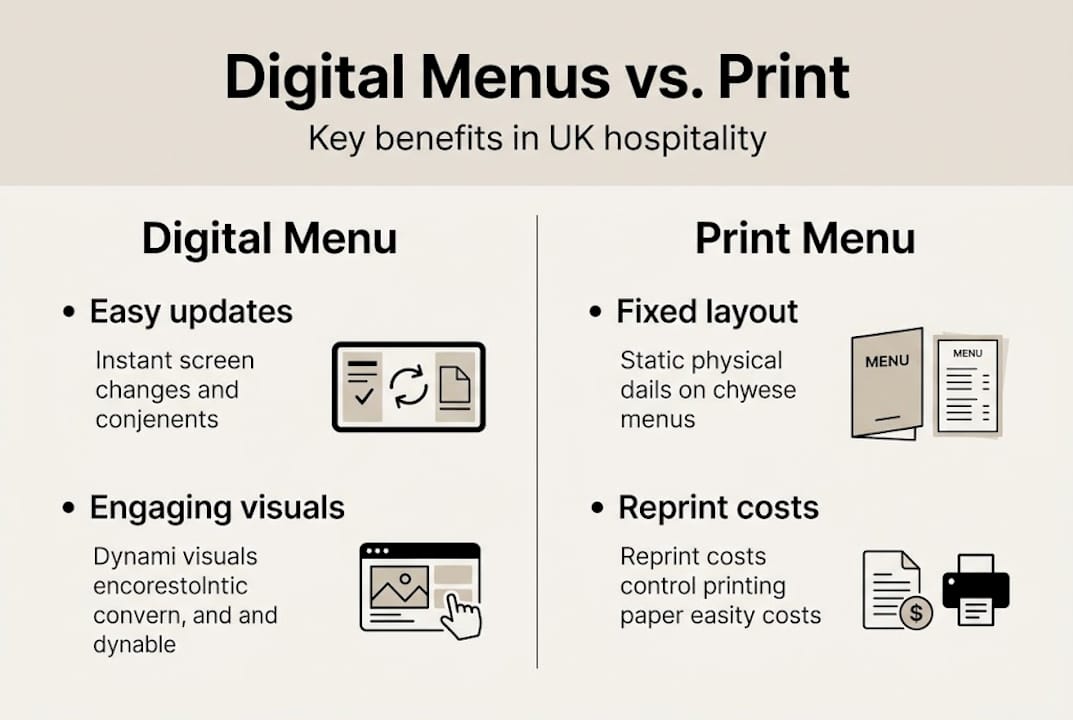
Businesses that switch typically save around 37% on print costs in the first year alone. Add in the revenue uplift from better-presented promotions, and the return on investment becomes clear relatively quickly.
Key financial benefits include:
- No reprinting costs when prices change or items are removed
- Fewer ordering errors because customers see accurate, current information
- Upsell opportunities through scheduled promotional content
- Staff time saved on manually updating boards or handing out new menus
You can browse digital menu hardware options to compare commercial-grade screens suited to different venue types and budgets.
Pro Tip: When budgeting for a digital menu display, set aside at least 20% of your hardware spend for content creation. Beautiful screens showing poor-quality graphics will not deliver results. Content quality matters as much as the screen itself.
How digital menu displays enhance customer experience
The financial case is compelling, but the customer experience impact is where digital menus really earn their place. There is a well-documented psychological response to motion and colour that plays directly in your favour.
Researchers and digital signage practitioners call it visual hunger: the way animated food imagery, shifting colours, and moving graphics stimulate appetite and increase the likelihood of a purchase. Motion and video trigger visual hunger, and A/B testing of different display layouts has shown measurable increases in impulse purchases when animation is used thoughtfully.
“The best-performing digital menus treat every customer interaction as a short-window selling opportunity, not just an information exercise.”
Three practical strategies to get more from your digital menu displays:
- Schedule content by daypart. Show breakfast items until 11am, lunch specials until 3pm, and your evening menu from there. Customers see only what is relevant, reducing decision fatigue and increasing order speed.
- Rotate limited-time offers. A weekly or monthly special shown prominently on screen, especially with a countdown or visual cue, consistently drives higher conversion than a static mention on a printed board.
- Use high-quality food photography with subtle motion. A slow zoom on a freshly made dish works far better than a still image. You do not need a production crew. A good smartphone and simple editing software will do the job for most venues.
The sales boost from digital signage is well-evidenced across UK environments, and the 31.8% sales lift evidence referenced for UK retail and hospitality backs this up with real-world data.
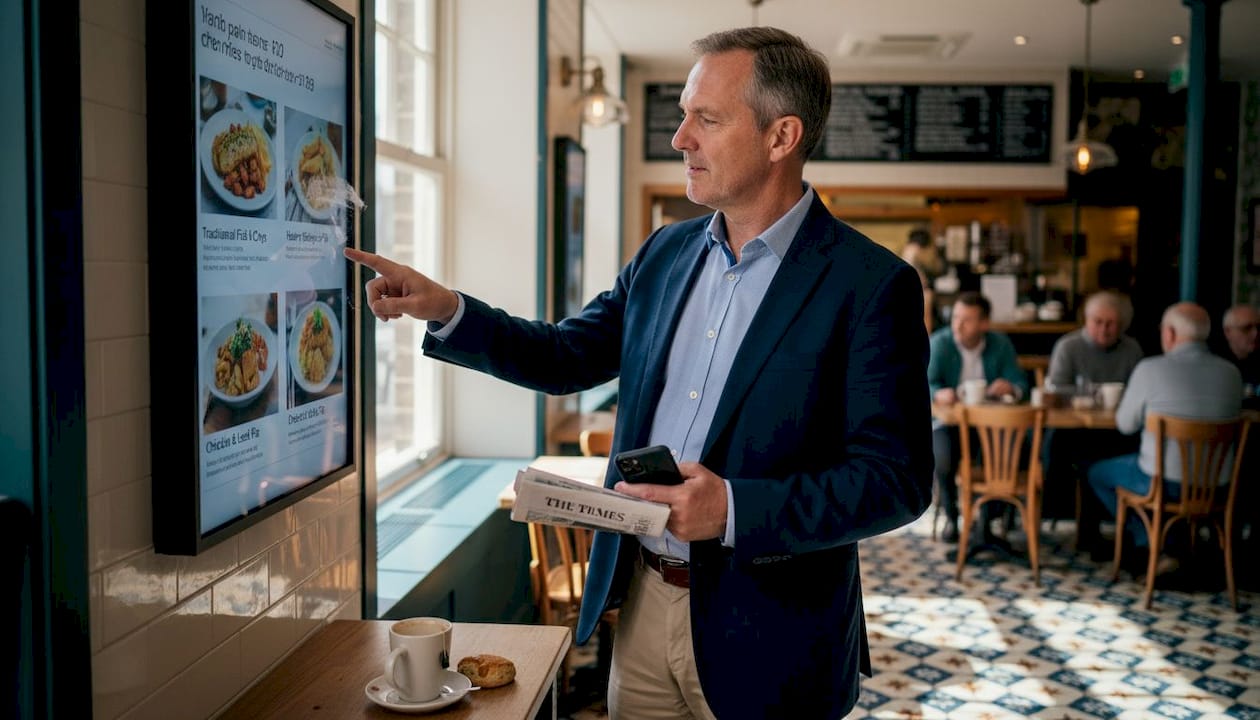
Common design mistakes that reduce effectiveness include: using too much text on screen, failing to consider ambient lighting (screens that wash out in bright daylight are ineffective), and cycling through too many items too quickly for customers to read comfortably.
Pro Tip: Limit each screen to three or four featured items at any one time. More choice on screen creates visual clutter and slows ordering, which costs you both revenue and customer satisfaction.
Choosing, designing and rolling out digital menu displays
Knowing the value is one thing. Getting the implementation right is another entirely. Many businesses invest in good hardware and then undermine it with poor content decisions or a rushed rollout.
Here is a step-by-step guide to doing it properly:
- Define your content zones first. Before you purchase any screen, map out what information each display will show and where it will sit in the customer journey. A screen at the entrance serves a different purpose to one directly above the till.
- Choose commercial-grade screens for high-use areas. Consumer televisions are cheaper but not designed for extended daily use in hospitality. Commercial displays handle heat, brightness, and continuous operation far better.
- Select software that integrates with your existing POS. If your point of sale system can push live pricing or stock data to your displays, you eliminate a whole layer of manual updating.
- Use brand-consistent templates. Fonts, colours, and spacing should match your overall brand identity. Inconsistent visuals undermine customer trust and look unprofessional. Trade digital signage templates can give you a reliable starting point.
- Run a phased rollout for multi-site operations. As confirmed by phased rollout experience, chains that try to implement across all locations simultaneously often encounter inconsistent branding and content problems that erode the benefits. Start with one site, learn, and then scale. You can also explore network menu board management for multi-site control.
A quick pre-launch checklist:
- Screens installed at correct viewing height and angle
- Ambient lighting tested against screen brightness
- All content proofread for accuracy
- Scheduling confirmed for different dayparts
- Staff trained on how to make content updates
- Contingency plan in place if a screen fails
Pro Tip: Before going live, stand where your customers will stand and watch the display for two full content cycles. If anything feels confusing or too fast, fix it before launch. First impressions with new technology matter. Browse digital signage content ideas if you need inspiration for layouts and creative approaches.
Our take: What most businesses miss about digital menu displays
After working with hospitality and retail operators across the UK, we have noticed a pattern that holds across both small independents and multi-site chains. Most businesses focus almost entirely on the hardware decision and then treat the content as an afterthought.
The screen is just a vehicle. What drives results is what you put on it, how often you test it, and whether you are willing to change it based on what you observe. We have seen beautifully specified commercial displays running the same static image for six months, generating no more impact than a printed board would have. We have also seen modest setups, well-managed with rotating content and smart scheduling, consistently outperforming the hardware investment many times over.
The uncomfortable truth is that a digital menu display without a content strategy is an expensive screensaver. The businesses that get the best results treat their screens as a live sales tool, not a one-time installation. They test layouts, photograph food properly, and revisit their scheduling quarterly. Understanding the broader role of digital signage in customer engagement helps frame this as an ongoing discipline, not a box-ticking exercise.
Shift your mindset from “we have installed the screens” to “we are actively managing our customer communications,” and your return on investment will follow.
Explore digital menu solutions for your business
If this article has helped clarify the value and practicalities of digital menu displays, the natural next step is finding the right hardware and software to match your specific operation.
At YCR Distribution, we supply and support digital signage solutions built specifically for UK hospitality and retail environments. Whether you need a single screen for a café counter or a networked display system across multiple sites, our range of POS hardware options and POS software solutions covers every scale of operation. We offer expert guidance, next-day delivery on stocked items, and same-day dispatch where possible, so you can move from decision to installation without unnecessary delays. Get in touch with our team for honest, straightforward advice tailored to your business.
Frequently asked questions
Are digital menu displays worth it for small cafes?
Yes. Even a single screen can deliver a measurable sales uplift while eliminating ongoing reprint costs. Small venues see ROI through print savings and higher average transaction values relatively quickly after installation.
How do you update digital menu displays?
You update them through cloud-based content management software, adjusting prices, images, or promotions in seconds. Rapid updates via software mean there is no waiting for a designer or a printer to make changes.
Does using video or animation really boost sales?
Yes. Motion triggers visual hunger, stimulating appetite and impulse purchases in ways that static imagery cannot replicate. Even subtle animation on food photography produces measurable results.
What is the lifespan of a digital menu display?
Commercial screens last 5 to 7 years with proper installation and routine maintenance, and most commercial-grade models include extended warranties that protect your investment over that period.