
TL;DR:
- POS integration connects systems like order management, inventory, and payment for real-time data flow.
- Choosing between cloud, on-premise, or hybrid systems depends on internet reliability and venue size.
- Success requires clear requirements, live testing, staff training, and vendor transparency to avoid costly failures.
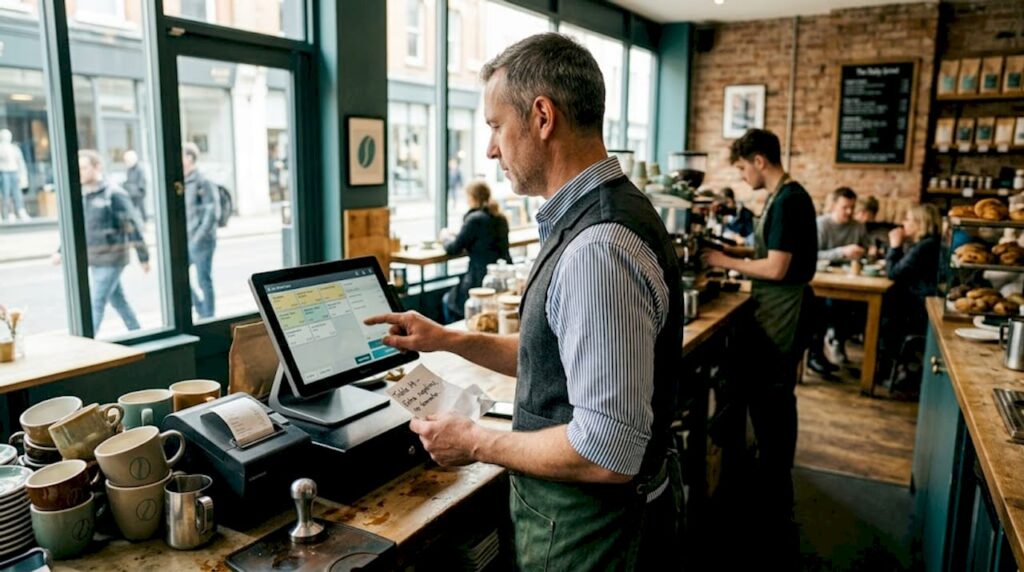
Running a busy restaurant, pub, or café with disconnected systems is like trying to cook a three-course meal on separate hobs in different rooms. Orders get lost between the front desk and kitchen. Stock counts are always out of date. Staff waste precious minutes correcting errors that a joined-up system would never allow. POS integration — the process of connecting your point of sale terminal with other core business tools — is the straightforward answer to these daily frustrations. This article explains what POS integration actually means, breaks down the main approaches, and gives you a practical framework to get it right for your UK hospitality operation.
Table of Contents
- What is POS integration in hospitality?
- Major types of POS integration: cloud, on-premise, and hybrid
- Unified vs. best-of-breed integration: making the right choice
- Practical steps for successful POS integration in hospitality
- What most UK hospitality businesses miss about POS integration
- Explore integrated POS solutions for your hospitality business
- Frequently asked questions
Key Takeaways
| Point | Details |
|---|---|
| Integration boosts efficiency | Well-implemented POS integration cuts errors, manual work, and improves guest service in UK hospitality. |
| Choose offline-capable tech | Rural pubs and bars need robust offline functionality to ensure business continuity even during internet outages. |
| Validate vendor claims | Always demand practical demonstrations before relying on supposed integration features. |
| Plan integration steps | Follow a structured approach: assess needs, research, validate, test, and support staff in rollout. |
What is POS integration in hospitality?
POS integration means linking your point of sale system with the other software and hardware your business depends on. Think of it as creating a single nervous system for your operation. Rather than each tool working in isolation, data flows automatically and in real time between your till, your kitchen, your stock room, and your booking platform.
For UK hospitality businesses, the key systems typically involved are:
- Point of sale terminal: The central hub taking payments and logging orders
- Inventory management: Tracks stock levels and triggers reorders automatically
- Table booking and reservations: Connects guest bookings directly to the till
- Kitchen display systems (KDS): Sends orders straight from the terminal to kitchen screens
- Payment processing: Handles card, contactless, and digital wallet transactions without manual entry
- Reporting and analytics: Pulls data from all sources into one dashboard
Understanding hospitality POS terminology first makes it far easier to evaluate what vendors are actually offering you. True integration means data moves between these systems automatically, without staff re-entering anything by hand. A table order placed on the till instantly updates the kitchen display, reduces the relevant stock count, and is captured in your end-of-day sales report. That seamless flow is what separates genuine integration from systems that merely share a name on a brochure.
The benefits stack up quickly. Staff spend less time on admin and more time serving customers. Errors caused by double-entry drop dramatically. Managers get real-time visibility across every part of the operation. And as 2026 POS trends show, the gap between integrated and non-integrated operations is only widening.
| Benefit | Non-integrated setup | Integrated setup |
|---|---|---|
| Order accuracy | Manual relay, higher error rate | Automatic, near-zero transfer errors |
| Stock visibility | End-of-day counts | Real-time updates |
| Reporting | Pulled from multiple sources | Single dashboard |
| Staff time on admin | High | Significantly reduced |
| Customer wait time | Longer | Shorter |
Pro Tip: Never take a vendor’s word that their system “integrates” with yours. Ask them to demonstrate the specific data flow you need — live, in a working environment — before signing anything.
As industry commentary cautions hospitality operators, the phrase “integrates with your POS” is often used loosely, and what it means in practice can range from a full two-way data sync to a basic export file you have to import manually.
Major types of POS integration: cloud, on-premise, and hybrid
Understanding what integration is, let’s explore the main technology approaches and what works best across UK hospitality sectors.
There are three primary architectures for POS integration: cloud-based, on-premise, and hybrid. Each has real trade-offs that matter differently depending on where your venue is located and how you operate.
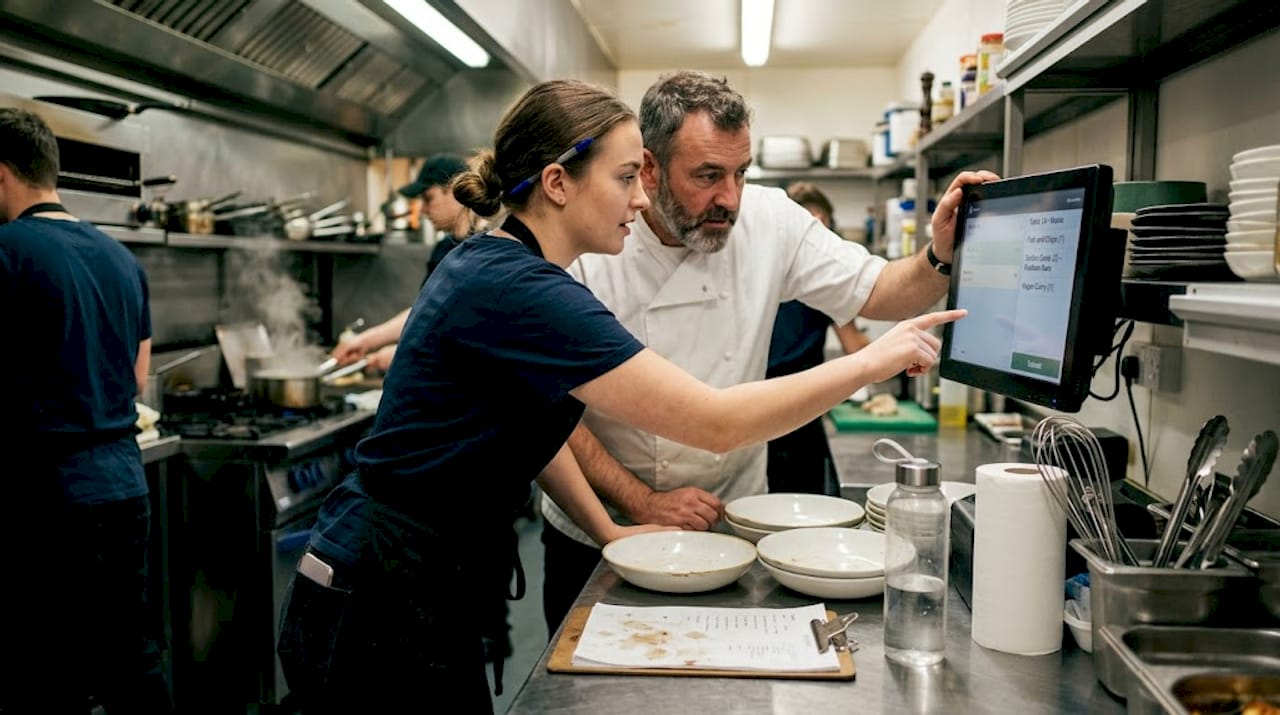
Cloud-based integration runs on remote servers accessed over the internet. Your data is stored off-site, updates happen automatically, and you can access reporting from anywhere with a connection. The scalability is excellent for growing groups or multi-site operators. The catch is cloud-based offline performance: if your broadband drops, some systems will stop processing transactions entirely. For urban venues with reliable fibre connections, this is a manageable risk. For rural pubs, village tearooms, and countryside event caterers, it can be a serious operational hazard.
On-premise integration stores everything locally on servers or hardware at your venue. There is no internet dependency for core functions — transactions process even during outages. The downside is higher upfront cost, the need for local IT support, and slower access to software updates. For established, single-site venues with a stable setup and limited appetite for change, on-premise remains a reliable workhorse.
Hybrid integration combines both approaches. Core functions such as payment processing and order management run locally, while reporting, cloud backup, and multi-site dashboards operate over the internet. This is increasingly the preferred option for UK operators who want the best of both worlds. You get the resilience of local processing with the flexibility and insight of cloud reporting.
Here is how the three approaches compare across the factors that matter most to UK hospitality businesses:
| Feature | Cloud | On-premise | Hybrid |
|---|---|---|---|
| Internet dependency | High | None | Low |
| Upfront cost | Low | High | Medium |
| Ongoing cost | Subscription | Maintenance | Mixed |
| Offline capability | Limited | Full | Strong |
| Scalability | Excellent | Limited | Good |
| Remote access | Full | Limited | Good |
| Best suited for | Multi-site, urban | Single-site, rural | Most UK venues |
- Audit your broadband reliability before choosing cloud-first systems
- Check whether your chosen system processes payments offline or simply queues them
- Ask vendors specifically how data syncs when connectivity is restored
- Consider whether you need remote access to reporting outside the venue
- Factor in your growth plans — a system that works for one site may struggle at three
Pro Tip: If your venue has unreliable broadband — even occasionally — treat offline-first capability as a non-negotiable requirement, not a nice-to-have. One evening of failed card payments can cost more than the entire software subscription.
Exploring efficient POS setups gives you a clearer picture of which configurations have worked well for UK hospitality businesses at different scales.
Unified vs. best-of-breed integration: making the right choice
Having covered system infrastructure, we now turn to the two dominant POS integration strategies and their consequences for your business.
Beyond the technology architecture, you also face a strategic choice: do you buy one unified system that handles everything, or do you build a stack of specialist tools that connect via APIs (application programming interfaces, essentially digital bridges between software systems)?
Unified systems come from a single provider and cover your POS, payments, inventory, and reporting under one roof. The appeal is obvious: one contract, one support line, one login. When something goes wrong, there is no finger-pointing between vendors. Industry expertise highlights that unified systems tend to be more reliable for UK hospitality specifically because integrations are built and tested in-house rather than stitched together by third parties.
Best-of-breed integration means choosing the best specialist tool for each job — perhaps one platform for reservations, another for inventory, a separate payment processor — and connecting them via APIs. The theoretical advantage is that each tool is genuinely excellent at its function. The practical risk is that API integrations can be fragile, poorly supported, and slow to update when one vendor changes their system.
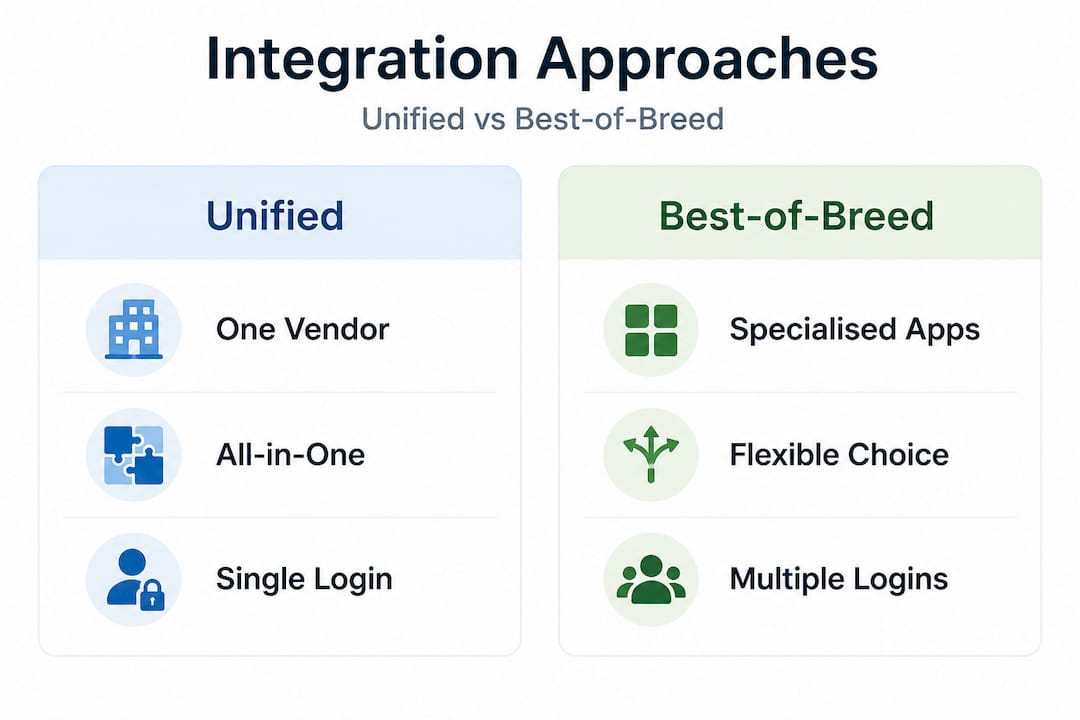
| Factor | Unified system | Best-of-breed |
|---|---|---|
| Reliability | Higher | Variable |
| Flexibility | Lower | Higher |
| Support | Single provider | Multiple vendors |
| Cost | Predictable | Can escalate |
| Customisation | Limited | Extensive |
| Setup complexity | Simple | Complex |
Advantages of unified systems:
- Straightforward setup with tested, in-house integrations
- Single point of contact for support
- Consistent user interface across all functions
- Easier staff training
Disadvantages of unified systems:
- Less flexibility if you outgrow one component
- You are tied to a single vendor’s roadmap
- May lack depth in specialist areas such as advanced reservations
Advantages of best-of-breed:
- Best possible tool for each specific function
- Easier to swap out individual components
- More likely to have sector-specific features
Disadvantages of best-of-breed:
- Integration quality varies enormously
- Support gaps when issues span multiple systems
- Higher risk of “tick-box” integrations that look good on paper but fail in practice
“The phrase ‘integrates with your POS’ is one of the most overused and least verified in hospitality technology. Before committing, see the actual data flow in a live environment.” This caution, echoed by experienced UK hospitality operators, reflects a frustration that is entirely avoidable with the right due diligence.
Understanding the POS software role in your overall tech stack helps you decide where a unified approach makes sense and where specialist tools genuinely add value.
Practical steps for successful POS integration in hospitality
Now that we’ve explored integration models, let’s apply this knowledge to a proven step-by-step approach for success.
Knowing what integration is and which model suits you is only half the work. Executing it well is where many UK hospitality businesses stumble. The following steps reflect the lessons learned from operators who have done this successfully — and from those who have had to start again after a costly misstep.
-
Map your requirements clearly. List every system you currently use, what data each one holds, and what you actually need to flow between them. Be specific: “orders should appear on the kitchen screen within three seconds of being placed at the till” is a requirement. “Good integration” is not.
-
Research vendors against your requirements. Focus on vendors with proven experience in UK hospitality specifically. Ask for references from similar businesses and check whether they have worked with venues of your size and type.
-
Validate claims through live demonstrations. As industry voices consistently advise, the only reliable way to verify integration claims is to see them working live. Request a demonstration using your actual use cases, not the vendor’s prepared script.
-
Plan a phased rollout. Do not switch everything overnight. Start with one area — perhaps the till and kitchen display — and expand once the integration is stable and staff are comfortable. This limits risk and gives you real data to refine the wider rollout.
-
Train staff before and during the rollout. Technology is only as effective as the people using it. Involve your front-of-house and kitchen team early, gather their feedback during testing, and provide hands-on training before going live.
-
Set a review schedule. Agree with your vendor on a formal review at 30, 90, and 180 days post-launch. Track the metrics that matter to you: order accuracy, transaction speed, stock variance, and staff time spent on admin.
Common pitfalls to avoid:
- Choosing a system on price alone without testing integration quality
- Trusting marketing materials instead of live demonstrations
- Neglecting to involve staff in the selection and testing process
- Going live during a busy period rather than a quiet one
For further guidance on optimising hospitality POS and seeing POS solution examples in practice, there are detailed resources available that walk through specific venue scenarios.
What most UK hospitality businesses miss about POS integration
Here is the honest take that most vendor-written guides leave out: the majority of POS integration failures in UK hospitality have very little to do with technology, and almost everything to do with assumptions.
Operators assume that because a vendor’s website lists a compatible product, the integration will work flawlessly on day one. They assume that cloud systems will be fine for their rural pub because “everyone uses cloud now.” They assume that once the system is installed, the job is done. Every one of these assumptions has a cost.
The offline-first question is the most overlooked. Research into UK restaurant POS systems consistently identifies offline capability as critical, particularly for pubs and bars outside major urban centres. Yet many buyers never ask vendors to demonstrate offline mode. They discover the gap only when their broadband goes down on a Saturday night.
The vendor claim question is equally neglected. The industry has produced a very clear warning: unverified integration promises are widespread, and the consequences — broken data flows, unsupported connections, and finger-pointing between vendors when things break — fall entirely on the business owner. This is not a theoretical risk. It happens to UK hospitality businesses every week.
What actually makes integration work is not the technology itself. It is the clarity of your requirements, the rigour of your testing, and the quality of the vendor relationship. A well-configured unified system from a transparent, responsive supplier will outperform a technically superior but poorly implemented best-of-breed stack every time. Prioritise vendors who are honest about their system’s limits, who can show you their integration working under realistic conditions, and who have real UK hospitality references you can speak to directly.
Explore POS software for success to understand what to look for when assessing a vendor’s credibility beyond their sales deck.
Explore integrated POS solutions for your hospitality business
If you are ready to move from fragmented systems to a joined-up operation, the right support makes all the difference.

At YCR Distribution, we have spent over three decades helping UK hospitality businesses choose and implement POS hardware and software that genuinely works together. From restaurants and cafés to pubs and takeaways, we understand the operational realities — including the importance of offline reliability and the risk of untested integration claims. Discover how hardware’s impact on hospitality shapes the quality of your integration, or explore POS software options including SAMTOUCH and EZEEPOS, designed specifically for UK hospitality environments. Get in touch with our team for tailored advice on integration strategy suited to your venue’s size, location, and ambitions.
Frequently asked questions
How does POS integration benefit a UK hospitality business?
POS integration reduces manual work, improves accuracy, and enables real-time reporting essential for smooth UK hospitality operations, meaning fewer errors and faster service.
What is the safest way to verify POS vendor integration claims?
Request a live demonstration rather than relying on sales materials, as UK experts caution against unproven integration promises that look credible on paper but fail in practice.
Can cloud POS integration work in areas with unreliable internet?
Yes, but only if the system offers a robust offline mode; for rural UK locations, offline-first capability is vital to avoid costly downtime during connectivity outages.
What is the difference between unified and best-of-breed POS integration?
Unified means one provider for all functions — more reliable but less flexible; best-of-breed lets you pick specialist tools but requires thorough testing and strong vendor support to avoid fragile connections.