
How POS supports cafés: a 2026 operations guide
TL;DR:
- Most café owners view POS systems as simple tills with card readers, causing them to miss operational benefits. When properly integrated, modern POS manages sales, inventory, online orders, and customer loyalty, significantly boosting efficiency and revenue. Choosing a unified, user-friendly system and training staff effectively can transform café operations and customer experience.
Most café owners think of a POS system as a till with a card reader bolted on. That framing costs them thousands of pounds a year in wasted stock, slow service, and missed sales. The POS restaurant management system market is growing at 11.8% CAGR, and that growth is not being driven by payment processing. It is being driven by cafés discovering what these systems actually do when set up properly. This guide unpacks how POS supports cafés across operations, customer experience, and revenue, so you can make decisions grounded in reality rather than guesswork.
Table of Contents
- Key takeaways
- How POS supports cafés: core features that matter
- Operational efficiency: where the real gains hide
- Customer experience, loyalty, and sales growth
- Emerging POS technology trends for cafés
- Choosing the right POS for your café
- My perspective: technology serves people, not the other way round
- How Ycr can support your café POS setup
- FAQ
Key takeaways
| Point | Details |
|---|---|
| POS goes far beyond payments | Modern systems manage inventory, staff, loyalty, and ordering from a single platform. |
| Online ordering changes revenue | Cafés with integrated online ordering see 30 to 40% higher average ticket sizes. |
| Unified systems reduce errors | Fragmented POS and ordering platforms cause inventory mismatches and data gaps that cost time and money. |
| AI is now practically useful | Predictive analytics can forecast demand spikes so your team preps smarter, not harder. |
| Simplicity beats feature overload | The best POS implementations prioritise staff empowerment, not the longest feature list. |
How POS supports cafés: core features that matter
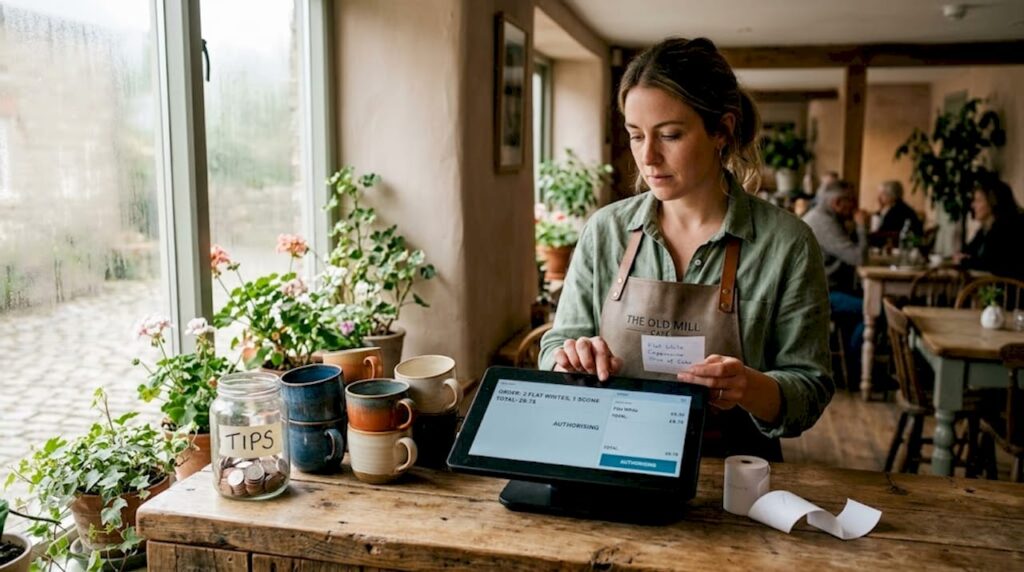
A modern POS system is the operational centre of your café. It handles sales and payments, yes, but the real value sits in everything connected to those transactions.
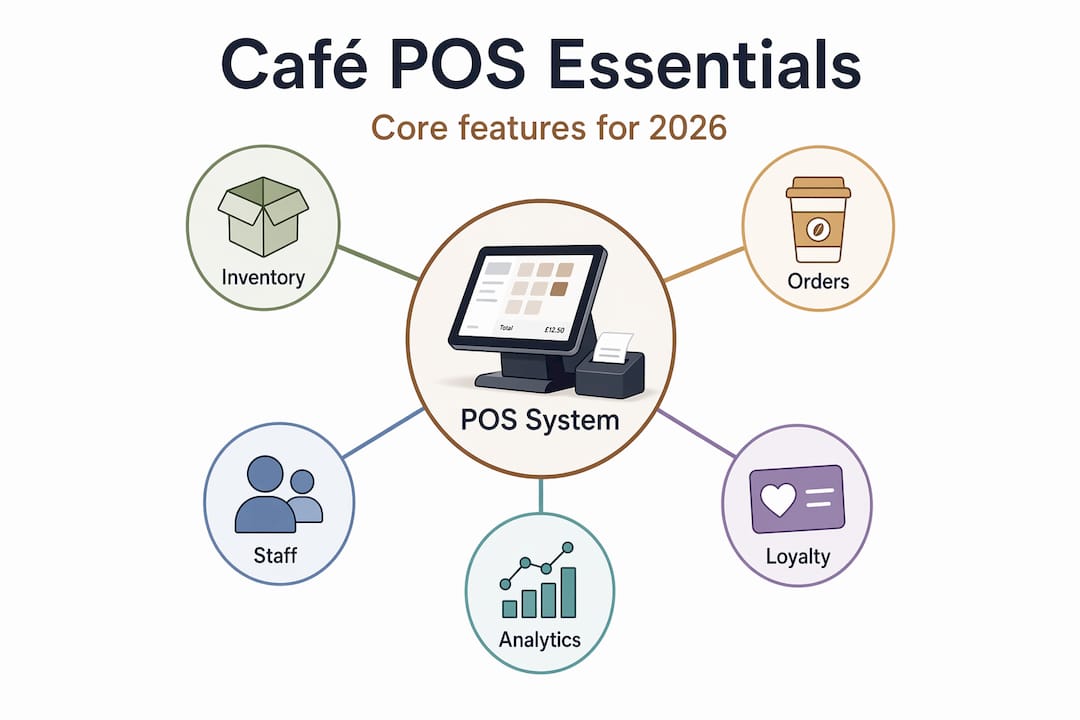
Here is what a well-configured POS system does for a café on a daily basis:
- Sales and payment processing across contactless, card, cash, and mobile wallets, all logged automatically
- Inventory tracking that deducts ingredients per order, flags low stock, and reduces the waste that quietly eats your margins
- Employee management covering clock-in and clock-out, sales performance per staff member, and shift scheduling
- Online and mobile ordering integration that pulls external orders into the same workflow as your counter sales, so your kitchen sees everything in one place
- Built-in loyalty programmes that track customer visits, issue rewards, and give you data on who is coming back and who is not
- Reporting dashboards showing your bestselling items, peak hours, and revenue trends without you needing to touch a spreadsheet
The integration of loyalty, inventory, and ordering into a single system is what separates a useful POS from a glorified till. When these functions talk to each other, your staff spend less time firefighting and more time making good coffee.
Pro Tip: When evaluating any POS system, ask the vendor to demonstrate a live order flowing from online placement through to inventory deduction. If they cannot show you that in under two minutes, the integration is probably not as tight as they claim.
You can explore the practical POS examples for cafés that Ycr has documented across real hospitality settings to see how these features play out in practice.
Operational efficiency: where the real gains hide
Speed and accuracy during a morning rush are where POS systems prove their worth most visibly. But the gains run deeper than faster queues.
-
Order accuracy improves immediately. When a customer places an order at a kiosk, it appears instantly on the kitchen display, removing the verbal relay that causes mistakes. Fewer remakes means lower ingredient costs and less frustration for everyone.
-
Peak-hour pressure drops. Self-service kiosks and mobile ordering absorb demand without requiring extra staff. Your team handles fulfilment rather than order-taking, which is a more efficient use of their time when it is busiest.
-
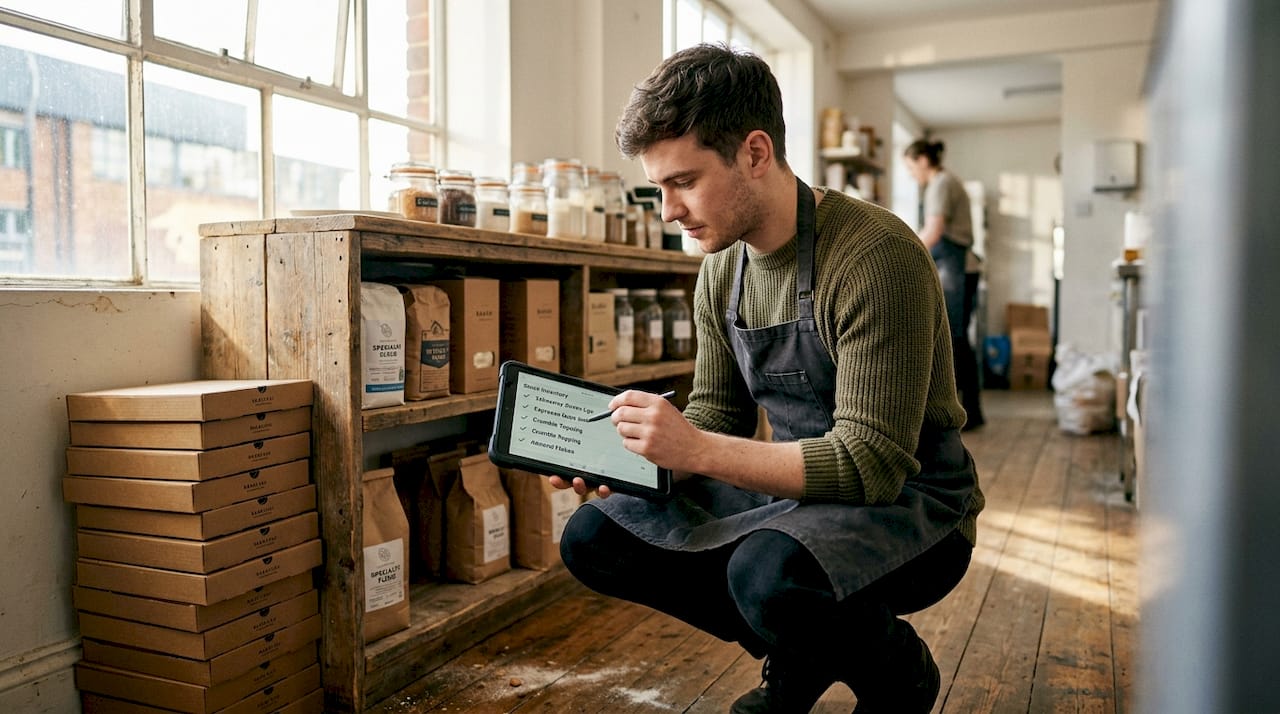
Inventory reconciliation stops being a headache. Manual stock counts are replaced by real-time deductions. You know when you are running low on oat milk before you run out of it mid-service, not after.
-
Payroll and performance become trackable. Clock-in data, sales per staff member, and upsell rates are all recorded automatically. You gain the information you need to have honest conversations with your team.
-
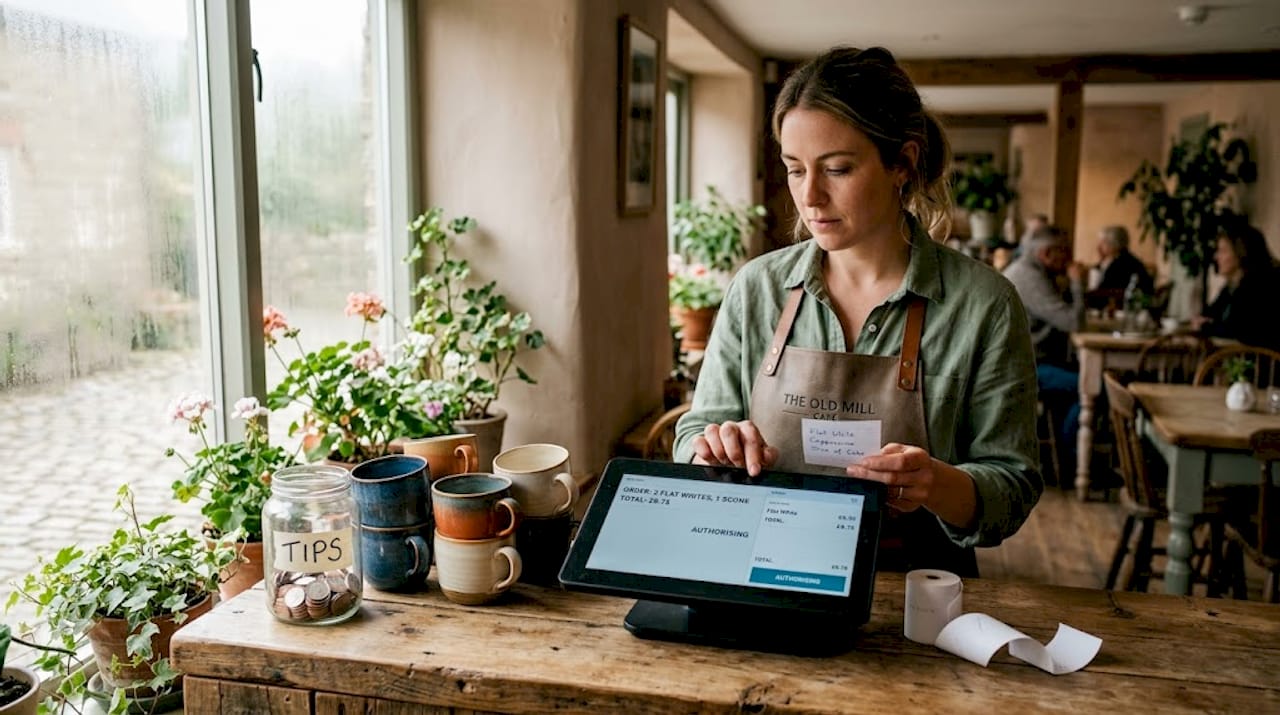
System downtime stops killing trade. Hybrid offline POS modes allow your café to keep taking orders and payments during internet outages, syncing everything once connectivity returns. For a busy Saturday morning, this is not a nice-to-have. It is critical.
The operational case for POS is compelling when you look at the combined effect. Disjointed POS systems that separate in-store sales from online orders create inventory fragmentation and customer data silos. A unified platform eliminates that friction at every shift.
Understanding how POS hardware affects hospitality efficiency is worth doing before you commit to any setup, because the wrong terminal in a small café creates bottlenecks rather than solving them.
Customer experience, loyalty, and sales growth
This is the section most café owners underestimate. The impact of POS on customer experience is not just about faster service. It is about building a relationship with every customer that keeps them coming back.
Only 28% of independent coffee shops have online ordering integrated with their POS, despite those that do seeing 30 to 40% higher average ticket sizes during peak mobile ordering periods. That gap represents a significant missed opportunity for most independent operators.
Here is what a POS system does when it is genuinely customer-facing:
- Loyalty programmes that actually work. POS systems with built-in loyalty tools track repeat visits and reward them automatically, giving you insight into your most valuable customers without any manual effort.
- Digital gift cards and contactless payments make transactions frictionless. Customers spend more when paying feels effortless.
- Personalised promotions. Your sales data tells you who orders a flat white every Tuesday morning. A POS with a decent CRM layer lets you market to that person with an offer that is relevant to them, not a generic discount.
- Accurate orders, every time. Receiving the wrong drink is one of the fastest ways to lose a customer. POS-driven order flow dramatically reduces that risk.
Pro Tip: Treat online ordering as a core part of your workflow from day one, not an add-on you bolt on later. Platforms that are retrofitted into existing POS systems almost always create gaps in inventory tracking and customer data that are difficult to close.
The data your POS collects is only useful if you look at it regularly. Reviewing your top-selling items, slowest hours, and customer return rates each week gives you the information to make menu changes and promotions that are grounded in evidence rather than gut feeling.
Emerging POS technology trends for cafés
The POS systems arriving in 2026 are meaningfully different from what was available three years ago. Café owners who understand what is coming can make smarter purchasing decisions today.
| Technology | What it does | Relevance for cafés |
|---|---|---|
| AI-powered analytics | Predicts demand from weather, events, and historical data | Reduces over-prep and under-prep |
| Robotic café automation | Automates beverage production end-to-end | Can reduce operating costs by 80% in the right context |
| Hybrid offline/online modes | Continues operation during outages, syncs on reconnect | Business continuity during peak periods |
| Cloud-based multi-channel POS | Unifies in-store, kiosk, and online orders in one system | Removes data fragmentation across channels |
| Voice ordering integration | Accepts spoken orders via AI assistant | Speeds up counter service and reduces touchpoints |
The AI trend deserves particular attention. AI-powered POS systems can forecast a 22% increase in hot beverage demand based on weather forecasts, giving your team time to prepare before the rush hits rather than scrambling during it. That is AI moving from novelty to practical operational tool.
“AI is shifting POS from a transaction recorder to a predictive assistant. For cafés operating on tight margins, knowing what your customers will want before they arrive is a genuine competitive advantage.”
One word of caution. The best POS solutions for cafés are not always the ones with the most features. Adding kiosks, AI analytics, robotic equipment, and loyalty tools simultaneously is a recipe for confusion and staff frustration. Adopt new technology in stages, measure the impact of each addition, and only layer in complexity when your team has genuinely mastered what is already in place. You can track current POS trends across the hospitality sector to stay informed without committing prematurely.
Choosing the right POS for your café
Selecting a POS is not a technology decision. It is an operations decision that happens to involve technology.
-
Assess your actual needs first. A single-site café with 40 covers has different requirements from a multi-location operation with delivery and wholesale channels. Be honest about your current size and your realistic growth plans before you start comparing systems.
-
Prioritise unification over features. A system that connects your counter, your online ordering, and your inventory in one place will serve you better than a feature-rich platform where those functions are handled by three separate tools that sometimes talk to each other.
-
Check hardware compatibility. Your POS software is only as reliable as the hardware running it. Verify that the terminals, printers, and scanners you are considering are tested and supported by your software provider. Ycr offers a useful POS hardware terminology guide if you need to get up to speed on what the specifications actually mean.
-
Train your staff properly. The most common reason POS implementations underperform is insufficient training. Budget time and resource for this. A team that understands the system fully will use it confidently and get more from it every shift.
-
Monitor ROI from month one. Set baseline metrics before you go live: average transaction value, order error rate, stock waste, and customer return frequency. Review them monthly. If your POS is working, those numbers should move in the right direction within the first quarter.
Pro Tip: Ask any POS vendor for references from cafés of a similar size and footprint to yours. What works for a large coffee chain franchise may be completely wrong for an independent café with three members of staff.
When you are ready to look at implementation specifics, the guidance on how to set up a POS system for cafés and restaurants covers the practical steps in detail.
My perspective: technology serves people, not the other way round
I have seen a lot of café owners invest in sophisticated POS systems and then wonder why nothing has really changed six months later. In my experience, the technology is rarely the problem. The problem is assuming that installing a good system is the same as running a better café.
What I have learned is this: POS works best when it removes friction for your staff, not when it adds complexity to their day. The cafés I have seen genuinely benefit from modern POS are the ones where the owner sat down with their team, explained what the system does, and then listened to where it was getting in the way. They adjusted their setup accordingly. They did not try to use every feature from day one.
The other thing I would say is that loyalty data is only valuable if someone acts on it. I have seen cafés sitting on months of customer purchase history and never once using it to inform a promotion or a menu change. That data is a missed conversation with your most regular customers.
My honest view is that the future-proofing argument for POS is real, but it only matters if your fundamentals are solid. Good coffee, reliable service, and a team that cares about the customer will always outperform a poorly run café with a sophisticated POS. The technology supports the hospitality. It does not replace it.
— John
How Ycr can support your café POS setup
If this article has clarified what you need from a POS system, the next step is finding the right hardware and software to match.

Ycr has over three decades of experience supplying POS hardware and software to UK cafés, restaurants, and hospitality businesses. From compact terminals suited to a small counter to fully integrated multi-channel setups, the range covers every scale of café operation. The EZEEPOS system for cafés and bistros is designed specifically for the hospitality workflow, handling orders, payments, and loyalty in one place. For those who need bespoke software, Ycr also provides tailored POS software solutions including SAMTOUCH. With same-day dispatch and next-day delivery available, getting set up quickly is straightforward.
FAQ
What does a POS system actually do for a café?
A POS system manages sales, payments, inventory, staff performance, and customer loyalty from a single platform. Modern systems also integrate online and kiosk ordering into the same workflow as counter sales.
How does POS help with customer loyalty in cafés?
POS systems with built-in loyalty tools track repeat visits automatically and issue rewards without manual input. They also provide data on your most frequent customers, which you can use to inform targeted promotions.
Can a POS system work if my internet goes down?
Yes. Hybrid offline POS modes allow cafés to continue processing orders and payments during outages, then sync all data once the connection is restored, so no transactions are lost.
How much can online ordering integration increase my revenue?
Cafés that integrate online ordering with their POS see average ticket sizes that are 30 to 40% higher during peak mobile ordering periods compared to those without online ordering capability.
What should I prioritise when choosing a POS for my café?
Focus on a system that unifies your in-store sales, online orders, and inventory in one place. Fragmented platforms that handle these functions separately create data gaps and operational drag that cost you time and money every day.