- +44 1924 438238
- sales@ycr.co.uk
- Mon - Fri: 8:30 - 16:30

How to Choose POS System for UK Restaurants and Retail
Running a restaurant or retail shop in the UK comes with daily challenges, from managing busy tills and inventory to meeting customer expectations. Choosing the right POS system is not just about picking technology—it’s about solving real operational problems that impact your team and your bottom line. By focusing on true business requirements and strategic context, you lay a solid foundation for selecting solutions that support reliable service and future growth.
Table of Contents
- Step 1: Assess Your Business Requirements
- Step 2: Compare Hardware And Software Options
- Step 3: Evaluate Integration With Existing Systems
- Step 4: Confirm Support And Reliability Features
- Step 5: Test And Verify System Performance
Quick Summary
| Essential Insight | Clarification |
|---|---|
| 1. Understand Your Business Needs | Assess current operations thoroughly to identify pain points and operational challenges before evaluating POS systems. |
| 2. Evaluate Hardware and Software Together | Choose the right combination of hardware and software that meets your specific business needs and workflows to ensure seamless operation. |
| 3. Ensure Integration with Existing Systems | Map out current software and check how the new POS will integrate with them, avoiding data silos and manual entry errors. |
| 4. Confirm Support and Reliability Features | Investigate the vendor’s support availability and reliability guarantees to ensure consistent operations during peak times. |
| 5. Test System Performance Before Go-Live | Conduct extensive testing in a real-world scenario to ensure the POS works efficiently under typical operational conditions before full deployment. |
Step 1: Assess your business requirements
Before you start comparing POS systems or worry about fancy features, you need to understand what your business actually needs. This isn’t about technology yet. It’s about identifying the real operational challenges you face right now and what a POS system should solve for you. Whether you run a bustling restaurant, a quiet café, or a retail shop, getting this assessment right saves you from purchasing a system that looks impressive but doesn’t fit your workflow.
Start by mapping your current operations honestly. Write down how you currently take orders, process payments, manage inventory, and track sales. Do your till operators struggle with slow transactions during peak hours? Are your staff spending too much time on manual paperwork? Are you losing sales because you can’t track what’s actually in stock? These observations matter far more than any feature list. Next, talk to your team. The people working at the till, in the kitchen, and on the shop floor know exactly where the friction points are. Understanding true business requirements beyond just technology needs means involving these stakeholders early. Ask them what frustrates them about your current system or manual processes. You might discover that your biggest pain point isn’t checkout speed—it’s that you can’t see sales data quickly enough to make restocking decisions.
Next, identify your strategic objectives. Are you looking to increase transaction speed? Reduce staff errors? Improve customer data collection for marketing? Cut down on inventory shrinkage? These goals directly shape which POS features matter to you. A restaurant focused on table management needs different capabilities than a retail shop focused on multi-location inventory control. Document your peak trading hours, your average transaction value, how many till points you operate, and how many staff members need access to the system. Also consider your growth plans. If you’re opening a second location in six months, your POS should handle multi-site reporting from day one. Determining strategic context and scoping proposals ensures alignment with your actual business goals, not just what the salesperson tells you sounds good.
Don’t overlook integration needs either. Does your system need to talk to your online ordering platform? Your accounting software? Your loyalty scheme? Write these down. Then think about your budget honestly. Not just the upfront cost, but ongoing support, training, and any monthly subscription fees. A cheaper system that requires you to hire extra staff to manage it isn’t actually cheaper. By the time you finish this assessment, you’ll have a clear picture of what success looks like for your business, which means you can evaluate POS systems against your actual needs rather than their marketing claims.
Tip: Create a simple spreadsheet listing your current pain points in one column and your must have features in another. This becomes your evaluation checklist when you’re reviewing different systems, keeping you focused on what matters to your business instead of getting distracted by impressive but unnecessary features.
Step 2: Compare hardware and software options
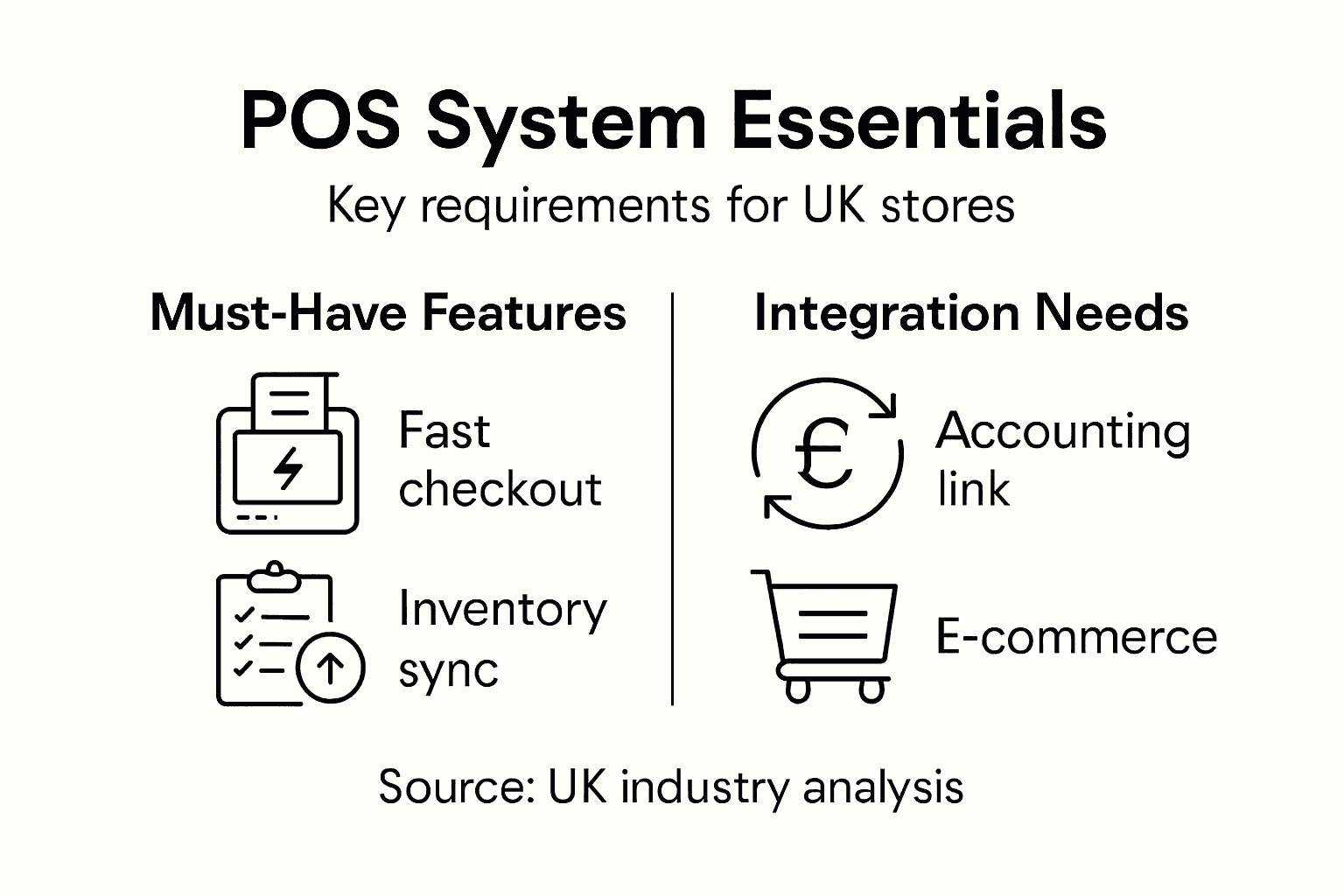
Now that you understand what your business needs, it’s time to look at the actual POS solutions available. Hardware and software work together, so you can’t really evaluate them separately. Your choice here determines how smoothly your team works day to day and whether the system grows with your business or becomes a bottleneck.
Start with hardware considerations. You need to think about what devices make sense for your operation. Are you looking at traditional till terminals that sit on a counter, or would tablet-based systems work better for your space? Tablet systems give you flexibility, especially if you have a small shop or a café where mobility matters. Traditional terminals tend to be more robust for high-volume environments where your till takes constant use. Consider the payment processing as well. Modern systems need to handle contactless payments, chip and PIN, and mobile wallets seamlessly. Look at the processing speed too. A system that takes five seconds to complete a transaction might not seem slow until you’re dealing with a queue of twenty customers on a Saturday afternoon. Think about your environment as well. A restaurant kitchen needs hardware that can handle steam and spills. A retail shop might prioritise a neat, compact setup that doesn’t take up valuable counter space. When reviewing options, look for devices built with quality components that can withstand daily wear and tear. Trusted technology solutions designed for commercial use provide a benchmark for the reliability and compliance standards you should expect.
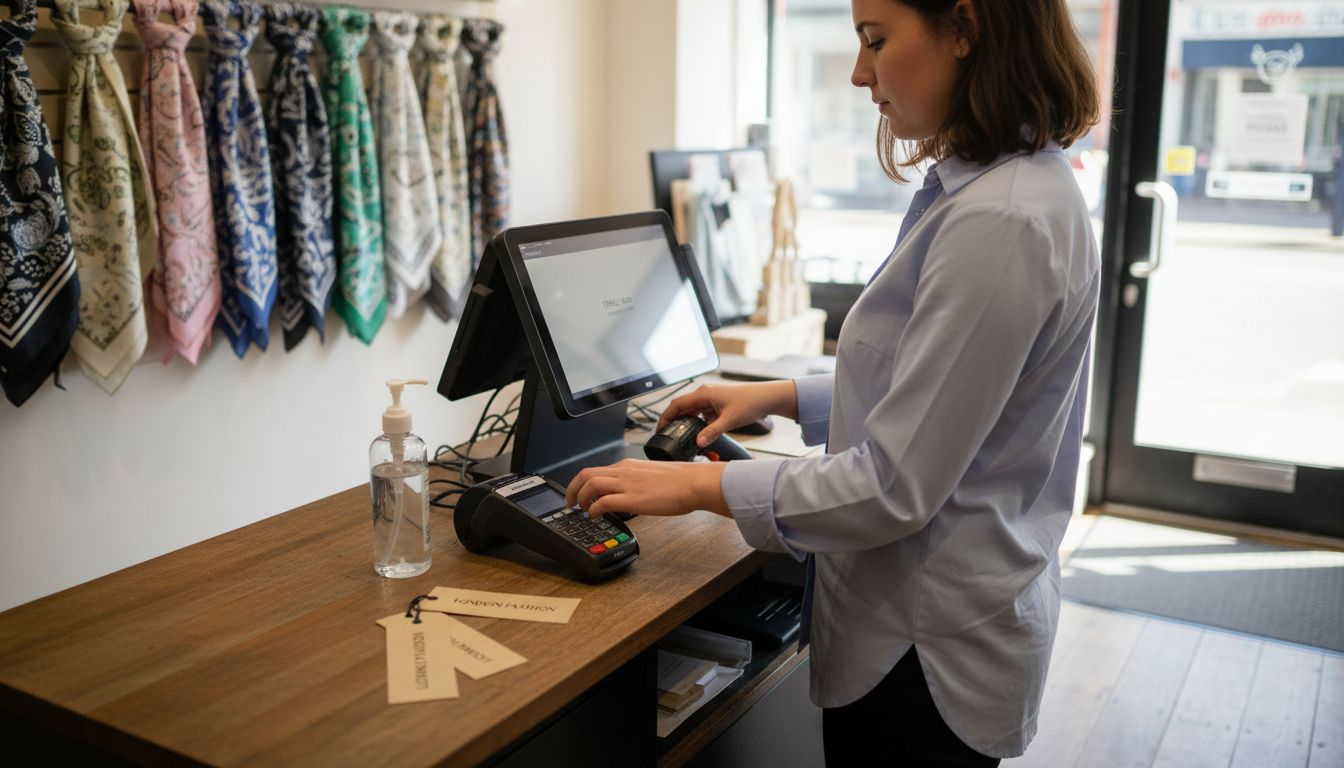
On the software side, the capabilities matter just as much as the hardware. Your system needs to handle your specific business type properly. Restaurant software should manage table layouts, kitchen orders, and coursing. Retail software should excel at stock control, multi-location reporting, and pricing management. Don’t just look at what the system can do in general, but whether it handles your particular workflows. Can you customise the menu structure the way you want? Can you set up your loyalty programme the way you envision it? Does reporting give you the insights you actually need to make decisions? Integration is critical here too. Your POS software needs to connect with the other tools you use. If you take online orders through a third-party platform, can the software integrate with it? What about your accounting software or your staff scheduling system? Clunky integrations that require manual data entry are expensive in terms of staff time. Also consider the user experience. Your staff will be using this system for eight hours a day. If it’s confusing or slow, they’ll make mistakes, and frustrated staff provide worse customer service. Ask for a proper demonstration with your actual business scenarios. Don’t just watch someone show you the shiny features. Have them show you how quickly a staff member can process a refund or look up a previous customer’s purchase. Advanced retail technology systems contribute to improved performance and customer experience across modern retail and hospitality operations. This means your choice should support both your operational efficiency and your ability to deliver better customer experiences.
Another practical element is support and training. Who helps you when something breaks? How quickly do they respond? What kind of training do they provide for your staff? A system with fantastic features but terrible support will cause you stress. Ask how updates and new features are rolled out, and whether they’ll disrupt your business. Finally, request references from other businesses similar to yours. Talk to them about what works and what they wish they’d known before implementing the system. This real-world feedback often reveals issues that marketing materials never mention.
Tip: Request hands-on trial periods with your top two or three options, and have your actual staff test them during a quieter trading session. Real-world testing by the people who’ll use the system daily reveals far more than any demonstration from a salesperson.
Step 3: Evaluate integration with existing systems
Your new POS system doesn’t work in isolation. It needs to talk to everything else you’re already using, from your accounting software to your inventory management tools. If integration is poor, you’ll end up with staff manually entering the same information into multiple systems, which wastes time and creates opportunities for errors. Getting this right means your business runs smoothly rather than with frustrating data silos.
First, create a complete list of all the systems your business currently relies on. This includes your accounting software, inventory management platform, online ordering system if you have one, customer loyalty programme, staff scheduling tools, and your payment processor. For each one, ask yourself whether the new POS needs to connect with it and why. Does your accountant need sales data automatically fed to your accounting software? Yes. Do you need to see real-time stock levels from your POS so you can make ordering decisions? Absolutely. Will the POS need to push order information to your kitchen display system? Depends on whether you have one. Once you’ve mapped these connections, start asking vendors about their integration capabilities. Don’t accept vague answers like “we integrate with most systems.” Ask specifically about the systems you use. How does the integration work? Is it real-time or batch-based? If it’s batch-based, when do updates happen and could you lose data during a system crash? What happens if one system goes down? Evaluating integration and ensuring effective data flow between your POS and existing infrastructure is essential for maintaining operational efficiency and avoiding costly manual workarounds.
Consider the technical aspects as well. Some POS systems offer direct integration with popular software through built-in connectors. Others require a third-party integration platform as a middleman. Direct integrations tend to be more reliable and faster. Third-party platforms add another layer that could introduce delays or require separate subscriptions. Ask whether integrations are maintained by the POS vendor or whether they rely on the other software provider to maintain the connection. If the other company updates their software and the integration breaks, who fixes it and how long does it take? Also think about data security. When your POS shares customer information with your accounting software or payment processor, is that data encrypted during transmission? Does the vendor comply with UK data protection standards? These aren’t optional concerns. Check what reporting capabilities the POS offers. Even if it doesn’t directly integrate with your accounting system, can you export data in a format your accountant can use? Does it provide the specific reports you need, or will you need to manually create reports by exporting and manipulating data in spreadsheets? Systems integration across POS and back-end operations supports data-driven decision making and operational efficiency. Poor integration leaves you unable to see the full picture of your business.
The following table summarises common POS integration types and their operational effects:
| Integration Type | Examples | Impact on Efficiency | Potential Risks |
|---|---|---|---|
| Direct built-in | Links to accounting software | Speeds automation | Breaks if software updates |
| Third-party platform | Middleware between systems | Flexible, supports diverse tools | May require extra subscription |
| Manual batch exports | CSV exports to spreadsheets | Simple but labour intensive | Higher risk of data errors |
Finally, ask about the implementation process. How does the vendor set up these integrations? Do they handle it, or is it your responsibility? If your payment processor needs reconfiguring to work with the new POS, who sorts that out? Some vendors will manage the entire integration process with your other software providers. Others expect you to handle it yourself or charge extra for integration work. Budget both time and money for this phase. Integration issues often emerge during implementation rather than during the sales process, so ask for a clear timeline and support plan. Before you commit to any system, request a detailed integration checklist showing exactly which systems will connect, how they’ll connect, and who’s responsible for setting each one up.
Tip: Request contact details for existing customers with similar systems to yours and ask them specifically about integration challenges they’ve faced. They’ll reveal real-world problems that marketing materials never mention, helping you avoid costly integration mistakes.
Step 4: Confirm support and reliability features
A POS system is only as good as the support behind it. You could have the most advanced software available, but if the vendor doesn’t answer your calls when something breaks at lunchtime on a Friday, you’ve got a serious problem. Before committing to any system, you need to understand exactly what support you’ll receive and how reliable the system itself is during daily operations.
Start by asking about the vendor’s support structure. What are their support hours? Is it nine to five Monday through Friday, or do they offer evening and weekend support? For a restaurant, a system crash at seven o’clock on Saturday night means you can’t take orders or process payments. Will the vendor respond to that emergency, and how quickly? Ask about their average response time for critical issues versus non-critical ones. Some vendors offer phone support whilst others rely on email or ticketing systems. Phone support matters when your till is down and you’re losing money by the minute. Find out what the escalation process looks like. If the first-line support person can’t solve your problem, how does it get escalated to someone who can? How many people are between you and a solution? Also ask about remote access support. Can they troubleshoot issues remotely, or do they need to send someone on site? Remote support is faster, but not every problem can be solved that way. Understand the costs involved too. Is support included in your contract, or do you pay per incident or per month? What’s the cost of extending support beyond your initial contract period? Quality dimensions including reliability and timeliness are essential considerations for selecting systems that support continuous business operations.
Next, look at system reliability and uptime guarantees. Vendors should commit to a specific uptime percentage, typically expressed as a service level agreement. Ninety-nine per cent uptime sounds good until you do the maths and realise that’s nearly nine hours of downtime per year. Ninety-nine point nine per cent is better, but what exactly does uptime mean? Does it include maintenance windows? If the vendor schedules updates at two in the morning and your system is down for an hour, does that count toward their uptime calculation? Ask about their backup systems. If their main servers fail, do they have redundancy in place? What’s the recovery time objective, meaning how quickly can they restore your system if something goes catastrophically wrong? Also ask about data backups. How often is your data backed up? Where are the backups stored? Can they recover data from a specific point in time if needed? These details matter when you’re thinking about the safety of your business information.
Reliability also depends on how well the vendor maintains their system. Ask about their update and maintenance schedule. How often do they release updates, and how disruptive are they? Do you have to shut down during updates, or can updates happen in the background? What’s their process for notifying you about scheduled maintenance? You need advance notice so you can plan around it. Ask about their track record. What’s their customer retention rate? If lots of customers leave, that’s a red flag. Ask for examples of outages they’ve had in the past year and how they handled them. An honest vendor will admit to issues and explain how they prevented similar problems from happening again. Also consider whether the system has offline functionality. If your internet connection goes down, can staff still process sales on the POS itself, with data syncing back when the connection is restored? Reliable business infrastructure and accessible support mitigate operational risks and help ensure your business can continue trading smoothly.
Finally, ask about training and documentation. When you first implement the system, how much training does the vendor provide? Is it included or an extra cost? Do they provide written documentation, video tutorials, or both? Will they train your entire staff, or just a few key people who then have to train others? Good vendors invest in making sure you can use their system properly from day one. Ask about ongoing training too. If you want to add new features or optimise your workflows after the initial implementation, can you access additional training? Don’t overlook this because inadequate training often causes problems that aren’t really the vendor’s fault.
Here is a comparison of support and reliability aspects to check with vendors:
| Criterion | What to Ask Vendors | Why It Matters |
|---|---|---|
| Support hours | Weekend/evening availability | Critical for peak trading times |
| Response channels | Phone, email, remote access | Faster fixes for urgent issues |
| Uptime guarantee | 99% vs 99.9%, exclusions | Directly affects business continuity |
| Training provision | Ongoing staff training included | Reduces errors, smooth adoption |
Tip: Ask the vendor for contact details of three customers from similar businesses who’ve been using their system for at least two years, and specifically ask those customers about support responsiveness during peak trading hours and how the system has handled unexpected surges in transaction volume.
Step 5: Test and verify system performance
Before you go live with a new POS system, you absolutely must test it thoroughly in a realistic environment. Testing isn’t just about making sure it works. It’s about discovering whether it works well enough for your actual business, under real conditions, with genuine transaction volumes. A system that performs beautifully when you’re testing it alone might struggle when you’re running fifty transactions simultaneously during your Friday night rush.
Start by setting up a test environment that mirrors your actual operation. If the vendor offers a sandbox or testing account, use it. This is where you can run transactions without affecting real payment processing or your live business data. Testing payment integration in a controlled environment allows you to verify transaction handling and reporting functions before live deployment. Work with your vendor to set up realistic test scenarios. You’re not just entering one transaction and declaring success. You want to test scenarios that match your daily operations. If you’re a restaurant, run a test covering a typical evening service. Process orders, run payment transactions, handle refunds, split bills, apply discounts, and generate reports. If you’re a retail shop, test transactions with multiple items, loyalty scheme integration, returns, and inventory updates. The goal is to simulate as closely as possible what your staff will actually do on day one.
Pay specific attention to payment processing speed. How long does a single transaction take from start to finish? Time it. Ten seconds might feel acceptable when you’re testing alone, but multiply that by a hundred transactions across three tills during a busy period and you’ve created customer frustration. Also test edge cases and problems. What happens when a customer’s card is declined? Can your staff easily process an alternative payment method? What happens if the card reader disconnects mid-transaction? Can the system recover gracefully or does everything freeze? Test what happens during system interruptions. If your internet connection drops for thirty seconds, does the system sync properly when it reconnects, or do you lose transaction data? These aren’t hypothetical concerns. These are things that happen in real business. Test your integrations thoroughly. If the POS is supposed to send data to your accounting system, verify that it actually does and that the data is formatted correctly. Run test transactions and check that the figures match when you pull reports from both systems. Look for discrepancies, missing records, or formatting errors. Test your reporting functionality. Can you generate the reports you actually need to run your business? Can you see transaction details, analyse sales by item, track payment methods, and identify patterns? Try exporting data to verify it’s usable in the format you receive it.
Involve your staff in testing, not just your management team. The people who’ll actually use the system need to familiarise themselves with it before going live. Can your till operators navigate menus quickly? Can kitchen staff understand order displays? Is the system intuitive or does it require extensive explanation? Real staff feedback often reveals usability issues that vendors and managers miss. Set a realistic testing timeline too. One or two days of testing isn’t enough. Ideally, you want at least a week of testing across multiple shifts, including peak trading hours if possible. This gives you confidence that the system will genuinely work under pressure. Document any issues you find, no matter how small they seem. Work with your vendor to resolve them before you go live. Ask your vendor about their process for validating that the system is ready for production. What sign-off do you need from them? What sign-off do they need from you? Documenting and monitoring transactional performance helps ensure reliable payment processing and operational stability. Before you commit to a go-live date, you and your vendor should be confident that the system is genuinely ready.
One final consideration is your fallback plan. What happens if something goes wrong when you go live? Do you have a way to process transactions manually if the system fails? Have you printed guides for your staff on how to handle emergency situations? The more prepared you are for things going wrong, the more likely your team will stay calm and your customers will stay satisfied if a problem occurs on day one.
Tip: Run a full “dress rehearsal” during a quiet trading period where you operate the POS system exactly as you would on launch day, then have your staff process genuine customer transactions through the old and new systems simultaneously to compare results and build confidence before fully switching over.
Find the Perfect POS Solution for Your UK Restaurant or Retail Business
Choosing the right POS system is critical to overcoming challenges like slow transactions, poor integration, and unreliable support. Whether you struggle with inventory management, require seamless payment processing, or want real-time reporting that empowers smarter decisions, YCR Distribution specialises in delivering tailored POS hardware and software solutions designed specifically for UK hospitality and retail sectors. With trusted brands like SAM4S and bespoke systems such as SAMTOUCH and EZEEPOS, you gain reliable technology that grows with your business and enhances customer experience.

Don’t let POS frustrations hold your business back. Explore our comprehensive range of carefully selected products and integrated software solutions at YCR Distribution today. Benefit from expert advice, next-day delivery, and exceptional support that matches the detailed considerations outlined in “How to Choose POS System for UK Restaurants and Retail.” Take the first step toward streamlining your operations by visiting our POS hardware & software solutions and discover how our total POS system offering meets your specific business needs now.
Frequently Asked Questions
What are the key features to consider when selecting a POS system for a restaurant or retail shop?
Identify essential features such as payment processing speed, inventory management, and customer data collection. Prioritise these based on your specific business needs, ensuring the system you choose will enhance your operational efficiency in daily activities.
How do I assess my business needs before choosing a POS system?
Begin by critically reviewing your current operations to identify pain points like transaction delays or inventory tracking issues. Document these challenges, involve your team in discussions, and outline your key requirements to have a clear foundation for evaluating systems.
How important is integration with existing software systems when selecting a POS?
Integration is crucial as it allows your new POS system to communicate with your existing software, such as accounting and inventory management tools. Ensure that the POS can seamlessly connect to these systems to prevent manual data entry and enhance data accuracy throughout your business operations.
What kind of support should I expect from a POS vendor after implementation?
Expect your POS vendor to provide responsive technical support, ideally with 24/7 availability during busy trade hours. Clarify their support structure by asking about response times for critical issues, the availability of remote troubleshooting, and any additional training provisions for your staff.
How can I effectively test a POS system before fully implementing it?
Conduct thorough testing by setting up a temporary environment that mimics your actual operations. Simulate various average and peak trading scenarios, involving your staff to gather feedback on usability and transaction handling to identify any potential issues before the system goes live.
What should I do if I face challenges during the POS system implementation?
Maintain open communication with the POS vendor to troubleshoot any issues and develop a contingency plan for processing transactions manually if necessary. Preparing for potential disruptions will help you ensure a smooth transition and maintain customer satisfaction during the go-live phase.