

How to streamline store operations: a 2026 guide

Streamlining store operations means organising every process, from stock replenishment to staff scheduling and customer service, so each one runs with the least waste and the most output. For retail and hospitality business owners, this is not a luxury. Unified data platforms increase annual sales by 8.9% and reduce infrastructure costs by 22% by eliminating disconnected systems. That single shift, consolidating your data into one place, is the foundation every other improvement is built on. This guide covers the tools, techniques, and sequencing that actually work in 2026.
How to streamline store operations: start with the right foundations
The single biggest barrier to improving store efficiency is fragmented technology. Most retail and hospitality businesses run separate systems for point of sale, inventory, customer data, and reporting. Each system creates a data silo, and data silos create blind spots.
A unified commerce platform solves this by connecting POS, inventory, sales, and customer data into one live view. When a sale happens at the till, stock levels update automatically. When a product runs low, a replenishment alert fires without anyone checking a spreadsheet. That is the operational baseline every business should be working toward.

Modular overlays offer a cost-effective path for businesses that cannot afford a full system replacement. A cloud-based order management layer, for example, can sit on top of an existing POS and deliver real-time data without ripping out the core infrastructure. Modular upgrades produce faster ROI and more stable operations than large-scale system replacements. That finding matters because it removes the most common excuse for delaying modernisation.
Digitising audits, compliance checks, and standard operating procedure workflows is equally important. Paper-based processes are slow, inconsistent, and impossible to analyse at scale. Moving them to digital task management tools gives managers live visibility into what has been completed, what has not, and where the gaps are.
Key requirements for a solid operational foundation:
- A single platform that connects POS, inventory, and customer data
- Digital SOP and compliance workflows replacing paper checklists
- Cloud-based tools that integrate with existing hardware where possible
- Real-time reporting dashboards accessible to managers on the floor
- A clear data governance process so the information feeding decisions is accurate
Pro Tip: Run a one-week time audit before buying any new technology. Track where managers and staff spend their hours. The results almost always reveal two or three repetitive, low-value tasks that can be automated immediately with tools you may already own.
How does AI improve staffing and scheduling in retail?
AI-driven demand forecasting is one of the fastest ways to improve operational efficiency in retail. The principle is straightforward: feed historical sales data and foot traffic patterns into a forecasting model, and it tells you when you need more staff and when you need fewer.
The critical distinction is that AI scheduling is not about cutting headcount. AI-powered scheduling adjusts labour hours dynamically per location rather than applying a uniform rota across all sites. A city-centre café needs different cover on a Tuesday morning than a retail park branch does. Treating them identically wastes money at one site and creates queues at the other.
The most common mistake businesses make is treating automation as a replacement for people rather than a tool for deploying people better. The goal is to match the right number of staff to actual demand, not to reduce the wage bill by removing bodies. Retailers who adopt this mindset see better customer engagement alongside the labour efficiencies.
A practical approach to AI-driven staffing:
- Collect baseline data. Pull at least 12 months of sales and transaction data, broken down by hour and location.
- Identify demand patterns. Look for consistent peaks, such as Friday lunchtimes or pre-holiday spikes, that your current rota does not account for.
- Apply location-specific scheduling. Use forecasting outputs to build site-level rotas rather than applying a single template across all locations.
- Review and adjust weekly. AI forecasts improve with feedback. Flag weeks where actual demand diverged from the forecast and feed that data back into the model.
- Measure output, not just cost. Track customer wait times, transaction speed, and staff utilisation alongside labour spend to get a complete picture.
Pro Tip: Pair AI scheduling with eCommerce forecasting tools if you run both online and physical channels. Demand signals from your website often predict in-store traffic patterns 24 to 48 hours in advance.
What inventory practices reduce waste and prevent stockouts?
Real-time inventory tracking is the non-negotiable starting point for any business serious about reducing waste. When stock levels update automatically across every channel the moment a sale or return is processed, the data you are making decisions on is accurate. When they do not, you are guessing.
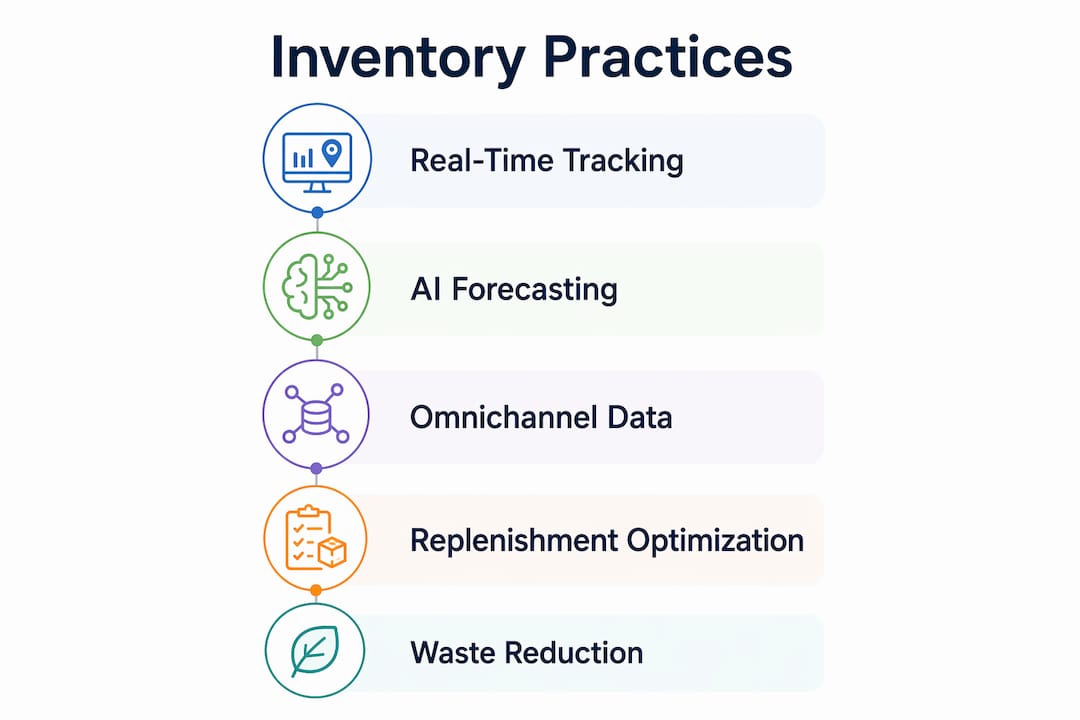
Real-time inventory updates combined with AI forecasts prevent stockouts and excess inventory by aligning replenishment with actual demand rather than historical averages. That distinction matters. Historical averages smooth over the spikes and troughs that cause real problems: the product that sells out every Saturday, or the line that sits on the shelf for three weeks after a promotion ends.
Omnichannel data is the next layer. If you sell online and in-store, your inventory system needs to read both demand signals together. A product that is moving fast online but sitting still in-store is telling you something about pricing, placement, or promotion. A system that treats those two channels separately will miss that signal entirely.
| Inventory approach | Key benefit | Best suited for |
|---|---|---|
| Manual stock counts | Low cost, no technology required | Very small, single-site operations |
| Periodic automated updates | Reduces counting labour | Multi-product, single-channel retailers |
| Real-time cross-channel tracking | Prevents stockouts, reduces overstock | Multi-site or omnichannel businesses |
| AI-enabled demand forecasting | Aligns replenishment with actual demand | High-SKU or seasonal product ranges |
Redesigning the truck-to-shelf replenishment process using actual volume data frees store teams from manual shelf-filling. That time goes back to coaching and customer engagement, which are the activities that actually drive revenue. Barcode scanners, such as those in Ycr’s range of Honeywell scanners, make real-time stock capture at the point of receipt fast and accurate without adding complexity for floor staff.
Which workflows benefit most from digitisation?
Digitising store audits and compliance workflows can reduce standard operating procedure time by 65% and save over 76 administrative hours per manager each year. One retailer using digital audit tools reached 98% compliance and saved £210,000 in visual merchandising costs. Those are not marginal gains.
The processes that deliver the biggest return when digitised are:
- Store visit audits. Digital checklists with photo evidence replace paper forms and give head office live visibility into every site.
- Health and safety checks. Automated reminders and sign-off workflows reduce the risk of missed checks and the liability that comes with them.
- Merchandising compliance. Photo-based verification tools confirm that planograms are followed without requiring a regional manager to visit every store.
- Task management. Assigning, tracking, and closing tasks digitally removes the ambiguity of verbal instructions and email chains.
A stepwise approach works better than trying to digitise everything at once. Prioritise the processes with the highest time cost first. Store visits and compliance checks are almost always at the top of that list. Once those are running digitally, the data they generate reveals the next set of inefficiencies to address.
Digital task management also improves execution consistency across multiple sites. When every location follows the same digital workflow, you can compare performance data between sites and identify which ones are ahead and which need support. That visibility is impossible with paper-based systems.
Pro Tip: Before rolling out any digital workflow tool, map the existing paper process in full. Every step, every sign-off, every exception. Tools that replicate a broken process digitally just make the problem faster. Fix the process first, then digitise it. Review your retail POS workflows as part of that mapping exercise.
Key takeaways
Efficient store operations depend on unified data, targeted automation, and demand-driven decisions across staffing, inventory, and compliance workflows.
| Point | Details |
|---|---|
| Unify your data first | Connect POS, inventory, and customer data into one platform before adding automation. |
| Use modular upgrades | Cloud-based overlays deliver operational gains without replacing core systems. |
| Apply AI to scheduling | Forecast demand by location and adjust labour hours dynamically, not uniformly. |
| Automate replenishment | Real-time inventory tracking aligned with AI forecasts prevents stockouts and overstock. |
| Digitise audits and compliance | Digital workflows save over 76 manager hours per year and drive measurable compliance gains. |
What I have learned from watching retailers get this wrong
The businesses that struggle most with operational improvement share one habit: they buy technology before they understand their processes. A new POS system, a scheduling app, a digital audit tool. Each one arrives with a promise, and each one underdelivers because the underlying process it was meant to fix was never properly mapped.
Process improvement works best when technology targets defined process steps and measurable KPIs, not when it is applied broadly in the hope that something improves. I have seen businesses spend significant sums on enterprise platforms and see no meaningful change in their numbers because nobody agreed on what “better” looked like before the contract was signed.
The other consistent mistake is neglecting data quality. AI forecasting and real-time inventory tracking are only as good as the data feeding them. If your product catalogue has duplicate entries, if stock counts are done inconsistently, or if your POS is not capturing returns accurately, the outputs will mislead you. Garbage in, garbage out is not a cliché. It is a description of what actually happens.
My honest recommendation is to start with visibility, not automation. Spend a week auditing where time actually goes. Talk to the people doing the work. The answers are almost always in the room before you need to look at a single piece of software. Then build from there, one process at a time, measuring the result before moving to the next.
— John
Ycr’s POS solutions for more efficient store operations
Ycr has supplied retail and hospitality businesses across the UK with POS hardware and software for over 30 years. The product range is built around the principle that operational gains should not require a full system overhaul.
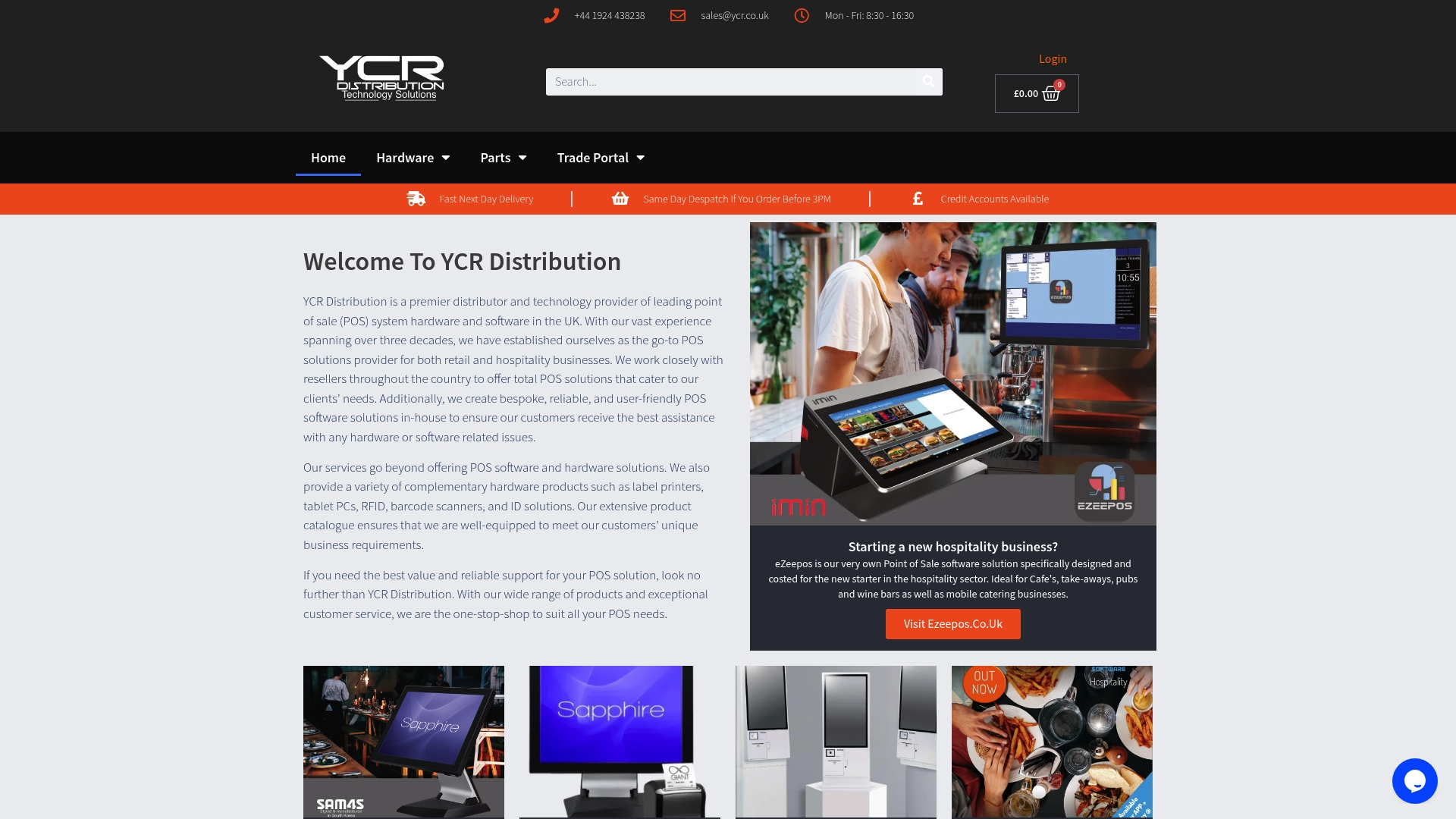
SAMTOUCH POS software integrates sales, stock, and reporting into a single interface designed for both retail and hospitality environments. It is available as a complete hardware and software bundle or as software only for businesses adding to existing kit. For hospitality operators, EZEEPOS covers cafés, takeaways, and bistros with purpose-built workflows. Ycr also stocks barcode scanners, POS terminals, and digital signage from trusted brands including SAM4S and iMin, all available with next-day delivery and same-day dispatch. Browse the full retail point of sale range to find the right fit for your operation.
FAQ
What does streamlining store operations actually mean?
Streamlining store operations means removing unnecessary steps, delays, and manual tasks from core processes such as stock management, staffing, and compliance. The goal is to reduce waste and improve output without adding headcount.
How does a unified POS system improve store efficiency?
A unified POS connects sales, inventory, and customer data in real time, eliminating the manual reconciliation between separate systems. This reduces errors, speeds up decision-making, and gives managers an accurate picture of performance at any moment.
What is the fastest process to digitise for operational gains?
Store visit audits and compliance checks deliver the fastest return when digitised. Digital audit workflows can reduce SOP time by 65% and save over 76 administrative hours per manager each year.
Can small retail businesses benefit from AI scheduling?
Yes. AI scheduling tools are available at entry-level price points and the core benefit, matching staff hours to actual demand by location, applies regardless of business size. The key is having at least several months of sales data to feed the forecasting model.
How do I reduce stockouts without overstocking?
Real-time inventory tracking combined with AI demand forecasting aligns replenishment orders with actual sales patterns rather than fixed reorder points. This approach prevents both stockouts and excess stock by responding to live demand signals across all channels.