- +44 1924 438238
- sales@ycr.co.uk
- Mon - Fri: 8:30 - 16:30

Integrated POS systems: boost efficiency for UK businesses
Many UK retail and hospitality businesses are running on standalone POS setups, processing sales in isolation from their stock, customer data, and reporting tools. It feels manageable until it isn’t. The moment a busy Friday service hits, or a stockroom discrepancy costs you a sale, the cracks show fast. The good news is that cloud-based integrated systems can reduce downtime by up to 80%, and the operational gains go far beyond just keeping the lights on. This guide explains what integrated POS actually means, why it matters for your specific sector, and how to make a smart, low-risk move towards it.
Table of Contents
- What does integrated POS mean for UK retail and hospitality?
- Key benefits of integrated POS for business success
- Common limitations and risks: how to plan smarter upgrades
- Choosing the right integrated POS: practical checklist for UK businesses
- Explore integrated POS solutions for your business
- Frequently asked questions
Key Takeaways
| Point | Details |
|---|---|
| Integrated POS boosts efficiency | Combining sales, inventory and CRM platforms reduces errors and speeds up transactions. |
| Cloud integration minimises downtime | Choosing cloud-based POS systems can lower system interruptions by up to 80%. |
| Customer service improves with data | Integrated POS enables personalised marketing through real-time customer insights. |
| Pilot upgrades for best ROI | Test migrations and feature sets through pilot projects to ensure smooth transitions and return on investment. |
What does integrated POS mean for UK retail and hospitality?
A standalone POS terminal processes a transaction and stops there. An integrated POS does something fundamentally different: it connects every part of your operation into one continuous flow of information. Sales data feeds directly into your stock levels. Customer purchases update your CRM. Loyalty points apply automatically at checkout. Reports generate in real time without anyone manually pulling figures from three different systems.
For UK retail and hospitality businesses, this matters enormously. A café chain running five sites needs to know which location is running low on oat milk before the morning rush, not after. A retail store needs to know which product lines are moving and which are sitting idle, without waiting for a weekly spreadsheet. The definition of integrated POS is straightforward: one platform, multiple functions, zero information silos.
Here is what a properly integrated system connects:
- Sales processing linked directly to live inventory
- CRM and loyalty tracking that personalises every customer interaction
- Supplier feeds that trigger reorder alerts automatically
- Analytics dashboards showing real-time performance across all locations
- Payment processing integrated with accounting software
As integrated POS with CRM provides complete customer views for personalised service and targeted marketing, the commercial case becomes clear. You stop guessing what your customers want and start knowing. That shift alone changes how you staff, stock, and serve. Understanding POS integration explained is the first step towards making it work for your business.
Key benefits of integrated POS for business success
The advantages of switching to an integrated setup are not abstract. They show up in your daily operations, your customer satisfaction scores, and your end-of-month figures.
Operational efficiency is the most immediate gain. Manual data entry disappears. Errors caused by re-keying information between systems drop sharply. Staff spend less time reconciling figures and more time serving customers. Transactions move faster because payment, loyalty, and stock updates happen simultaneously.
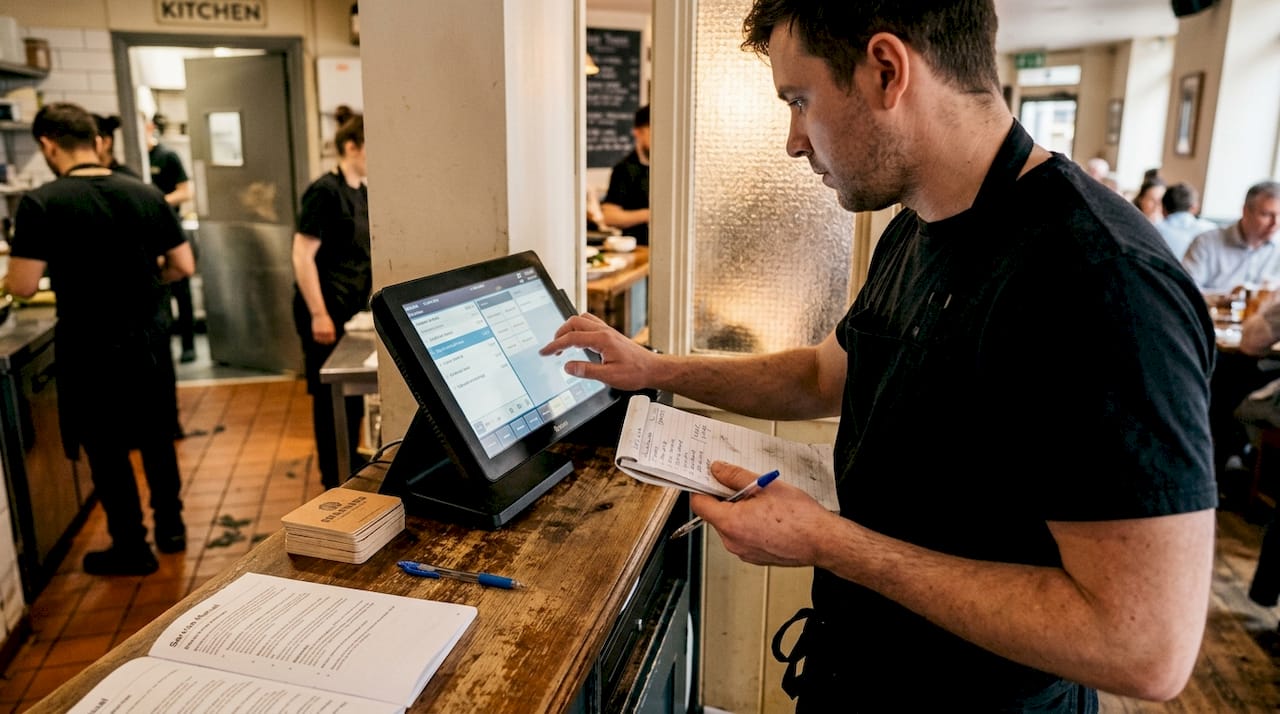
Customer experience improves in ways that are genuinely noticeable. A customer walks into your restaurant, and the system already knows their dietary preferences and last order. Their loyalty points apply without them having to ask. Personalised offers appear at the right moment. These are not gimmicks; they are the kind of frictionless service that builds repeat business.
Analytics and forecasting become genuinely useful rather than retrospective. Cloud-based integrated systems reduce downtime by up to 80% and enable AI-driven inventory prediction, meaning you can anticipate demand rather than react to it.
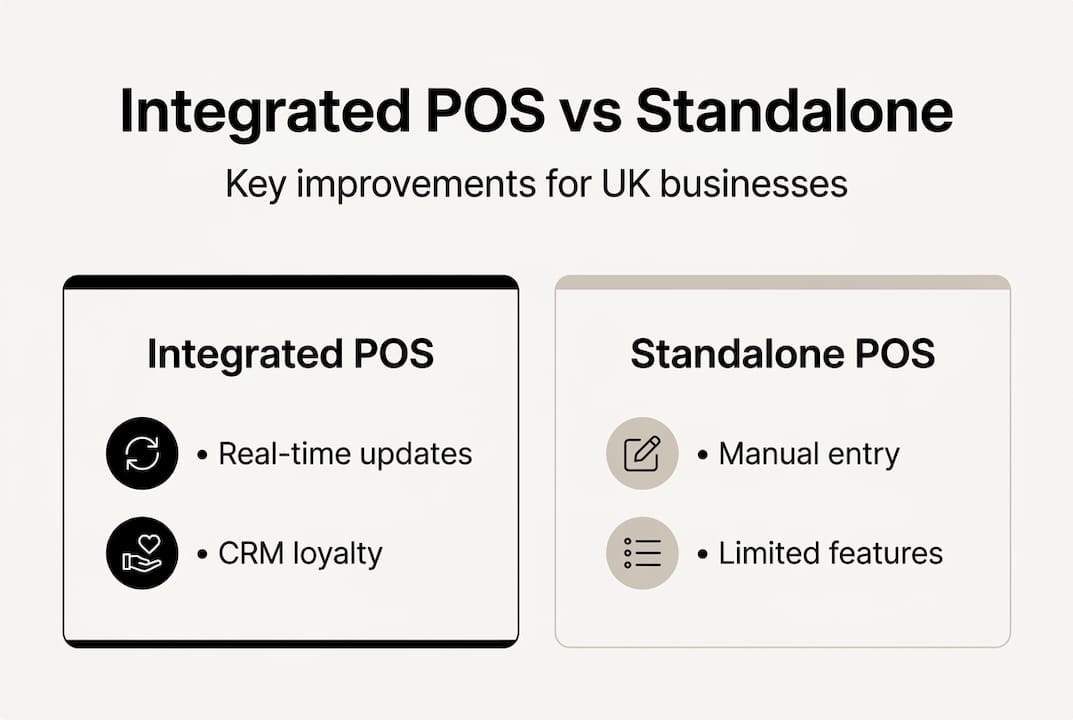
| Feature | Integrated POS | Standalone POS |
|---|---|---|
| Real-time inventory updates | Yes | No |
| CRM and loyalty integration | Yes | Limited |
| AI-driven stock prediction | Yes | No |
| Multi-site reporting | Yes | Manual only |
| System uptime reliability | Up to 80% better | Standard |
| Customer personalisation | Full | Minimal |
The benefits extend to your bottom line too. Fewer stock errors mean less waste. Better forecasting means fewer emergency orders at premium prices. Faster transactions mean shorter queues and higher throughput during peak hours. Reviewing a POS system upgrade workflow before you commit helps you map these gains against your specific operation.
Pro Tip: Prioritise cloud-based integrated POS systems over on-premise setups wherever possible. Cloud systems update automatically, scale with your business, and give you access to your data from anywhere, which is invaluable if you manage multiple sites or work remotely.
Understanding why retail needs POS systems in 2026 goes beyond convenience. It is about staying competitive in a market where customers expect speed, personalisation, and reliability as standard. The integrated POS benefits for hospitality are equally compelling, particularly for businesses managing complex menus, table management, and multi-channel ordering.
Common limitations and risks: how to plan smarter upgrades
The benefits are real, but so are the risks. Moving from a standalone system to an integrated POS is not a plug-and-play exercise. It requires planning, and businesses that skip this step often pay for it in disruption and wasted spend.
The three most common challenges are:
- Downtime during migration if the transition is not staged carefully
- Data migration errors when customer records, stock data, and transaction history are moved across systems
- Staff training gaps that slow adoption and create workarounds that undermine the system’s value
As migration risks and costs are real, pilot projects help assess ROI before scaling. This is the single most important piece of advice for any business considering an upgrade. Run a pilot in one location or one department first. Measure the results. Identify the friction points. Then roll out with confidence.
‘Pilot projects minimise risk and clarify return on investment for integrated POS.’
Here is a practical approach to minimising disruption:
- Audit your current systems and identify every data source that needs to migrate
- Choose a low-traffic period for the initial rollout, such as a Monday morning or post-holiday week
- Run parallel systems briefly so staff can cross-check outputs
- Deliver hands-on training before go-live, not after
- Keep a documented backup process for the first two weeks
| Risk area | Impact level | Mitigation strategy |
|---|---|---|
| System downtime | High | Staged rollout, cloud backup |
| Data migration errors | Medium | Pre-migration audit and testing |
| Staff resistance | Medium | Early training and involvement |
| Budget overrun | Medium | Pilot project with fixed scope |
| Integration failures | High | Vendor support agreement |
Pro Tip: Ask your POS provider for a detailed migration plan before signing anything. A reputable supplier will have a structured POS upgrade workflow ready to share, including timelines, data handling procedures, and post-installation support commitments.
The long-term gains consistently outweigh the short-term costs for businesses that plan properly. The key word is properly. Rushing an integrated POS rollout to save time almost always costs more time in the end.
Choosing the right integrated POS: practical checklist for UK businesses
Not every integrated POS system suits every business. A 12-table restaurant in Leeds has different needs from a multi-site fashion retailer in London. The selection process should be methodical, not driven by marketing claims.
Work through this checklist before committing:
- Assess your current needs by listing every function your business relies on daily, from stock management to loyalty schemes
- Evaluate integration features and confirm the system connects with your existing accounting, booking, or e-commerce platforms
- Consider cloud versus on-premise based on your connectivity, budget, and multi-site requirements
- Review supplier support including response times, UK-based assistance, and hardware replacement policies
- Check security credentials particularly around payment data handling and GDPR compliance
It is also worth being honest about what you actually need. AI-driven inventory prediction may not be valuable for highly seasonal or mobile businesses where stock patterns are too irregular for algorithms to add much. A market trader or a pop-up food stall may benefit far more from a fast, reliable mobile POS than from a feature-heavy system they will never fully use.
For specific sectors, here is what to prioritise:
- Cafés and coffee shops: Speed of service, loyalty integration, and simple stock tracking
- Restaurants and takeaways: Table management, kitchen display integration, and online order connectivity
- Retail stores: Barcode scanning, multi-location stock visibility, and supplier feed integration
- Hotels and hospitality venues: Room billing integration, event management, and multi-department reporting
Exploring the full range of types of POS systems available in the UK market helps you match the right technology to your operation. For food service businesses specifically, understanding how restaurant POS efficiency translates into measurable profit gains is a useful benchmark when comparing options.
Future-proofing your investment means choosing a system that scales. If you plan to open a second site, add an online ordering channel, or introduce a loyalty programme, your POS should handle all of that without requiring a full replacement.
Explore integrated POS solutions for your business
YCR Distribution has spent over three decades helping UK retail and hospitality businesses find the right POS technology for their specific needs. Whether you are upgrading from a legacy system or building a new setup from scratch, the range of options available covers every scale and sector.

Browse our full range of POS software solutions including SAMTOUCH and EZEEPOS, both designed specifically for UK hospitality and retail environments. If you are evaluating hardware, our POS hardware choices include terminals, tablets, barcode scanners, and printers from trusted brands like SAM4S and iMin. Running into technical issues during or after your upgrade? Our detailed POS hardware troubleshooting resources are available to keep your operation running smoothly. Get in touch with our team for a personalised recommendation tailored to your business size, sector, and budget.
Frequently asked questions
What is an integrated POS?
An integrated POS connects sales, inventory, CRM, and analytics in one platform, offering seamless information flow across your entire business operation.
Why does integrated POS matter for UK retail and hospitality?
It reduces manual tasks, improves customer service through personalised offers, and helps optimise operations with real-time data. Integrated POS enables personalised customer service and measurable operational efficiency gains.
What are the main risks when upgrading to an integrated POS?
Risks include downtime, migration costs, and staff training gaps, so pilot testing and staged rollouts are strongly recommended. Pilot testing mitigates migration risks and helps clarify return on investment before a full rollout.
How do I choose the best integrated POS for my business?
Assess your operational needs, compare feature sets carefully, consider cloud-based options for better uptime, and seek a supplier with strong UK-based support. Cloud-based systems offer greater uptime and predictive capabilities that scale with your business.