
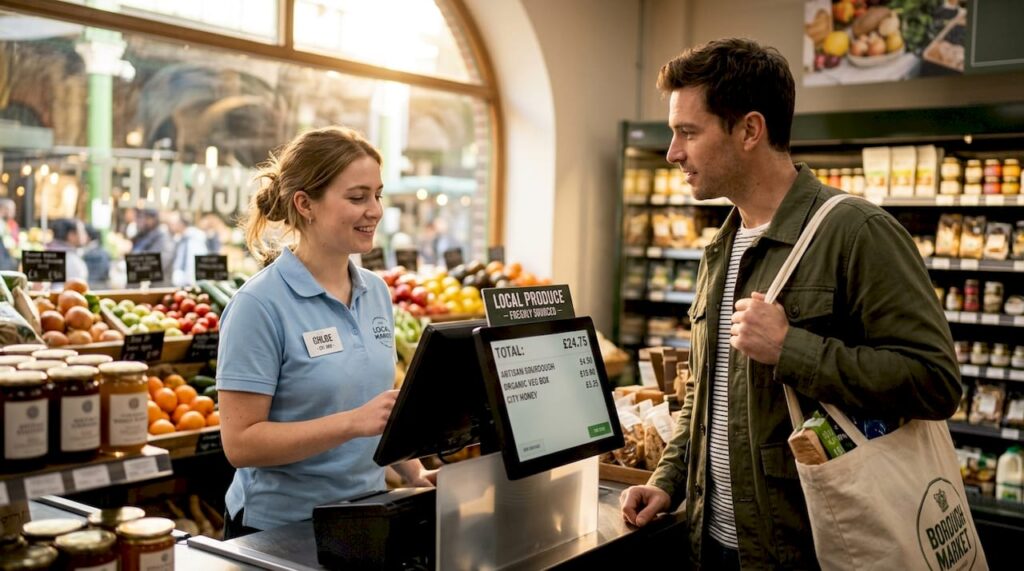
Maximise customer engagement with effective display screens
TL;DR:
- Customer display screens are often underutilized assets that can actively influence customer decisions and brand perception. Proper hardware choices, engaging content strategies, and strategic placement are essential to maximize their effectiveness in retail and hospitality environments. Treating screens as dynamic marketing tools instead of static receipt displays significantly boosts customer engagement and business outcomes.
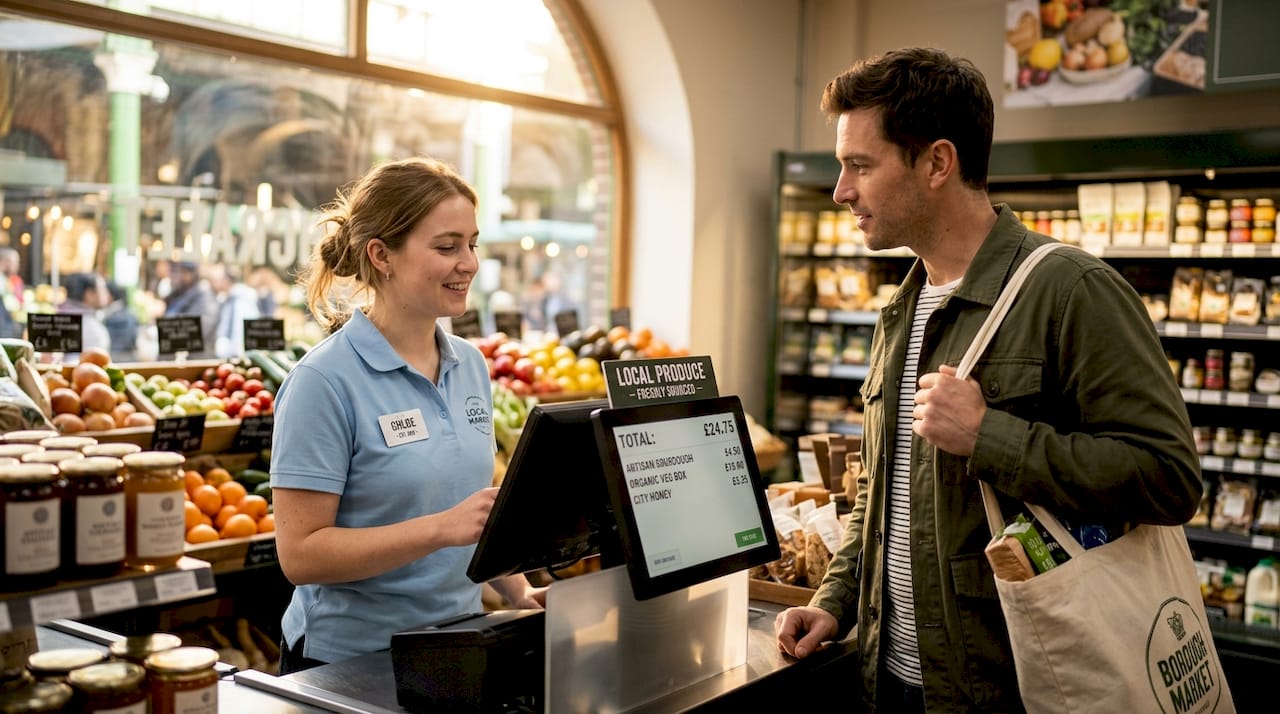
Customer display screens are one of the most underused assets in retail and hospitality, yet they sit right in front of your customer at the most receptive moment of their visit. Most businesses treat them as a glorified receipt ticker, showing a running total and nothing else. That is a genuine missed opportunity. Research consistently shows that dynamic, well-timed content on customer-facing screens influences purchase decisions, reduces perceived wait times, and strengthens brand trust. This guide will walk you through everything you need to know to turn your customer display into a real engagement tool.
Table of Contents
- What are customer display screens and why do they matter?
- Key features to consider for your next display
- Engaging customers: Content strategies that work
- Placement, orientation, and practical considerations
- Expert perspective: What most businesses miss with display screens
- Make the most of your customer displays with YCR
- Frequently asked questions
Key Takeaways
| Point | Details |
|---|---|
| Displays drive engagement | Customer-facing screens can turn checkouts into engagement opportunities, not just receipt displays. |
| Right features matter | Choosing hardware with proper brightness, durability, and orientation options ensures performance and longevity. |
| Content timing is key | Rotating promotions and queue entertainment make customers feel informed and reduce perceived waiting time. |
| Placement impacts results | Screen position and orientation affect visibility and effectiveness, requiring careful planning. |
| Regular updates maximise ROI | Frequent content refreshes and real-time adjustment boost customer response and sales impact. |
What are customer display screens and why do they matter?
A customer display screen is any screen within a POS setup that faces the customer rather than the operator. These range from small pole-mounted numeric displays that simply mirror a transaction total, all the way to full-colour touchscreens capable of running promotional videos, loyalty programme prompts, and real-time queue information. The category has expanded enormously over the past decade, driven by falling hardware costs and growing customer expectations for transparency at the till.
The earliest versions were nothing more than a single row of red digits showing the price. They existed purely to let customers verify what they were being charged. Today, display screens in retail serve a fundamentally different purpose: they are an active part of the customer journey, not just a passive verification tool.
Here is why that shift matters for your business:
- Transparency and trust: Showing itemised pricing in real time reduces disputes and builds confidence in your pricing.
- Promotional reach: You have a captive audience standing at your counter. Displaying a relevant upsell offer at that precise moment is far more effective than a poster on the wall.
- Brand reinforcement: Consistent use of your logo, brand colours, and tone of voice across every touchpoint, including the till screen, strengthens recognition.
- Queue entertainment: In busy periods, displaying useful or interesting content keeps customers occupied and lowers the frustration of waiting.
- Loyalty programme engagement: Prompting customers to join a loyalty scheme or check their points balance at checkout converts browsers into repeat customers.
The growing expectation for digital signage engagement at checkout is not just an aspiration. Businesses in the food service sector, for instance, have found that digital food signage solutions can measurably shift customer attention and drive additional spend at the point of purchase.
“Dynamic content like promotions boosts engagement but avoid overload; balance info with entertainment in queues.” — Retail digital signage: the complete 2026 guide
That balance is the key. Throw too much at a customer and they disengage entirely. Get the mix right and you have one of the cheapest, most effective marketing channels your business can run.
Key features to consider for your next display
With a clearer understanding of why screens matter, let us explore how to choose hardware with the right features for your environment. Not all screens are created equal, and the wrong choice can lead to washed-out images, overheating units, and frustrated customers who simply cannot read what you are showing them.
The most important technical factors to assess are as follows:
- Screen brightness (nits): A nit is the unit used to measure luminance. For a typical indoor environment, 350 to 700 nits is sufficient. For window-facing installations where sunlight competes with your display, you need 1500 nits or more.
- 24/7 commercial rating: Consumer-grade screens are built for home use, meaning several hours a day at most. A commercial-rated display is engineered to run continuously without component degradation. This matters enormously in retail and hospitality, where closing time rarely means the screen goes off.
- Portrait vs landscape orientation: Think carefully about how the screen will be mounted. Portrait orientation is excellent for queue-facing installations because it matches the natural shape of a standing person’s field of view. Landscape suits wide counter installations better.
- Remote monitoring capability: Being able to check screen status, push content updates, and diagnose faults remotely saves significant staff time and prevents displays from running outdated or broken content.
- Airflow and heat management: Displays in tight counter spaces must have adequate ventilation. Poor heat management is the single most common cause of premature screen failure in hospitality environments.
The table below summarises which specifications matter most across common installation types:
| Installation type | Minimum brightness | Orientation | 24/7 rated | Remote monitoring |
|---|---|---|---|---|
| Indoor counter | 350 nits | Landscape | Recommended | Optional |
| Queue-facing pole | 500 nits | Portrait | Essential | Recommended |
| Window-facing | 1500+ nits | Landscape or portrait | Essential | Essential |
| Drive-through / outdoor | 2000+ nits | Variable | Essential | Essential |
You can find a wider range of options by reviewing the brightness pro monitors available for commercial environments. For detailed manufacturer specifications and real-world durability and tech specs, reviewing commercial-grade options from established brands is strongly advisable.
Pro Tip: Always double-check the brightness rating before purchasing for any window-facing location. A screen that looks perfectly visible in a showroom can become completely unreadable in direct afternoon sunlight.
Engaging customers: Content strategies that work
Armed with the right hardware, the next step is maximising your display’s impact with the right content strategy. Hardware is only half the equation. A brilliant screen showing uninspiring, static content is no better than that old numeric display from twenty years ago.
The most effective content strategies share several common characteristics. Content loops between three and five minutes in duration work best for queue environments because they keep the display feeling fresh without bombarding customers with rapid changes that distract rather than engage. Shorter loops can actually feel aggressive, while loops longer than five minutes risk repeating content to customers who have been waiting.
Balancing information with entertainment is critical. Receipts and pricing are necessary, but a screen showing only transactional data is a wasted opportunity. Brand facts, seasonal trivia, short behind-the-scenes clips, and community news all work well to occupy customers during the wait and reinforce your brand identity at the same time.
One of the most powerful and underused tactics is dayparting: switching your promotional content based on the time of day. A coffee shop might display breakfast bundle offers until 11am, lunch meal deals from midday, and afternoon treat promotions from 2pm onwards. This requires almost no additional hardware and simply involves scheduling your content management system to rotate between pre-built content sets.
Queue management overlays deserve special mention here. Portrait orientation for queues, combined with a simple “Next customer, please” or estimated wait-time overlay, actively reduces perceived wait times. Research from MIT has demonstrated consistently that occupied time feels shorter than unoccupied time, meaning a customer engaged by your screen will feel they waited less, even if the clock disagrees. For more on driving results through content, the digital signage best practices guide and real-world sales boost case studies provide excellent practical reference.
The table below compares the two most common content approaches:
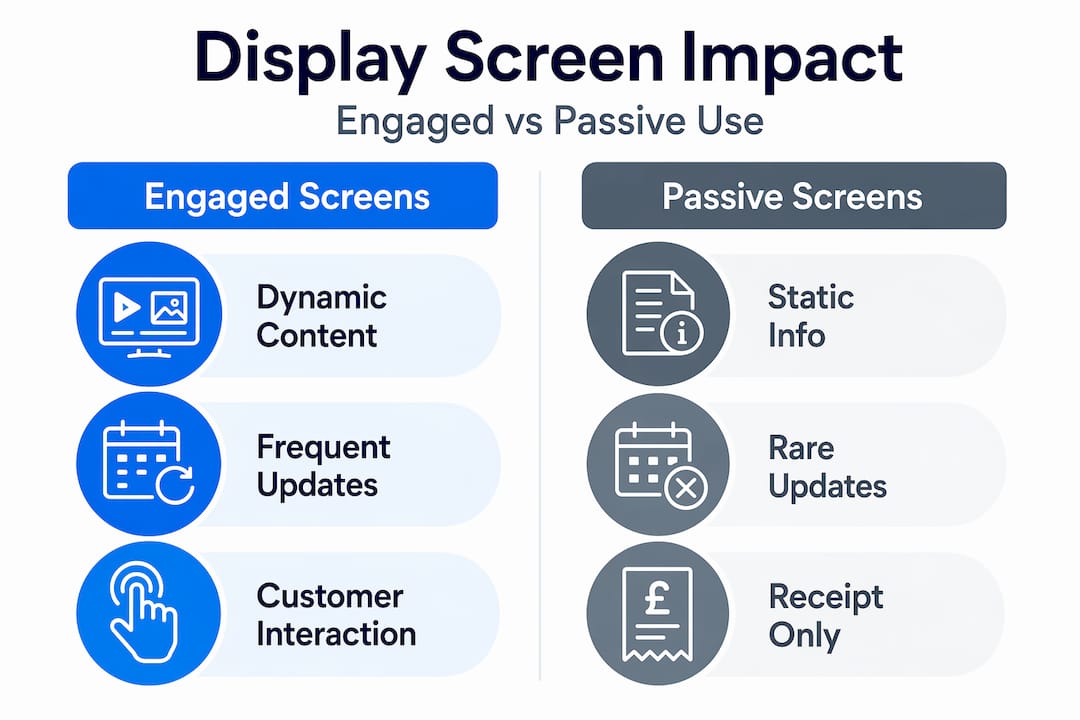
| Content approach | Customer engagement | Upsell potential | Maintenance effort |
|---|---|---|---|
| Static (receipt only) | Low | None | Minimal |
| Looped dynamic content | High | Significant | Moderate (weekly) |
For food service operators, well-considered menu content strategies can help you build content that works across both display screens and your wider digital menu presence.
Here are the key content principles to follow:
- Rotate promotions weekly to avoid display fatigue among regular customers.
- Use high-contrast visuals that remain readable from a distance of one to two metres.
- Keep text minimal: a maximum of seven words per main message works best.
- Align content to your physical calendar: seasonal menus, special events, and limited-time offers drive urgency without feeling manufactured.
- Test different content mixes and track whether certain offers generate more customer queries or add-on purchases.
Check out these engagement examples from real retail and hospitality settings to see these principles in action.
Pro Tip: Update promotional content at minimum once a week. Regular customers notice when content goes stale, and it signals that your business is not paying attention to detail.
Placement, orientation, and practical considerations
Having discussed what to show, let us cover where and how to position your screens for the biggest impact. Even the best display with the most compelling content will fail to engage if it is positioned poorly, catches a glare at peak hours, or obstructs staff workflow.
Follow these steps to determine the best placement for your installation:
- Map your customer flow: Stand at your entrance and observe the natural path customers take to the till. Your screen must sit within that sightline, not tucked to one side where it only catches attention after the transaction has ended.
- Check sightlines from seated and standing positions: In cafes and restaurants, some customers approach from a seated position or queue at a lower angle. Tilt-adjustable mounts allow you to fine-tune viewing angles for different customer heights.
- Identify sunlight and glare risks: Walk the space at different times of day. Morning east-facing windows and afternoon west-facing windows can render even high-brightness screens difficult to read. Positioning your screen perpendicular to windows reduces direct glare.
- Confirm ventilation paths: Before drilling any mounts, check that the screen’s ventilation slots face open air rather than a wall or enclosed cabinet. As noted in the commercial displays buying guide, portrait support requires specific confirmation that airflow is not obstructed in rotated mounting positions.
- Consider cable routing: Visible, tangled cables create a poor impression at the point of sale. Plan your cable runs before installation and use trunking or in-counter routing where possible.
Technical features matter even in simple installations. A screen that runs hot, sits at the wrong angle, or fights afternoon sunlight will frustrate both staff and customers regardless of how good the content is.
For hospitality venues looking to integrate their display setup as part of a wider checkout and floor management strategy, table management integration can align your screen content with real-time table status and waitlist data. As part of a broader review of your setup, it is worth taking time to optimise your POS system holistically rather than treating the customer display as an isolated component.
Expert perspective: What most businesses miss with display screens
By now you are equipped with clear steps. Let us consider what separates those who truly benefit from customer display investments from those who install a screen, forget about it, and wonder why nothing changed.
The most common mistake we see is treating a customer display as a passive receipt screen. The hardware arrives, gets connected, and defaults to showing the transaction total. Nobody schedules any content, nobody assigns responsibility for updates, and the screen sits there month after month doing the minimum. That is not a technology problem. It is a process problem.
The second most overlooked opportunity is dynamic content. Businesses that see measurable uplifts from their displays are not using static images. They are rotating content based on queue length, time of day, and seasonal context. A shop running Christmas promotions in August, or showing a breakfast offer at 7pm, has a display working against them rather than for them. Scheduling content to match real customer behaviour is not technically difficult. It just requires somebody to own it.
That leads to our most practical piece of advice: assign a named member of staff responsibility for weekly content updates and basic analytics review. Even checking whether certain promotions generated more customer questions or add-on purchases tells you something valuable. The real return on investment from these screens comes from treating them as a live marketing channel, not a fixed installation.
Why digital signage works for businesses that commit to it is well documented. The ones that succeed are not always the ones with the best hardware. They are the ones who understand that the screen is a conversation with the customer, and they keep that conversation relevant.
Pro Tip: The real ROI comes from adjusting content based on real customer flow and feedback. Set-and-forget installs rarely deliver the results businesses hope for.
Make the most of your customer displays with YCR
If you are ready to move beyond basic receipt screens and invest in customer displays that genuinely earn their place at your counter, YCR has the experience and product range to help you get there.
YCR Distribution supplies end-to-end POS and digital signage solutions for UK retail and hospitality businesses, from single-site independents to multi-outlet operators. Whether you need guidance on choosing the right screen specification, pairing a display with your existing POS hardware, or understanding the full POS hardware terminology before you buy, our team is here to support you. With next-day delivery, same-day dispatch, and over three decades of specialist knowledge, we make it straightforward to build a POS setup that works harder for your business.
Frequently asked questions
What is the ideal screen brightness for retail displays?
For standard indoor use, 350 to 700 nits is sufficient, but window-facing screens require 1500 nits or more to remain clearly visible in natural daylight.
How often should content be updated on customer display screens?
Weekly updates are the recommended minimum, as dynamic promotional content keeps displays engaging and prevents regular customers from tuning out familiar imagery.
Does display screen orientation really make a difference?
Absolutely. Portrait orientation suits queue-facing positions because it fills the vertical field of view naturally, while landscape suits counter and wide-angle viewing arrangements more effectively.
Can displays really reduce perceived wait times?
Yes, and the effect is well supported by behavioural research. Content loops and overlays occupy customer attention during queues, making the wait feel considerably shorter than it actually is.