
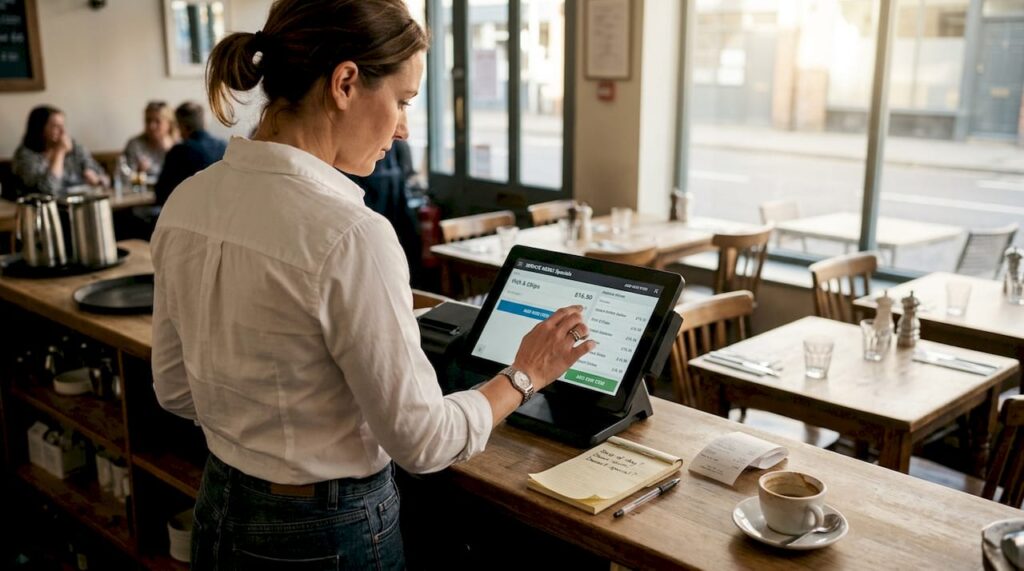
TL;DR:
- Effective menu management can increase restaurant profits by 10 to 15% without raising prices, but many UK restaurants underuse their POS data. Modern POS systems offer powerful features like real-time updates, ingredient tracking, and analytics that help optimize menus and reduce waste. Regular, data-driven reviews and integrated inventory control are essential for maximizing margins and operational efficiency.
Menu optimisation boosts profits by 10 to 15% without raising a single price, yet the majority of UK restaurants are sitting on untapped POS data that could transform their margins. With food costs rising and customer expectations shifting constantly, the pressure on operators to make smarter, faster decisions has never been greater. Many owners invest in capable POS technology, then use only a fraction of what it offers. This article will guide you from confusion to confident application, showing exactly how advanced POS menu management features can drive genuine, measurable profit improvements across your operation.
Table of Contents
- Understanding menu management in the modern restaurant
- Key features of a POS system for menu management
- Building a data-driven menu: turning analytics into action
- Integrating inventory control and menu management
- Why most restaurants underuse POS menu management — and how to break through
- Take your restaurant’s menu management further with expert POS solutions
- Frequently asked questions
Key Takeaways
| Point | Details |
|---|---|
| Menu optimisation drives profit | A well-managed POS menu can increase profits by 10-15% without raising prices. |
| Leverage POS analytics | Review menu performance using POS reports every quarter to adjust offerings. |
| Integrate inventory for accuracy | Real-time stock tracking within your POS reduces waste and prevents overselling. |
| Start small, scale up | Regularly using key POS features builds confidence and efficiency over time. |
Understanding menu management in the modern restaurant
Menu management is not simply the act of listing your dishes and setting prices. It is a dynamic, ongoing process that sits at the very heart of a profitable restaurant business. Every decision around what to serve, how to price it, when to change it, and which items to promote or retire is a menu management decision. Get it right consistently, and your margins grow. Get it wrong repeatedly, and even a busy restaurant can struggle.
The core pillars of effective menu management include food cost control, real-time sales data, customer preference tracking, and the ability to update your offering quickly in response to what you learn. Consider a straightforward example: if your POS data shows that a lamb shank dish generates strong revenue but carries a food cost of 42%, that item is quietly eroding your margins every time it sells. A well-managed menu would either reprice it, renegotiate supplier costs, or replace it with a dish that performs better financially.
“Effective menu management is not about having the most dishes on your menu. It is about having the right dishes, priced correctly, that customers actually want to order.”
UK restaurants face a particularly challenging operating environment. Net margins average just 4 to 6% across the industry, leaving almost no room for poor menu decisions. A few underperforming items, paired with inconsistent ingredient costing and slow reaction to sales trends, can push a viable business into difficulty very quickly.
The contrast between manual and POS-driven menu management is stark:
- Manual management relies on gut instinct, handwritten stock counts, and periodic reviews that often happen too infrequently to catch problems early.
- POS-driven management delivers live data, automated alerts, and structured reporting that removes guesswork from the equation entirely.
Operators who invest in understanding their restaurant POS efficiency capabilities tend to make faster, better-informed decisions. The technology is already there in most systems. The gap is nearly always in how fully it is being used.
Key features of a POS system for menu management
With menu management defined, let us examine the POS capabilities that turn good intentions into tangible outcomes. The best systems go well beyond simple order-taking and payment processing. They provide a suite of tools specifically designed to help you make smarter menu decisions every single day.
The most impactful features to look for include:
- Live menu updating: Change prices, add specials, or remove sold-out items instantly from one central interface, syncing across all terminals and digital channels simultaneously.
- Ingredient-level tracking: Break every dish down to its constituent ingredients so your system knows exactly what is consumed with each sale.
- Sales analytics and reporting: Understand which items sell most, when, and to whom, segmented by time period, day of the week, or table section.
- Low-stock alerts: Receive automatic notifications when key ingredients drop below a threshold, preventing you from selling dishes you cannot fulfil.
- Digital menu integration: Push menu changes directly to your online ordering platforms, table QR codes, and display screens without manual re-entry.
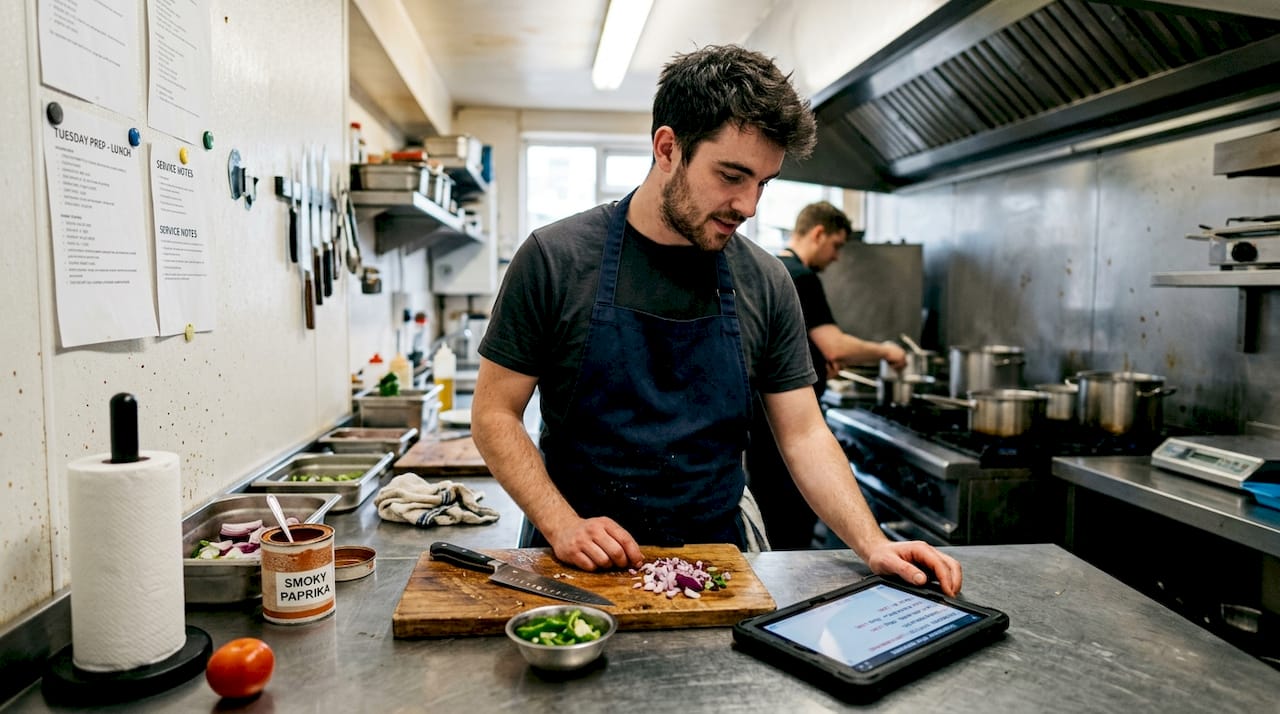
When you integrate with inventory for auto-deductions and low-stock alerts, the whole operation becomes more joined-up. Staff stop guessing what is available. Kitchen waste drops. And customers rarely encounter the frustrating experience of ordering something that turns out to be unavailable.
Here is a practical comparison of key POS features and their direct impact:
| POS feature | Manual equivalent | Time saved | Profit impact |
|---|---|---|---|
| Live menu updating | Reprinting menus, notifying staff | Hours per change | Immediate response to demand |
| Ingredient-level tracking | Manual stock count per service | Daily admin time | Reduced waste, tighter food cost |
| Sales analytics | End-of-week cash count review | Weekly reporting lag | Faster identification of weak items |
| Low-stock alerts | Chef checking fridge mid-service | Reactive only | Fewer disappointed customers |
| Digital menu sync | Manually updating each platform | Per-platform admin | Consistent customer experience |
Choosing among the best POS systems means weighing up not just headline price, but how deeply each feature is integrated and how easy it is for your staff to use in a live service environment. A system with powerful analytics is only valuable if your manager can actually pull and read a report in under five minutes.
Pro Tip: Before committing to a POS system, ask your provider specifically about ingredient-level tracking. Many entry-level systems only track at dish level, which limits how granularly you can manage costs. This single feature can make or break your ability to control food waste.
When thinking about POS setup for restaurants, get the menu architecture right from the very beginning. Group items logically, build in modifiers correctly, and map ingredients accurately. Time invested at setup pays dividends every single week thereafter.
The aim is to optimise your hospitality POS so that it actively supports every service, not just records transactions after the fact.
Building a data-driven menu: turning analytics into action
Equipped with POS features, it is time to see how to translate raw data into a menu that works harder for your business. Data without action is just noise. The real skill lies in reading your reports clearly and then making deliberate changes that improve performance.
Here is how to structure an effective data-driven menu review:
- Pull your sales mix report for the review period, typically the last 12 to 13 weeks, to get a statistically meaningful picture of what is selling.
- Segment items into four categories: high-sale and high-margin (your stars), high-sale but low-margin (your ploughhorses), low-sale but high-margin (your puzzles), and low-sale and low-margin (your dogs).
- Focus immediately on your dogs. These items consume kitchen time, complicate stock orders, and contribute little. Removing or replacing them is almost always the right move.
- Investigate your puzzles. A dish with great margin but low sales often just needs better menu placement, a stronger description, or staff to recommend it more actively.
- Protect your stars. Ensure ingredients are reliably sourced and that food cost is reviewed regularly, because these items underpin your profitability.
- Review your ploughhorses carefully. Can you adjust portion size? Substitute a slightly cheaper ingredient? These tweaks can convert a busy but barely profitable item into a genuinely valuable one.
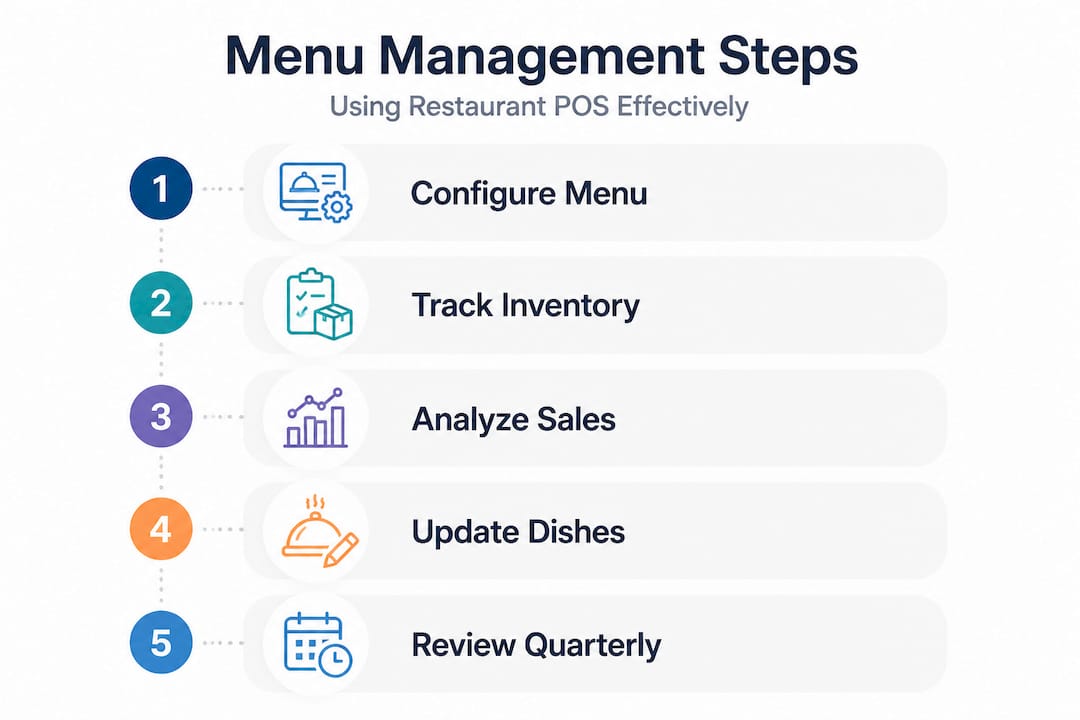
Quarterly menu reviews using POS analytics are recommended, and emerging AI tools are beginning to offer dynamic pricing and forecasting capabilities that can sharpen these decisions further. AI-driven forecasting can, for example, predict which dishes are likely to spike in popularity based on weather patterns, local events, or historical seasonal data.
The following table illustrates what a typical quarterly review might reveal:
| Dish | Avg. weekly sales | Food cost % | Category | Recommended action |
|---|---|---|---|---|
| Chicken burger | 120 portions | 28% | Star | Protect, review supplier pricing |
| Lamb shank | 35 portions | 44% | Dog | Review or remove |
| Mushroom risotto | 18 portions | 22% | Puzzle | Improve description, promote |
| Fish and chips | 90 portions | 38% | Ploughhorse | Trial portion adjustment |
Accessing detailed hospitality POS tips can accelerate how quickly your team becomes confident using these analytical tools. The learning curve is shorter than most operators expect.
Pro Tip: Build your quarterly review into the calendar as a fixed event, the same way you would a stocktake. Treat it as a non-negotiable business priority, not an optional extra. Operators who commit to this rhythm typically see sustained margin improvement within two to three review cycles.
Consult a detailed POS setup guide to ensure your system is configured to generate the reports you need automatically. Many operators discover their system has been collecting data all along, but was never configured to present it in a useful format.
Integrating inventory control and menu management
Beyond analytics, integrated inventory control is the missing piece for total menu management effectiveness. Without this connection, even the most sophisticated reporting tells only half the story. You can see what sold, but you cannot see what was wasted, over-ordered, or used inconsistently across shifts.
When your POS connects directly to your inventory system, several critical things happen automatically:
- Stock is deducted at ingredient level with every order, giving you a live, accurate picture of what remains without manual counting.
- Waste is tracked when items are removed from the system for reasons other than sales, such as spoilage or kitchen errors, creating a clear audit trail.
- Ordering becomes data-led. Rather than estimating quantities from experience, your system can suggest order volumes based on current stock levels, historical sales patterns, and upcoming bookings.
- Menu accuracy improves dramatically. Dishes only appear as available when the ingredients to make them are genuinely in stock, eliminating the need for staff to field awkward “sorry, we’re out of that” conversations.
- Profit and loss visibility sharpens. When food cost is tracked at ingredient level in real time, your gross margin figure is always current, not just a number you discover at month-end.
Integrating inventory with auto-deductions and low-stock alerts is one of the highest-value upgrades any restaurant can make to its operational setup. The return on this investment typically comes quickly through reduced waste and fewer ordering errors.
Pro Tip: When setting low-stock alert thresholds, be conservative initially. Set alerts to trigger when you have 20% more stock than you think you need. Over a few weeks, you will gather real data on actual consumption rates and can adjust thresholds accurately. Starting too tight leads to false alarms; starting too loose means alerts arrive too late.
If your current system lacks strong inventory integration, it may be time to seriously consider whether an upgrade to your POS system would pay for itself through operational savings alone.
Why most restaurants underuse POS menu management — and how to break through
Here is a candid truth that does not get discussed nearly enough in the industry: the biggest barrier to effective POS menu management is not the technology. The systems available today are genuinely powerful. The barrier is almost always human.
Most operators stick to the absolute basics because POS systems, despite being designed for ease of use, are rarely set up with the most useful features switched on and visible by default. Providers configure systems at installation and then move on. The quarterly review function, the ingredient-level tracking, the sales mix reporting — these features exist, but they are buried inside menus that busy operators never explore under the pressure of daily service.
Change management is also a genuine challenge. Asking a head chef who has run the same menu for three years to use a data report as the basis for dish removals can generate real resistance. The data feels cold and impersonal. The instinct is to defend dishes that the kitchen is proud of, even when the numbers clearly show they are not working commercially.
The practical solution is not to overhaul everything at once. Start small. Pick one feature you are not currently using, perhaps the quarterly sales mix report, and commit to acting on it once. Then build from there. Small, visible wins create confidence and buy-in far more effectively than a top-down instruction to “use the system properly.”
The hospitality POS examples from businesses that have genuinely transformed their menu performance share a common thread. They did not install better technology and immediately see results. They invested time in training, trialled small changes, reviewed the outcomes, and built a culture of data-informed decision-making gradually. The technology enabled the improvement. The people drove it.
Take your restaurant’s menu management further with expert POS solutions
Understanding what is possible is the first step. Putting the right tools in place is what actually changes your business. Whether you are starting from scratch or looking to get more from your existing setup, working with a knowledgeable POS provider makes a material difference.

At YCR Distribution, we have spent over three decades helping UK hospitality businesses choose, configure, and get the most from their POS systems. Our range of POS software solutions includes SAMTOUCH and EZEEPOS, both built with menu management and inventory integration at their core. If you are unclear which hardware will best support your workflow, our guide to POS hardware for hospitality walks through the key decisions in plain language. For operators exploring terminal options specifically, our overview of POS terminals for restaurants gives a clear starting point. Speak to our team for tailored recommendations based on your specific operation.
Frequently asked questions
How often should I update my restaurant menu using POS analytics?
Quarterly menu reviews are the recommended minimum, allowing you to act on seasonal trends and identify underperforming items before they erode margins significantly. High-volume or fast-changing operations may benefit from monthly reviews.
What POS features matter most for menu management?
The most impactful features are live menu updates, detailed sales analytics, ingredient-level tracking, automatic stock deductions and low-stock alerts. Together, these eliminate guesswork and give you real-time visibility into both what is selling and what it is costing you.
Can POS systems help reduce food waste?
Yes, significantly. Integrating inventory with auto-deductions means every sale is tracked at ingredient level, so stock counts stay accurate and over-ordering becomes far less common. You will also spot waste patterns that manual processes simply cannot detect.
Is menu management software suitable for small restaurants?
Absolutely. Menu optimisation boosts profits 10 to 15% across all restaurant types and sizes. Smaller operations often see the fastest return because even modest margin improvements represent a significant percentage of total profit. Modern POS systems are fully scalable and do not require large teams to operate effectively.