
TL;DR:
- Reliable retail hardware is crucial to prevent costly downtime and maintain customer trust.
- Hardware choices should consider transaction volume, integration, total cost of ownership, and support.
- Investing in quality, properly supported hardware ensures long-term efficiency and business continuity.
Choosing the wrong retail hardware is not just an inconvenience. It can bring your entire operation to a standstill on your busiest trading day. Payment terminals that freeze, barcode scanners that misread, printers that jam mid-queue: each failure chips away at customer trust and your bottom line. UK retailers have lost thousands during single outage events, proving that hardware reliability is not optional. This article walks you through 10 practical retail hardware examples, explains how to compare them, and gives you a clear framework for making the right investment for your shop.
Table of Contents
- Essential retail hardware: From POS terminals to peripherals
- 10 common and specialist retail hardware examples
- Comparing retail hardware: Features, pros and cons
- Choosing the right retail hardware for your store
- What most retailers overlook about hardware decisions
- Find the right POS hardware for your needs
- Frequently asked questions
Key Takeaways
| Point | Details |
|---|---|
| Priority hardware types | POS terminals, barcode scanners, and receipt printers are core for nearly all UK retail setups. |
| Choose reliability | Quality, well-supported hardware minimises downtime and boosts efficiency over time. |
| Integrate wisely | Hardware integrated with your POS software delivers better inventory control and customer service. |
| Plan for support | Select hardware with robust supplier support to avoid losses from unexpected breakdowns. |
| Customise for your store | Consider specialist devices like RFID readers or digital signage for niche or high-volume retail environments. |
Essential retail hardware: From POS terminals to peripherals
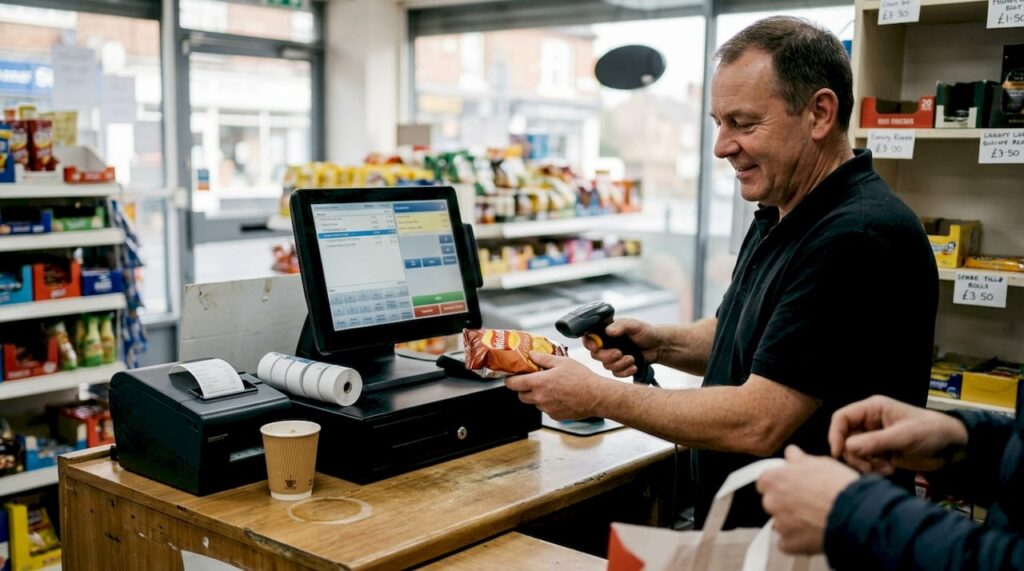
Every retail operation, whether a corner convenience shop or a multi-aisle fashion boutique, runs on a core set of hardware. Understanding what each component does and how it connects to the rest of your system is the first step towards building something reliable.
The POS terminal sits at the centre of everything. It processes payments, communicates with your stock management system, and generates the transaction data you rely on for reporting. Think of it as the brain of your shop floor. Everything else connects to it and depends on it functioning correctly.
Beyond the terminal, the following peripherals form the backbone of a well-run retail environment:
- Barcode scanners: Speed up checkout and reduce manual input errors
- Receipt printers: Provide customers with proof of purchase and support returns
- Cash drawers: Secure cash handling, triggered automatically by your POS software
- Customer displays: Show pricing and promotions to shoppers at the point of sale
- Card readers: Handle contactless, chip and PIN, and mobile wallet payments
The relationship between these components matters as much as the components themselves. A receipt printer that is not properly integrated with your POS software will cause delays. A card reader running outdated firmware may reject valid contactless payments. Poor hardware choices lead to breakdowns and costly downtime that far outweigh any initial saving.
When you are evaluating options, explore the full range of POS hardware types available and take time to understand POS hardware terminology before committing to a purchase. Knowing the difference between a thermal and impact printer, or between a 2D and 1D scanner, will save you from buying the wrong thing entirely.
Pro Tip: Resist the temptation to buy the cheapest hardware available. A till that saves you £150 upfront but fails twice a year will cost you far more in lost sales, engineer call-outs, and staff frustration.
10 common and specialist retail hardware examples
Now that we have covered the primary categories, here are ten tangible examples you will encounter or should consider for your retail environment.
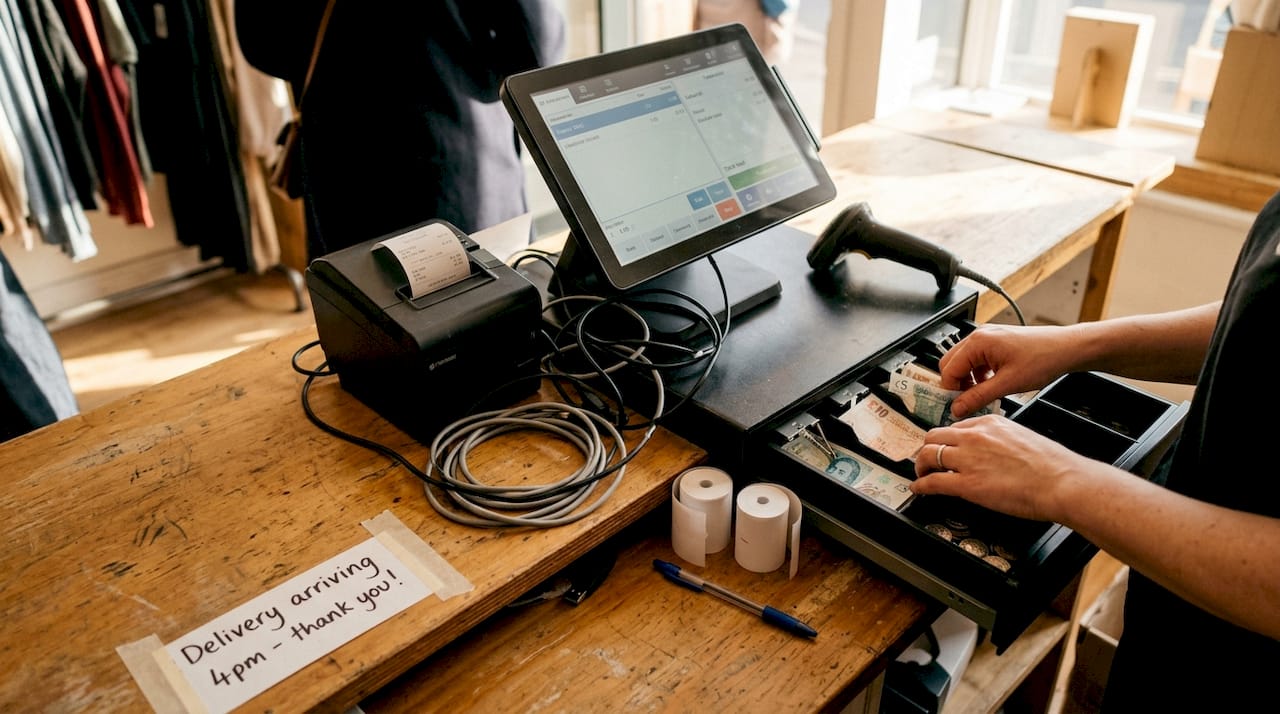
- All-in-one POS terminal: Combines touchscreen, processor, and software in one unit. Ideal for space-limited counters in cafes, convenience shops, or boutiques.
- Handheld barcode scanner: Wired or wireless, used for scanning products at checkout or during stock takes. A staple in grocery, pharmacy, and general retail.
- Thermal receipt printer: Fast, quiet, and low-maintenance. Prints customer receipts and kitchen tickets without ink cartridges, making it cost-effective over time.
- Cash drawer: Connects via the receipt printer or directly to the POS terminal. Essential for any shop handling cash, with lockable compartments for security.
- RFID reader: Used in clothing retail and high-value goods environments to track inventory in real time. Reduces shrinkage and speeds up stock counts dramatically.
- Customer-facing display: Shows itemised pricing as products are scanned. Builds trust with shoppers and reduces pricing disputes at the till.
- Self-service kiosk: Allows customers to browse, order, or pay without staff assistance. Increasingly common in fast food, pharmacies, and larger retail chains.
- Weighing scales: Integrated with POS software to price products by weight. Essential for delis, greengrocers, and bulk food retailers.
- Digital signage display: Promotes offers, seasonal campaigns, or product information on screen. Drives impulse purchases and reduces the need for printed materials.
- Networking hardware (router and switch): Often overlooked but critical. Your entire POS ecosystem depends on a stable, fast network connection.
Contactless and NFC payment failures are frequently caused by poor hardware placement or outdated device software, not the payment network itself.
For a deeper look at how these devices work together in practice, review key POS hardware examples and use a structured hardware checklist to assess your current setup.
Comparing retail hardware: Features, pros and cons
With the main examples clear, comparing their features side by side helps you make informed decisions rather than guesses.
| Hardware type | Cost range | Reliability | Integration | Best for |
|---|---|---|---|---|
| All-in-one POS terminal | £££ | High | Excellent | All retail types |
| Handheld barcode scanner | £ | High | Good | Grocery, pharmacy |
| Thermal receipt printer | ££ | High | Excellent | All retail types |
| Cash drawer | £ | Very high | Good | Cash-heavy shops |
| RFID reader | £££ | Medium | Moderate | Fashion, high-value goods |
| Customer display | ££ | High | Good | Supermarkets, convenience |
| Self-service kiosk | ££££ | Medium | Moderate | Large chains, QSR |
| Weighing scales | ££ | High | Good | Deli, grocery |
| Digital signage | ££ | High | Moderate | All retail types |
| Networking hardware | ££ | Critical | Essential | All retail types |
A few things stand out from this comparison. Networking hardware scores as critical because network outages can cost retailers thousands in a single afternoon. Yet it is often the last thing shop owners budget for properly.
When reviewing your hardware shortlist, check the following:
- Does the device support your current POS software without custom configuration?
- Is the manufacturer still actively releasing firmware updates?
- Does the supplier offer next-day replacement or on-site support?
- Is the device wired, wireless, or both? Wi-Fi-only devices carry additional risk.
For a full breakdown of which peripherals boost efficiency in different retail formats, it is worth reviewing dedicated guidance before finalising your list.
Choosing the right retail hardware for your store
Once you have seen what is available, the key question becomes: how do you avoid pitfalls and select the right combination for your retail shop?
Start with these four evaluation criteria:
- Transaction volume: A shop processing 500 transactions a day needs enterprise-grade hardware. A small boutique doing 30 transactions can manage with a lighter setup.
- Integration requirements: Does the hardware connect seamlessly with your existing stock, accounting, or loyalty software?
- Budget (total cost of ownership): Factor in maintenance, consumables, and support contracts, not just the purchase price.
- Supplier support: Can your supplier provide same-day dispatch, next-day delivery, and UK-based technical support when something goes wrong?
Here is a simple comparison of two common hardware approaches:
| Factor | Wired setup | Wi-Fi-only setup |
|---|---|---|
| Transaction reliability | Very high | Moderate |
| Setup complexity | Moderate | Low |
| Risk during outage | Low | High |
| Ongoing maintenance | Low | Medium |
| Recommended for | High-volume shops | Low-volume or temporary setups |
For payment-critical environments, wired connections are strongly recommended for greater transaction reliability. A Wi-Fi drop during a busy Saturday afternoon is not just an inconvenience. It is a revenue event.
Pro Tip: Choose modular hardware where possible. Systems that allow you to swap out individual components (a scanner, a printer, a display) without replacing the entire setup will save you significantly over a three to five year period.
For a structured approach to this decision, the choosing your POS hardware guide walks through each consideration in detail.
What most retailers overlook about hardware decisions
Here is something we see repeatedly: retailers focus almost entirely on the upfront cost and almost never on the total cost of ownership. It is understandable. Cash flow is tight, and a cheaper till looks attractive on a spreadsheet.
But consider this scenario. A shop owner buys a budget till to save £200. Six months later, it fails on a busy Saturday. The engineer call-out costs £120. Lost sales during the two-hour downtime cost another £400. Staff overtime to reconcile the manual records adds £80. That £200 saving has now cost £600, and the till is still unreliable.
Quality hardware, paired with a reputable support partner, almost always costs less over a three to five year window. The real impact of POS hardware on your business goes far beyond the price tag. It touches your staff’s confidence, your customers’ experience, and your ability to trade without interruption. Investing properly the first time is not a luxury. It is the smarter financial decision.
Find the right POS hardware for your needs
For retailers who want to avoid costly mistakes and get the right hardware from the start, expert guidance makes all the difference.

At YCR Distribution, we supply a wide range of trusted retail hardware, from basic tills to fully integrated POS systems, backed by over three decades of UK experience. Whether you are setting up a new shop or upgrading an ageing system, our team can help you match the right hardware to your specific trading environment. Explore our retail hardware options, get familiar with POS hardware terminology before you buy, or use our hardware troubleshooting guide if you are already experiencing issues. We offer next-day delivery and same-day dispatch across the UK.
Frequently asked questions
What are the most common types of retail hardware used in UK shops?
The most common retail hardware includes POS terminals, barcode scanners, receipt printers, cash drawers, customer displays, and card readers for contactless and chip and PIN payments.
Why does reliable hardware matter for retail operations?
Reliable hardware prevents costly downtime and transaction failures. UK retailers have lost thousands during single outage events, making reliability a direct financial concern.
How do I choose the best hardware for my shop’s needs?
Assess your transaction volume, integration requirements, budget, and supplier support to match hardware to your daily demands. The POS hardware guide provides a structured framework for this process.
What causes payment failures in retail hardware setups?
Payment failures often result from poor NFC placement or outdated device software rather than issues with the payment network itself.
Are there specialist hardware options for retail niches?
Yes. Specialist hardware includes weighing scales for greengrocers and delis, RFID readers for fashion and high-value inventory tracking, and digital signage displays for promotional campaigns.