- +44 1924 438238
- sales@ycr.co.uk
- Mon - Fri: 8:30 - 16:30

Step by Step Retail POS Workflow for Faster Transactions
Busy retail teams in the United Kingdom’s hospitality sector know that a slow checkout can frustrate customers and disrupt daily operations. Efficient point of sale workflows matter because every second counts during peak trading hours. By focusing on systematic POS setup and robust transaction procedures, this guide helps you reduce wait times and improve customer experience, giving your store a practical edge where it matters most.
Table of Contents
- Step 1: Prepare POS Hardware And Install Retail Software
- Step 2: Configure System Settings For Store Operations
- Step 3: Load Products And Set Pricing In POS Database
- Step 4: Process Retail Transactions And Accept Payments
- Step 5: Verify Sales Data And Reconcile Daily Totals
Quick Summary
| Key Point | Explanation |
|---|---|
| 1. Assess Compatibility of POS Hardware | Select hardware components that integrate well with your POS system for optimal function and efficiency. |
| 2. Prioritise Accurate Software Configuration | Correctly set user permissions and transaction parameters to ensure effective retail operations and data security. |
| 3. Implement Comprehensive Product Databases | Enter all relevant product information meticulously to support pricing strategies and tax compliance for smooth inventory management. |
| 4. Streamline Payment Processing | Offer various payment methods and ensure staff are trained to handle transactions effectively for enhanced customer satisfaction. |
| 5. Conduct Regular Sales Reconciliation | Establish a routine for daily sales checks to identify discrepancies and maintain financial integrity within your retail business. |
Step 1: Prepare POS hardware and install retail software
Preparing your retail point of sale (POS) system involves carefully selecting and configuring hardware and software to ensure smooth transaction processing. This critical initial phase sets the foundation for efficient retail operations.
To get started, gather the essential POS hardware components, which typically include a main terminal, cash drawer, receipt printer, and barcode scanner. When selecting these devices, prioritise compatibility and integration capabilities. Many businesses opt to explore retail point of sale solutions that offer comprehensive hardware packages.
The installation process requires systematic steps:
- Unpack all hardware components carefully
- Check each device for potential shipping damage
- Position terminals in logical transaction areas
- Connect peripherals using correct cable interfaces
Next, focus on software installation. Choose a retail management system that matches your specific business requirements. Look for platforms offering intuitive interfaces, robust reporting features, and seamless payment processing capabilities. Modern POS software should support multiple payment methods and integrate smoothly with your existing business systems.
Successful POS setup demands meticulous planning and attention to technical compatibility.
When installing software, ensure you have administrator credentials and a stable internet connection. Some retailers prefer cloud-based solutions that offer automatic updates and remote management capabilities. Carefully follow manufacturer instructions during installation, and consider professional support if you encounter technical challenges.
Here is a comparison of cloud-based POS software and traditional on-premise POS software:
| Aspect | Cloud-Based POS | On-Premise POS |
|---|---|---|
| Updates | Automatic, remote | Manual, on site |
| Accessibility | Any location via web | Physical store only |
| Data Backup | Automated in the cloud | Local, risk of loss |
| Cost Structure | Subscription-based | One-time licence fee |
| Support | Remote assistance | In-person or remote |
Top tip: Always maintain a backup of your system configuration and keep installation documentation in a secure, accessible location for future reference.
Step 2: Configure system settings for store operations
Configuring your point of sale (POS) system settings is crucial for establishing smooth and efficient retail operations. This step involves tailoring your software to match your specific business needs, ensuring accurate transaction processing and comprehensive reporting.
Begin by accessing your system’s administration panel and navigating through key configuration areas. Many businesses find software utilities helpful in streamlining these initial setup processes. Critical settings to configure include:
- User account permissions
- Tax rate configurations
- Payment method integrations
- Inventory tracking parameters
- Customer data management
Pay special attention to user access controls. Establish different permission levels for staff members based on their roles. This approach helps maintain security and prevents unauthorised system modifications. Typically, you’ll want to create distinct access tiers such as:

Below is a summary of common POS user roles and their access levels:
| Role | Main Responsibilities | Access Scope |
|---|---|---|
| Administrator | System setup, user control | Full access |
| Manager | Reporting, limited configs | Reports, partial settings |
| Cashier | Sales processing | Transactions only |
- Administrator (full system access)
- Manager (reporting and limited configuration)
- Cashier (transaction processing only)
Proper system configuration is the foundation of efficient retail management.
Next, customise your reporting settings to generate insights relevant to your business. Select default report types, configure automatic generation schedules, and determine which metrics matter most for your operational strategy. Some advanced POS systems allow you to create custom dashboards that highlight key performance indicators.
Ensure your system integrates smoothly with existing business tools like accounting software, inventory management platforms, and customer relationship management systems. Consistent data synchronisation will streamline your overall business operations.
Expert advice: Conduct a comprehensive test of all configured settings during off-peak hours to verify smooth functionality and identify any potential configuration issues.
Step 3: Load products and set pricing in POS database
Loading products and configuring their pricing represents a critical step in establishing an efficient retail point of sale system. This process involves meticulously entering product details, creating accurate pricing structures, and ensuring smooth inventory management.
Begin by configuring product databases with comprehensive item information. Your product entry should include essential details such as:
- Unique product codes
- Descriptive product names
- Precise selling prices
- Applicable tax rates
- Inventory quantities
- Product categories
When establishing pricing strategies, consider multiple factors beyond basic cost. Develop a dynamic pricing framework that accounts for:
- Base product cost
- Desired profit margins
- Competitive market rates
- Seasonal variations
- Bulk purchase discounts
Accurate product and pricing data forms the backbone of successful retail operations.
Pay close attention to tax configuration and ensure each product is assigned the correct tax category. This prevents potential accounting discrepancies and maintains compliance with financial regulations. Most modern POS systems allow granular tax rate assignments, enabling you to manage different tax brackets efficiently.
Utilise your system’s bulk import features when possible, which can significantly reduce manual data entry time. Many contemporary POS platforms support spreadsheet imports, allowing you to transfer product information rapidly and accurately.
Expert advice: Conduct a comprehensive product database audit monthly to ensure pricing accuracy and remove discontinued items, maintaining a clean and current inventory system.
Step 4: Process retail transactions and accept payments
Processing retail transactions efficiently requires a systematic approach that combines speed, accuracy, and customer service. Understanding the nuanced steps of transaction management will help you streamline your checkout process and enhance overall customer experience.
Begin by understanding payment processing mechanics with a comprehensive approach. Your transaction workflow should incorporate multiple payment methods:
- Credit card payments
- Contactless mobile payments
- Digital wallet transactions
- Cash payments
- Debit card transactions
When processing a transaction, follow these critical verification steps:
- Scan or enter product items
- Confirm total purchase amount
- Select payment method
- Process payment
- Generate receipt
Smooth transaction processing directly impacts customer satisfaction and operational efficiency.
Ensure your payment terminal configuration supports various payment types. Modern POS systems can handle multiple transaction styles seamlessly, including chip-and-pin, contactless, and mobile payments. Train your staff to manage different payment scenarios efficiently and resolve potential transaction issues quickly.
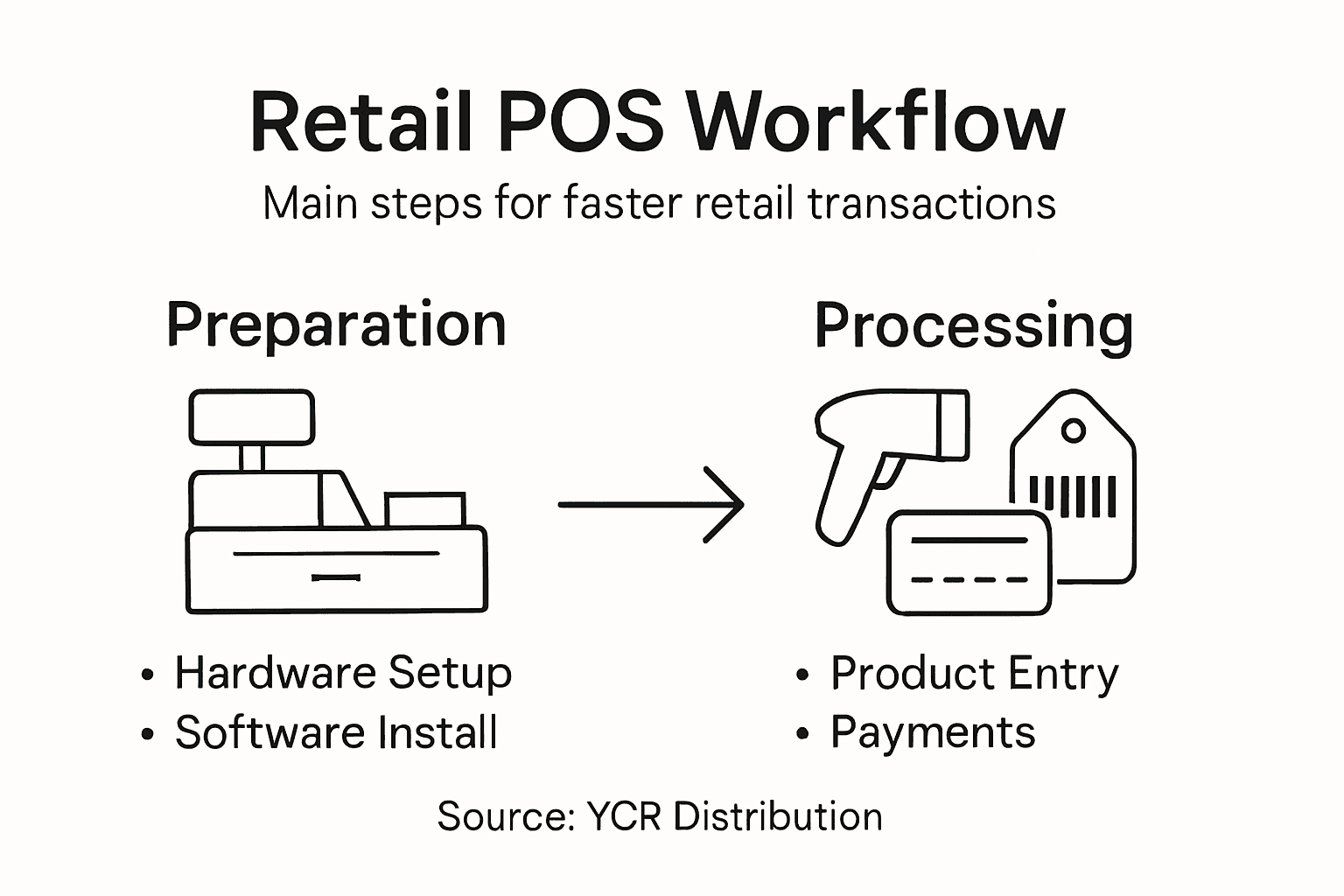
Additionally, implement robust security protocols during payment processing. This includes verifying customer identification for high-value transactions, protecting card details, and maintaining a secure payment environment that builds customer trust.
Expert advice: Regularly update your payment processing software to ensure the latest security features and maintain compatibility with emerging payment technologies.
Step 5: Verify sales data and reconcile daily totals
Reconciling daily sales data is a critical process that ensures financial accuracy and prevents potential discrepancies in your retail operations. This systematic review helps maintain transparent and reliable financial records.
Begin by implementing systematic sales reconciliation to track and validate all transaction details. Your reconciliation process should encompass:
- Cash register totals
- Electronic payment summaries
- Individual transaction records
- Refund and discount documentation
- Inventory movement reports
Follow these key reconciliation steps:
- Print end-of-day sales report
- Compare physical cash count with system total
- Verify electronic payment transactions
- Check for any manual adjustments
- Document and investigate discrepancies
Accurate daily reconciliation prevents financial leakage and maintains business integrity.
Focus on identifying potential inconsistencies such as missing transactions, incorrect pricing, or unauthorised discounts. Modern POS systems often provide automated reconciliation tools that can streamline this process and highlight potential issues quickly.
Pay special attention to transaction types that frequently cause complications, including cash payments, card transactions, split payments, and refunds. Cross-reference these against your physical cash drawer and electronic payment records to ensure complete accuracy.
Expert advice: Establish a consistent reconciliation routine performed by different staff members to introduce an additional layer of financial oversight and reduce the risk of undetected errors.
Accelerate Your Retail POS Workflow with Trusted Hardware and Software Solutions
The article highlights the challenges retail businesses face when setting up and optimising their POS systems for faster transactions and accurate sales processing. Common pain points include the careful configuration of hardware compatible with your software, precise pricing setup, user access control, and seamless payment processing to improve efficiency and customer satisfaction. If your goal is to eliminate transaction delays and reduce reconciliation errors, exploring reliable, integrated POS solutions becomes essential.
At YCR Distribution, we understand these specific retail workflow needs and offer a complete range of retail point of sale solutions that combine industry-leading POS hardware and bespoke software tailored for UK retailers. Whether you require robust terminals, barcode scanners, or intuitive retail software like SAMTOUCH and EZEEPOS, our expert team can help you build a system that supports dynamic pricing structures, secure payment processing, and detailed sales reconciliation effortlessly.

Transform your transactional workflow today by choosing YCR Distribution as your total POS solutions provider. Visit our website to explore our comprehensive product range or contact us now for personalised advice and next-day delivery options. Faster checkouts and flawless retail operations start here.
Frequently Asked Questions
What are the essential components for a retail POS setup?
A retail POS setup requires essential components like a main terminal, cash drawer, receipt printer, and barcode scanner. Gather these devices and prioritise their compatibility to streamline your transaction processing.
How do I configure system settings for my retail POS?
To configure system settings, access the administration panel and set user account permissions, tax rates, payment method integrations, and inventory tracking parameters. Ensure each setting aligns with your business needs to facilitate smooth operations.
What details should I include when loading products into the POS database?
When loading products, include unique product codes, descriptive names, selling prices, applicable tax rates, inventory quantities, and product categories. Ensure accuracy in these details to maintain efficient inventory management and customer satisfaction.
How can I verify sales data and reconcile daily totals effectively?
To verify sales data, print the end-of-day sales report and compare it with your cash register totals and electronic payment summaries. Document any discrepancies and investigate them quickly to maintain financial accuracy and integrity.
What steps can I take to ensure smooth transaction processing?
Ensure smooth transaction processing by training staff on handling various payment methods, such as credit cards and mobile payments. Establish clear verification steps for each transaction to reduce errors and enhance customer service during busy periods.
Why is backing up my POS system configuration important?
Backing up your POS system configuration is vital to prevent data loss and ensure a quick recovery in case of technical issues. Maintain backups of your configuration and installation documentation in a secure location for easy access when needed.