
The real role of POS peripherals in retail and hospitality
TL;DR:
- POS peripherals are essential hardware components that support the physical aspects of transaction processing, impacting speed and accuracy. Proper compatibility, reliable integration, and fit for specific environments ensure optimal performance and reduce staff frustration. Emerging technologies like IoT, RFID, and modular hardware continue to evolve peripheral capabilities, shaping future retail and hospitality operations.
Most businesses treat POS peripherals as an afterthought. You buy a terminal, pick a software package, and then grab whatever scanner or printer seems cheap enough. That thinking costs you more than you realise. The role of POS peripherals extends well beyond convenience. These devices handle the input, output, and physical transaction elements that your software alone cannot touch. Get them right and your checkout is faster, your kitchen runs cleaner, and your customers leave satisfied. Get them wrong and you pay for it in errors, slowdowns, and staff frustration every single shift.
Table of Contents
- Key takeaways
- What POS peripherals actually are
- How POS peripheral integration works
- The business case for each peripheral type
- Choosing and setting up peripherals correctly
- Emerging trends in POS peripheral technology
- My take on peripheral choices after years in the field
- How Ycr can help you build the right POS setup
- FAQ
Key takeaways
| Point | Details |
|---|---|
| Peripherals are core, not optional | POS peripherals handle physical transaction functions that software cannot perform alone. |
| Compatibility determines reliability | Choosing peripherals supported by your POS platform’s driver standards prevents costly integration failures. |
| Cash drawers need careful cabling | Most cash drawers connect through the receipt printer, so your printer choice directly affects drawer control. |
| KDS is a system, not just a screen | Kitchen display systems require aligned controller, server software, and displays to route orders correctly. |
| Future-proof with scalable hardware | IoT, RFID, and mobile peripherals are reshaping POS setups; choosing scalable hardware protects your investment. |
What POS peripherals actually are
The term “peripheral” sometimes makes these devices sound secondary. They are not. POS peripherals are explicitly supported hardware that perform specific input and output functions integrated into your POS system through standardised drivers. Without them, your terminal is little more than a glorified calculator.
Here is a breakdown of the most common types you will encounter across retail and hospitality:
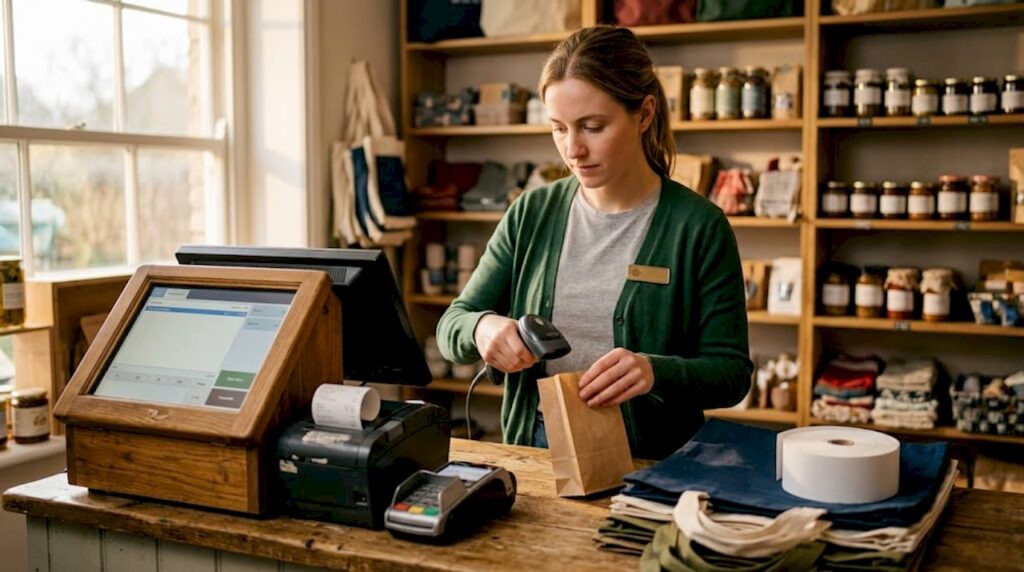
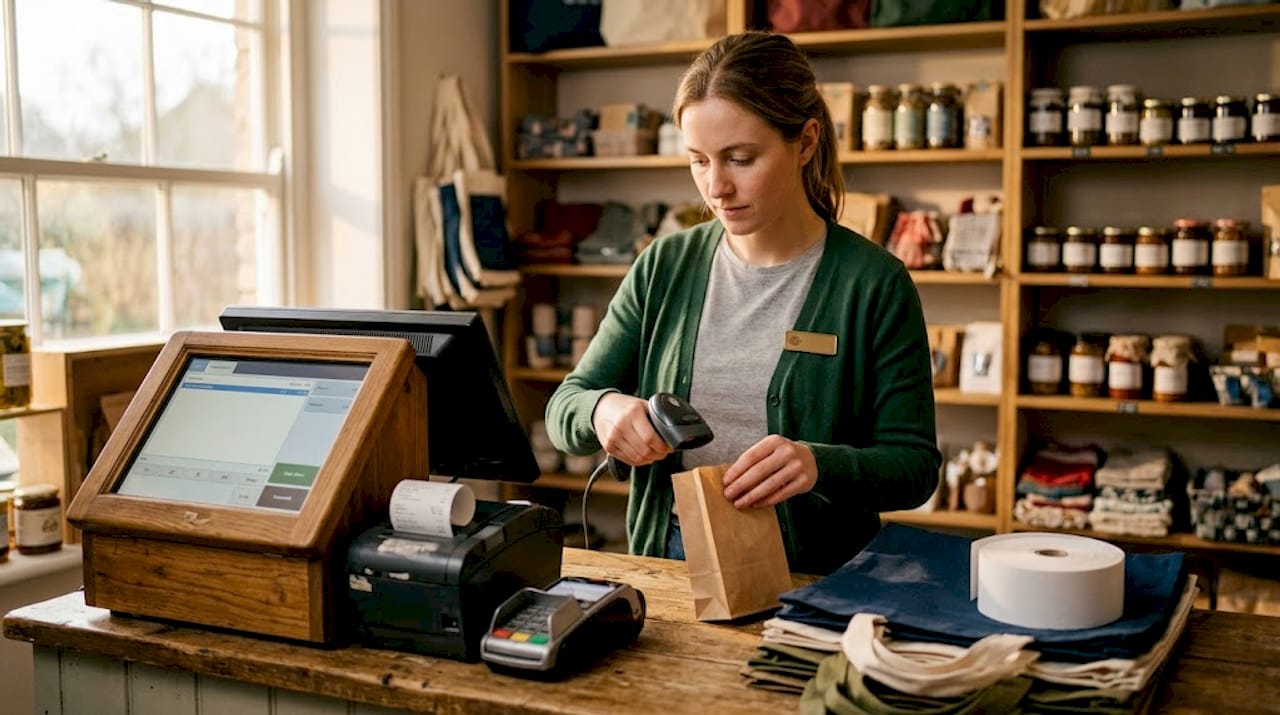
- Barcode scanners read product codes at checkout, feeding item data directly into the POS transaction. They come in handheld, fixed-mount, and presentation formats depending on your counter setup.
- Receipt printers produce customer receipts and, in many setups, kitchen order tickets. Thermal printing is now standard for speed and low maintenance.
- Cash drawers secure cash and coin, opening automatically when triggered through the POS system at the point of sale.
- Payment terminals handle card, contactless, and mobile payment methods. They communicate with acquiring banks to authorise transactions in real time.
- Customer-facing displays show the customer their order details, totals, and prompts during the transaction.
- Kitchen display systems (KDS) are back-of-house screens used in hospitality to replace printed kitchen tickets. A KDS comprises a controller, server-based software, and LCD monitors with bump bars for staff acknowledgement.
- POS scales are used in delis, bakeries, and food retail to weigh goods and pass weight data directly to the transaction line.
Each of these devices expands what your core terminal can do. The role of peripherals in POS setup is to close the gap between digital transaction management and the physical world of products, cash, and customers.
How POS peripheral integration works
Understanding integration saves you from expensive mistakes. Microsoft supports the OPOS standard, which defines how peripheral device drivers communicate with POS software on Windows-based systems. UnifiedPOS is the broader international specification that OPOS sits within. Both exist to create a common language between hardware and software so that a receipt printer from one manufacturer works with a POS application from another.
Here is how a typical peripheral setup process flows:
- Connect and power on your receipt printer first. It is usually the anchor device in any setup.
- Connect the cash drawer to the receipt printer using an RJ12 cable. Cash drawers rarely connect directly to the terminal itself, which means your printer selection affects how your drawer behaves.
- Connect your barcode scanner, either via USB or wireless receiver, and confirm the POS software recognises it.
- Add kitchen printers or KDS units to the network, ensuring they are mapped to the correct order types in the software.
- Connect payment terminals last, confirming payment platform integration and running a test transaction.
The key variable throughout this process is not the peripheral brand. Integration depends on whether your POS platform explicitly supports that device class and has the correct OPOS driver installed. A high-end scanner is useless if your POS software has no driver for it.
For networked peripherals shared across multiple registers, a shared IIS hardware station running web services allows all terminals on the same network to access those devices reliably. This is common in multi-lane retail environments or busy restaurant service areas.
Pro Tip: Before purchasing any peripheral, confirm with your POS software provider that the specific model appears on their supported devices list. Assuming compatibility based on connection type alone causes more support calls than any other factor in peripheral deployments.
The business case for each peripheral type
Once you understand what peripherals are and how they connect, the question becomes: what does each one actually do for your business? The answer is more specific than most people expect.
| Peripheral | Primary function | Business impact |
|---|---|---|
| Barcode scanner | Reads product barcodes at speed | Reduces checkout time and manual entry errors |
| Receipt printer | Prints customer receipts and kitchen tickets | Supports transaction records and kitchen workflow |
| Cash drawer | Secures and organises cash | Reduces theft risk and speeds cash reconciliation |
| Payment terminal | Processes card and contactless payments | Expands payment acceptance and reduces fraud risk |
| Customer display | Shows order details to the customer | Builds trust and increases tip rates |
| KDS | Displays kitchen orders in real time | Reduces ticket loss, improves order accuracy |
The role of payment terminals deserves particular attention. Modern terminals handle chip and PIN, contactless, Apple Pay, and Google Pay in a single device. That breadth of acceptance directly affects how many customers can complete a purchase without friction.
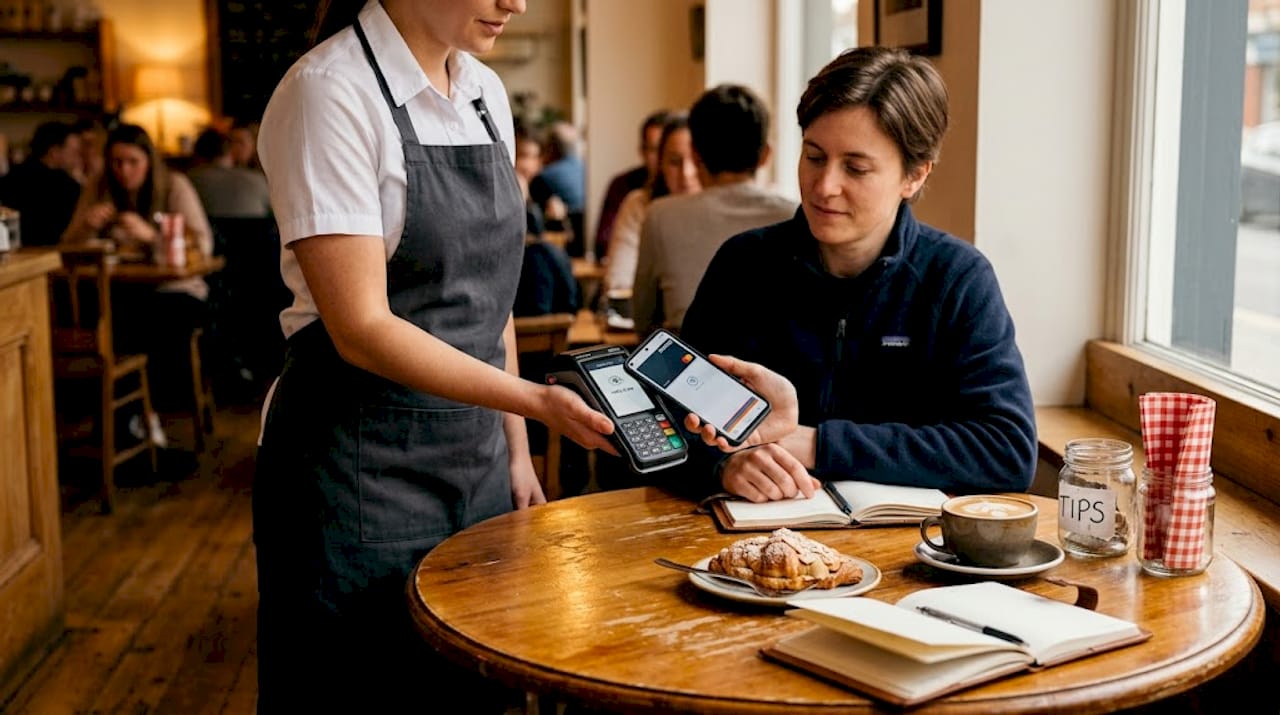
Customer-facing displays carry a benefit that often surprises businesses. Visual tip prompts on displays significantly outperform paper receipts in encouraging gratuities. For hospitality businesses, that difference compounds across thousands of transactions each month.
KDS units in restaurant and café environments do more than replace paper tickets. The controller and server software layers govern order routing and display workflows across multiple kitchen stations. A burger order goes to the grill screen while a dessert order routes to a separate prep area, automatically and without a word being spoken.
Pro Tip: If you operate a café or restaurant with multiple prep stations, map your KDS routing before installation. Knowing which order types go to which screen saves significant reconfiguration time once the system is live.
Here is what well-integrated peripherals collectively deliver:
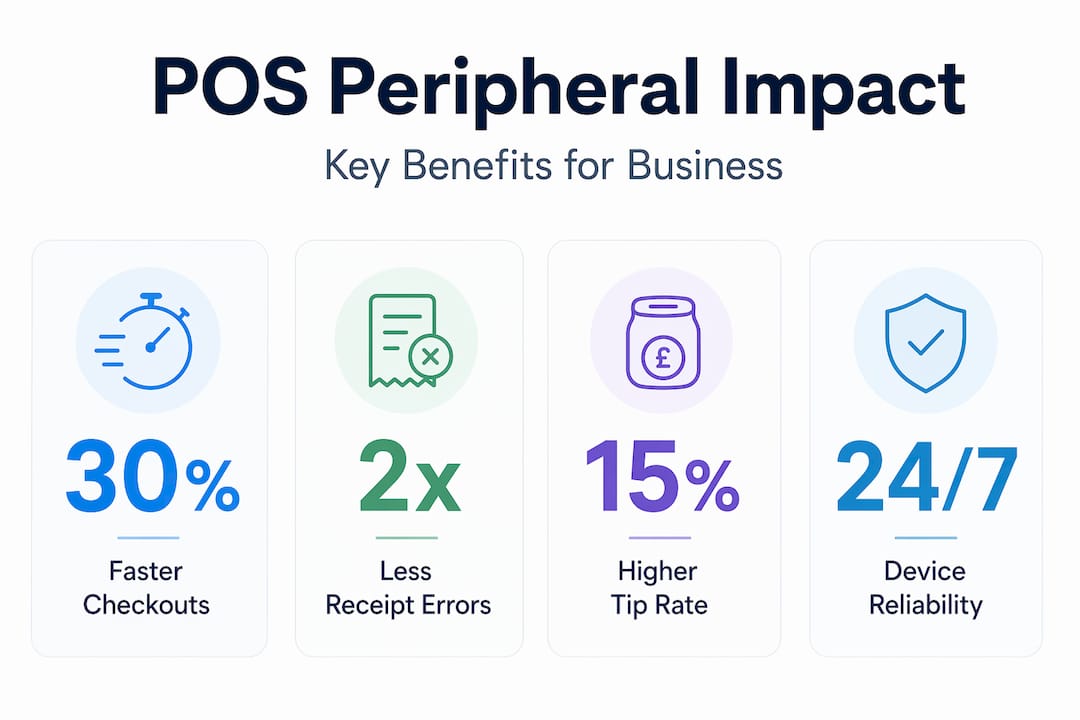
- Faster transaction times at checkout, reducing queues
- Fewer manual errors from typing or illegible handwritten tickets
- Stronger cash security through automated drawer control
- Greater payment flexibility for customers
- Improved order accuracy in kitchen environments
Choosing and setting up peripherals correctly
Selecting the right peripherals starts with your workflow, not your budget. Prioritising compatibility, durability, and total cost of ownership over the lowest price tag is the single most important principle in hardware selection. A cheap scanner that fails after six months costs far more than a reliable commercial-grade unit that runs for five years.
Here are the practical considerations that matter most:
- Match hardware to your environment. A dusty convenience store needs sealed, spill-resistant equipment. A hotel bar needs cordless scanners. A QSR kitchen needs a KDS rated for heat and grease.
- Check software compatibility before anything else. Your POS platform’s supported device list is non-negotiable. Buying outside it creates integration problems that no amount of troubleshooting fully resolves.
- Understand your connectivity needs. Wired connections are more reliable for fixed checkout lanes. Wireless and Bluetooth peripherals suit mobile service models, tableside ordering, or pop-up retail.
- Plan your cabling before installation. The cash drawer connects through the receipt printer via RJ12 cable, so the drawer and printer must be positioned near each other and specified together.
- Run a phased rollout. Connect and test one peripheral at a time. Verify the POS system recognises each device fully before adding the next. This makes fault-finding straightforward if something does not behave as expected.
Commercial-grade peripherals from reputable manufacturers also carry longer warranty terms and better manufacturer support. For resellers and integrators, that support structure reduces on-site call-backs significantly.
Emerging trends in POS peripheral technology
The role of POS accessories is expanding as technology develops. The peripherals of 2026 are not the same devices they were five years ago, and the pace of change is accelerating.
- IoT-enabled peripherals can self-monitor their own status and send alerts when components need attention. A thermal printer that flags low paper before it runs out during a busy service period is a concrete operational benefit.
- Mobile and Bluetooth peripherals are becoming standard in hospitality, where tableside payment and handheld ordering have moved from premium feature to baseline expectation in many venues.
- RFID and NFC integration at POS is growing in both retail and hospitality, enabling faster stock reconciliation, automated checkout for lower-value items, and loyalty programme recognition without card swipes.
- Self-checkout kiosks consolidate multiple peripherals into a single customer-operated unit. Scanner, payment terminal, receipt printer, and customer display exist in one enclosure, reducing staffing requirements at peak times.
- Scalable modular hardware allows businesses to start with a core setup and add peripherals as they grow, without replacing the entire system. Choosing hardware that supports this from day one protects your initial investment considerably.
My take on peripheral choices after years in the field
I’ve watched businesses spend significant sums on POS software and then try to save money on the peripherals. It rarely ends well. What I’ve seen consistently is that the peripheral layer is where the gap between a good system on paper and one that actually works in practice becomes visible.
I’ve seen cafés where a poorly routed KDS meant kitchen staff were regularly acknowledging orders that belonged to a different section. Nobody noticed for weeks because the tickets were physically disappearing from the wrong screen. That kind of quiet dysfunction is almost always traceable to hardware integration that was set up without proper planning.
What I’ve learned is that staff training time drops significantly when peripherals are well chosen and reliably integrated. When a barcode scanner consistently misreads or a payment terminal takes three attempts to connect, staff build workarounds that slow everything down and erode customer confidence. The device reliability becomes the customer experience.
My practical advice is to treat the types of POS hardware you select with the same rigour you apply to software. Insist on manufacturer-supported compatibility. Invest in commercial-grade build quality. And test every peripheral in context before going live, not just in isolation on a bench.
— John
How Ycr can help you build the right POS setup

Ycr has supplied POS hardware and peripherals to retail and hospitality businesses across the UK for over three decades. Whether you are setting up a new site or replacing ageing equipment, the full hardware catalogue covers barcode scanners, receipt printers, cash drawers, payment terminals, customer displays, and KDS solutions from trusted manufacturers including SAM4S and iMin.
If you are working through terminology or trying to understand which devices best fit your setup, the POS hardware terminology guide is a practical starting point. For businesses that have already deployed and are troubleshooting, Ycr also provides a dedicated hardware troubleshooting resource to help resolve common peripheral issues quickly. Next-day delivery and same-day dispatch mean you are never waiting long for the hardware your operation depends on.
FAQ
What is the role of POS peripherals in a retail setup?
POS peripherals handle the physical input and output functions that the software terminal cannot perform alone, including scanning products, printing receipts, accepting payments, and securing cash. They are integral to checkout speed, accuracy, and customer experience rather than optional additions.
How do POS peripherals integrate with POS software?
Peripheral integration relies on OPOS driver architecture and the POS platform’s explicit support for specific device classes. Selecting devices from your software provider’s supported list is the most reliable way to achieve stable communication between hardware and software.
Why does the cash drawer connect through the receipt printer?
Most cash drawers use an RJ12 cable connection to the receipt printer rather than connecting directly to the terminal. This means the printer sends the signal to open the drawer at the point of sale, making the printer choice an indirect factor in how the drawer operates.
What makes a kitchen display system different from a standard monitor?
A KDS is not simply a screen. It comprises a controller, server software, and display hardware working together to route orders to the correct kitchen station. Replacing only the display without aligning the controller and software can disrupt the entire order communication workflow.
Which POS peripheral has the greatest impact on customer experience?
Customer-facing displays and payment terminals have the most direct impact on how customers perceive a transaction. Displays build transparency and prompt gratuities, while payment terminals determine which payment methods are accepted and how quickly the transaction completes.