
TL;DR:
- Receipt printers are crucial for seamless POS integration, impacting speed, accuracy, and customer trust.
- Thermal printers are ideal for retail and hospitality due to speed and quiet operation, while impact printers suit kitchens.
- Proper selection, integration, and maintenance of receipt printers directly affect operational efficiency and revenue.
Receipt printers sit quietly at the end of every transaction, and most business owners barely give them a second thought. That is a costly mistake. In UK retail and hospitality, where margins are tight and customer expectations are high, the hardware that completes your sale is just as important as the hardware that starts it. A slow, unreliable, or poorly integrated printer does not just frustrate staff. It creates queues, damages customer perception, and chips away at your revenue. This guide breaks down why receipt printers deserve serious strategic attention, what types are available, and how to get the most from them in your operation.
Table of Contents
- Why receipt printers matter in modern POS solutions
- Types of receipt printers: Choosing for your business needs
- Operational benefits: Queue management, speed, and reliability
- Integrating receipt printers for seamless business operations
- The overlooked revenue lever: Why receipt printers deserve more strategic focus
- Take the next step in POS efficiency with the right hardware
- Frequently asked questions
Key Takeaways
| Point | Details |
|---|---|
| Core to POS success | Receipt printers are crucial for efficient, reliable, and integrated point of sale operations in UK retail and hospitality. |
| Choose the right type | Thermal and impact printers serve distinct business environments, so selection should match operational needs. |
| Boost queue efficiency | High-quality receipt printers can significantly reduce queues, raise customer satisfaction, and increase revenue. |
| Integration is essential | Properly integrated printers and trained staff prevent downtime and deliver seamless customer experiences. |
Why receipt printers matter in modern POS solutions
Most managers think of a receipt printer as the final step in a transaction. Print, hand over, done. But that framing misses almost everything that makes a printer genuinely valuable to your business.
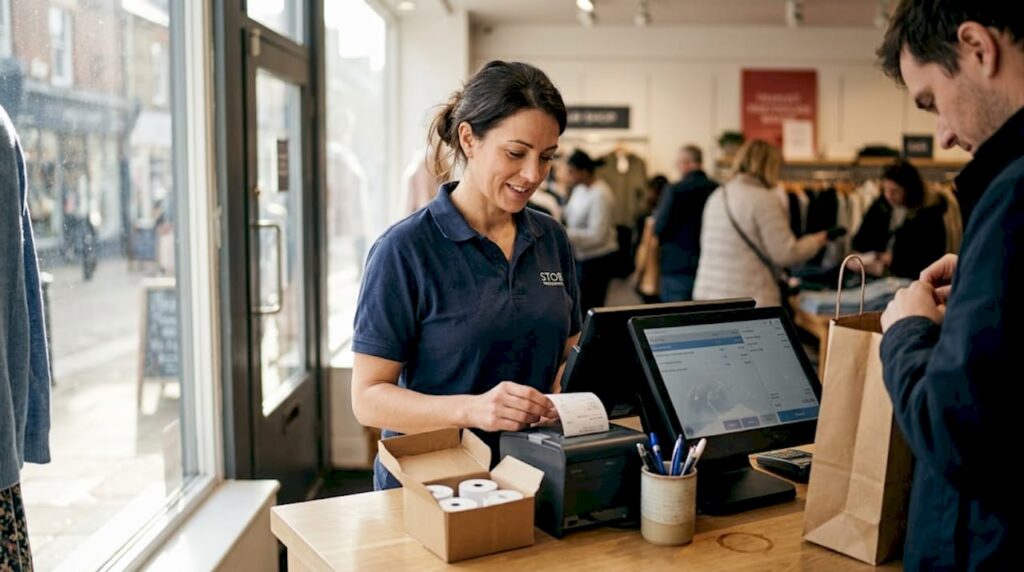
A receipt printer is actually the physical endpoint of your entire POS integration chain. Every piece of data captured at the till, every product scanned, every payment processed, culminates in that printed output. When the printer is slow, jams, or fails to connect, the whole chain breaks. Your staff are left scrambling, your customer is waiting, and the queue behind them is growing.
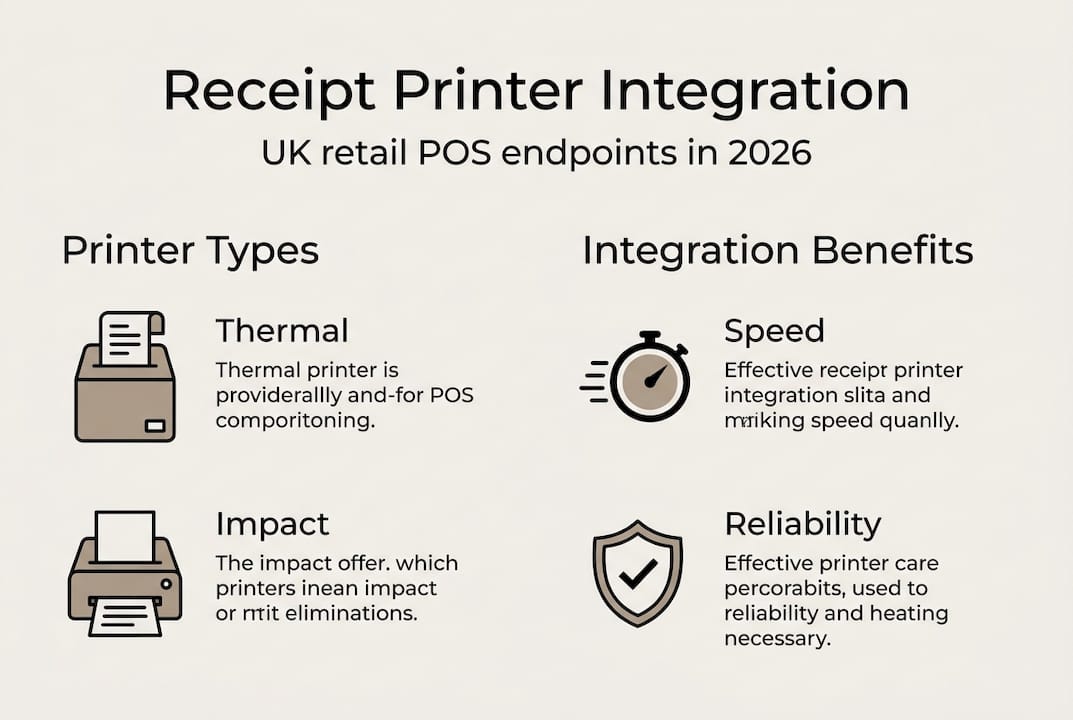
In hospitality, the stakes are even higher. Kitchen printers and bar printers are not optional extras. They are the communication backbone between front-of-house and back-of-house. A missed or delayed kitchen ticket does not just slow one table. It can throw an entire service into chaos during a busy Friday night.
Here is what a well-chosen receipt printer actually does for your business:
- Speeds up the checkout process, reducing time per transaction and increasing customer throughput
- Supports compliance by producing accurate, timestamped records for VAT and returns
- Enables queue management by completing transactions cleanly and quickly
- Feeds data back into your POS system for stock and sales reporting
- Builds customer trust through professional, legible receipts that reflect your brand
As POS receipt printer research confirms, receipt printers are central to queue reduction and POS integration, which drives both efficiency and customer satisfaction.
“The printer is not the end of the sale. It is the proof of it, and the start of the customer’s trust in your business.”
Pro Tip: If your printer takes more than three seconds to produce a receipt, it is likely slowing your entire checkout flow. Benchmark your current print speed and compare it against modern thermal options before assuming your setup is adequate.
Poor printer choices also affect perception in ways that are easy to overlook. A faded, curled, or illegible receipt tells a customer something about how much you care. In a competitive high street environment, that detail matters more than you might expect.
Types of receipt printers: Choosing for your business needs
Once you understand the value a receipt printer adds, the next question is which type suits your operation. There are two primary technologies in use across UK retail and hospitality, and they serve very different purposes.
Thermal printers use heat to print directly onto specially coated paper. There is no ink, no ribbon, and very little mechanical complexity. They are fast, quiet, and require minimal maintenance. For most retail environments, a quality thermal receipt printer is the obvious choice.
Impact printers, also known as dot matrix printers, use a pin-strike mechanism against an ink ribbon. They are slower and noisier, but they produce a physical impression on the paper. This makes them ideal for environments where heat would destroy a thermal print, such as commercial kitchens. They also support multi-part paper, which is useful when you need duplicate copies for kitchen and customer.
As thermal printer research confirms, thermal printers dominate the UK market for speed and quiet operation, while impact printers remain the go-to for kitchen environments.
| Feature | Thermal printer | Impact printer |
|---|---|---|
| Print speed | Very fast | Moderate |
| Noise level | Near silent | Audible |
| Ink or ribbon required | No | Yes |
| Heat resistance | Low | High |
| Maintenance frequency | Low | Moderate |
| Best use case | Retail, café, bar | Kitchen, duplicate orders |
| Running costs | Low | Moderate |
When selecting a printer, work through these considerations in order:
- Environment: Is the printer near a heat source, steam, or grease? If yes, impact is safer.
- Volume: How many receipts do you print per hour at peak? Higher volume demands faster print speeds.
- Connectivity: Does your POS system connect via USB, Ethernet, or Bluetooth? Confirm compatibility before purchasing.
- Budget: Factor in both upfront cost and ongoing consumables such as paper rolls or ribbons.
- Eco considerations: Some businesses are moving toward email or SMS receipts to reduce paper waste, though a physical backup printer remains essential.
For a broader view of how printers fit within your wider setup, POS hardware examples can help you see how each component connects.
Pro Tip: Never buy a printer based on price alone. A cheaper model that jams twice a week will cost far more in lost revenue and staff time than a reliable mid-range unit.
Operational benefits: Queue management, speed, and reliability
Choosing the right printer is one thing. Understanding what it actually delivers in your day-to-day operation is another.
Speed is the most immediate benefit. A printer that produces a receipt in under two seconds keeps your checkout line moving. In a busy convenience store or a lunchtime café rush, shaving even one second per transaction across fifty customers adds up to meaningful time savings. Those savings translate directly into more customers served and more revenue earned.

Reliability is the second pillar. Downtime is expensive. When a printer fails mid-service, staff must either hand-write receipts, issue no receipt at all, or halt the transaction entirely. Each of these outcomes damages the customer experience and slows the queue. Efficient receipt printing directly reduces downtime and boosts revenue, which is why hardware quality should never be treated as a secondary concern.
Here is a snapshot of how printer performance affects key operational metrics:
| Metric | Slow or unreliable printer | Fast, reliable printer |
|---|---|---|
| Average transaction time | Longer | Shorter |
| Queue length at peak | Higher | Lower |
| Staff stress during rush | Elevated | Manageable |
| Customer satisfaction | Reduced | Improved |
| Downtime incidents per month | Frequent | Rare |
Beyond speed, receipts serve a critical administrative function. They support:
- Returns and exchanges: A clear receipt removes ambiguity and protects both customer and business
- Accounting and VAT records: Printed receipts provide a physical audit trail
- Dispute resolution: Timestamped receipts settle disagreements quickly and professionally
To improve your overall throughput, reviewing your checkout workflow strategies alongside your printer setup gives you a fuller picture of where time is being lost. You might also find it useful to optimise your POS setup as a whole, rather than treating the printer as an isolated component.
One practical example: a busy takeaway in Manchester replaced an ageing impact printer at the front counter with a modern thermal unit. Average transaction time dropped by four seconds. Over a Saturday evening with 200 transactions, that is over thirteen minutes of recovered time, enough to serve several additional customers.
Integrating receipt printers for seamless business operations
Buying the right printer is only half the job. How you integrate it into your existing setup determines whether you see the full benefit.
Modern POS set-ups in UK retail and hospitality are increasingly defined by smooth printer integration, and the businesses that get this right consistently outperform those that treat it as an afterthought.
Follow these steps to ensure a clean integration:
- Confirm software compatibility before purchasing. Your POS software must support the printer’s communication protocol, whether that is ESC/POS, Star, or another standard.
- Choose the right connection type. Wired Ethernet connections offer the most stability. USB is reliable for single-till setups. Wireless options add flexibility but require a strong, stable network.
- Test in your actual environment before going live. Temperature, humidity, and network interference can all affect performance.
- Train your staff on basic troubleshooting: clearing paper jams, replacing rolls, and restarting the printer without needing IT support.
- Set up a maintenance schedule. Clean the print head regularly and keep spare paper rolls stocked to avoid mid-service interruptions.
Common pitfalls during rollout include assuming all printers work with all POS systems, skipping staff training, and failing to test under peak-load conditions. Each of these can turn a straightforward upgrade into a disruptive headache.
Pro Tip: When rolling out new printers across multiple sites, pilot one location first. Identify any compatibility or workflow issues before committing to a full deployment.
For businesses ready to review their full printer options, selecting POS printers from a specialist supplier ensures compatibility and expert guidance from the outset. Understanding the broader POS workflow steps also helps you see exactly where the printer fits and where integration can be tightened.
The overlooked revenue lever: Why receipt printers deserve more strategic focus
Here is an uncomfortable truth: most businesses treat receipt printers as a commodity purchase. They buy on price, replace on failure, and never question whether their printer is costing them money every single day.
We have seen this pattern repeatedly across UK retail and hospitality. A business invests thousands in a new POS terminal or a slick ordering app, then connects it to a five-year-old printer that jams twice a week. The weak link undoes the investment.
The real cost of a poor printer is not the repair bill. It is the queue that did not move, the customer who left, and the transaction that took thirty seconds longer than it should have. Multiply that across hundreds of daily interactions and the revenue impact becomes significant.
Making printer selection a deliberate, informed decision rather than a procurement afterthought is one of the simplest ways to improve operational resilience. It also positions your business well for future technology shifts, such as integrated digital receipts and loyalty programme connectivity. Exploring retail technology examples shows how forward-thinking businesses are already connecting these dots.
The businesses that scale efficiently are the ones that sweat the details others ignore.
Take the next step in POS efficiency with the right hardware
If this guide has shifted how you think about receipt printers, the next step is straightforward: review your current setup and identify where it might be holding you back.

At YCR Distribution, we supply a full range of POS hardware built for UK retail and hospitality. Whether you need a fast thermal printer for a busy retail counter or a robust impact printer for a commercial kitchen, our team can help you find the right fit. Start with our POS hardware basics guide to build your knowledge, browse our full hardware range to see what is available, or explore options specifically matched to your sector with our hardware for hospitality resource. We offer next-day delivery and same-day dispatch, so upgrading your setup does not have to mean disruption.
Frequently asked questions
What are the main types of receipt printers for retail and hospitality?
The main types are thermal printers, which print quickly and quietly without ink, and impact (dot matrix) printers, ideal for kitchens and environments requiring duplicate copies. Thermal and impact printers are the primary technologies used across UK retail and hospitality.
How do receipt printers improve business efficiency?
Receipt printers integrate with POS systems to speed up transactions, reduce queues, and cut downtime, all of which directly improve service and revenue. Seamlessly integrated printers help reduce queues and operational delays.
What should I consider when choosing a receipt printer?
Consider speed, durability, print volume, environmental conditions, and how well the printer integrates with your existing POS system. Selection depends on environment and your specific business requirements.
Is a thermal receipt printer suitable for my kitchen?
A thermal printer is not ideal for kitchens due to high temperatures, as heat degrades the print quality on thermal paper. Impact printers remain best for kitchen environments where reliability under heat is essential.
Do receipt printers directly affect revenue?
Yes. By reducing queues and transaction times, receipt printers help increase customer turnover and protect revenue during peak periods. Reduced queues and downtime from effective receipt printing have a measurable impact on business income.