
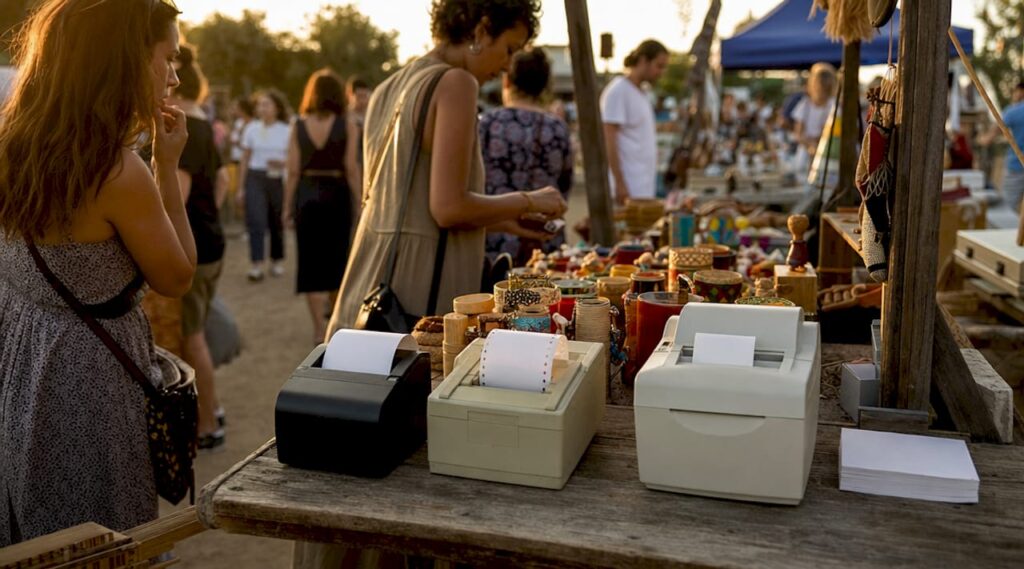
Types of POS receipt printers: 2026 buyer’s guide

The three main types of POS receipt printers are thermal, impact (dot matrix), and inkjet, each suited to distinct operational demands in retail and hospitality. Thermal printers dominate the market due to their speed, low maintenance, and quiet operation. Impact printers remain indispensable where multi-part receipts or harsh kitchen environments are the norm. Inkjet models occupy a narrow niche where colour quality matters more than speed. Brands such as Epson, Star Micronics, and HPRT cover all three categories, giving operators genuine choice across every budget and use case.
1. Types of POS receipt printers: an overview
The three core POS printer types are thermal, impact, and inkjet. Each uses a fundamentally different mechanism to produce a receipt, and that mechanism determines speed, running costs, noise levels, and the environments where the printer performs reliably. Choosing the wrong type does not just affect print quality. It creates bottlenecks at the counter, inflates consumable costs, and can break compatibility with your POS software. Understanding the distinctions before you buy is the single most effective way to protect your investment.
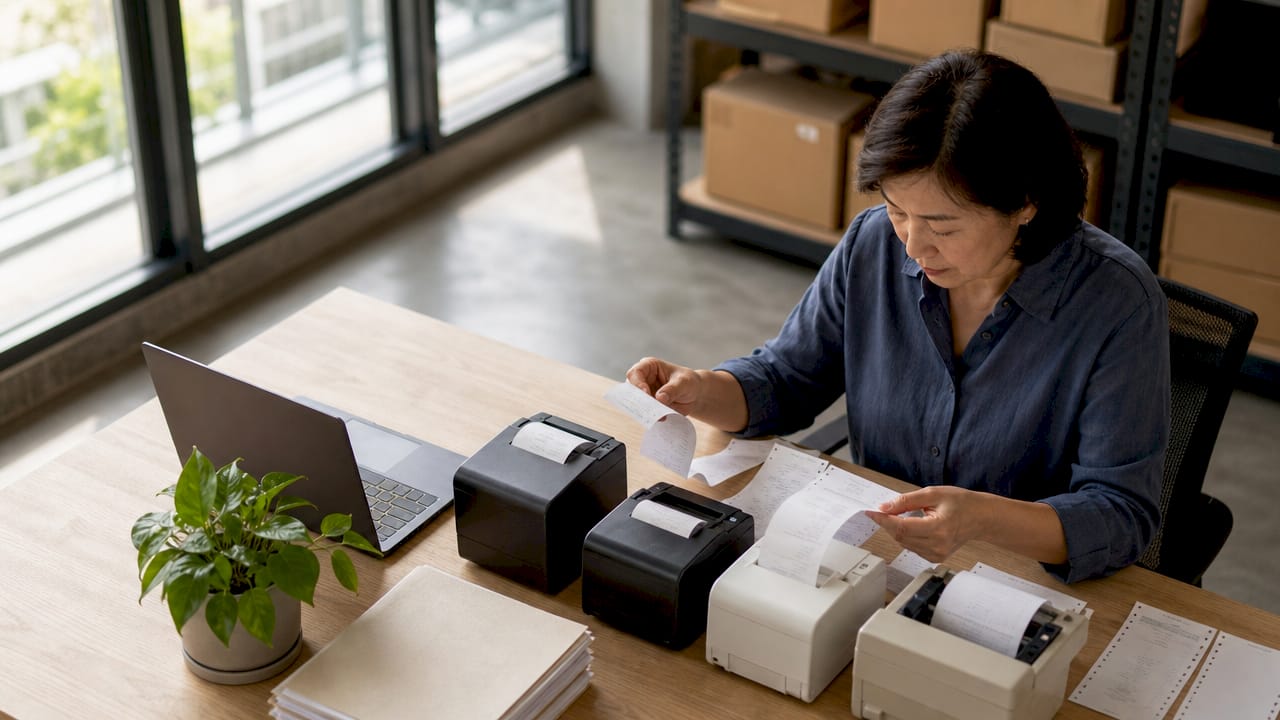
2. Thermal receipt printers: the market standard
Thermal printing is the dominant technology in modern POS environments. The printer applies heat to chemically treated, heat-sensitive paper, producing text and graphics without ink, toner, or ribbons. That absence of consumables is the primary reason thermal printers have displaced other types in the majority of retail and hospitality counters across the UK.
Why thermal printers lead on speed and efficiency:
- Print speeds reach 400 mm/sec, far ahead of impact alternatives, which keeps queues moving during peak service periods.
- No ink or ribbon replacement means lower ongoing costs and fewer maintenance interventions.
- Near-silent operation suits customer-facing environments such as cafés, boutiques, and hotel reception desks.
- Drop-in paper loading reduces the time staff spend changing rolls during a busy shift.
- Connectivity options typically include USB-C, Ethernet, Bluetooth, and Wi-Fi, with premium models such as the Star mC-Print3 offering triple-interface connectivity for maximum flexibility.
- CloudPRNT technology allows compatible printers to receive online orders directly from a web server without a host device, which is critical for omnichannel operations.
The main limitation is paper sensitivity. Thermal receipts fade when exposed to prolonged heat, direct sunlight, or certain chemicals, making them unsuitable for records that need to last years. They also cannot produce multi-copy forms, which rules them out for some wholesale and logistics applications.
Pro Tip: When evaluating thermal printers, prioritise auto-cutter reliability and drop-in paper loading above headline print speed. High-quality auto-cutters are rated for over 2 million cuts, and a jammed cutter during a dinner rush costs far more in lost time than a slightly slower print speed ever would.
3. Impact (dot matrix) receipt printers: built for demanding conditions
Impact printers use a matrix of metal pins that strike an ink ribbon against paper to form characters. The mechanism is mechanical and audible, but it produces something thermal printers cannot: simultaneous multi-copy printing using carbon or carbonless paper sets. That capability keeps impact printers relevant in specific sectors despite their age as a technology.
Where impact printers still earn their place:
- Kitchen order printing in restaurants, where grease, steam, and heat would degrade thermal paper rapidly.
- Wholesale and trade counters requiring duplicate or triplicate documentation for customer and supplier records.
- Environments where receipts must remain legible for extended periods, since impact-printed text does not fade with heat or light exposure.
- Logistics and delivery operations where proof-of-delivery forms require a customer copy and an operator copy produced simultaneously.
Impact printers are the preferred choice for multi-part forms and high-temperature durability, though they are slower than thermal alternatives and produce considerably more noise. Running costs are higher than thermal because ink ribbons require regular replacement, and the mechanical complexity means more potential failure points over time. Entry-level impact units also tend to cost more than entry-level thermal printers, so the business case needs to be clear before specifying them.
Pro Tip: Only specify an impact printer when your operation genuinely requires multi-copy output or operates in a high-heat environment. If you are fitting a kitchen printer purely out of habit, test whether a purpose-built thermal kitchen printer with heat-resistant paper meets your needs at lower cost and noise.
4. Inkjet receipt printers: colour quality over speed
Inkjet printers deposit microscopic liquid ink droplets onto paper through a print head. In a POS context, they are a niche choice, but a legitimate one where receipt branding, full-colour graphics, or promotional coupons printed at the point of sale add measurable value to the customer experience.
Advantages and limitations at a glance:
- Full-colour output allows logos, product images, and promotional graphics to appear on receipts, which no thermal or impact printer can match without specialist hardware.
- Print quality for detailed graphics is superior to both thermal and impact output.
- Print speed is slower than thermal, making inkjet printers unsuitable for high-volume counters processing dozens of transactions per hour.
- Ink cartridges require regular replacement and can dry out during periods of low use, adding maintenance overhead.
- Inkjet units are generally larger than compact thermal printers, which matters on tight counter space.
Laser printers are occasionally considered for receipt printing but are impractical for POS use. Laser units are bulky, expensive to run per page at low volumes, and designed for document printing rather than continuous short-run receipt output. Inkjet remains the realistic colour option for operators who need it, with the understanding that throughput and maintenance costs are the trade-off.
5. How connectivity shapes your printer choice
The interface between your printer and your POS system is not a secondary consideration. It determines stability, integration depth, and what happens when one connection fails during a busy period. Modern POS systems rely on a range of interfaces, and understanding each one helps you specify a printer that fits your existing infrastructure.
| Interface | Best for | Key advantage |
|---|---|---|
| USB-C | Fixed counters, tablet-based POS | Simple setup, power delivery to connected devices |
| Ethernet | Multi-terminal retail environments | Stable, high-throughput, network-shared printing |
| Bluetooth | Mobile table service, pop-up retail | Cable-free, flexible positioning |
| Wi-Fi | Larger venues, multi-zone hospitality | Network printing without physical cable runs |
Connectivity considerations by environment:
- Fixed retail lanes benefit most from Ethernet or USB-C, which offer the most stable connections under continuous high-throughput conditions.
- Table service restaurants and mobile POS deployments suit Bluetooth or Wi-Fi, removing the cable constraints that fixed interfaces impose.
- Dual-interface printers combining USB and Ethernet provide a fallback during USB resets, reducing downtime risk in busy environments.
- Premium models such as the Star mC-Print3 offer triple connectivity, covering Bluetooth, USB-C with power delivery, and Ethernet simultaneously, which gives operators genuine redundancy.
Budget USB-only thermal printers carry a real operational risk: if the USB connection drops or resets during a peak period, there is no fallback. For any counter processing more than moderate transaction volumes, a dual or triple-interface printer is a worthwhile specification upgrade.
6. Comparing POS receipt printer types: which fits your operation?
The right printer type is determined by your specific operational demands, not by price alone. The table below summarises the key distinctions to guide your decision.
| Feature | Thermal | Impact (dot matrix) | Inkjet |
|---|---|---|---|
| Print speed | Up to 400 mm/sec | Slow to moderate | Moderate |
| Noise level | Near-silent | Loud | Quiet |
| Multi-copy printing | No | Yes | No |
| Running costs | Low (paper only) | Moderate (ribbons) | Higher (ink cartridges) |
| Heat/environment resistance | Low (paper fades) | High | Moderate |
| Colour output | No | No | Yes |
| Typical use case | Retail, café, restaurant counter | Kitchen, wholesale, logistics | Branded receipts, coupons |
Thermal printers are the correct default for the vast majority of retail and hospitality counters. They are fast, quiet, and inexpensive to run. Impact printers are the correct choice when multi-part forms or harsh environments are genuine operational requirements. Inkjet printers serve a narrow but real need where receipt branding drives customer value.
Pro Tip: Before finalising any printer purchase, verify ESC/POS command support and confirm that your POS software, whether SAMTOUCH, EZEEPOS, or another platform, has a validated driver for the specific model. Two printers with identical specifications can behave very differently inside a live POS environment if driver support is inconsistent.
Key takeaways
Thermal printers are the correct default for most retail and hospitality operations, with impact and inkjet printers serving specific use cases that thermal technology cannot address.
| Point | Details |
|---|---|
| Thermal dominates for good reason | Speed up to 400 mm/sec, no consumables beyond paper, and near-silent operation suit most counters. |
| Impact printers serve specific needs | Choose impact only when multi-copy forms or high-heat environments are genuine operational requirements. |
| Connectivity determines reliability | Dual or triple-interface printers reduce downtime risk; USB-only units are a liability in high-volume settings. |
| Driver compatibility is non-negotiable | Confirm ESC/POS support and validated drivers for your POS software before purchasing any printer. |
| Inkjet fills a colour niche | Inkjet is the only realistic option for full-colour receipt branding, but carries higher maintenance overhead. |
Why I think operators underestimate the printer’s role in their POS system
After working with retail and hospitality operators across the UK for years, the pattern I see most often is this: the printer gets chosen last, with whatever budget remains after the terminal and software are specified. That approach consistently creates problems that are entirely avoidable.
A POS printer is not a peripheral in the traditional sense. Models like the Epson TM-m30III-H function as USB hubs that power mobile POS tablets and connect barcode scanners, consolidating what would otherwise be a tangle of cables and power adaptors into a single, tidy counter unit. That is a meaningful operational benefit that a budget USB-only printer simply cannot provide.
The other mistake I see regularly is treating print speed as the primary specification. Speed matters, but cutter reliability and paper-loading ease have a greater daily impact on operations than whether a printer runs at 250 mm/sec or 400 mm/sec. A jammed cutter or a fiddly paper-loading mechanism during a Saturday lunch service is a genuine problem. A printer that is 50 mm/sec slower is not.
My honest recommendation: treat the printer as a hub, not an afterthought. Specify connectivity that matches your infrastructure, confirm software compatibility before you order, and choose a model rated for the volume your operation actually processes. The cost difference between a well-specified printer and a budget unit is modest. The operational difference is not.
— John
Complete your POS setup with the right software and accessories

Choosing the right printer type is only part of the equation. The printer needs to work seamlessly within your wider POS setup to deliver real efficiency gains at the counter. Ycr supplies SAMTOUCH POS software with hardware bundles designed specifically for retail and hospitality operators, with validated compatibility across leading printer models. If you already have hardware in place, SAMTOUCH without hardware integrates directly with your existing setup. Ycr also stocks a full range of compatible barcode scanners and POS accessories to complete your counter configuration. Next-day delivery and same-day dispatch are available across the range.
FAQ
What is the most common type of POS receipt printer?
Thermal receipt printers are the most common type in retail and hospitality POS environments. They offer print speeds up to 400 mm/sec, require no ink or ribbons, and operate quietly, making them the practical default for most counter setups.
When should I choose an impact printer over a thermal printer?
Choose an impact (dot matrix) printer when your operation requires multi-copy receipts or when the printer will be used in a high-heat environment such as a commercial kitchen. Thermal paper degrades under sustained heat, while impact-printed output remains legible regardless of temperature.
Do inkjet printers work with standard POS systems?
Inkjet printers can work with POS systems but are not the standard choice. They are slower than thermal alternatives and require regular ink replacement, making them practical only where full-colour receipt output, such as branded graphics or promotional coupons, justifies the added maintenance.
What connectivity should I prioritise for a retail receipt printer?
Ethernet or USB-C is the preferred interface for fixed retail counters, providing stable, high-throughput connections. For mobile or table service environments, Bluetooth or Wi-Fi removes cable constraints. Dual-interface models that combine USB and Ethernet offer a fallback connection and reduce downtime risk during busy periods.
Does my receipt printer need to be compatible with my POS software?
Yes, compatibility is critical. ESC/POS command support and validated driver availability determine whether a printer integrates correctly with platforms such as SAMTOUCH or EZEEPOS. Two printers with identical hardware specifications can behave very differently inside a live POS environment if one lacks proper driver support.