
TL;DR:
- Modern self-ordering kiosks are interactive systems that improve efficiency and customer experience.
- Hardware quality, compliance, and staff training are key to successful kiosk deployment.
- Future trends include AI personalization, voice ordering, and cloud-edge hybrid architectures.
Many UK business owners still think of self-ordering kiosks as glorified vending machines: expensive, rigid, and only suited to fast-food giants. That view is costing them real money. Modern kiosks are interactive, highly configurable systems that handle ordering, upselling, payment, and even customer data in one place. They are reshaping how restaurants, cafes, takeaways, and retailers serve people every day. This article breaks down exactly what self-ordering kiosks are, which features matter most, what genuine business benefits look like, and how to choose the right solution for your operation.
Table of Contents
- What is a self-ordering kiosk?
- Key features and compliance for UK businesses
- Business benefits: Efficiency and customer experience gains
- Future trends: AI, cloud and edge in self-ordering kiosks
- Our view: What most guides miss about successful kiosk rollouts
- Upgrade your business with reliable kiosk solutions
- Frequently asked questions
Key Takeaways
| Point | Details |
|---|---|
| Not just vending | Self-ordering kiosks offer interactive, multi-feature support beyond simple item dispensing. |
| Compliance is critical | UK business kiosks must meet PCI DSS for payments and GDPR for customer data privacy. |
| Efficiency boost | Kiosks reduce queues, enable fast ordering, and let staff focus on customer service. |
| Plan for the future | Invest in long-lifecycle, serviceable hardware capable of adopting new trends like AI and remote management. |
What is a self-ordering kiosk?
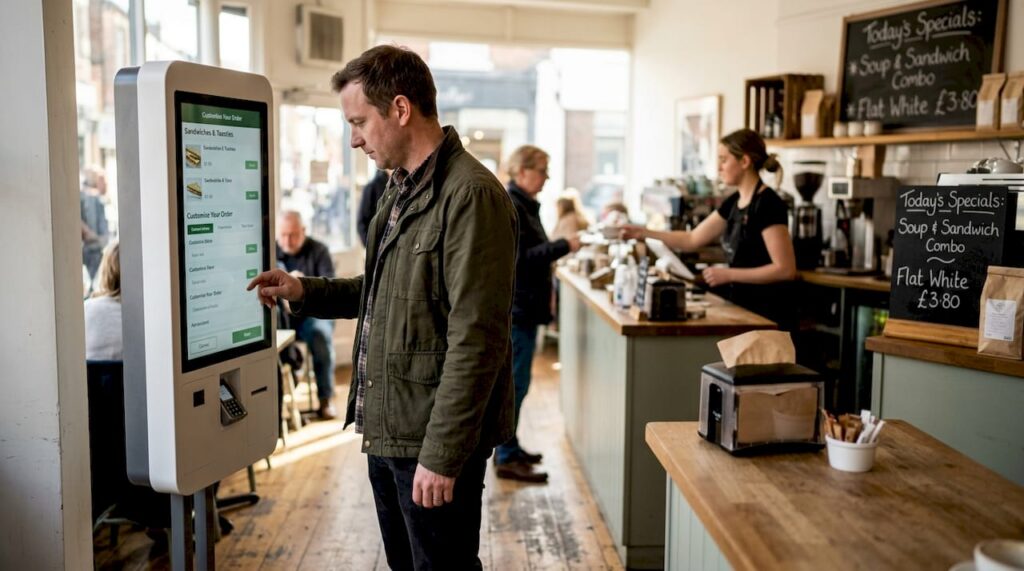
A self-ordering kiosk is a freestanding or wall-mounted touchscreen terminal that lets customers browse, customise, and pay for products without staff involvement. It is not a vending machine. Where a vending machine dispenses a fixed item at the press of a button, a kiosk offers interactive, multifunctional features such as menu navigation, allergen filtering, loyalty integration, and multiple payment methods.
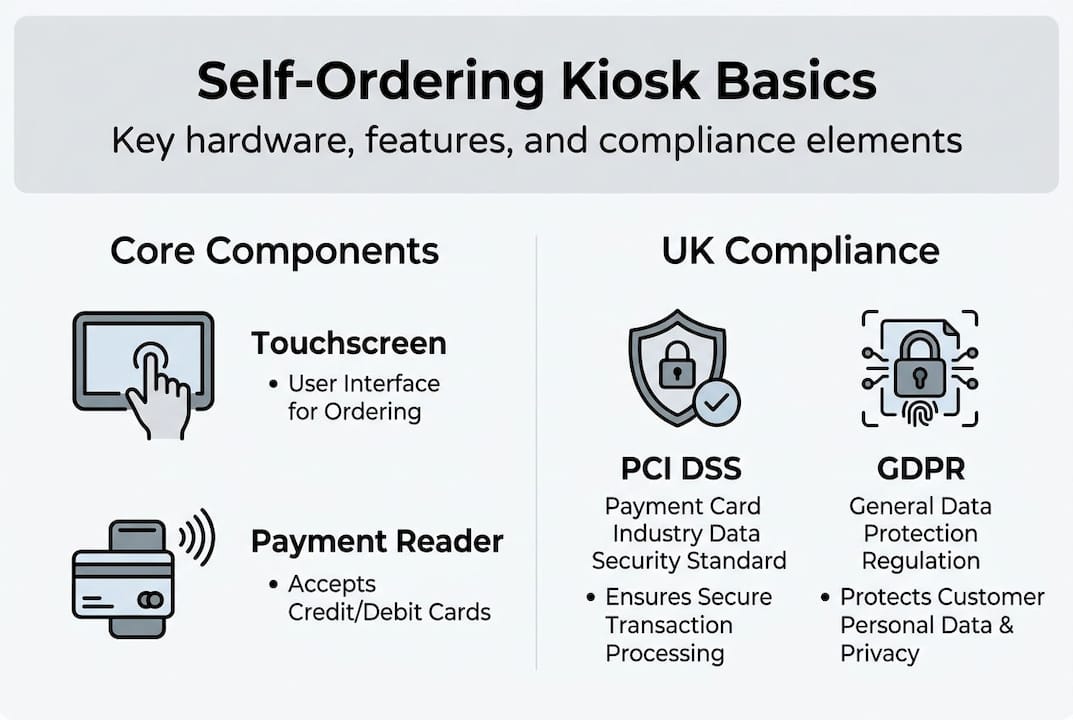
At its core, a kiosk combines robust touchscreen hardware, a stable operating system, integrated payment processing, and software that talks directly to your kitchen or stock system. Most modern units run on industrial-grade components designed to handle thousands of interactions per day without failure.
Here is a quick comparison to clear up common confusion:
| Feature | Vending machine | Staffed till | Self-ordering kiosk |
|---|---|---|---|
| Customer customisation | None | Limited | Full |
| Payment options | Cash/card | All types | All types |
| Upselling capability | None | Staff-dependent | Automated |
| Operating hours | 24/7 | Staff hours | 24/7 |
| Data capture | None | Minimal | Detailed |
The software layer is where kiosks really earn their keep. A well-configured system can present upsell prompts, display nutritional information, switch between languages, and push orders directly to a kitchen display or printer. That removes a significant layer of human error from the process.
Common applications across UK retail and hospitality include:
- Quick service restaurants and takeaways: order placement, meal customisation, and payment
- Cafes and coffee shops: drink builds, add-ons, and loyalty redemption
- Retail stores: product lookup, stock checking, and self-checkout
- Hotels and leisure venues: check-in, wayfinding, and ticket purchase
- Convenience stores: self-checkout and age-verification workflows
If you want to see what modern hardware looks like in practice, the 27-inch self-service kiosk is a strong example of a unit built for high-volume UK environments. For retail-specific deployments, touch kiosks for retail offer a compact form factor without sacrificing performance.
“The kiosk is not a simpler vending machine. It is a customer-facing computer with a job to do.”
Key features and compliance for UK businesses
Not all kiosks are equal. The difference between a unit that lasts two years and one that runs reliably for a decade often comes down to build quality, software architecture, and compliance readiness from day one.
Core hardware features worth prioritising include:
- Robust, vandal-resistant casing suited to public-facing environments
- Secure, integrated payment terminals that meet current card scheme requirements
- Remote management capability so software updates and diagnostics happen without an engineer visit
- Field-serviceable design with modular components that can be swapped quickly
- Tamper detection and edge computing for local processing resilience
- Automatic remote updates to keep software and security patches current
Operating system stability matters more than most buyers realise. A kiosk running an unsupported OS becomes a compliance liability long before the hardware wears out. Choose units built on platforms with a clear, long-term support roadmap.
On compliance, two standards are non-negotiable for UK operators. PCI DSS governs how card payment data is captured, transmitted, and stored. Any kiosk accepting card payments must meet the current version of this standard. GDPR applies the moment your kiosk collects any customer information, including loyalty sign-ups or email receipts. Both require ongoing attention, not just a tick at installation.
Pro Tip: When evaluating suppliers, ask specifically about their POS hardware checklist process. A supplier who cannot walk you through compliance readiness is a risk you do not need.
Industry best practice calls for designing kiosks with a 5-7 year operational lifecycle in mind, factoring in resilience, field-serviceability, and evolving compliance requirements. That framing changes how you evaluate cost. A unit priced at £3,000 that runs reliably for seven years is far better value than a £1,800 unit replaced after three.
| Criteria | Off-the-shelf kiosk | Tailored kiosk hardware |
|---|---|---|
| Upfront cost | Lower | Higher |
| Compliance readiness | Variable | Built-in |
| Lifecycle expectancy | 2-4 years | 5-7 years |
| Remote management | Basic | Advanced |
| Integration flexibility | Limited | Full |
For a broader view of what good hardware looks like across different business types, POS hardware examples give useful real-world context.
Business benefits: Efficiency and customer experience gains
The case for kiosks is not theoretical. UK businesses using them are seeing measurable improvements across order accuracy, average transaction value, and customer satisfaction.
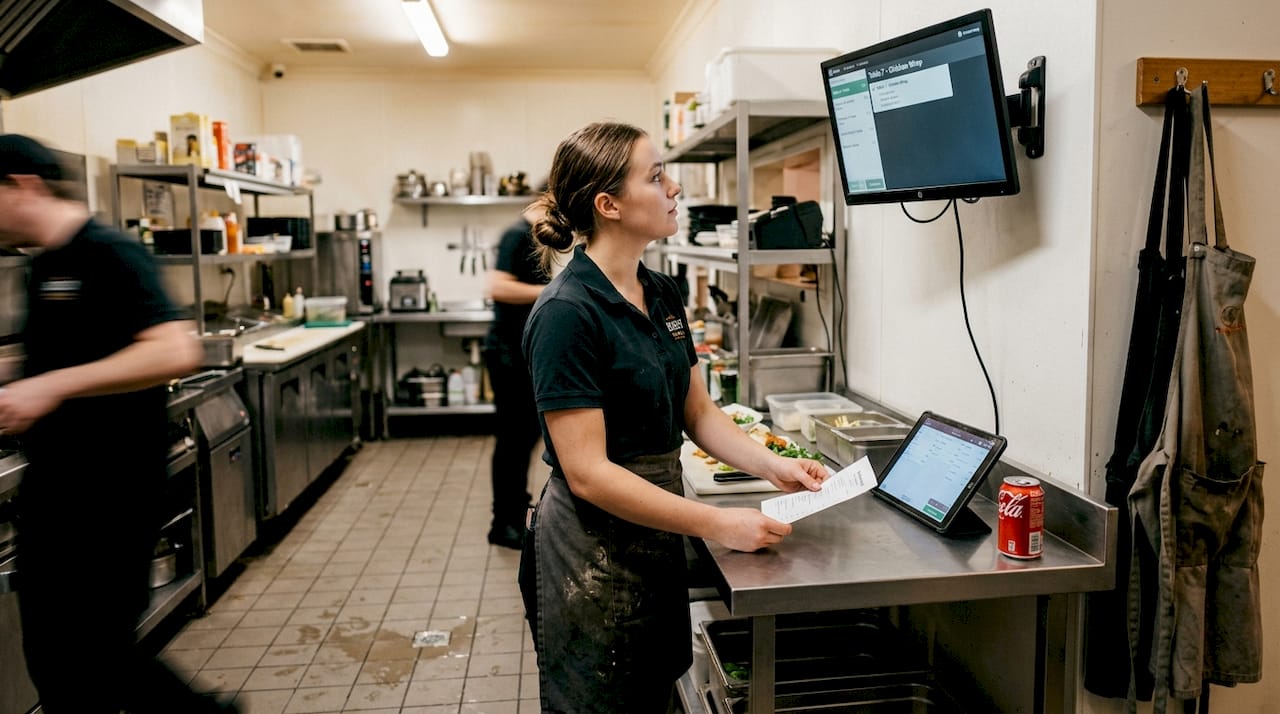
On the efficiency side, kiosks remove the bottleneck of a single staffed counter. Orders go directly from the customer to the kitchen or fulfilment system, cutting the chance of a mishap in verbal communication. Staff who previously took orders can be redeployed to food preparation, table service, or customer support, which is where their time adds more value anyway.
From a customer experience perspective, kiosks reduce queue times, allow full menu exploration at the customer’s own pace, and operate around the clock without fatigue. Customers who feel in control of their order tend to spend more and complain less.
Global kiosk shipments exceeded 75,000 units in 2025, driven in large part by UK and European hospitality chains recognising these gains. That is not a niche trend. It is mainstream adoption.
Here is how a typical customer journey looks at a UK high street restaurant using a kiosk:
- Customer walks up to the kiosk and selects their language preference
- They browse the full menu with images, descriptions, and allergen details
- They customise their order, adding extras or removing ingredients
- The kiosk presents an upsell prompt based on their selection
- They pay by card, contactless, or digital wallet
- A receipt or order number is issued and the order fires to the kitchen
- Customer collects their order when called or displayed on a screen
Pro Tip: Programme your kiosk to suggest a drink or side at the payment stage. UK brands like McDonald’s report measurable increases in average order value from automated upsell prompts alone.
KFC and Greggs have both expanded kiosk rollouts across UK sites, citing faster throughput and fewer order errors as primary drivers. The pattern is clear: kiosks do not replace hospitality. They free your team to deliver it better. For a fuller picture of how hardware improves retail and hospitality operations, the evidence is consistent across sectors.
Future trends: AI, cloud and edge in self-ordering kiosks
The kiosks being installed today will look quite different from those deployed five years ago. The pace of change is accelerating, and UK business owners who understand what is coming can make smarter purchasing decisions now.
The most significant shift is AI-driven personalisation. Kiosks are beginning to use purchase history and real-time data to suggest items tailored to individual customers. This goes beyond a simple upsell prompt. It means a returning customer sees a menu shaped by their previous choices, which increases both satisfaction and spend.
Voice ordering is moving from pilot to production in several UK deployments. Customers who find touchscreens difficult, whether due to accessibility needs or simply preference, can speak their order instead. This broadens the audience a kiosk can serve effectively.
Cloud and edge hybrid models are becoming the standard architecture for resilient kiosk networks. Cloud handles remote management, analytics, and menu updates. Edge computing ensures the kiosk keeps working even when the internet connection drops, which matters enormously in a busy service environment.
Key trends shaping kiosk deployments in 2026 and beyond:
- AI-powered recommendations based on purchase history and time of day
- Voice ordering for accessibility and speed
- Biometric payment options including facial recognition for loyalty
- Real-time inventory sync to remove sold-out items automatically
- Predictive maintenance alerts via remote monitoring dashboards
| Trend | Technology involved | Likely business impact |
|---|---|---|
| AI personalisation | Machine learning, CRM data | Higher average order value |
| Voice ordering | NLP, microphone arrays | Broader customer accessibility |
| Cloud/edge hybrid | Edge computing, cloud APIs | Improved uptime and resilience |
| Predictive maintenance | IoT sensors, remote dashboards | Reduced downtime and repair costs |
| Real-time inventory sync | POS integration, live data feeds | Fewer customer complaints |
Continuing growth in the UK market means competition among suppliers will increase, which is good news for buyers. Prices will fall, features will improve, and integration options will expand. Keeping pace with POS trends for 2026 will help you evaluate new options with confidence rather than confusion.
“The businesses that future-proof their kiosk investment today will not need to replace their hardware when AI becomes standard. They will simply update their software.”
Our view: What most guides miss about successful kiosk rollouts
Most articles about self-ordering kiosks focus on features and specifications. That is useful, but it misses the bigger picture. In our experience working with UK hospitality and retail businesses, the deployments that underperform almost always share one common factor: the hardware was chosen carefully, but the people and processes around it were not.
Staff who do not understand why a kiosk is being introduced will subtly undermine it. Customers directed away from the counter and towards a screen they find confusing will leave frustrated. Neither outcome shows up in a product specification sheet.
The businesses that get the most from their kiosk investment treat it as a process change, not just a hardware purchase. They train staff to guide customers confidently. They review kiosk data weekly to spot friction points. They plan for the 5-7 year lifecycle from day one, budgeting for software updates and component refreshes rather than hoping the unit runs forever untouched.
Looking at hardware success stories from businesses that have done this well, the pattern is consistent: preparation and ongoing attention matter more than the brand name on the screen.
Upgrade your business with reliable kiosk solutions
If this article has helped clarify what self-ordering kiosks can genuinely offer your business, the next step is exploring hardware and software that is built for UK retail and hospitality conditions.

At YCR Distribution, we supply a full range of kiosk hardware designed for long-lifecycle, compliant deployments across restaurants, cafes, takeaways, and retail stores. If you want to understand how hardware choices affect your operation in practice, our guide to hardware impact in hospitality is a practical starting point. We also offer a range of POS software options that integrate directly with kiosk hardware for a joined-up solution. Get in touch with our team for tailored advice on the right setup for your business.
Frequently asked questions
How does a self-ordering kiosk differ from a vending machine?
A self-ordering kiosk lets customers browse, customise, and pay for items through an interactive touchscreen, whereas a vending machine simply dispenses a fixed product with minimal input. Kiosks offer multifunctional, interactive features that vending machines cannot replicate.
Do kiosks comply with UK data protection rules?
Quality kiosks are built to meet both PCI DSS for card payment security and GDPR for customer data handling. PCI DSS and GDPR compliance is an industry standard expectation, not an optional extra.
What makes leading UK brands use self-ordering kiosks?
Brands such as McDonald’s, KFC, and Greggs use kiosks to speed up ordering, reduce errors, and increase average transaction values through automated upselling. The measurable benefits for UK brands are well documented across the sector.
How long does a kiosk typically last?
A well-specified kiosk built to industry best practice is designed for a 5-7 year operational lifecycle, provided it receives regular software updates and routine maintenance.