

Many business owners believe the latest smart terminals are always the best choice, but the reality is more nuanced. The right POS system depends entirely on your specific business needs, customer base, and operational requirements. A well-chosen POS system can transform how you manage transactions, track inventory, and serve customers. This guide explains what POS systems are, explores the different types available, examines their benefits for UK retail and hospitality businesses, and helps you choose the solution that fits your operation perfectly.
Table of Contents
- Understanding What A POS System Is And How It Works
- Different Types Of POS Systems And Their Best Uses In UK Retail And Hospitality
- Benefits Of Using A POS System For UK Retail And Hospitality Businesses
- Choosing The Right POS System For Your UK Retail Or Hospitality Business
- Explore Reliable POS Solutions With YCR Distribution
- Frequently Asked Questions
Key takeaways
| Point | Details |
|---|---|
| POS systems streamline operations | They integrate sales processing, inventory management, and payment handling into one platform |
| Traditional terminals dominate | Fixed POS terminals hold 67.45% of the global market due to reliability and robust features |
| Mobile POS boosts sales | The Queens Head pub doubled sales in year one after implementing mobile ordering devices |
| Integration improves accuracy | Businesses report 30% less manual data entry when POS systems connect with accounting software |
| Choice depends on context | Smart terminals aren’t universally superior; the best system matches your business size and customer needs |
Understanding what a POS system is and how it works
A point of sale system combines hardware and software to enable sales transactions whilst managing essential business operations. At its core, it processes payments, tracks inventory, generates sales reports, and often integrates with accounting and booking platforms. This integration creates a central hub for your business data, reducing errors and saving time.
The hardware components typically include POS terminals or tablets, barcode scanners for quick product identification, receipt printers, and cash drawers. These physical devices work together to capture transaction data and complete sales efficiently. Modern terminals often include touchscreens, card readers supporting contactless payments, and connectivity options for peripheral devices.
The software handles transaction processing, inventory tracking, sales reporting, and customer management. When a customer makes a purchase, the system records the sale, updates stock levels automatically, processes the payment, and generates a receipt. This real-time data flow gives you instant visibility into your business performance. Advanced systems can track individual product performance, identify bestsellers, and alert you when stock runs low.
Integration with accounting software eliminates duplicate data entry and reduces human error. When your POS connects to your bookkeeping platform, sales data flows automatically into your financial records. Businesses integrating POS systems with accounting software report a 30% reduction in manual data entry and a 20% improvement in financial reporting accuracy. This connection ensures your financial records stay current without extra administrative work.
Pro Tip: Choosing a POS system that integrates seamlessly with your existing software saves countless hours and improves accuracy across your entire operation.
Different types of POS systems and their best uses in UK retail and hospitality
POS systems come in several distinct formats, each suited to different business scenarios. Traditional fixed terminals, smart terminals, mobile POS devices, and cloud-based systems each offer unique advantages. Understanding these differences helps you match the technology to your specific operational requirements.
Traditional fixed POS terminals remain the most popular choice globally. Fixed terminals account for 67.45% of the POS terminal market, largely due to their reliability and robust feature sets. These systems excel in high-volume retail environments where speed and stability matter most. They typically offer extensive peripheral support, powerful processing capabilities, and proven durability under constant use.

Mobile POS devices bring flexibility to table service and outdoor ordering. The Queens Head pub in Chesham provides a compelling real-world example. After implementing Dojo Pocket devices for mobile ordering, the pub increased sales by more than double in its first year. Staff could take orders and payments directly at tables, reducing wait times and improving customer satisfaction. Mobile systems work particularly well for hospitality businesses with outdoor seating, pop-up shops, and market stalls.
Smart terminals combine payment processing with basic POS functionality in a compact device. They suit small businesses needing simple transaction processing without complex inventory management. However, a key misconception is that smart terminals are always superior. The best choice depends on business size, location, and customer base. A busy restaurant with multiple staff members often needs the power and flexibility of a traditional system.
Pros and cons of each POS type:
- Traditional fixed terminals offer reliability and extensive features but require dedicated counter space and higher initial investment
- Mobile POS provides flexibility and improved customer interaction but depends on stable wireless connectivity and regular charging
- Smart terminals deliver simplicity and lower costs but may lack advanced inventory management and reporting capabilities
- Cloud-based systems enable remote access and automatic updates but require consistent internet connectivity for operation
| POS Type | Key Features | Best For | Primary Benefits |
| — | — | — |
| Traditional Fixed | Robust hardware, extensive peripherals, offline capability | High-volume retail, established restaurants | Reliability, speed, comprehensive features |
| Mobile POS | Portable tablets, wireless connectivity, tableside service | Hospitality, outdoor venues, pop-ups | Flexibility, improved service, reduced wait times |
| Smart Terminals | All-in-one device, simple setup, compact design | Small shops, cafes, low-volume retail | Affordability, ease of use, minimal space requirements |
| Cloud-Based | Remote access, automatic updates, multi-location support | Growing businesses, chains, franchises | Scalability, real-time data, centralised management |
Benefits of using a POS system for UK retail and hospitality businesses
POS systems deliver measurable improvements across operational efficiency, customer experience, and sales growth. These benefits extend beyond simple transaction processing to transform how you run your entire business. The evidence from UK businesses demonstrates significant returns on POS investments.
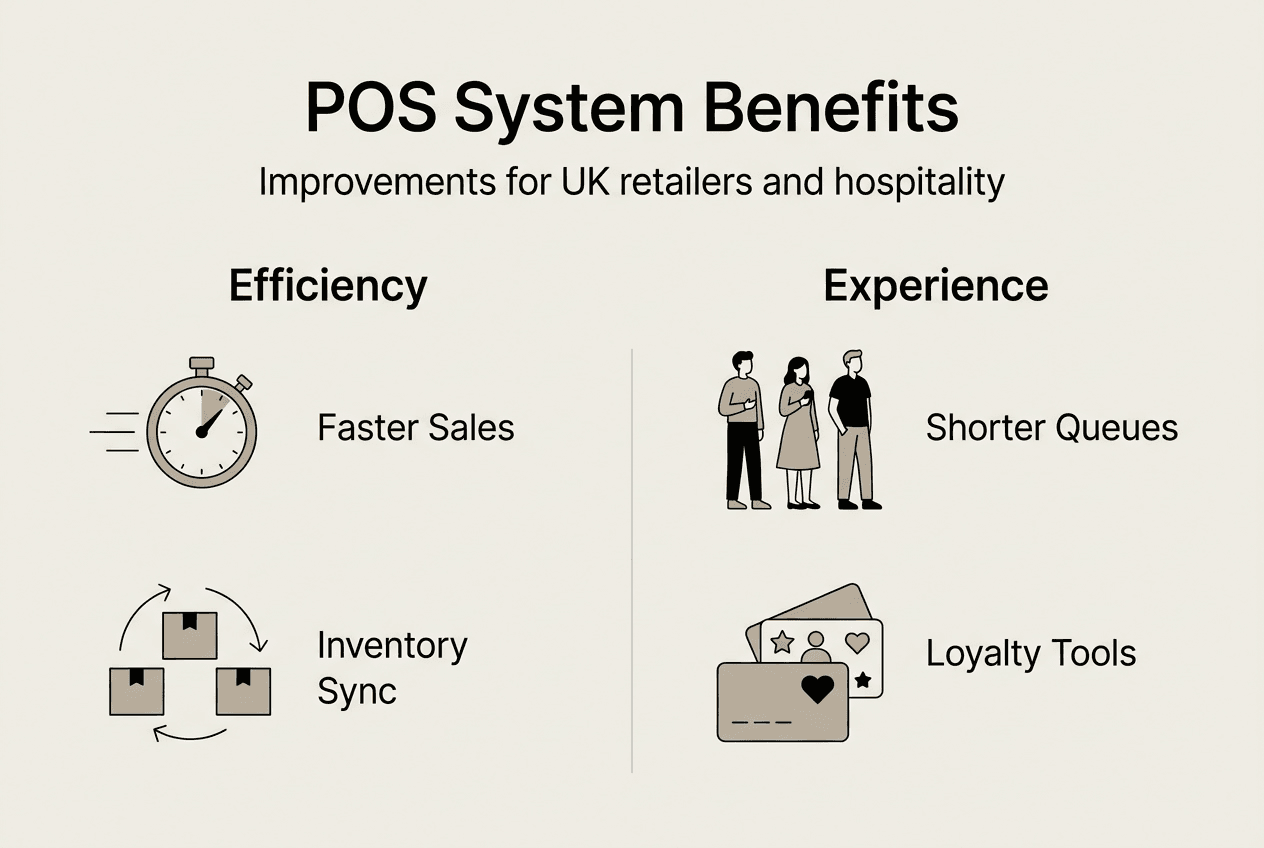
Operational efficiencies start with faster transaction processing. Modern POS systems complete sales in seconds, reducing queue times and serving more customers during peak periods. Integrated inventory management tracks stock levels automatically, alerting you before items run out. Financial management becomes simpler when sales data flows directly into accounting software, eliminating manual reconciliation and reducing errors.
Customer experience improves dramatically with the right POS setup. Faster service means shorter waits and happier customers. Mobile payment options cater to customer preferences, with contactless and digital wallet support now standard. Booking system integration reduces no-shows and streamlines reservation management. The Queens Head pub estimates bookings are 40 to 60% more with Dojo’s booking system compared to their previous platform.
Sales growth often follows POS implementation. The Queens Head case study demonstrates this clearly, with sales more than doubling in the first year after implementing mobile POS devices. This growth came from faster table turnover, improved order accuracy, and enhanced customer satisfaction. The ability to take payments anywhere in the venue removed bottlenecks and created a smoother service flow.
Key operational benefits:
- Real-time inventory tracking prevents stockouts and reduces overordering
- Automated sales reporting provides instant insights into business performance
- Staff management features track hours, sales performance, and commission calculations
- Customer data collection enables targeted marketing and loyalty programmes
- Integration with booking systems streamlines reservations and reduces administrative work
Pro Tip: Integrate your POS with booking and loyalty systems to maximise customer retention and streamline operations across all touchpoints.
Faster payment processing improves cash flow management significantly. When transactions complete instantly and funds arrive the next day, you gain better control over working capital and can respond quickly to business opportunities.
Choosing the right POS system for your UK retail or hospitality business
Selecting the appropriate POS system requires careful assessment of your specific business needs. Rushing this decision often leads to costly mistakes and operational headaches. Following a structured approach ensures you choose a system that grows with your business.
Step-by-step selection process:
- Assess your business size, product range, and average customer volume to establish baseline requirements
- Identify must-have features such as inventory management, reporting capabilities, and integration needs
- Determine your budget including hardware costs, software subscriptions, and ongoing support fees
- Research providers with proven experience in your sector, whether retail or hospitality
- Request demonstrations and trial periods to test systems with your actual workflows
- Check integration capabilities with your existing accounting, booking, and loyalty platforms
- Evaluate support options including response times, training availability, and technical assistance
- Consider scalability to ensure the system can handle business growth without replacement
Reliability matters more than flashy features. A system that crashes during busy periods costs you sales and damages customer relationships. Look for proven track records in businesses similar to yours. Ease of use affects staff training time and daily efficiency. Complex systems with steep learning curves slow down operations and frustrate employees.
Integration capabilities determine how well your POS fits into your broader business ecosystem. Check compatibility with your accounting software, booking platforms, and e-commerce systems. The role of POS software extends beyond transactions to connect all your business systems. Seamless data flow between platforms eliminates duplicate entry and keeps information consistent.
Common mistakes to avoid:
- Choosing based solely on price without considering total cost of ownership
- Ignoring integration requirements with existing business software
- Overlooking staff training needs and ongoing support availability
- Selecting overly complex systems that exceed actual business requirements
- Failing to verify hardware durability and warranty terms
- Neglecting to test systems with real-world scenarios before commitment
| Decision Factor | What to Consider | Pros | Cons | Typical Users |
|---|---|---|---|---|
| Hardware Quality | Build quality, warranty, peripheral support | Durability, reliability, longevity | Higher initial cost | High-volume retailers, busy restaurants |
| Software Features | Inventory, reporting, customer management | Comprehensive functionality, detailed insights | Complexity, learning curve | Multi-location businesses, growing operations |
| Integration | Compatibility with existing systems | Seamless data flow, reduced errors | Limited provider options | Businesses with established software ecosystems |
| Support Services | Response times, training, technical help | Quick problem resolution, staff confidence | Ongoing costs, dependency | All business types, especially new users |
| Scalability | Multi-location support, user limits, features | Growth accommodation, future-proofing | Potentially unused capacity initially | Expanding businesses, franchises |
Pro Tip: Test POS demo units with your actual products and workflows, and explore customer reviews from businesses similar to yours before making a final investment decision.
Support and future-proofing deserve serious consideration. Technology evolves rapidly, and your POS provider should offer regular updates and new features. Reliable customer support becomes crucial when technical issues arise. Choosing the right POS hardware involves evaluating not just current needs but anticipating future requirements as your business grows.
Explore reliable POS solutions with YCR Distribution
Finding the right POS system transforms your retail or hospitality operation. YCR Distribution offers a wide range of POS hardware options suited to various business sizes and sectors across the UK. From traditional terminals to mobile devices, you’ll find solutions backed by over three decades of industry experience.

Our POS software solutions ensure seamless integration with your existing business systems, whether you need inventory management, booking integration, or financial reporting. We provide tailored solutions for restaurants, cafes, retail shops, and hospitality venues. Understanding POS hardware terminology helps you make informed decisions about the technology that will power your business for years to come.
Frequently asked questions
What are the main types of POS systems?
The main types include traditional fixed terminals, mobile POS devices, smart terminals, and cloud-based systems. Traditional terminals offer reliability and robust features for high-volume environments. Mobile POS provides flexibility for table service and outdoor venues. Smart terminals combine payment processing with basic POS functions in compact devices. Cloud-based systems enable remote access and multi-location management with automatic updates.
How do POS systems improve customer experience?
POS systems reduce wait times through faster transaction processing and mobile payment options. They enable tableside ordering and payment in hospitality settings, eliminating queues. Integration with booking systems streamlines reservations and reduces no-shows. Customer data collection enables personalised service and targeted loyalty programmes. Real-time inventory visibility prevents disappointing out-of-stock situations during purchases.
Can I integrate my existing software with a new POS?
Most modern POS systems offer integration capabilities with popular accounting, booking, and e-commerce platforms. Check compatibility before purchasing to ensure seamless data flow between systems. Integration eliminates duplicate data entry and keeps information consistent across platforms. Businesses report significant time savings and improved accuracy when their POS connects with existing software. Request demonstrations showing actual integration with your specific platforms.
How much does a POS system cost on average in the UK?
POS system costs vary widely based on hardware, software, and features required. Basic smart terminals start around £200 to £400, whilst traditional systems range from £800 to £2,500 per terminal. Software subscriptions typically cost £30 to £150 monthly depending on features and user count. Consider total cost of ownership including hardware, software, support, and payment processing fees. Request detailed quotes showing all costs before committing.
What support should I expect from a POS provider?
Reliable POS providers offer comprehensive training for staff, technical support during business hours, and quick response times for urgent issues. Look for providers with UK-based support teams who understand local business needs. Expect regular software updates, security patches, and access to online resources. Quality providers offer on-site installation assistance and ongoing consultation as your business evolves. Verify support terms and response time guarantees before signing contracts.