

Why choose open platform POS for hospitality

An open platform POS is defined as a point of sale system built on open architecture, allowing operators to connect third-party hardware, software, and payment processors without being tied to a single vendor. For hospitality businesses, this distinction is the difference between a system that grows with you and one that holds you back. The industry term is “open architecture POS,” and it sits in direct contrast to proprietary, closed systems that bundle every component from a single supplier. Choosing open platform POS architecture gives restaurants, cafes, and takeaways the freedom to build a setup that fits their actual workflow rather than adapting their workflow to fit the system.
Why choose open platform POS: the core case for hospitality
Open platform POS systems are configurable, interoperable solutions that decouple software from hardware. That separation is the foundation of every operational and financial benefit discussed here.
The hospitality sector runs on tight margins and high transaction volumes. A POS system that cannot integrate with your delivery app, loyalty programme, or accounting software creates manual workarounds that cost time and money every single day. Open architecture eliminates those workarounds by design. Systems built on open APIs connect directly with third-party tools, meaning your till, your kitchen display, your inventory tracker, and your online ordering platform all share data in real time.

Ycr has supplied POS hardware and software to UK hospitality businesses for over three decades. The shift operators consistently report as most impactful is moving away from vendor lock-in. When you own your data and your integrations, you control your costs.
How do open APIs and modular architecture improve flexibility?
An open API (Application Programming Interface) is a published set of rules that lets two software systems talk to each other. In a POS context, it means your till software can communicate with UberEats, Xero, or a loyalty platform without custom development work from a single locked vendor.
Modular architecture takes this further by separating hardware and software into independent components. You can upgrade your receipt printer without replacing your terminal. You can switch payment processors without changing your software licence. That independence has direct operational consequences:
- Peripheral interoperability: Barcode scanners, customer displays, kitchen printers, and card readers from different manufacturers connect without proprietary drivers.
- Payment processor choice: Bundled payment processing locks businesses into fixed rates, often costing thousands annually compared to systems that allow processor negotiation.
- Multi-app multitasking: Android 13 open API systems support stable simultaneous operation of your primary till software and third-party apps like UberEats, overcoming the crashes common with legacy monolithic systems.
- Independent updates: Individual modules update without taking the whole system offline, which matters enormously during a Friday dinner service.
- Hardware longevity: Linux-compatible open systems run efficiently on older hardware, extending terminal lifespans and avoiding forced replacement cycles.
Maintenance becomes predictable rather than reactive. When one component needs attention, the rest of the system keeps running. That is a structural advantage closed systems cannot replicate.
Pro Tip: When evaluating any open platform POS, ask the vendor for a published API documentation link. If they cannot provide one, the system is not genuinely open. A real open architecture has documented endpoints any developer can access.
What cost savings does an open platform POS deliver?
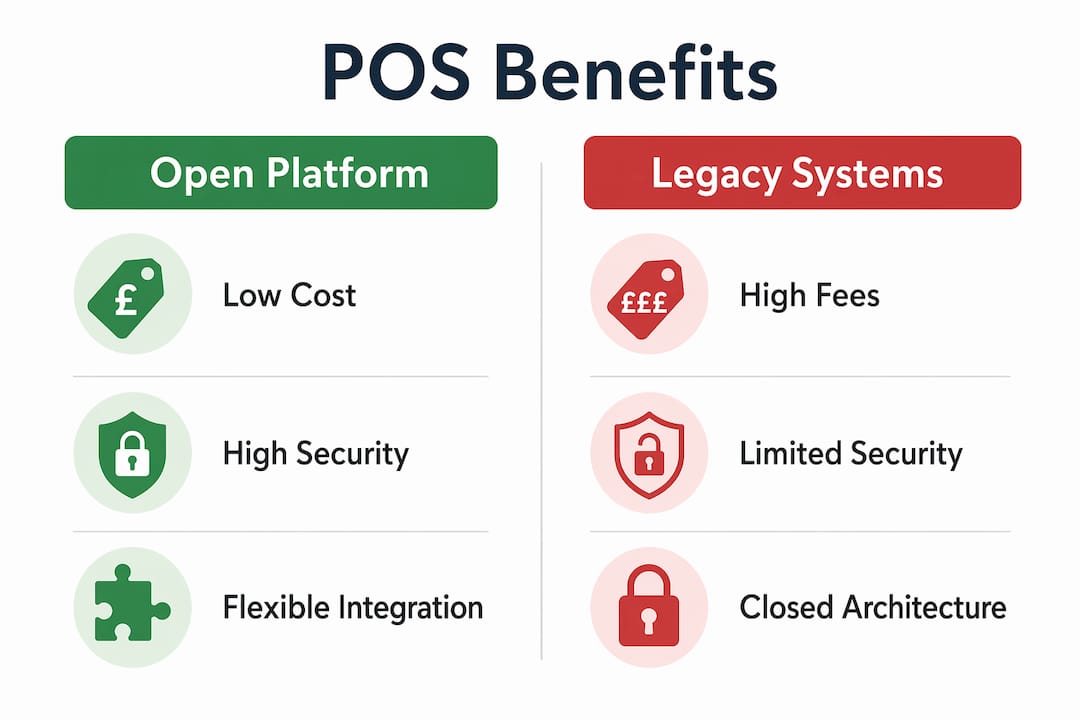
The financial case for open architecture is direct. Switching from proprietary all-in-one POS systems to modular open-platform versions saves multi-location operators £1,600–£4,000 per terminal annually by eliminating mandatory licensing fees. For a venue running five terminals, that is a meaningful annual saving that compounds over a three-year hardware cycle.
Payment processing is a second cost lever. Freedom to choose your payment processor can save busy hospitality businesses over £8,000 per year. Closed systems obscure real transaction costs by embedding processor fees into the software licence, removing any competitive pressure on rates.
The table below compares the ongoing cost profile of open platform versus legacy closed systems across key categories:
| Cost category | Open platform POS | Legacy closed system |
|---|---|---|
| Annual licensing fees | Low or none | High, mandatory per terminal |
| Payment processing rates | Negotiable, processor choice | Fixed, bundled with software |
| Hardware replacement cycle | Extended via modular upgrades | Forced by vendor EOL schedules |
| Maintenance downtime | Minimal, background updates | Scheduled, disruptive |
| Integration development | Low, via open APIs | High, requires vendor involvement |
Modular POS solutions also reduce maintenance costs by allowing targeted repairs rather than full system replacements. A failed card reader on a closed system can mean a service call and a day offline. On a modular open system, you swap the peripheral and continue trading.
Are open platform POS systems more secure and stable?
Security is where open architecture often surprises operators who assume “open” means “exposed.” The opposite is true. Linux-based POS software uses permission-based architecture that significantly reduces malware risk compared to Windows-based systems, which are the primary target of retail ransomware attacks.
Android 13, the operating system underpinning many modern open platform terminals, introduces scoped storage and granular app permissions. Each application accesses only the data it needs. That containment limits the damage any single compromised app can cause across the system.
Stability follows a similar pattern. Cloud-native POS platforms scale resources automatically based on transaction volume, maintaining consistent performance during a Saturday lunch rush without manual intervention. Legacy systems, by contrast, are sized for average load and degrade under peak demand.
| Feature | Open platform POS | Legacy closed POS |
|---|---|---|
| Security model | Permission-based, scoped storage | Broad access, higher attack surface |
| Update delivery | Automatic background patches | Scheduled, requires downtime |
| Peak load handling | Auto-scales with demand | Fixed capacity, degrades under load |
| OS support lifecycle | Rolling updates, longer support | Vendor-controlled, EOL risk |
| Crash recovery | Modular, isolated failures | System-wide impact |
The practical implication for hospitality operators is clear. A system that patches itself overnight and scales during a busy service is a system that stops being a source of operational anxiety.
How does open platform POS integrate with hospitality management systems?
Integration is where open platform POS delivers its most visible day-to-day value. Open API-first design connects your POS directly with accounting, inventory, marketing, and loyalty applications, removing the manual data entry that creates errors and delays.
For a restaurant or café, that means your end-of-day sales figures flow automatically into Xero or Sage. Your stock levels update in real time as orders are processed. Your loyalty programme recognises returning guests at the point of payment without staff needing to switch between screens.
Common integrations used by UK hospitality businesses on open platform systems include:
- Accounting software: Xero, Sage, and QuickBooks via direct API connections
- Delivery platforms: UberEats and Deliveroo running as concurrent apps on the same terminal
- Inventory management: Real-time stock depletion linked to menu items sold
- Loyalty and CRM: Guest recognition and reward redemption at the point of sale
- Contactless and mobile payments: Apple Pay, Google Pay, and open-loop card schemes
- Digital signage: Menu boards that update automatically when items sell out
The integrated POS approach removes the data silos that slow down decision-making. When your POS, your stock system, and your accounts all share the same data, you spend less time reconciling and more time running your business. Ycr’s SAMTOUCH software, for example, is built with this integration-first philosophy for UK hospitality operators.
What should operators consider when choosing an open platform POS?
Choosing the right open platform system requires evaluating hardware, software, and connectivity in combination. A genuinely open system fails in practice if the hardware cannot support the workload.
- Confirm Android 13 or newer: Android 13 with at least 2GB RAM is the minimum specification for smooth multitasking in a busy hospitality environment. Terminals with less RAM will lag during peak service.
- Verify API documentation: Request the vendor’s API reference before committing. Documented, publicly accessible endpoints confirm genuine openness.
- Check connectivity options: Dual-band Wi-Fi and 4G/5G SIM fallback prevent sales loss during network outages. For a hospitality venue, a dropped connection during service is a direct revenue loss.
- Assess peripheral compatibility: Confirm that your existing receipt printers, barcode scanners, and customer displays are compatible before purchasing. A modular POS station should accommodate the peripherals you already own.
- Plan a staged rollout: Implement the new system in one area of the venue first. Resolve integration issues before rolling out to the full floor.
- Budget for staff training: The technology is only as effective as the team using it. Allocate time for hands-on training before go-live, not during it.
Pro Tip: Run your open platform POS in parallel with your existing system for at least two weeks before full cutover. This gives staff confidence and gives you a clean data comparison to verify that integrations are working correctly.
Understanding open platform technology adoption across retail environments shows a consistent pattern: operators who plan the transition carefully report faster returns on investment than those who switch overnight.
Key takeaways
Open platform POS systems reduce costs, improve security, and give hospitality operators the integration freedom that closed systems structurally cannot provide.
| Point | Details |
|---|---|
| Cost reduction is measurable | Eliminating proprietary licences saves operators thousands per terminal each year. |
| Open APIs drive integration | Direct connections to accounting, delivery, and loyalty tools remove manual data entry. |
| Security is stronger, not weaker | Permission-based Linux and Android 13 architectures reduce malware exposure significantly. |
| Hardware flexibility extends lifespan | Modular design lets operators upgrade individual components rather than entire systems. |
| Connectivity planning is critical | Dual-band Wi-Fi and 4G/5G fallback protect revenue during network outages. |
The real cost of staying closed
I have watched hospitality businesses spend years defending a closed POS system because the upfront cost of switching felt too high. The calculation they were making was wrong. They were comparing the price of migration against the price of the new system. They were not accounting for what the closed system was costing them every month: inflated processing fees, integration workarounds, scheduled downtime, and the inability to add a delivery app without a vendor call.
The open platform argument is not really about technology. It is about who controls your operating costs. A closed system hands that control to the vendor. An open system keeps it with you. For a growing hospitality business, that distinction compounds over time in ways that dwarf the initial switching cost.
The operators I have seen get the most from open architecture are the ones who treat the POS as infrastructure rather than a purchase. They plan integrations before go-live, they train staff properly, and they review their payment processor rates annually because they can. That discipline, enabled by an open system, is what separates businesses that control their margins from those that wonder where the money went.
The benefits of upgrading your POS are not theoretical. They show up in your accounts within the first year.
— John
TouchPoint Software: open platform POS built for hospitality
Ycr’s TouchPoint Software is an open platform POS solution built on Android 13, designed specifically for hospitality operators who need flexibility without complexity. It connects with the tools your business already uses, from delivery platforms to accounting software, and runs on modular hardware that you can configure to your floor plan.
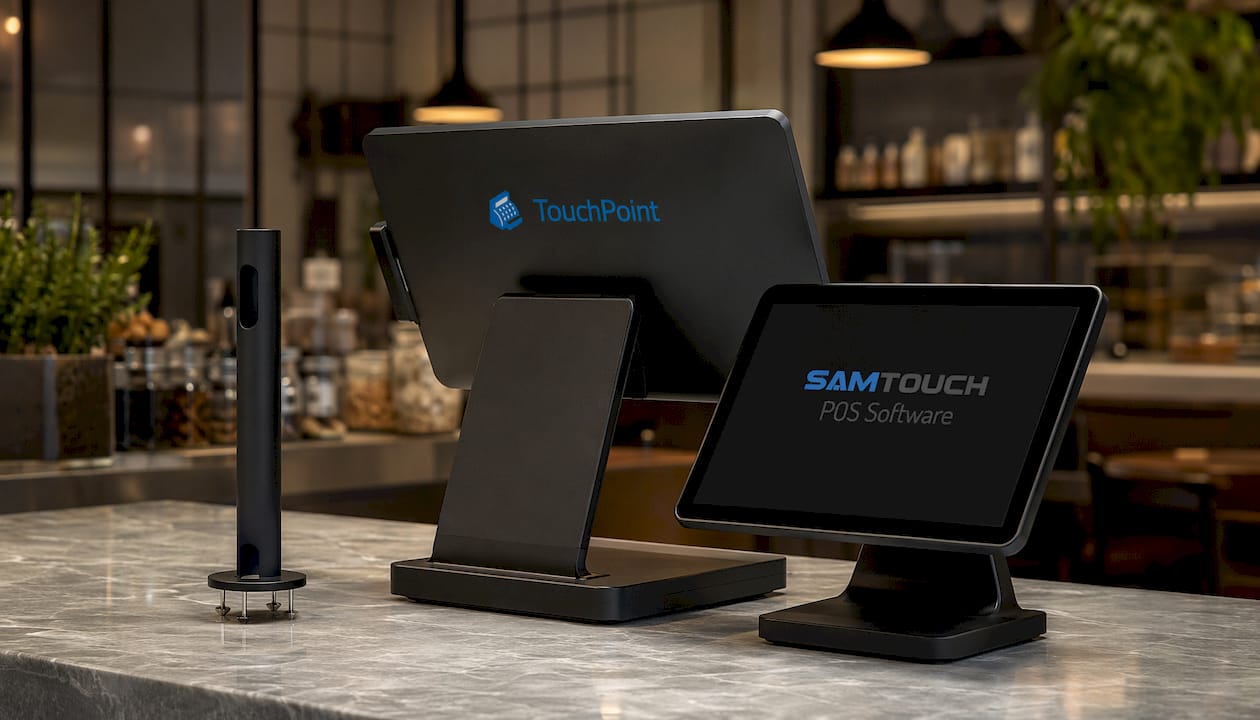
TouchPoint supports multi-app operation, open payment processor choice, and background updates that never interrupt service. For operators who want a complete setup from day one, Ycr also offers SAMTOUCH with hardware, combining proven hospitality software with compatible terminals in a single package. Contact Ycr to discuss which configuration fits your venue.
FAQ
What is an open platform POS system?
An open platform POS is a point of sale system built on open architecture, allowing operators to integrate third-party hardware, software, and payment processors without vendor lock-in. It contrasts with closed, proprietary systems that bundle all components from a single supplier.
How much can an open platform POS save annually?
Switching from proprietary all-in-one systems to open platform alternatives saves operators thousands per terminal each year by eliminating mandatory licensing fees and enabling payment processor negotiation.
Is an open platform POS secure enough for hospitality?
Open platform systems running Linux or Android 13 use permission-based architectures that reduce malware exposure significantly compared to Windows-based legacy systems. Automatic background patching means security updates apply without scheduled downtime.
What integrations does an open platform POS support?
Open platform POS systems connect via APIs with accounting software such as Xero and Sage, delivery platforms, inventory management tools, loyalty programmes, and contactless payment schemes including Apple Pay and Google Pay.
What hardware specification do I need for open platform POS?
A terminal running Android 13 with at least 2GB RAM is the recommended minimum for smooth multitasking in a busy hospitality environment. Dual-band Wi-Fi with 4G/5G fallback connectivity protects against network outages during service.