- +44 1924 438238
- sales@ycr.co.uk
- Mon - Fri: 8:30 - 16:30

Why retail needs POS systems for better 2026 success
Retail businesses across the UK lose an average of 12 hours weekly to manual transaction processing and inventory errors. Many shop owners believe traditional tills and spreadsheets suffice for daily operations, yet this outdated approach costs them customers, revenue, and competitive edge. Modern point of sale systems eliminate these inefficiencies whilst providing data insights that transform how retailers operate. This article reveals why POS technology has become essential for retail success in 2026, exploring efficiency gains, customer experience improvements, system comparisons, and practical implementation strategies.
Table of Contents
- Why Pos Systems Are Essential For Retail Efficiency
- How Pos Systems Enhance Customer Experience And Engagement
- Comparing Pos System Types And Their Retail Applications
- Implementing Pos Systems: Best Practices For Uk Retailers In 2026
- Discover Tailored Pos Solutions For Uk Retail Businesses
Key takeaways
| Point | Details |
|---|---|
| Efficiency improvements | POS systems automate transactions and inventory tracking, reducing manual errors and saving hours weekly |
| Data-driven decisions | Real-time sales analytics enable retailers to optimise stock levels and identify profitable trends |
| Enhanced customer experience | Integrated loyalty programmes and faster checkouts increase satisfaction and repeat business |
| Scalable solutions | Different POS types from standalone to cloud-based systems suit varied retail needs and budgets |
Why POS systems are essential for retail efficiency
Manual sales processing creates bottlenecks that frustrate customers and staff alike. Traditional cash registers cannot track inventory automatically, forcing retailers to conduct time-consuming stock counts and reconcile discrepancies. These inefficiencies compound during busy periods when speed matters most.
POS systems transform retail workflows by connecting sales, inventory, and reporting functions into one streamlined platform. When a customer purchases an item, the system instantly updates stock levels and sales records without manual intervention. This automation eliminates the double-entry work that wastes staff hours and introduces calculation errors.
Real-time inventory visibility prevents costly stockouts and overordering situations. Retailers can see exactly which products sell quickly and which items sit on shelves gathering dust. This data allows you to reorder popular items before they run out whilst avoiding excess investment in slow-moving stock. The system alerts you when inventory reaches predetermined thresholds, ensuring shelves stay stocked with what customers actually want.
Checkout speed directly impacts customer satisfaction and sales volume. Modern POS terminals process transactions in seconds, scanning barcodes and calculating totals faster than manual entry ever could. Customers appreciate quick service, especially during lunch breaks or after work rushes. Faster checkouts mean you can serve more customers per hour, directly increasing revenue potential.
Pro Tip: Track your average transaction time before and after implementing a POS system to quantify efficiency gains and justify the investment to stakeholders.
The efficiency benefits extend beyond the till point:
- Automated end-of-day reporting eliminates manual cash counting and reconciliation
- Staff scheduling integrates with sales patterns to optimise labour costs
- Multi-location retailers synchronise inventory across shops in real time
- Returns processing becomes faster with transaction lookup capabilities
How POS systems enhance customer experience and engagement
Customer expectations have evolved dramatically, with shoppers now demanding personalised service and seamless experiences. Generic transactions no longer satisfy consumers who receive tailored recommendations from online retailers. Your physical shop needs equivalent capabilities to compete effectively.
Integrated POS solutions boost customer satisfaction by combining sales processing with customer relationship management. When a regular customer approaches the till, staff can instantly view purchase history and preferences. This information enables personalised product suggestions that feel helpful rather than pushy. Customers appreciate being recognised and receiving relevant recommendations based on their actual buying patterns.
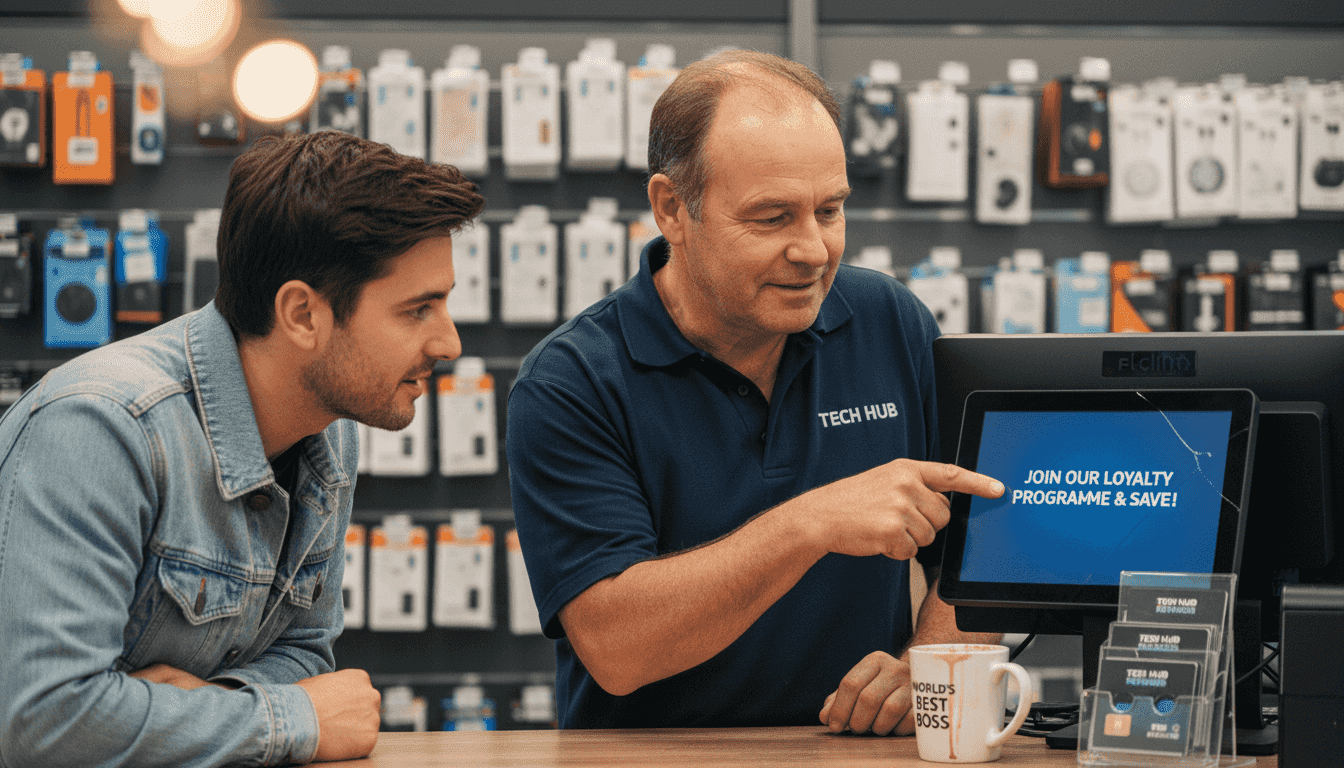
Loyalty programmes become powerful retention tools when built into your POS platform. Points accumulate automatically with each purchase, eliminating the hassle of separate cards or manual tracking. Customers can redeem rewards at the till without fumbling through wallets or remembering account numbers. The system tracks programme performance, showing which rewards drive repeat visits and which promotions fall flat.
Queue management improves dramatically with efficient POS technology. Long wait times drive customers away, particularly when they see only one or two tills operating during peak periods. Mobile POS devices allow staff to process transactions anywhere in the shop, turning the entire floor into potential checkout space. During busy periods, you can deploy additional payment points instantly without permanent till infrastructure.
Personalised promotions based on purchase data increase average transaction values. If a customer regularly buys coffee beans, the system can trigger a discount on filters or mugs at checkout. These targeted offers feel relevant rather than random, improving conversion rates whilst making customers feel valued. You can test different promotion strategies and measure results precisely through POS analytics.
Pro Tip: Use POS customer data to create birthday promotions or anniversary rewards that surprise and delight shoppers, building emotional connections beyond transactional relationships.
The customer experience advantages include:
- Email receipt options reduce paper waste whilst capturing customer contact details
- Gift card integration simplifies purchasing and redemption processes
- Split payment handling accommodates groups sharing costs
- Product information lookup helps staff answer questions instantly
Comparing POS system types and their retail applications
Choosing the right POS technology requires understanding how different systems align with your specific retail environment. Not every shop needs the same features or complexity level. Different POS types offer varied benefits suited to diverse retail scenarios, from single-location boutiques to multi-shop chains.
Standalone POS systems work well for small shops with straightforward needs. These traditional terminals handle basic sales processing, accept various payment methods, and generate simple reports. They operate independently without requiring internet connectivity, making them reliable in areas with unstable connections. However, standalone systems lack the integration capabilities and advanced analytics that growing businesses eventually need.
Integrated POS platforms connect sales with accounting, inventory, customer management, and employee scheduling. These comprehensive systems eliminate data silos by ensuring information flows seamlessly between business functions. When you process a sale, the system updates inventory, records the transaction in accounting software, and adds customer details to your database simultaneously. This integration saves hours of manual data entry whilst reducing errors from duplicate entry.
Cloud-based POS solutions offer flexibility that traditional systems cannot match. You can access sales data, inventory levels, and reports from anywhere with internet access. Multi-location retailers benefit enormously from centralised visibility across all shops. Cloud systems update automatically with new features and security patches, eliminating the maintenance burden of on-premise servers. Subscription pricing spreads costs over time rather than requiring large upfront investments.
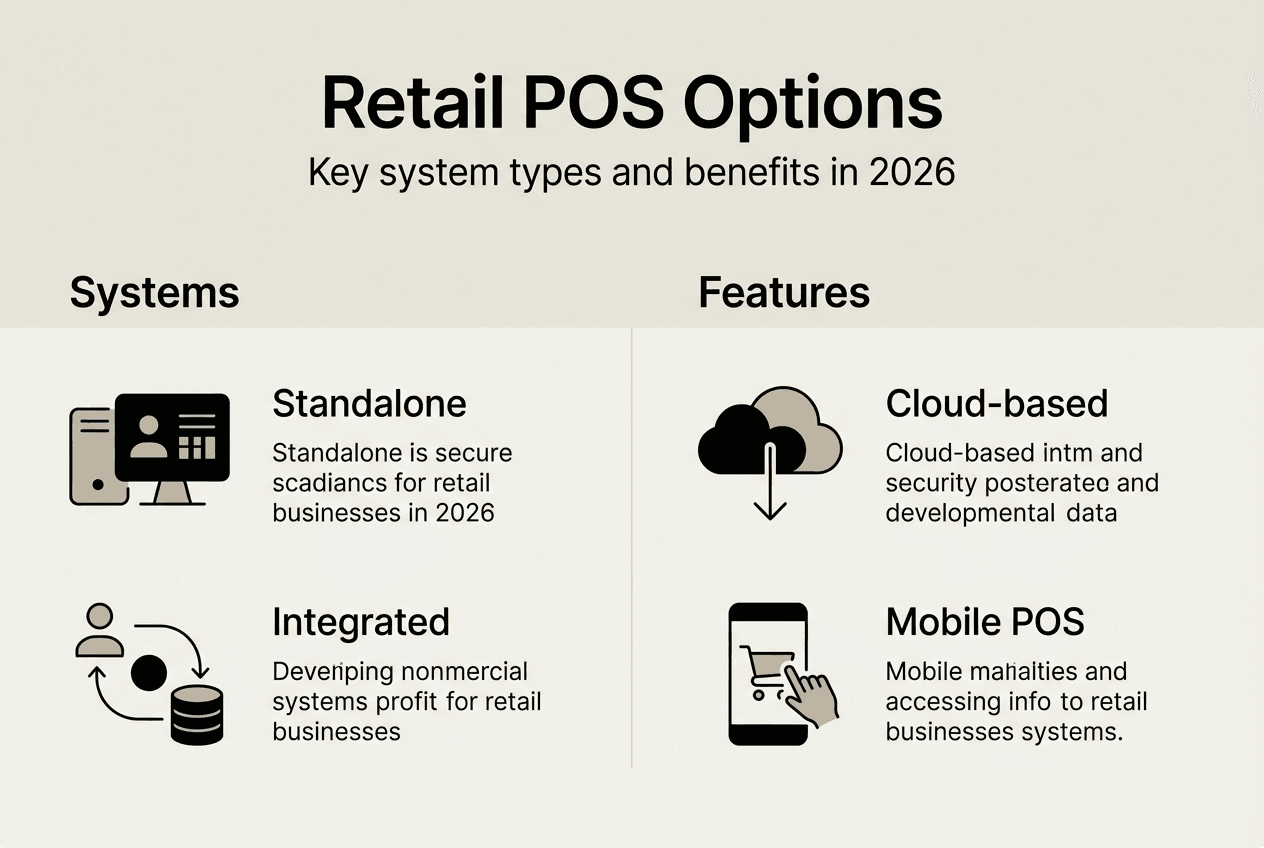
Mobile POS devices empower staff to assist customers throughout the shop floor. Tablets and smartphones running POS applications allow associates to check stock, look up product details, and complete transactions without directing customers to fixed tills. This mobility improves service quality whilst reducing checkout congestion. Pop-up shops and market stalls particularly benefit from portable POS technology.
| POS Type | Best For | Key Advantages | Considerations |
| — | — | — |
| Standalone | Small single-location shops | Simple operation, no internet dependency | Limited reporting, no remote access |
| Integrated | Growing multi-department retailers | Connects all business functions | Higher complexity, staff training needed |
| Cloud-based | Multi-location or mobile retailers | Remote access, automatic updates | Requires reliable internet connection |
| Mobile | Boutiques, pop-ups, floor sales | Portable, lower hardware costs | Smaller screens, battery management |
Implementing POS systems: best practices for UK retailers in 2026
Successful POS adoption requires more than purchasing equipment and switching it on. Careful planning, staff training, and ongoing support determine whether your investment delivers expected returns or creates frustration.
Assess your specific business requirements before evaluating systems. List the features you absolutely need versus nice-to-have capabilities. Consider your product range complexity, transaction volume, number of locations, and integration requirements with existing software. A clothing boutique needs different functionality than a convenience shop or electronics retailer. Understanding your priorities prevents overpaying for unused features or selecting inadequate systems.
Prepare your infrastructure to support the chosen POS technology:
- Verify internet bandwidth meets cloud-based system requirements
- Ensure electrical outlets exist at planned till locations
- Test network reliability during peak usage periods
- Confirm payment terminal compatibility with your merchant account
- Plan backup power solutions for areas with frequent outages
Hardware compatibility deserves careful attention. Barcode scanners, receipt printers, cash drawers, and customer displays must work seamlessly with your POS software. Purchasing components from different suppliers can create integration headaches. Working with a complete solutions provider ensures all hardware components function together reliably.
Staff training determines whether your team embraces or resists the new system. Schedule comprehensive training sessions well before go-live dates, allowing staff to practise with real scenarios. Create quick reference guides for common tasks and troubleshooting steps. Designate super users who receive advanced training and can assist colleagues during the transition period. Remember that older employees may need additional support adapting to new technology.
Pro Tip: Run your old and new systems in parallel for one week to verify accuracy and build staff confidence before fully committing to the POS platform.
Ongoing technical support prevents small issues from becoming business-disrupting crises. Ensure your provider offers responsive UK-based support during your operating hours. Understand response time commitments for different issue severity levels. Regular software updates patch security vulnerabilities and add new features, so confirm update processes and schedules. Plan for hardware maintenance and replacement cycles to avoid unexpected failures.
Data migration from existing systems requires meticulous planning. Product catalogues, customer records, and historical sales data need accurate transfer to your new POS. Validate migrated data thoroughly before going live to catch errors whilst you can still correct them. Incomplete or inaccurate data undermines the system’s value from day one.
Discover tailored POS solutions for UK retail businesses
Implementing the right POS technology transforms retail operations, but selecting from countless options feels overwhelming. YCR Distribution specialises in retail point of sale solutions designed specifically for UK businesses like yours. Our three decades of experience helping retailers means we understand the challenges you face daily.

We offer complete systems combining reliable hardware from trusted brands like SAM4S and iMin with powerful POS software including SAMTOUCH and EZEEPOS. Our experts help you select components that match your specific requirements and budget. Whether you operate a single shop or manage multiple locations, we configure solutions that scale with your growth. Explore our POS hardware terminology guide to understand the components that power modern retail systems.
FAQ
What types of retail businesses benefit most from POS systems?
Virtually all retail formats gain significant advantages from modern POS technology, from small independent shops to large chain stores. Convenience stores, clothing boutiques, electronics retailers, gift shops, and speciality food merchants all improve efficiency and customer service through POS adoption. The systems scale to match business size and complexity, offering basic features for simple operations and advanced capabilities for sophisticated multi-location enterprises.
How do POS systems improve inventory management?
POS platforms track stock levels automatically as sales occur, eliminating manual counting and spreadsheet updates. The system alerts you when products reach reorder points, preventing stockouts of popular items. Real-time visibility across multiple locations shows exactly where inventory sits, enabling transfers between shops to meet demand. Historical sales data reveals seasonal patterns and trends, helping you optimise purchasing decisions and reduce capital tied up in slow-moving stock.
Are cloud-based POS systems secure for UK retailers?
Reputable cloud POS providers implement robust security measures including encryption, secure data centres, and compliance with UK data protection regulations. Payment card data receives particular protection through PCI DSS compliance standards. Cloud systems often provide better security than on-premise solutions because providers employ dedicated security teams and apply updates immediately. Choose established vendors with proven track records and transparent security policies to protect your business and customer information.
What common mistakes should retailers avoid when adopting POS?
Insufficient staff training represents the most frequent implementation failure, leaving employees frustrated and unable to use system capabilities effectively. Selecting systems based solely on price rather than feature fit creates limitations that hamper operations. Neglecting ongoing maintenance, software updates, and technical support leads to security vulnerabilities and performance degradation. Failing to migrate existing customer and product data properly wastes the historical information that makes POS systems valuable. Plan thoroughly, invest in training, and maintain systems properly to maximise your POS investment returns.