
Why use touchscreen POS displays for your business
TL;DR:
- Modern touchscreen POS displays serve as operational hubs, enhancing customer engagement, marketing, and efficiency in retail and hospitality. They use PCAP technology for fast, multi-touch interactions, reducing errors and speeding up transactions, while also supporting dynamic marketing and hygiene protocols. Proper interface design, staff training, and routine cleaning are essential for maximizing their benefits and maintaining safety.
Most business owners think of a POS terminal as a glorified till. You tap, it charges, transaction done. But that framing undersells what modern touchscreen POS displays actually do inside a working retail or hospitality environment. The question of why use touchscreen pos displays goes well beyond convenience at the counter. These devices, properly known as touchscreen point-of-sale terminals, now function as customer engagement tools, marketing platforms, and operational hubs all at once. This article breaks down exactly what that means for your business.
Table of Contents
- Key takeaways
- Why use touchscreen POS displays: what they actually are
- Operational benefits that change how you work
- Customer engagement and marketing at the point of sale
- Hygiene considerations in high-contact environments
- Touchscreen POS vs traditional systems
- My take on touchscreen POS adoption
- Find the right touchscreen POS hardware for your business
- FAQ
Key takeaways
| Point | Details |
|---|---|
| More than a payment device | Modern touchscreen POS terminals serve as engagement hubs that handle loyalty, promotions, and customer data. |
| Speed and accuracy matter | Touchscreens reduce manual input errors and cut queue times, directly improving customer satisfaction. |
| Technology types vary | Capacitive PCAP screens offer better sensitivity and durability than resistive alternatives for busy environments. |
| Hygiene is non-negotiable | Bacterial contamination rises sharply at peak times, so cleaning protocols must be built into daily operations. |
| Right hardware makes the difference | Choosing commercial-grade touchscreen POS hardware with peripheral compatibility protects your investment long term. |
Why use touchscreen POS displays: what they actually are
A touchscreen POS display is the front-facing screen through which staff and customers interact with your point-of-sale system. Understanding how POS touchscreens work starts with the screen technology itself. Most commercial systems today use Projected Capacitive (PCAP) technology, which detects electrical changes when a finger makes contact with the glass surface. This allows for multi-touch gestures and accurate response even through thin gloves.
Older systems used resistive screens, which rely on physical pressure and are far less responsive. The difference in daily use is significant. PCAP screens register input faster, require less force, and hold up better under constant use. Multi-touch PCAP technology also supports peripheral integration, connecting seamlessly with barcode scanners, fingerprint readers, and receipt printers in a single unified setup.
When evaluating the types of POS touchscreen displays available, you will generally encounter three categories:
- Countertop terminals with large-format screens (typically 15 to 24 inches), designed for high-volume fixed checkout points in restaurants, cafes, and retail stores.
- Customer-facing displays mounted separately at the counter, letting the buyer review their order or receipt without leaning over the counter.
- Tablet-based POS systems mounted on stands or carried by staff, offering flexibility for tableside ordering or queue-busting in busy retail environments.
Each type connects to your back-end software, integrating with inventory management, customer databases, and payment processors. That integration is precisely what makes the role of touchscreens in POS so much broader than most owners initially appreciate.
Operational benefits that change how you work
The advantages of touchscreen POS do not come from the screen alone. They come from how a well-designed interface changes staff behaviour and transaction flow throughout the day. Here is what that looks like in practice:
-
Faster order entry. A touchscreen interface built around your menu or product catalogue means staff tap through categories rather than remembering codes or typing descriptions. Touchscreen POS improves staff productivity by eliminating the keypad entirely, which reduces input time on every single transaction.
-
Fewer errors. When a product appears on screen with its correct name, price, and modifier options, there is far less room for miskeying. This is especially valuable in hospitality, where a misread order wastes food, time, and goodwill.
-
Decentralised checkouts. Mobile POS technology lets staff carry a tablet-based terminal onto the shop floor or into the restaurant, effectively dissolving the traditional queue into a fluid, staff-led experience. Customers who would otherwise abandon a long queue get served before they lose patience.
-
Reduced training time. New staff can learn a visual, tap-based interface far more quickly than a keyboard-driven legacy system. In industries with high staff turnover, this alone pays dividends.
-
Improved data capture. Every transaction through a touchscreen POS feeds data back into your system in real time, giving you accurate sales figures, stock levels, and customer purchase histories without any manual reconciliation.
Pro Tip: When configuring your touchscreen POS interface, work with your software provider to build screens around your highest-volume products or menu categories. Reducing taps-per-transaction by even two or three strokes adds up to minutes saved per hour across a busy shift.
Retailers using touchscreen POS consistently report faster checkouts and reduced queue abandonment compared with legacy systems, and the operational case is straightforward. Fewer errors, faster throughput, and better data make the benefits of POS touchscreen technology tangible from week one.

Customer engagement and marketing at the point of sale
This is where the conversation shifts in a direction many business owners have not fully considered. The role of touch screens in POS has grown beyond transactions. Modern systems now position the checkout moment as an active marketing opportunity.
When a customer reaches the till, your POS already knows what they are buying. With the right software, it can prompt a loyalty point update, suggest a complementary product, or display a personalised discount based on their purchase history. POS is shifting from payment device to engagement interface, and businesses that recognise this early are building repeat custom that purely transactional systems cannot generate.
Consider some practical applications across sectors:
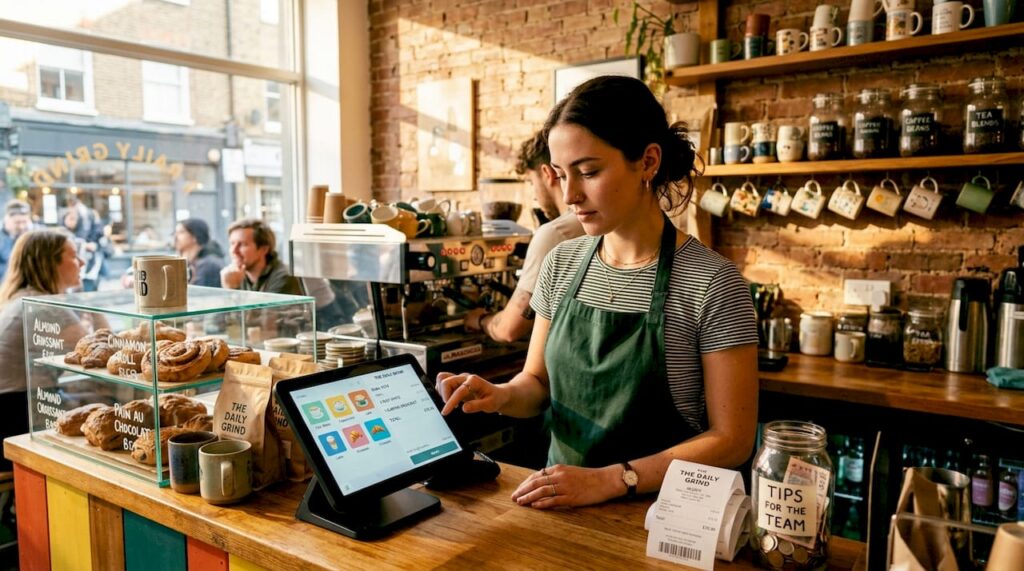
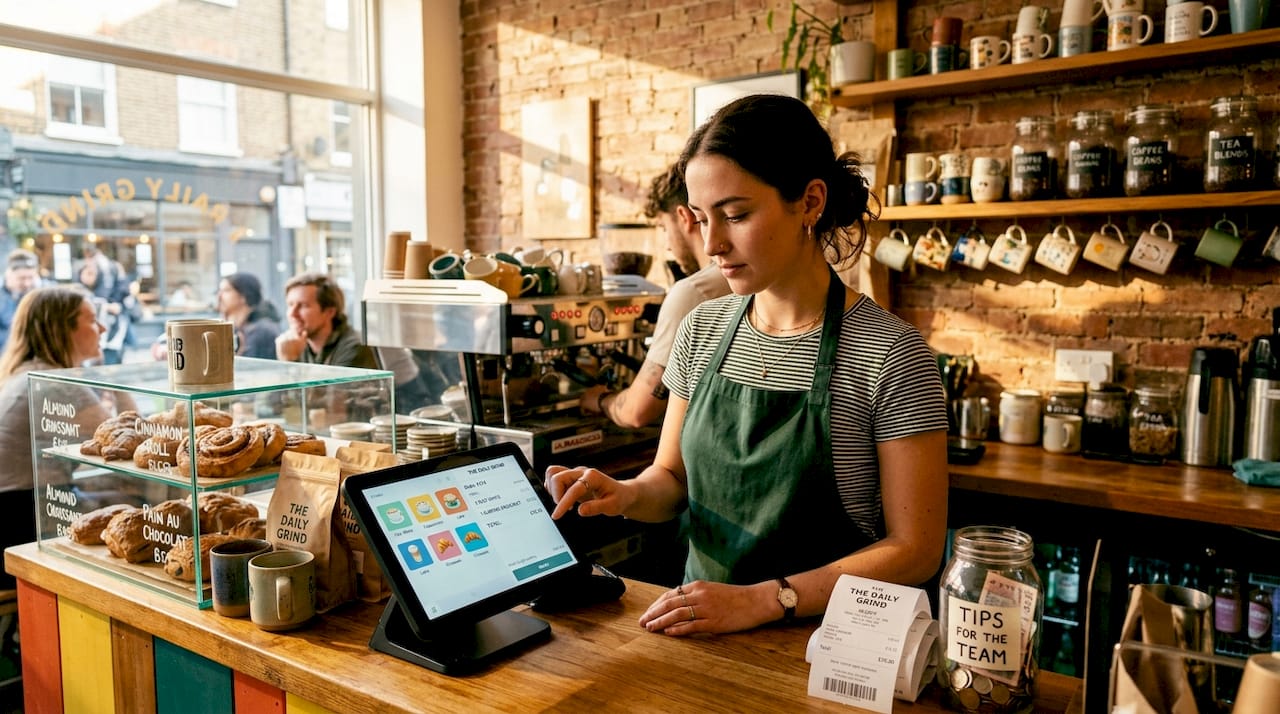
- A coffee shop touchscreen prompts a customer to add a loyalty stamp and offers a 10% discount on a pastry based on their previous purchases.
- A convenience store display shows a promotional bundle at checkout, relevant to the items already in the basket.
- A restaurant’s customer-facing screen displays allergen information and upsell suggestions as the order is being entered, reducing pressure on front-of-house staff to remember every promotion.
Interactive touchscreen displays also allow businesses to update messaging instantly, meaning your lunchtime promotions can differ from your evening specials without printing a single sign. That kind of dynamic content management was once reserved for large chains with dedicated marketing departments. Touchscreen POS puts it within reach of any independent business.
“The POS terminal is increasingly the most customer-facing piece of technology in a retail or hospitality business. Treating it purely as a payment device means leaving engagement and revenue on the table.”
80% of consumers prefer self-service options for simple tasks, which is why touchscreen kiosks and interactive POS displays drive measurable increases in customer satisfaction. When customers feel in control of their interaction, they spend more and complain less.
Hygiene considerations in high-contact environments
One aspect of touchscreen POS for retail and hospitality that rarely gets discussed in product brochures is hygiene. A busy lunchtime service or a Saturday afternoon in a convenience store means dozens of hands touching the same surface every hour.
Research on self-ordering touchscreens found that bacterial contamination is 2.8 to 7.5 times higher at peak occupancy compared with quieter periods. That is not a reason to avoid touchscreens. It is a reason to plan for them properly.
| Cleaning method | Effectiveness | Recommended frequency |
|---|---|---|
| Wet lens wipes (pre-order disinfection) | Reduces bacterial load by 1 to 2 log scales | Before and during peak periods |
| Antibacterial screen spray with microfibre cloth | Good for surface cleaning | At least twice daily |
| UV sanitising wand | Effective for deep disinfection | Once daily or overnight |
| Customer hand sanitiser station nearby | Reduces transfer from hands | Permanent placement at terminal |
Pre-order disinfection with wet lens wipes is one of the most practical tools for reducing contamination during busy service periods. It takes seconds and significantly lowers microbial load on the screen surface.
Pro Tip: Build screen cleaning into your shift changeover routine rather than treating it as an ad hoc task. Assign it explicitly on your opening and closing checklists so it never gets skipped during a rush.
Commercial-grade touchscreen POS hardware is also built with this environment in mind. Look for screens with sealed bezels and chemically hardened glass, which withstand repeated cleaning with alcohol-based products without degrading over time.
Touchscreen POS vs traditional systems
If you are still weighing whether to upgrade from a legacy keyboard-based system, a direct comparison makes the decision clearer.
| Feature | Touchscreen POS | Traditional keyboard POS |
|---|---|---|
| Transaction speed | Faster; visual menus reduce input time | Slower; requires code entry or physical keys |
| Staff training time | Short; intuitive tap-based interface | Longer; requires memorising product codes |
| Error rate | Lower; guided on-screen selections | Higher; reliant on correct manual input |
| Customer engagement | High; supports loyalty, upsells, and personalisation | Minimal; transactional only |
| Peripheral compatibility | Broad; barcode scanners, printers, and card readers | Limited by legacy port availability |
| Maintenance | Screen replacement when damaged | Keyboard and button wear over time |
| Future-proofing | Supports software updates and new integrations | Often tied to ageing, unsupported hardware |
The advantages of touchscreen POS over traditional systems are particularly pronounced in high-volume settings. A restaurant processing 200 covers a day or a retail store handling weekend footfall simply cannot afford the bottlenecks a legacy system creates. You can explore how these retail POS benefits translate directly into operational improvements across UK businesses.
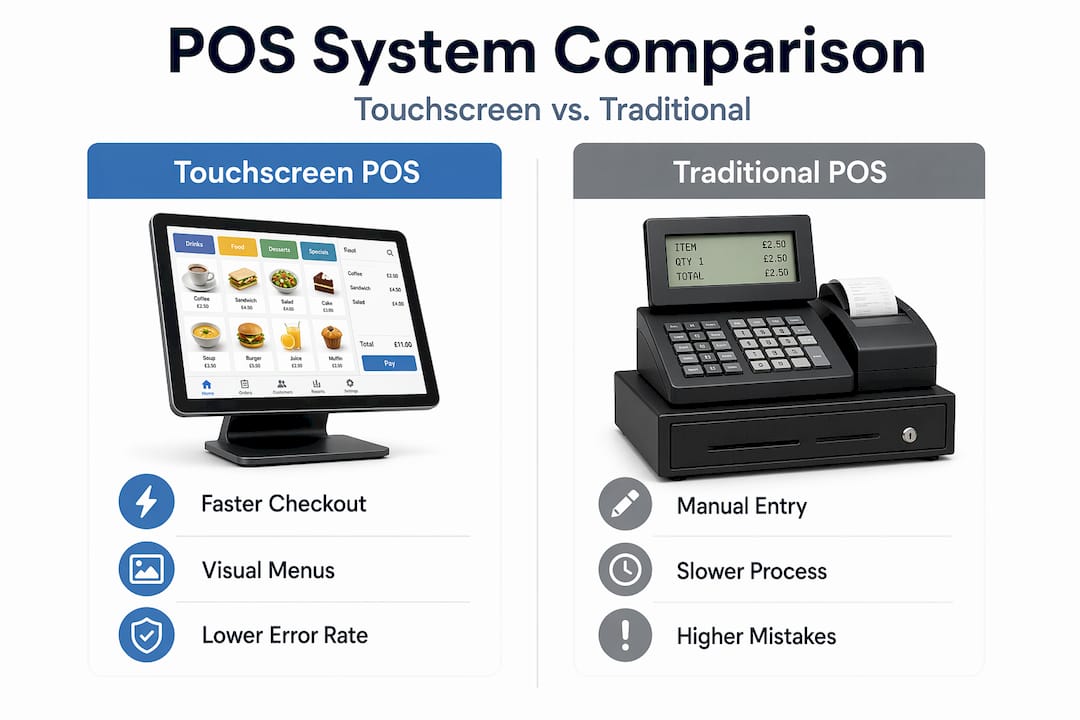
The upfront cost of touchscreen hardware is higher, but the efficiency gains across staff time, error correction, and customer retention make the total cost of ownership lower over two to three years in most cases.
My take on touchscreen POS adoption
I have seen a lot of businesses treat touchscreen POS as a technology upgrade rather than an operational decision, and that framing causes problems from day one. You can buy the best screen on the market and still get poor results if the interface is not configured for your actual workflow.
What I have found matters most is the software behind the screen. Hardware is important, but it is the logic of the interface, how quickly staff can navigate to the right product or modifier, that determines whether a touchscreen actually speeds things up or just looks sleeker while creating new frustrations.
The hygiene piece genuinely surprises business owners when I raise it. Most have never thought about contamination rates at peak times. Hygiene protocols integrated into daily routines are not optional extras. They are part of operating a safe, professional environment, and ignoring them is a reputational risk as much as a health one.
My honest advice: before you spec a new system, map out your busiest hour of the day and count how many times a staff member currently gets stuck or corrects an error. That is your baseline. A well-chosen touchscreen POS with the right software should cut that number significantly within a fortnight. If it does not, the configuration is wrong, not the concept.
The businesses I have seen get the most from touchscreen POS are the ones that treat the rollout as a process, train staff properly, plan for hygiene, and revisit the interface layout after a month of real use.
— John
Find the right touchscreen POS hardware for your business

Choosing the right touchscreen POS is about matching hardware to your environment, your software, and your volume. At Ycr, we supply commercial-grade POS hardware for retail and hospitality across the UK, including touchscreen terminals, customer-facing displays, and tablet-based systems from trusted brands like SAM4S and iMin. Whether you are setting up a new site or replacing ageing equipment, our team can help you select the right combination of screen, peripherals, and software. If you are new to the terminology, our POS hardware terminology guide is a practical starting point before you start comparing specifications. We offer next-day delivery, credit accounts, and direct support for resellers and business owners across the UK.
FAQ
What are the main benefits of touchscreen POS for retail?
Touchscreen POS in retail speeds up transactions, reduces input errors, and enables customer engagement through loyalty prompts and personalised offers at the point of sale.
How do POS touchscreens work in a typical setup?
Most commercial POS touchscreens use PCAP technology, which detects touch through electrical signals on the glass surface, allowing fast, multi-touch input connected to your POS software and peripherals.
What types of POS touchscreen displays are available?
The main types are countertop terminals, customer-facing displays, and tablet-based systems. Each suits different environments, from fixed checkout counters to mobile, floor-based service in hospitality.
Should I use touchscreen POS in a hospitality business?
Yes. Touchscreen POS in hospitality reduces order errors, speeds up table or counter service, supports upselling at checkout, and integrates with back-of-house systems for real-time kitchen management.
How often should touchscreen POS displays be cleaned?
Screens should be cleaned with appropriate wipes or sprays at least twice daily, with additional disinfection during peak periods, as bacterial contamination rises significantly during high-traffic times.