
Impact kitchen and receipt printer
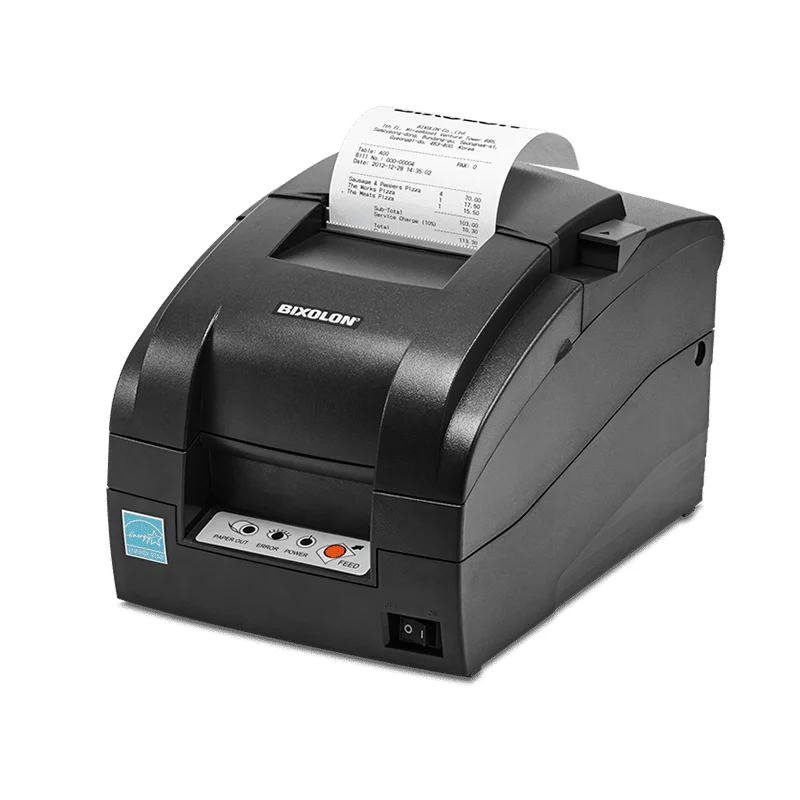
BIXOLON SRP-275III
Print kitchen orders, prep tickets and receipts on a 3-inch ribbon printer with drop-in paper loading. Choose USB and serial, or add Ethernet to put the printer on the POS network.
Why choose an impact kitchen printer?
The SRP-275III uses a nine-pin print head to strike an inked ribbon against the paper. The result is a paper order ticket that staff can take to a prep station or clip to the pass. It also lets you plan for duplicate tickets or use a second colour where the application supports it.
Flag changes on the ticket
Use a compatible black/red ribbon and POS settings to draw attention to modifiers or amended items. Check with your software provider which fields can print in red.
Print copies in one pass
With suitable multi-ply media, the impact mechanism can produce more than one copy in the same pass. This can give the prep station and the pass a copy of the same order.
Plan for daily service
BIXOLON rates the mechanism for up to 18 million lines and lists a top speed of 5.1 lines per second at 40 columns. Keep compatible paper and ribbons at the station for quick changeovers.
Choose the right connection
Check how your POS software sends tickets before choosing the model. Both configurations below have an auto-cutter.
COSG
USB and serial. Use USB for a nearby till where supported, or serial for a compatible existing installation. Confirm the cable, driver and serial settings with your software provider.
COESG
USB, serial and Ethernet. Choose this version if your POS system needs to reach a kitchen or prep station over a wired network. Confirm the network address and test routing from every till that will send orders.
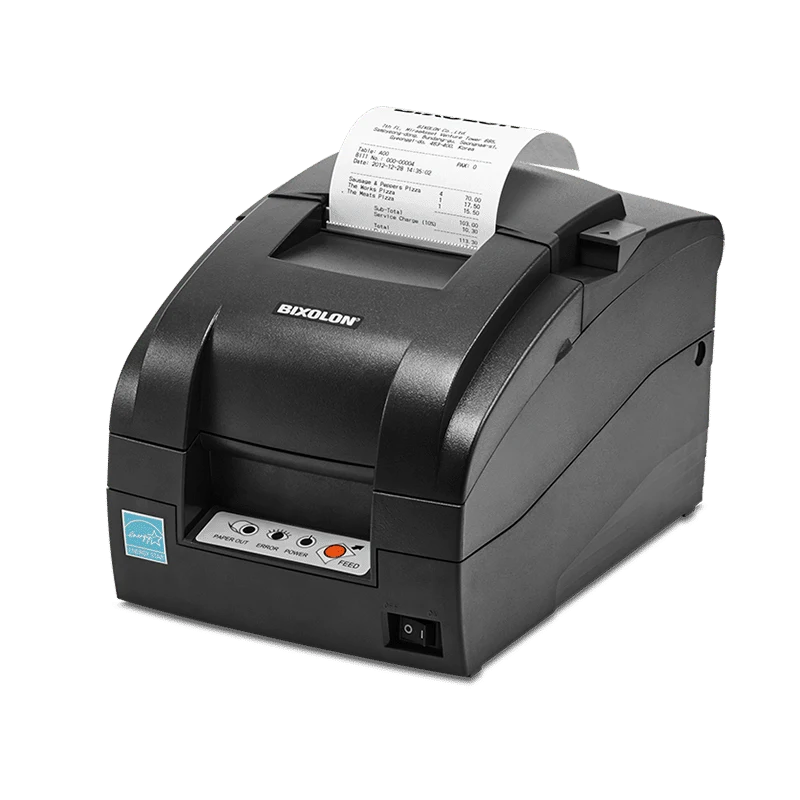
Set up your print stations
Kitchen and bar ordersConfigure your POS software to send food and drink to the appropriate station. Test modifiers, cancellations and reprints so staff can distinguish amended orders during service.
Takeaway and prep ticketsUse a compatible two-colour ribbon to highlight notes where your software supports it. If staff need duplicate tickets, check suitable multi-ply paper and trial the print before rollout.
Retail and back officeUse impact printing for receipts, service reports or end-of-day reports where your application supports the printer. Check the required paper and ribbon with YCR when quoting replacements.
Printing in a busy service
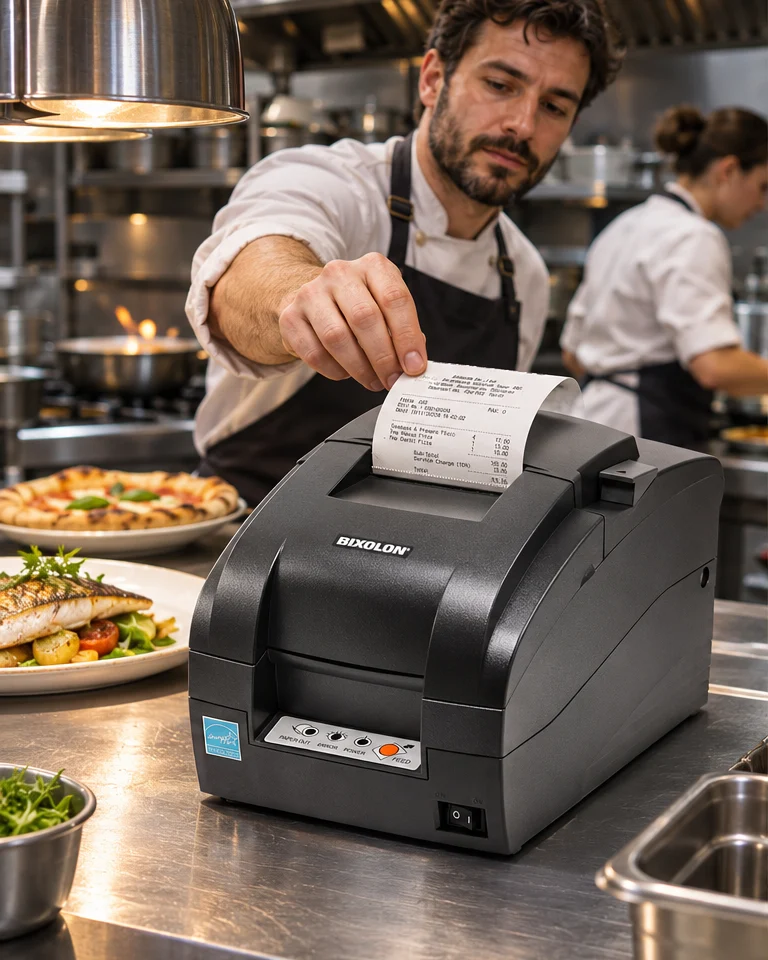
Restaurant kitchen
When servers enter orders from several tills, a COESG on wired Ethernet can serve as a shared kitchen print station. Set the POS to route food items to the kitchen and drinks to the bar. Trial a table order, a modifier and a cancellation before the first service.
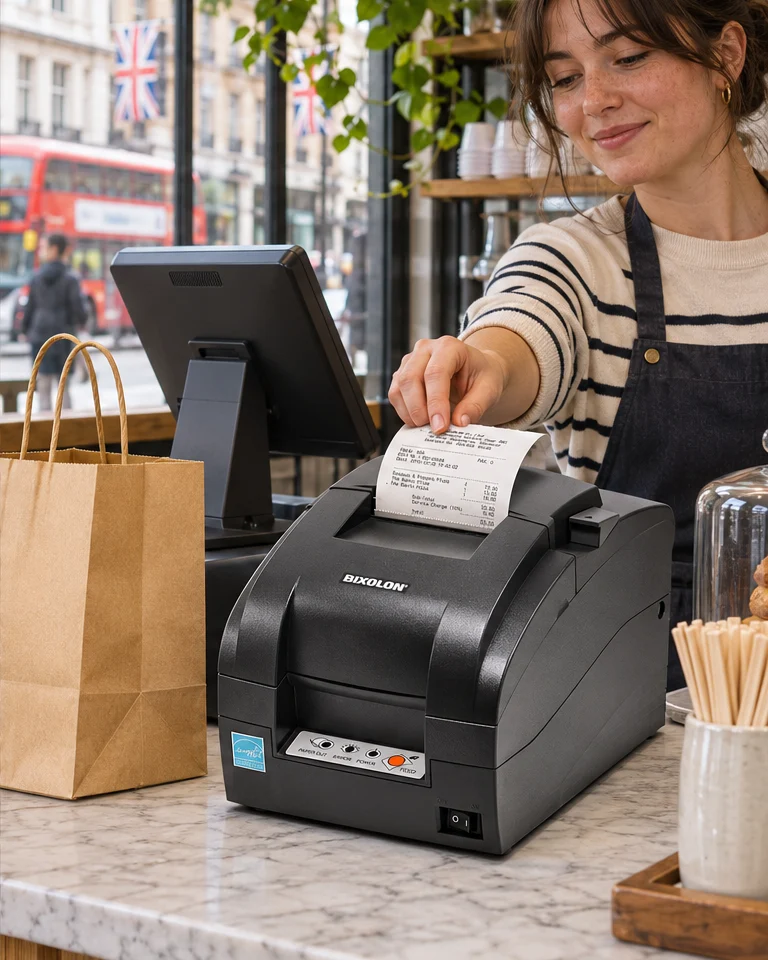
Café and takeaway counter
For a single till close to the prep station, a COSG can connect over USB or serial when supported by the POS. Put collection numbers and prep notes on the ticket. If your software supports two-colour printing, use red for notes that need staff attention.
Illustrative scenes generated using a BIXOLON product image.
Paper, ribbon and mounting
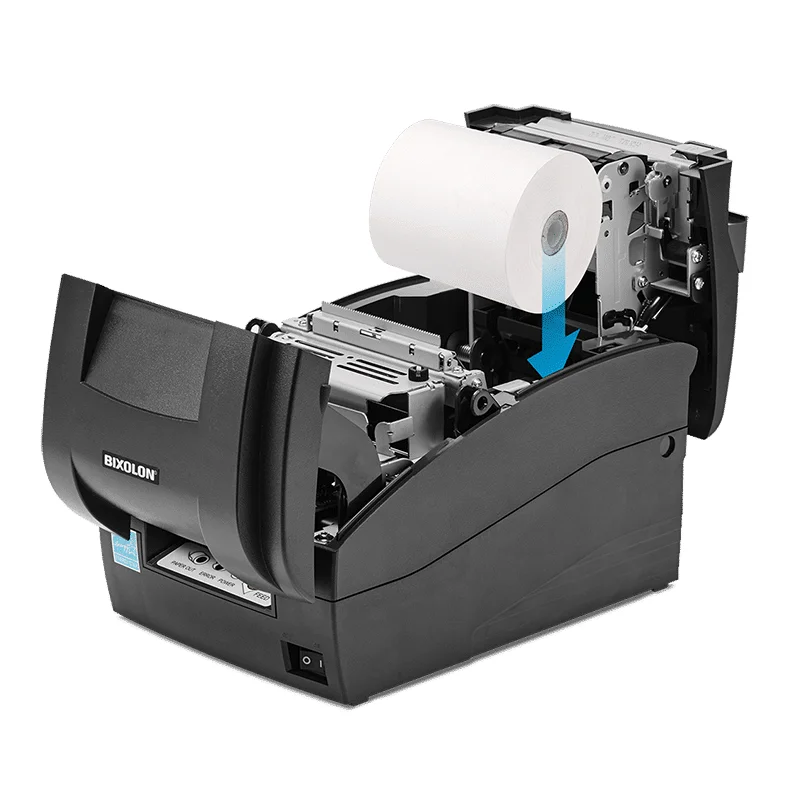
Drop-in loading
Load a fresh roll from the top. Leave clearance above the cover for roll changes and ribbon access.
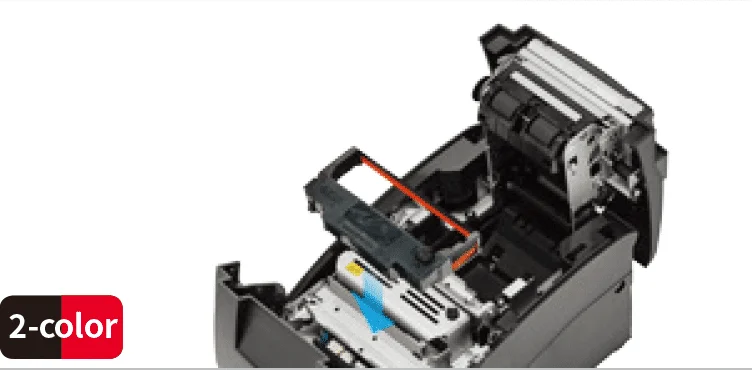
Two-colour printing
With a compatible black/red ribbon and software settings, use red to draw attention to modifiers or order notes.
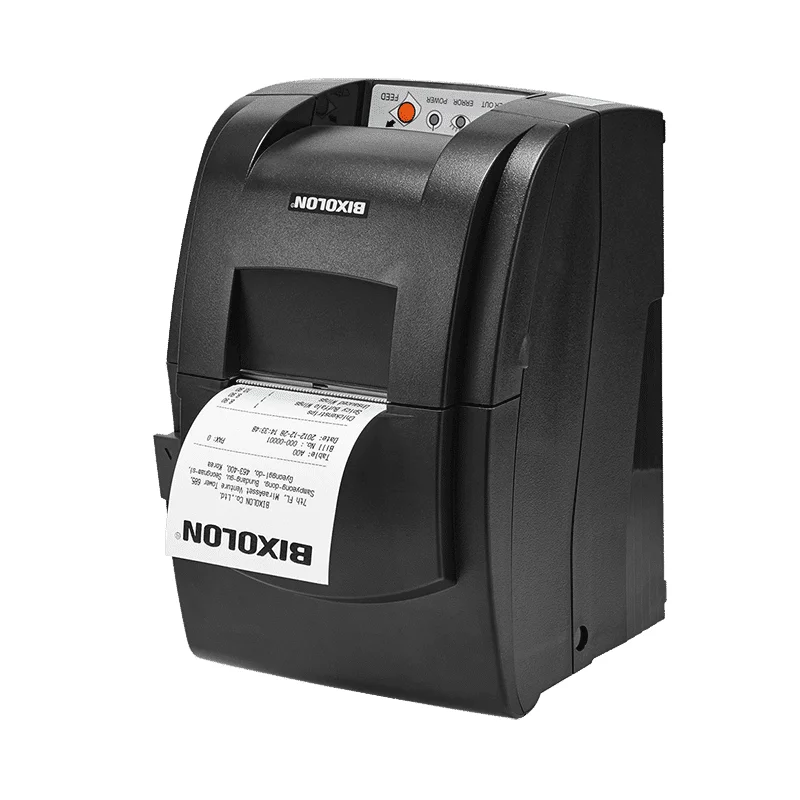
Wall mounting
An optional wall mount can free up counter space. Allow room for the cover, cables and ticket collection.
Technical specifications
| Print method | 9-pin serial impact dot matrix |
|---|---|
| Print speed | Up to 5.1 lines per second at 40 columns |
| Resolution | 80 dpi horizontal × 144 dpi vertical |
| Maximum print width | 63.5 mm |
| Media | 76.5 mm wide paper, maximum 83 mm roll diameter, 0.06–0.085 mm thickness |
| Printing options | Black/red with compatible ribbon and software settings. Multiple copies with suitable multi-ply media. |
| Cutter | COSG and COESG are auto-cutter configurations. The wider product range includes a tear-bar option. |
| Interfaces | COSG: USB and serial. COESG: USB, serial and Ethernet. |
| Sensors | Paper end, near end, wall-mount near end, rear cover open and black mark |
| Emulation and drivers | BXL/POS. BIXOLON publishes Windows, OPOS/JPOS and other drivers and utilities. Confirm POS application support. |
| Dimensions (W × D × H) | 160 × 239 × 157 mm |
| Weight | 2.5 kg for the C (auto-cutter) model |
| Power adapter | 24 V DC / 2.5 A |
| Operating environment | 0 to 40 °C, 10 to 80% relative humidity |
| Optional accessories | Wall mount, splash cover, external buzzer and B-Melodist, subject to availability |
Questions before you order
What paper and ribbon should I order?
Use paper to the manufacturer’s 76.5 mm specification and a ribbon compatible with the SRP-275III. If you need red and black, specify a two-colour ribbon and check that your application can send colour commands.
Which version do I need for Ethernet?
Specify COESG for wired Ethernet. Ask your POS provider whether it supports that printer over the network and how to configure the print queue or station.
Can I replace an existing kitchen printer with this one?
Give YCR the old model, interface, software and required paper type. Confirm driver and order routing compatibility before swapping the printer during service.
Can I add an audible order alert?
BIXOLON lists an external buzzer and B-Melodist as optional accessories. Ask YCR which accessory is suitable for your setup.