
Android countertop POS
iMin Swan 2 Pro
A 15.6-inch Android POS terminal for retail and hospitality, with two optional customer displays and a choice of accessories for your checkout.
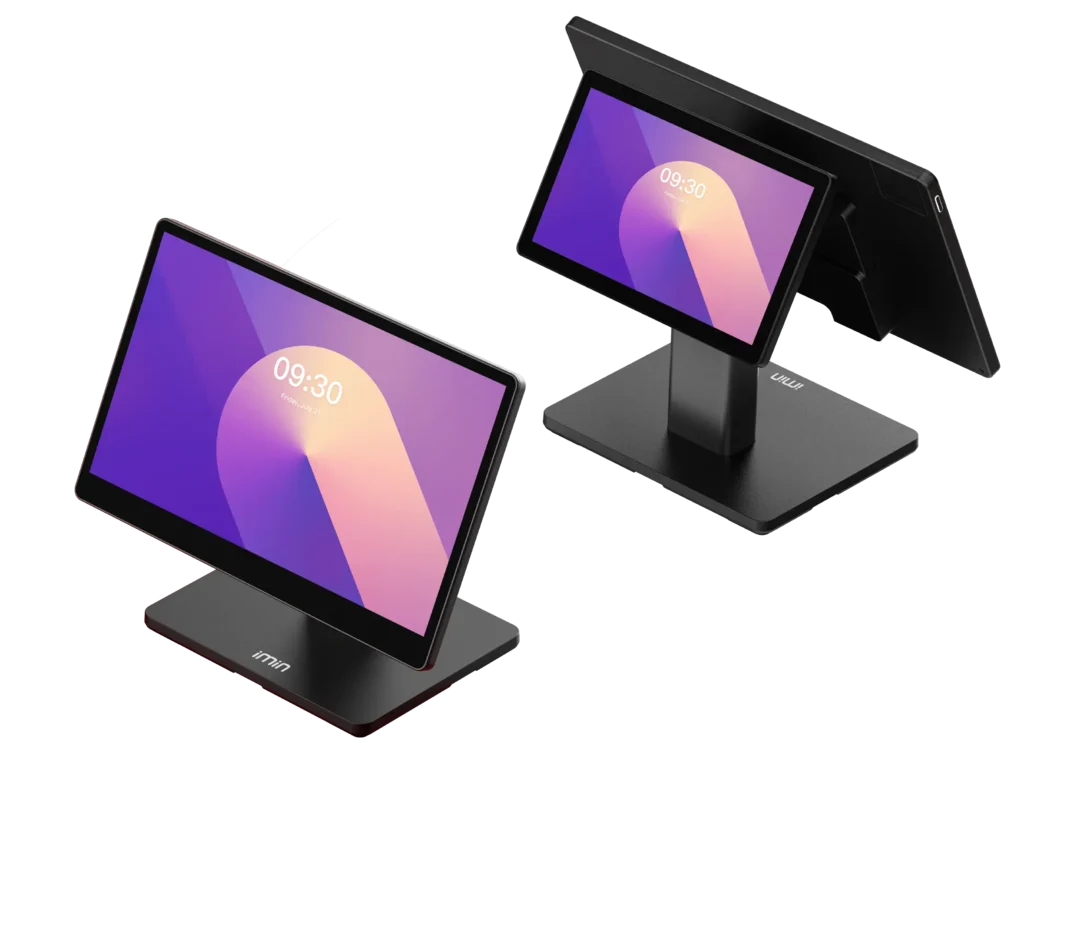
Choose your display setup
Start with the 15.6-inch operator display, then choose whether to add a 10.1-inch or 15.6-inch customer display for order details, totals and promotions supported by your POS software.
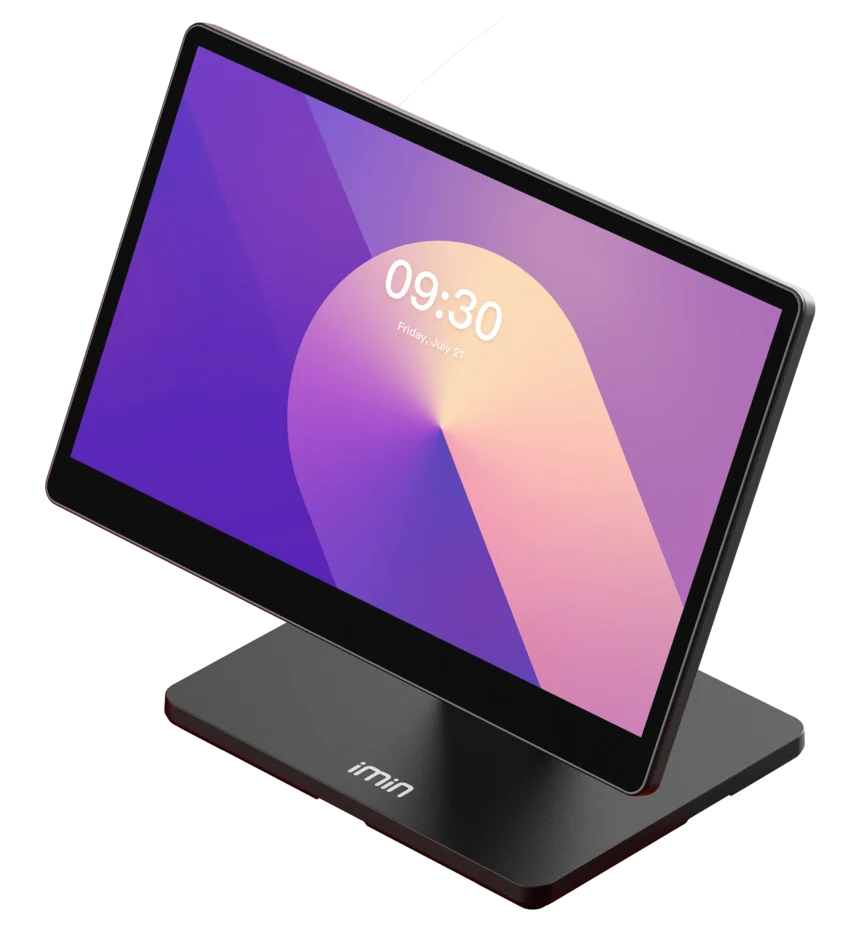
Single display
15.6″ Full HD
Choose a staff-facing touchscreen where operators handle the full sale or an existing customer display is already in place.
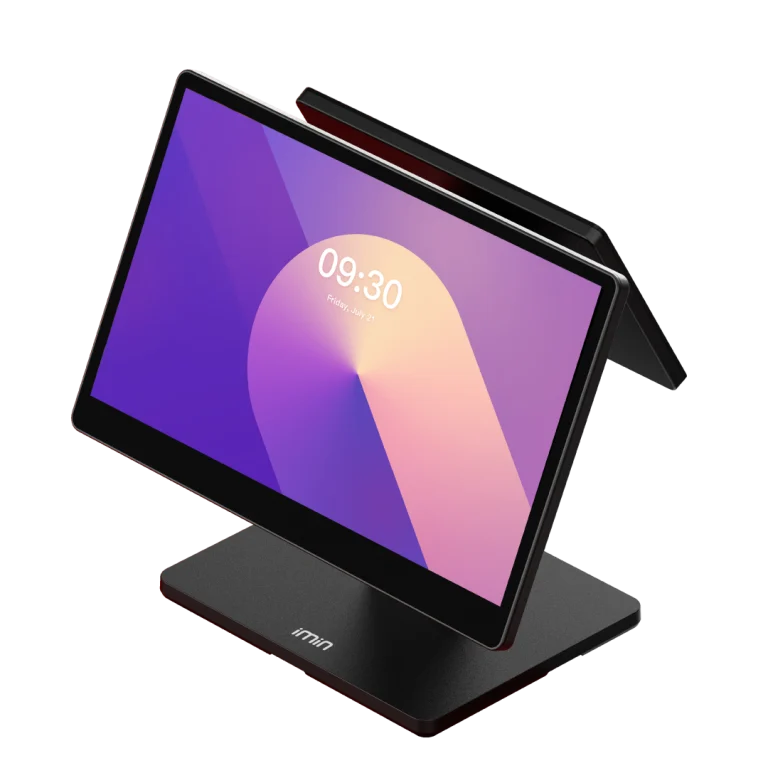
Compact dual display
15.6″ + 10.1″ HD
Show customers line items and totals as staff ring up the sale. The smaller display suits counters with limited sightlines or space.
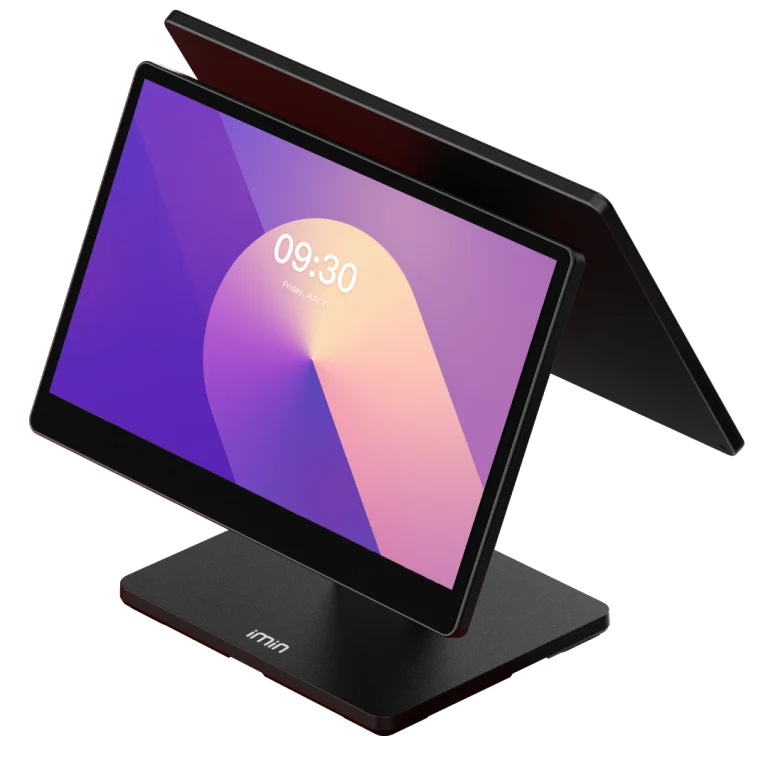
Full-size dual display
15.6″ + 15.6″ Full HD
Choose the larger customer screen when you want more space for order details, larger text or promotional content supported by your POS software.
Configure your checkout
Connect your peripheralsFive USB-A ports, USB-C, HDMI, RJ11 and RJ12 give installers options for compatible peripherals and displays.
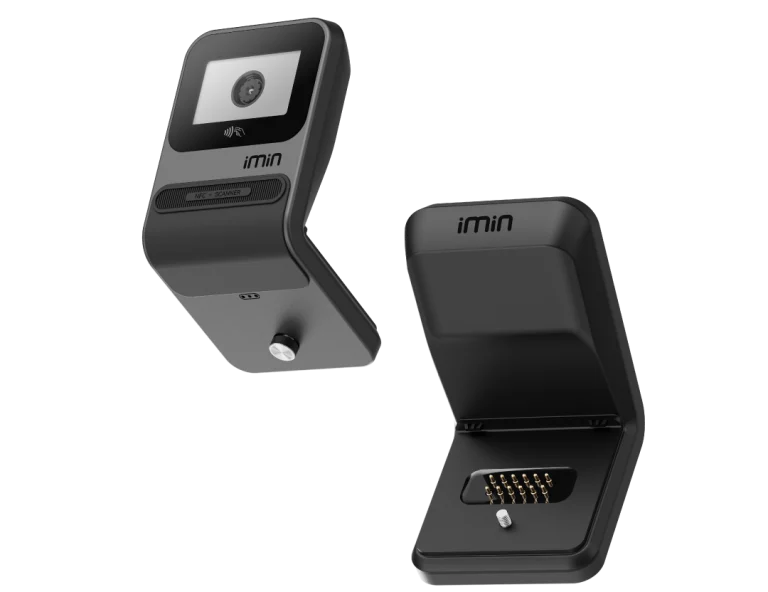
Choose the right accessoryAsk YCR about the NFC and scanner module, NFC module or camera option. Accessories are sold separately and compatibility varies by configuration.
Specify a printer setupAsk about the separately specified Swan 2 Pro (Printer) model if your installation needs an integrated receipt printer.
Specify it for your installation
Use the same Android 15 platform across different counter layouts. Match the display, network connection and peripherals to what each site needs.
Retail and convenience
Pair the terminal with a compatible barcode scanner and cash drawer. Add a customer display if shoppers need to see prices and totals as items are scanned. Confirm the scanner interface and drawer connection with your POS provider.
Cafés and quick service
Give staff a Full HD screen for menus, modifiers and order entry. A second screen can show customers their order before they pay. Specify a compatible external printer or ask YCR about the separate integrated-printer model.
Multi-site rollouts
Use Gigabit Ethernet where there is a network point, or dual-band Wi-Fi 6 where a wired connection is impractical. Confirm your Android POS app, network setup and peripheral models on a pilot till before rolling out.
Android 15 and hardware AI
The Swan 2 Pro pairs an eight-core processor and 6GB of RAM with a neural processing unit rated at up to 3 TOPS. It runs 64-bit Android 15 with Google Mobile Services.
Automate repeated actions
iMin lists Smart Macro, gesture control and voice control among its built-in capabilities. Ask your software provider which functions are available in your checkout workflow.
Translation tools
iMin also lists OCR translation, which recognises text for translation, and simultaneous interpretation. Check supported languages and any software or accessory requirements before specifying these features.
Connect an external display
HDMI gives installers an external screen connection. Confirm how your POS app handles additional displays and which content it can show.
Technical specifications
| Processor | Eight cores, 2 × Cortex-A76 and 6 × Cortex-A55, up to 2.0GHz |
|---|---|
| Neural processing unit | Up to 3 TOPS |
| Memory and storage | 6GB RAM, 64GB storage |
| Operating system | 64-bit Android 15 with Google Mobile Services |
| Operator display | 15.6″ Full HD, 1920 × 1080 |
| Customer display options | 10.1″ HD, 1280 × 800, or 15.6″ Full HD, 1920 × 1080 |
| Networking | Dual-band Wi-Fi 6 (2.4GHz and 5GHz), Gigabit Ethernet and Bluetooth 5.4 |
| Ports | 5 × USB-A, 1 × USB-C, HDMI, RJ11, RJ12, RJ45, 3.5mm audio, DC input, 12-pin pogo connector and TF card slot (up to 1TB) |
| Audio | 1.5W speaker |
| Dimensions | 365 × 189 × 303mm |
| Optional accessories | NFC with scanner, NFC or camera, subject to configuration |
| Power adapter | 100–240V input, 24V / 1.5A output |
| Temperature ranges | Operating −10°C to 50°C, storage −20°C to 60°C |
| Device controls | Power, recovery and loader keys |
| Certifications listed by iMin | Google GMS, FCC, CE, IMDA and WEEE |
Questions before you order
Can I use my existing receipt printer, scanner or cash drawer?
Send YCR the model numbers and connection types. The Swan 2 Pro has several peripheral ports, and each device also needs to be supported by your POS software.
Does an NFC accessory let me accept card payments?
Ask YCR and your payment provider to confirm whether the exact hardware, payment application and acquirer are supported together before quoting for contactless card acceptance.
Which customer screen is right for my checkout?
The 10.1-inch HD option suits basic order confirmation and totals at smaller counters. Choose the 15.6-inch Full HD display for more room, particularly if your POS software supports customer-facing promotions.
Which model has an integrated receipt printer?
Request the Swan 2 Pro (Printer) variant and confirm its display options with YCR. For the standard Swan 2 Pro on this page, specify a compatible external printer if the installation needs printed receipts.
Get a Swan 2 Pro trade quote
Send YCR Distribution your quantities, preferred screen sizes, POS software, printer requirements and any peripheral model numbers. The trade team can check the configuration and quote for the setup.