
HPRT wired thermal receipt printer
TP80R Receipt printing for compact counters
Keep receipts within reach without giving up much counter space. The TP80R prints at up to 250 mm/s on 58 mm or 80 mm thermal rolls and connects to compatible POS systems over USB, serial or Ethernet.
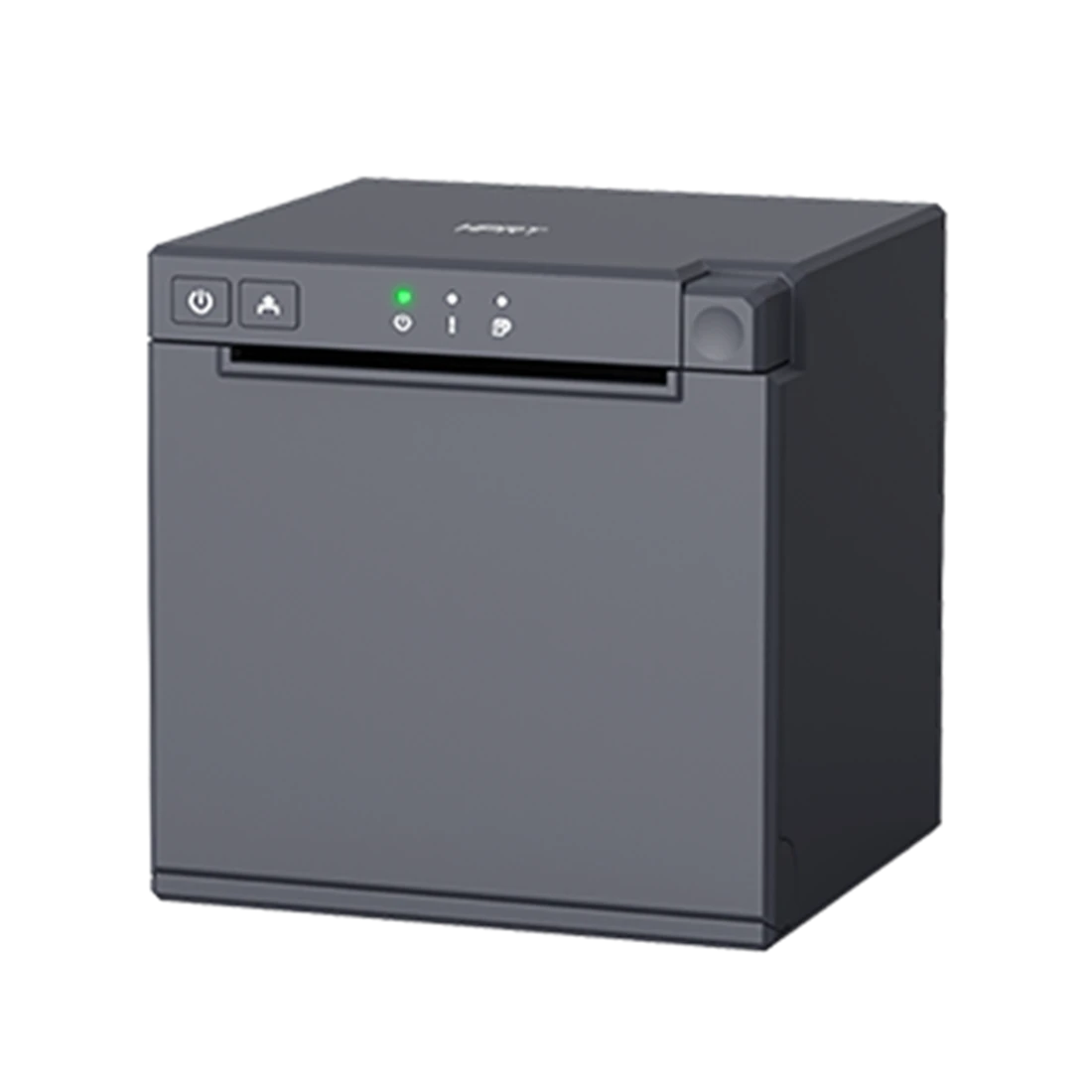
See the TP80R on the counter
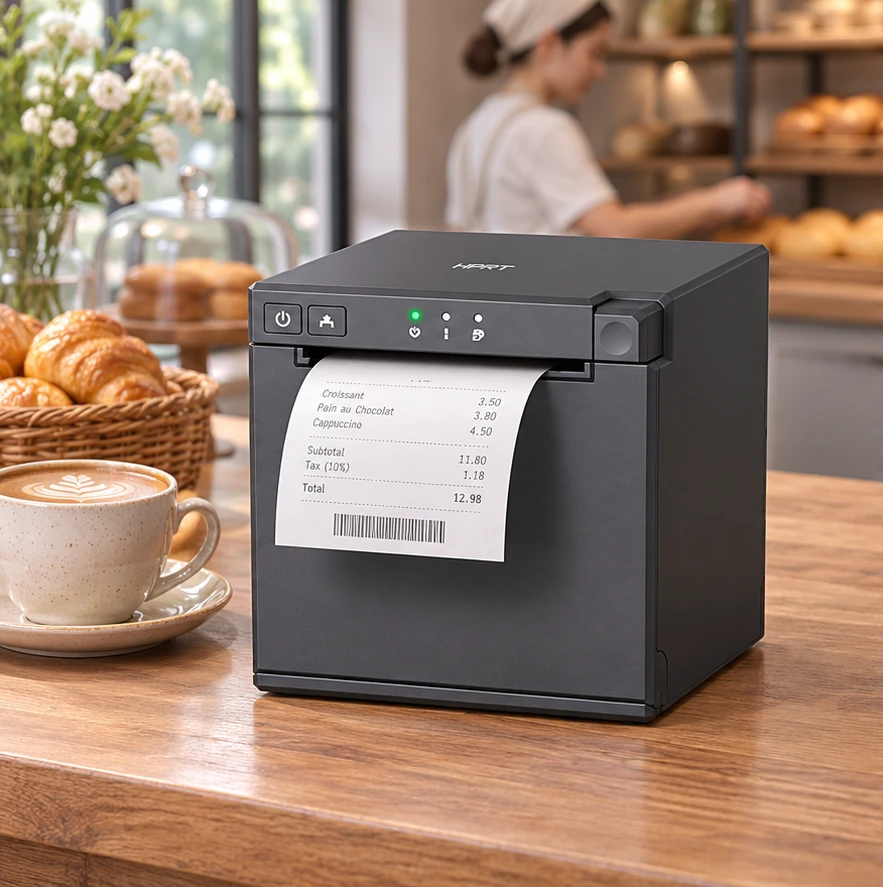
Keep the printer close to the till or collection point so staff can pick up receipts and order slips during service.
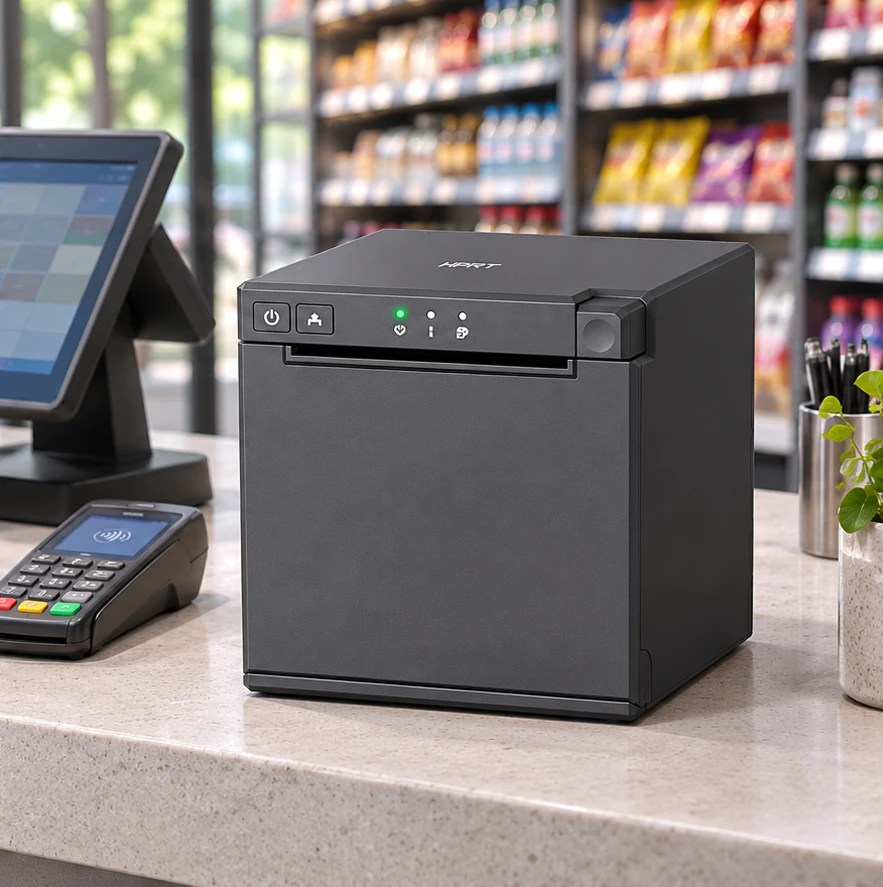
Use 80 mm paper for itemised receipts, returns barcodes and promotional messages where your software supports them.
Illustrative product scenes.
Fit the printer around your till
Choose the paper path
Use upward or front paper feed to suit the counter. Leave room to access the press-to-open cover when changing rolls.
Keep your wired setup
Connect directly over USB, use serial with a compatible existing till, or connect over Ethernet for networked printing.
Make the most of limited space
The cube body is approximately 13 cm wide. The TP80R also supports wall mounting where counter space is limited.
TP80R specifications
| YCR SKU | HP-TP80R |
|---|---|
| Print method | Direct thermal, 203 dpi |
| Print speed | Up to 250 mm/s |
| Paper width | 80 mm standard or 58 mm |
| Printable width | 72 mm or 48 mm, depending on paper width |
| Maximum roll diameter | 83 mm |
| Paper feed direction | Upward or front |
| Interfaces | USB Type-B, serial and Ethernet |
| Emulation | ESC/POS |
| Barcodes | Common 1D formats, QR Code and PDF417 |
| Cutter rating | 1 million cuts |
| Dimensions | 128 × 128.3 × 132.2 mm (L × W × H) |
| Power adapter | 24 V DC, 1.5 A output |
| Operating temperature | 0 to 45 °C, non-condensing |
Frequently asked questions
Which connections are included?
YCR SKU HP-TP80R includes USB Type-B, serial and Ethernet. Check your POS software supports the printer and the connection you plan to use.
What paper does it take?
Use 58 mm or 80 mm continuous direct thermal paper, with a roll diameter up to 83 mm. Check the receipt layout is set to the correct printable width.
Does it need ink or ribbon?
It prints directly onto heat-sensitive receipt paper without an ink cartridge or ribbon.
Can I print QR codes?
The TP80R supports QR Code and PDF417 as well as common 1D barcodes. Your POS software controls which codes are printed.