
2-inch desktop label printer
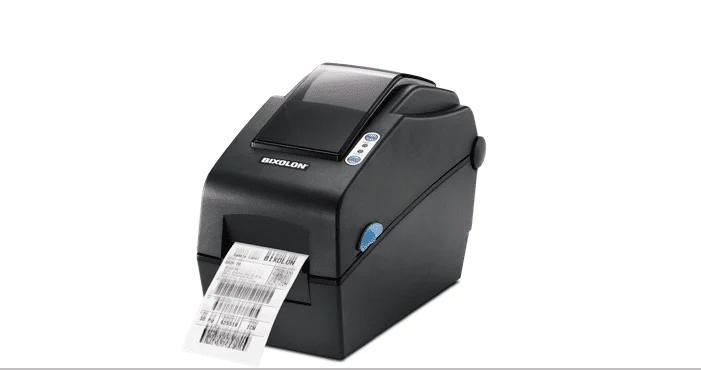
BIXOLON SLP-DX220
Print barcode, shelf-edge and takeaway labels from a compact direct thermal printer. Load heat-sensitive label stock and print without a ribbon.
Specify the right printer and label
Choose the resolution
The 203 dpi DX220 suits everyday barcode and product labels. For finer text or dense layouts, the 300 dpi DX223 is a separate model in the family. Test the smallest barcode at the intended size before deciding.
Check the label dimensions
The DX220 accepts standard media up to 60 mm wide and prints across up to 54 mm. Check the full backing width and leave room for barcode margins inside the printable area.
Match the media to its use
Choose direct thermal stock that suits the surface and the environment. For items exposed to heat, sunlight or long storage, test readability over the expected label life.
Load and align your labels
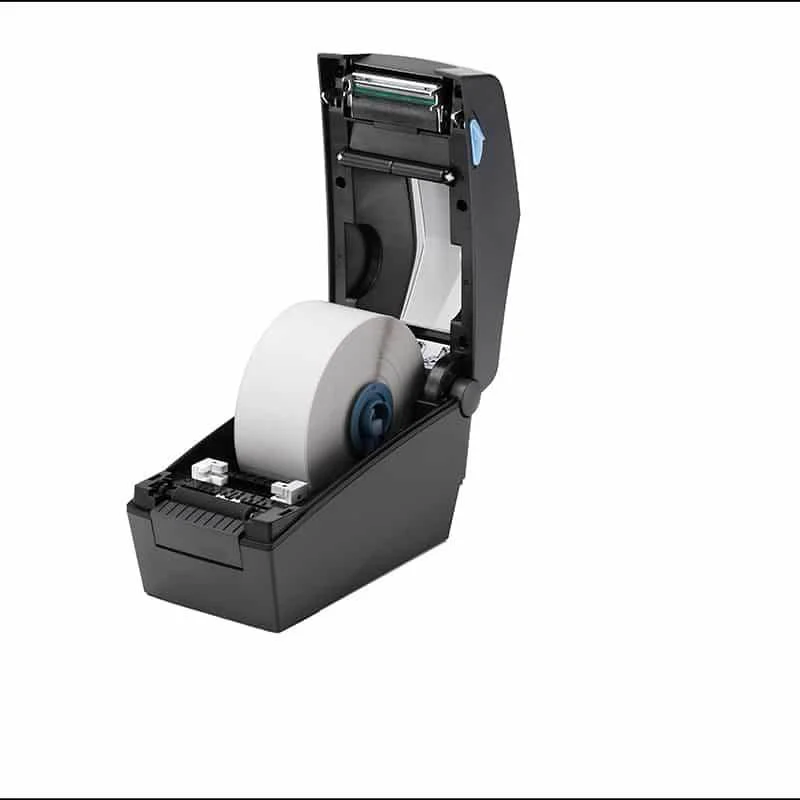
Choose a supported formatThe adjustable guide handles several widths of label stock. The sensors support common layouts including gap, notch and black mark.
Pause a batch when neededUse the printer’s pause and cancel controls when changing stock or stopping an incorrect run. Check the first label after changing size or format.
Specify how staff collect labelsAn optional peeler presents a label for hand application. An optional cutter can help separate compatible media. Confirm which option suits the stock you plan to use.
Connect it to your workstation
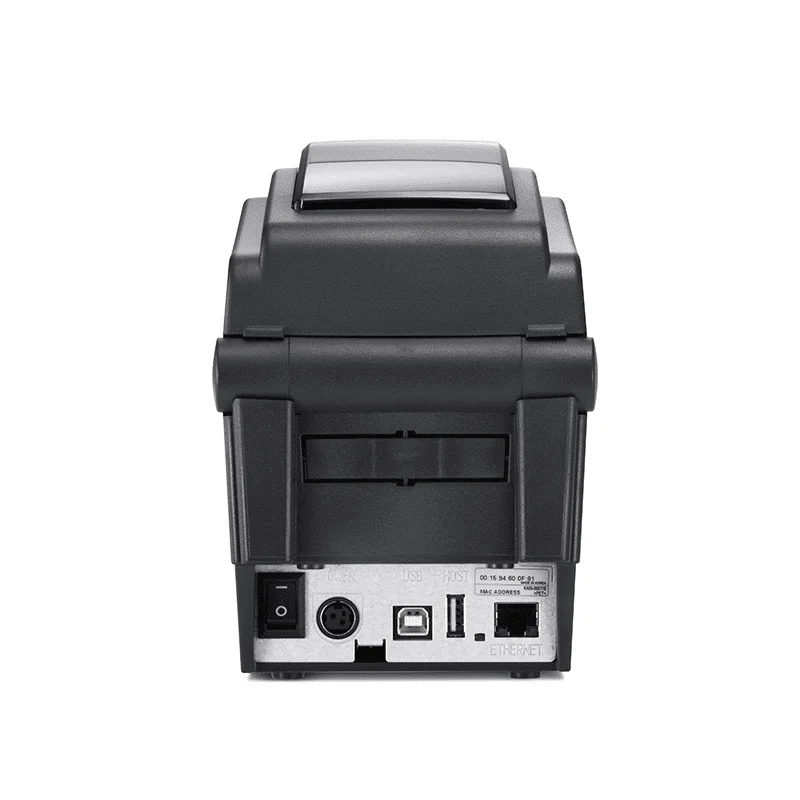
USB and serial are standard. BIXOLON also lists separate Ethernet, Bluetooth® and WLAN configurations. Match the exact part number to your POS or labelling application before ordering.
If you are replacing an existing printer, check the application’s printer language, label dimensions and barcode templates. BIXOLON lists SLCS, BPL-Z and BPL-E emulations, with BPL-D available as an option.
Label printing in everyday use
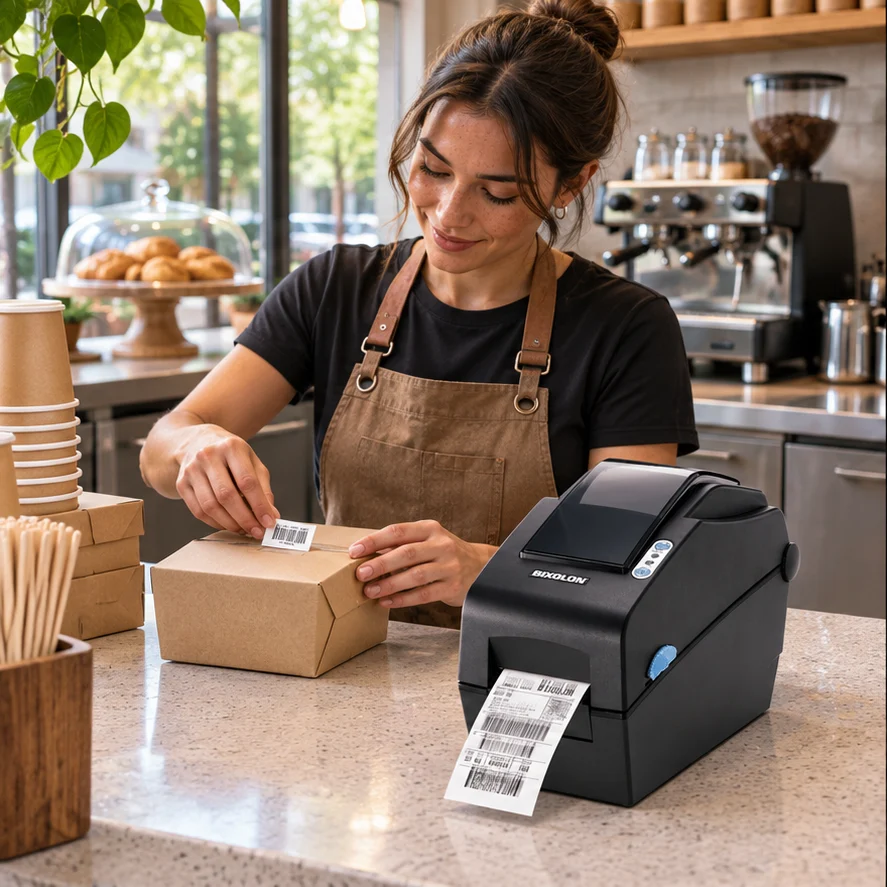
Café and takeaway prep
Print order numbers and item names for boxes or bags so staff can match packed items to the right order. Check the label adhesive on the packaging and test it through the expected collection window.
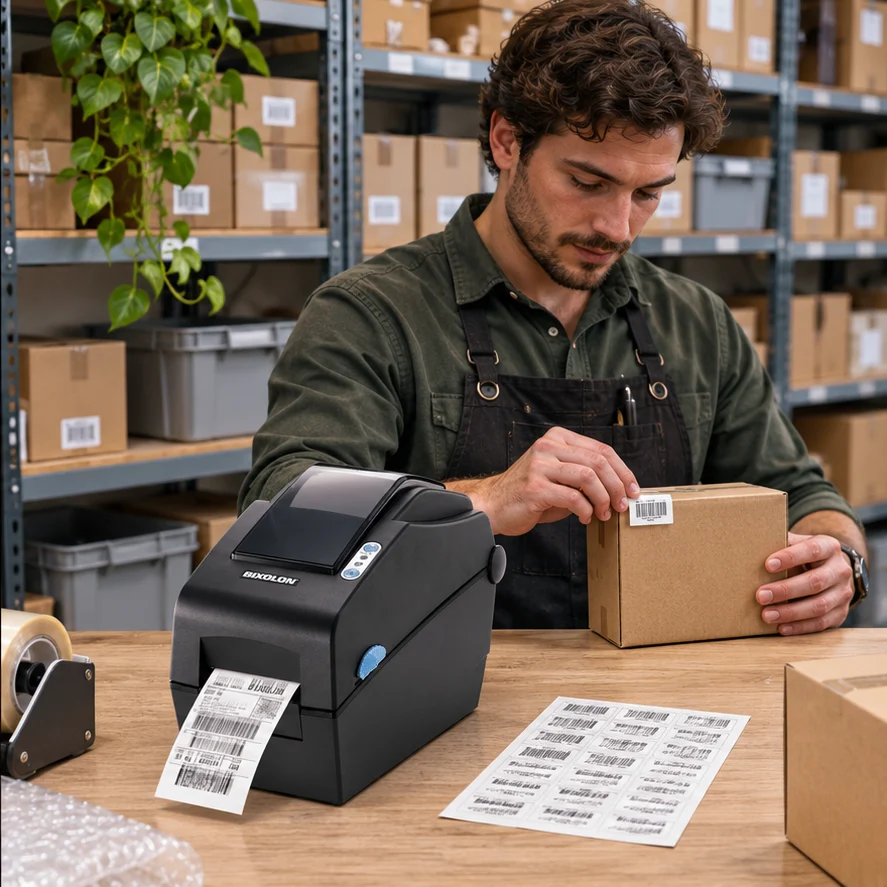
Retail stockroom
Print SKU and barcode labels at the goods-in bench for small items or storage bins. Standardise a template with your stock system and scan the first label of each batch before applying the rest.
Generated illustrations of typical business settings.
Technical specifications
| Print technology | Direct thermal, using heat-sensitive labels |
|---|---|
| SLP-DX220 resolution and speed | 203 dpi, up to 152 mm/sec (6 ips) |
| SLP-DX223 family variant | 300 dpi, up to 100 mm/sec (4 ips) |
| Maximum print width | 54 mm on SLP-DX220, 56.9 mm on SLP-DX223 |
| Maximum print length | 2,000 mm |
| Media width | 15–60 mm standard, 15–58 mm with peeler |
| Media types | Gap, black mark, notch, continuous or fan-fold |
| Roll and core | Up to 130 mm outer diameter, 12.5–38.1 mm inner core |
| Media thickness | 0.06–0.20 mm |
| Sensors | Transmissive, adjustable reflective and head-open |
| Connectivity | USB + serial standard. Ethernet + USB host, Bluetooth® + USB host or WLAN + USB host on selected configurations, alongside USB. |
| Emulations | SLCS™, BPL-Z™, BPL-E™ and optional BPL-D™ |
| Barcode support | Selected 1D and 2D types, including Code 128, EAN-13, QR Code and Data Matrix |
| Options | Peeler, auto-cutter or serial cable, subject to configuration and availability |
| Dimensions (W × D × H) | 120 × 230 × 170 mm |
| Weight | 1.36 kg |
| Power input | 100–240 V AC, 50/60 Hz via external adapter |
| Operating conditions | 0 to 40 °C, 10–80% relative humidity |
Frequently asked questions
Does the SLP-DX220 need a ribbon?
No. It uses direct thermal label stock, which reacts to heat from the printhead.
Does every SLP-DX220 have Ethernet or Wi-Fi?
USB and serial are standard. Ethernet, Bluetooth and WLAN are configuration choices. Check the exact order code.
Can it print QR codes and conventional barcodes?
BIXOLON lists QR Code, Data Matrix, Code 128, EAN-13 and other formats. Check that your application supports the barcode you need and test it at the final print size.
Will a 60 mm roll give me 60 mm of print width?
Standard media can be up to 60 mm wide, including the backing. The DX220 print area measures up to 54 mm across.