
Android countertop POS with integrated receipt printing
iMin Swan 2 Pro Printer
Take orders and print receipts from one terminal. The 15.6-inch Full HD operator screen and built-in 80 mm printer keep the till and receipt outlet together, with an optional customer display for order details and totals.
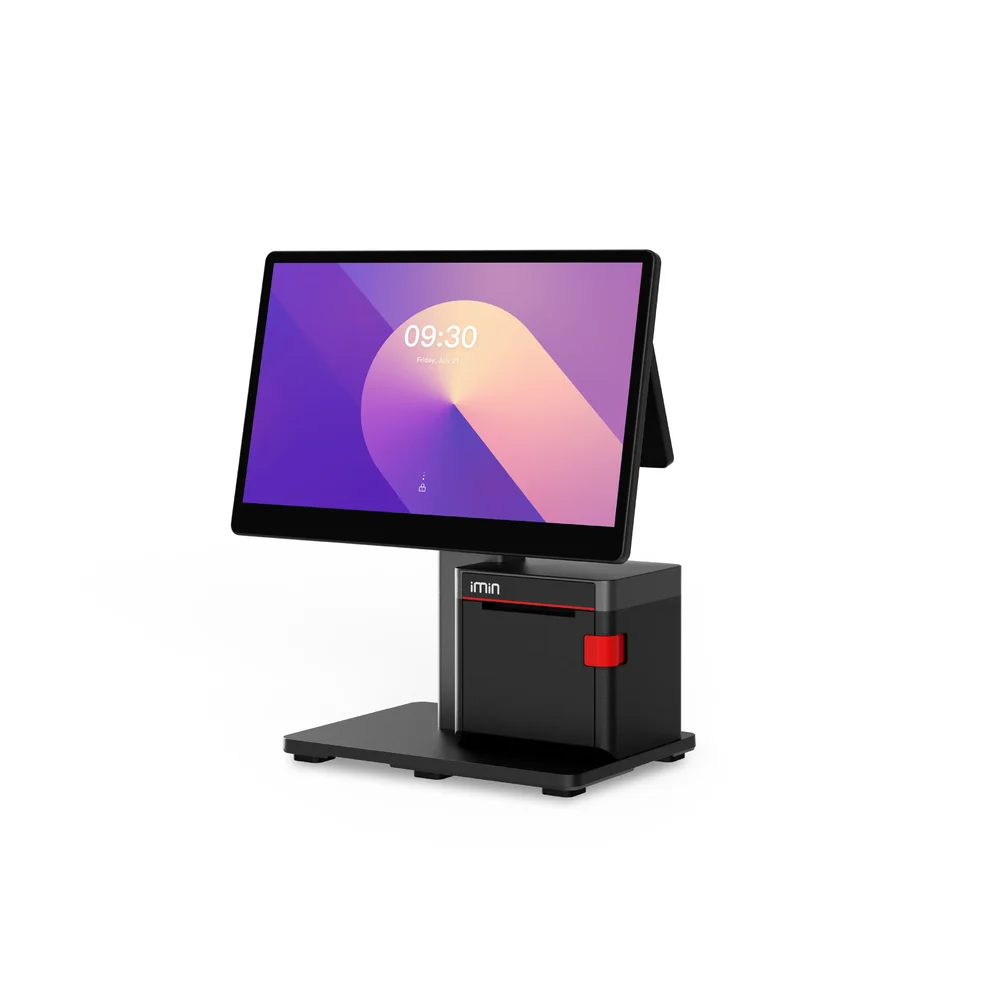
Take orders and print at the same till
Print receipts at the counter
The integrated printer uses 80 mm thermal paper and cuts the receipt automatically. Check whether your POS app supports the built-in printer, including reprints, logos and any barcodes on your receipt template.
Keep roll changes within reach
Choose a counter position with space to access the printer and change the roll. The specified roll diameter is up to 80 mm. Test your standard receipt in the app before rolling out to every till.
Connect the rest of the counter
Use Gigabit Ethernet or Wi-Fi 6 as the site requires. Check USB, Bluetooth or drawer connections against the specific peripheral models your POS software supports.
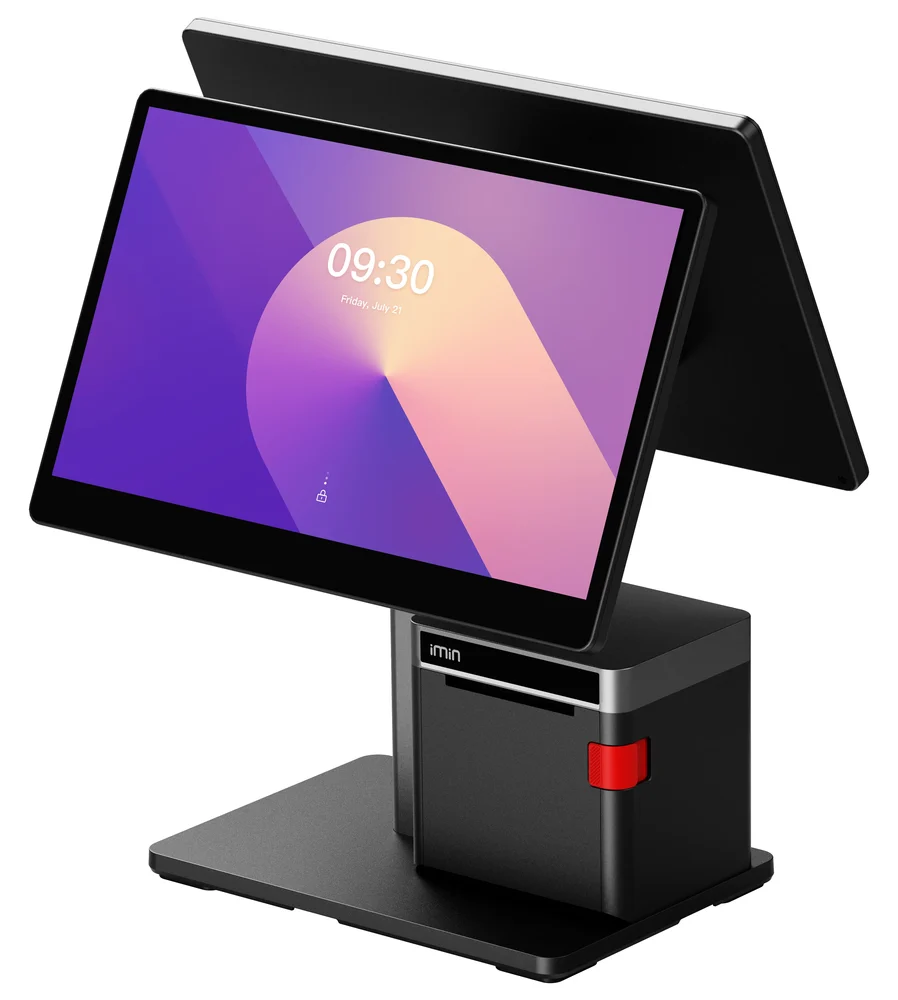
Choose your display setup
Single displayUse the 15.6-inch Full HD operator display for staff-led checkout.
10.1-inch customer displayUse the smaller secondary screen for line items and totals where counter space is tight.
15.6-inch customer displayChoose the Full HD option for more room to show order detail or promotions supported by your POS application.
At the hospitality and retail counter
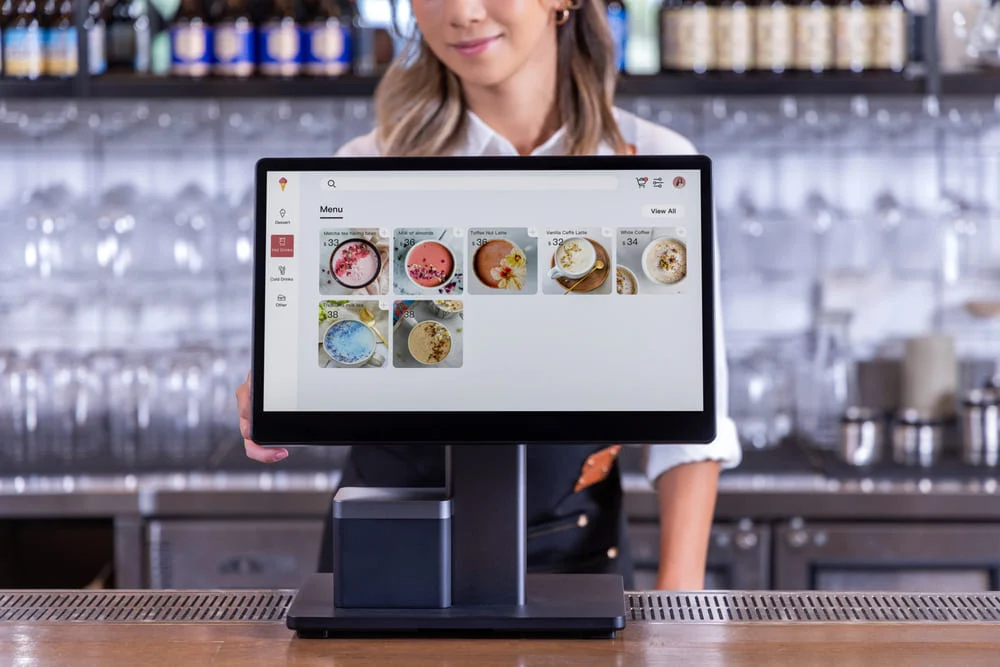
Cafés and quick service
Use the operator screen for menus and modifiers, then hand over the receipt from the same workstation. If food and drinks need separate prep tickets, check how your POS routes those orders to kitchen and bar devices.
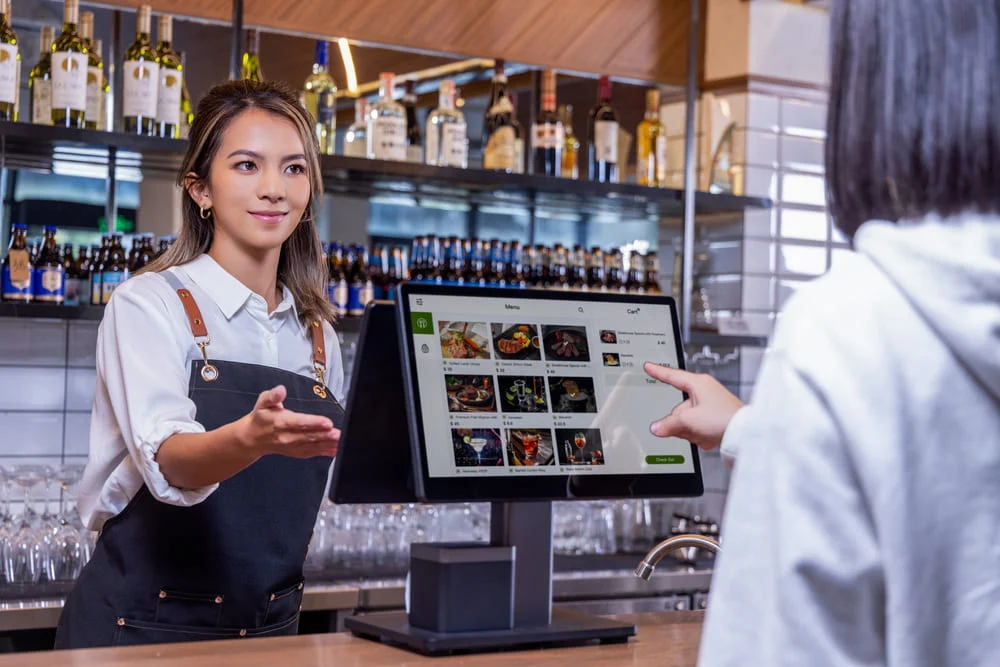
Staff-led checkout
Keep scanning, order entry and receipt collection within reach. Specify the customer screen and compatible peripherals around how staff and customers use the counter.
Watch iMin’s Swan 2 overview
This is the official Swan 2 overview iMin embeds on its Swan 2 Pro Printer page. The specifications below describe the Pro Printer model.
Technical specifications
| Operator display | 15.6-inch Full HD, 1920 × 1080 |
|---|---|
| Optional customer displays | 10.1-inch HD, 1280 × 800, or 15.6-inch Full HD, 1920 × 1080 |
| Receipt printer | 80 mm direct thermal with auto-cutter, up to 250 mm/sec. Roll up to 80 mm in diameter. |
| Operating system | 64-bit Android 15 with Google Mobile Services |
| Processor | Octa-core: 2 × Cortex-A76 at 2.0 GHz, 6 × Cortex-A55 at 1.8 GHz. NPU rated at 3 TOPS. |
| Memory and storage | 6 GB RAM, 64 GB storage |
| Network | Gigabit Ethernet, dual-band Wi-Fi 6 and Bluetooth 5.4 |
| Connections | 5 × USB-A, 1 × USB-C, HDMI, RJ11, RJ12, RJ45, 3.5 mm audio, DC input, 12-pin pogo connector and TF card slot (up to 1 TB) |
| Optional accessories | NFC with scanner, NFC or camera, subject to configuration |
| Dimensions | 365 × 189 × 389 mm |
| Power | 100–240 V input, 24 V / 2.5 A output |
| Audio | 1.5 W speaker |
| Temperature | Operating −10 to 50 °C, storage −20 to 60 °C |
Frequently asked questions
Does this model need a separate receipt printer?
It includes an 80 mm thermal receipt printer with auto-cutter. Check that your POS software can print to it. If you need an additional printer for kitchen tickets, check that workflow separately.
Can I add a customer-facing display?
iMin lists 10.1-inch HD and 15.6-inch Full HD options. Confirm the display configuration and the content your application can show.
Does the NFC option support card payments?
Confirm the exact NFC hardware, payment application and acquirer with your payment provider before specifying contactless card acceptance.