
Android countertop POS
iMin Swan 4
A 15.6-inch Android POS terminal for retail and hospitality, with three screen configurations and concealed cabling for a tidier checkout.
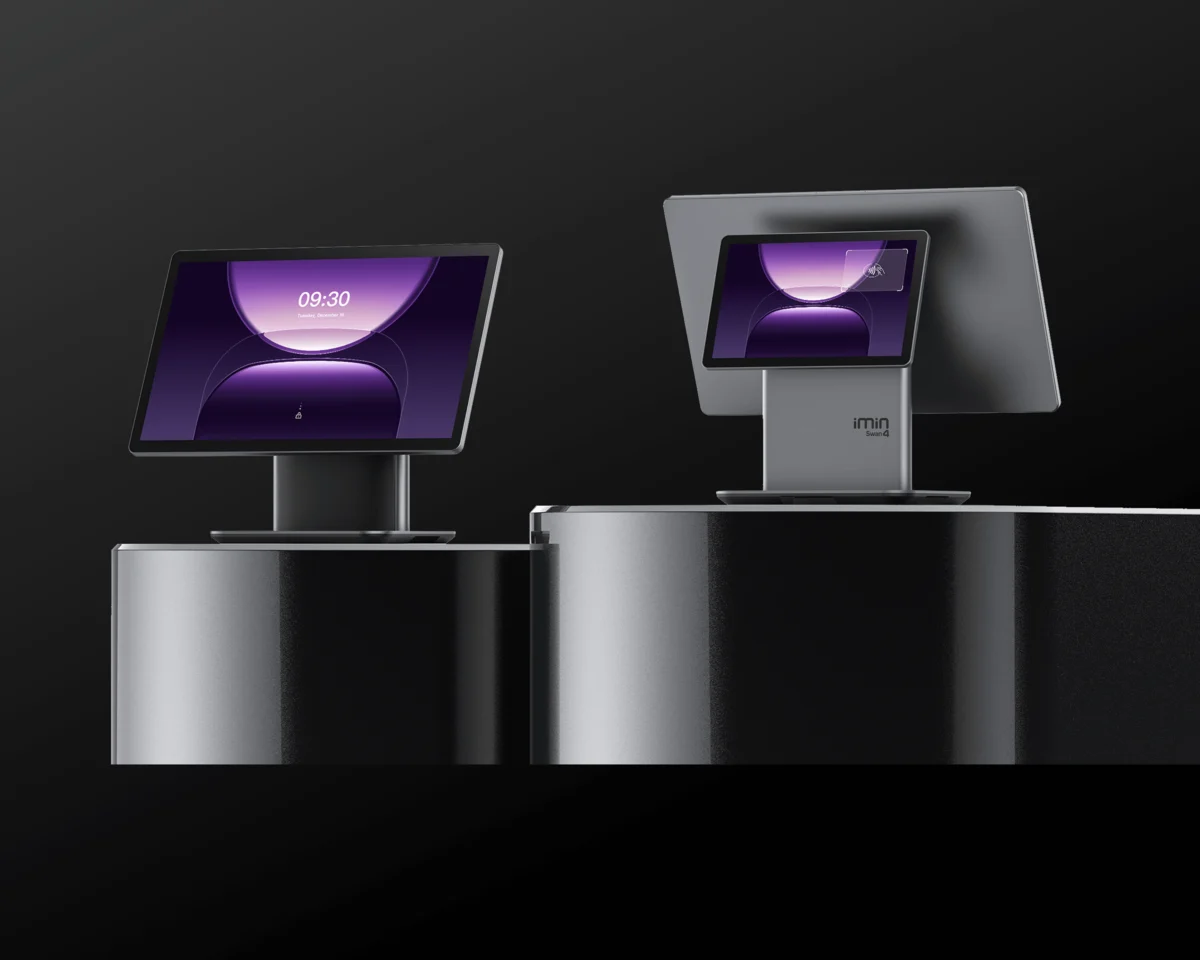
Choose your display setup
Every Swan 4 has a 15.6-inch operator touchscreen. Add a customer-facing screen to show order details at the counter or support compatible payment and loyalty workflows.
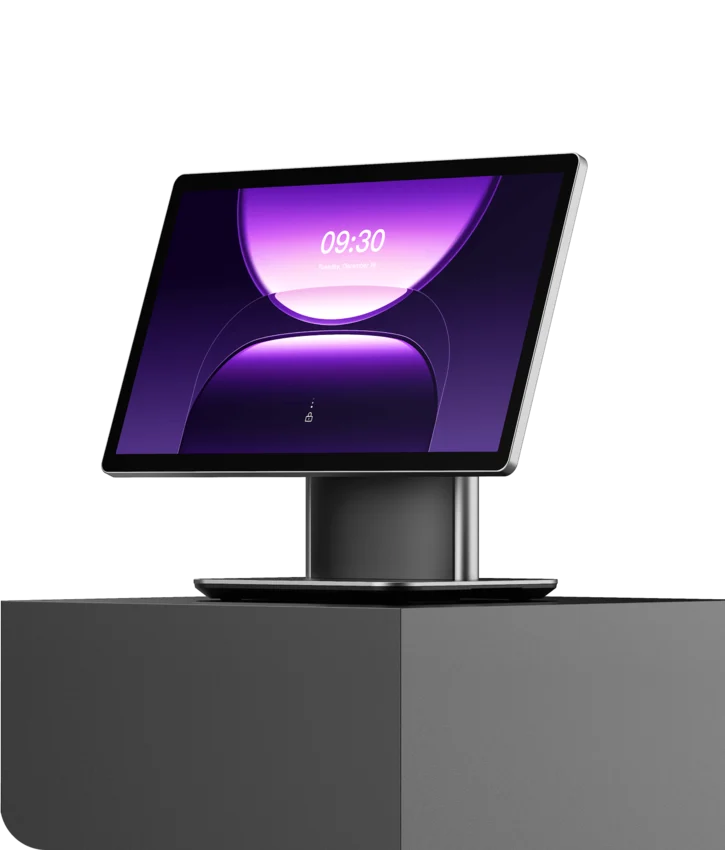
Single display
15.6″ Full HD
A staff-facing touchscreen for till points using separate customer peripherals.
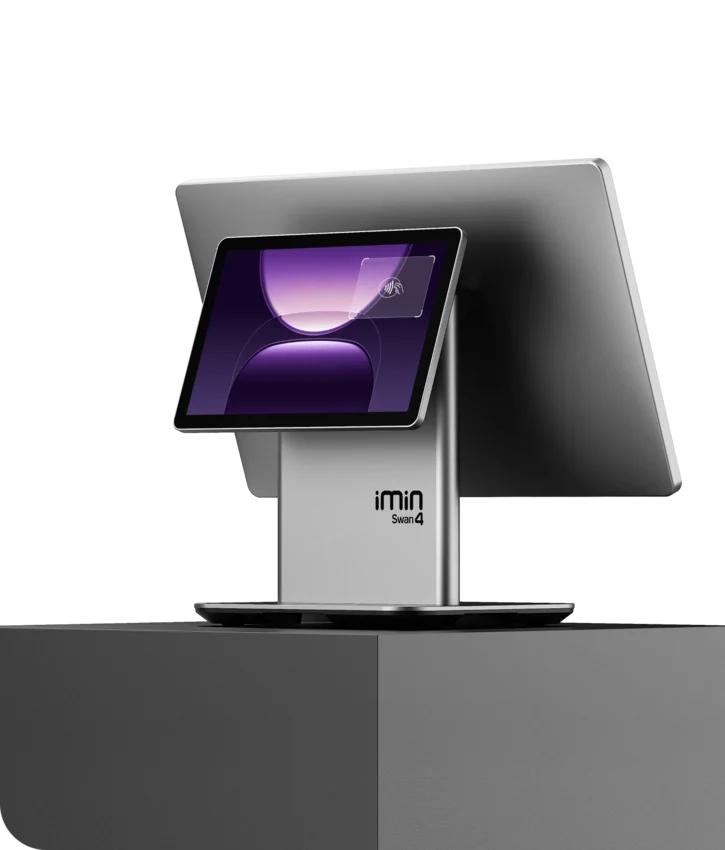
Compact dual display
15.6″ + 8.7″ HD
A compact customer touchscreen for showing items and totals without taking up much counter space.
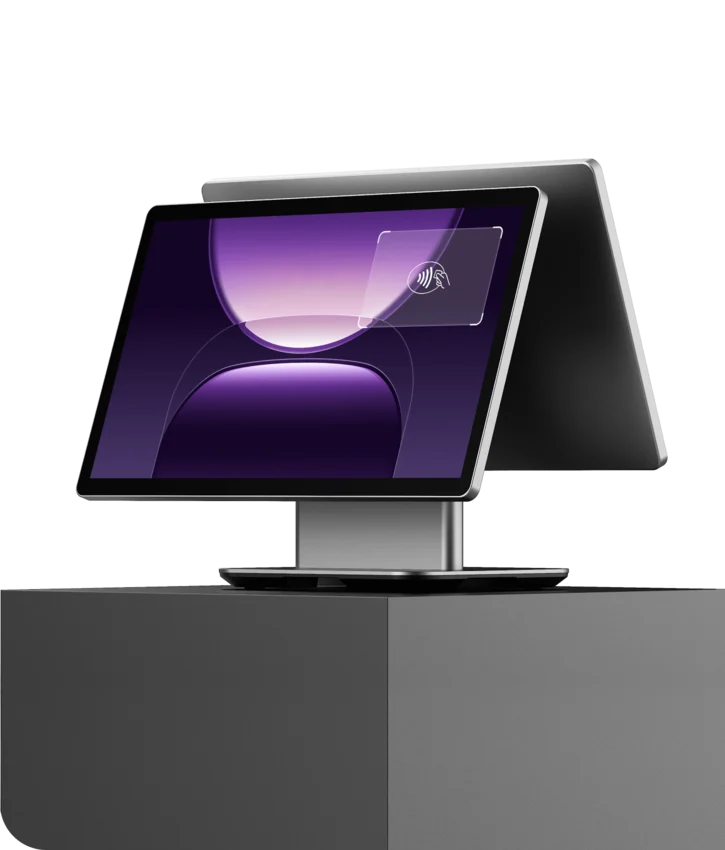
Full-size dual display
15.6″ + 15.6″ Full HD
More room for order details and promotions. Customer-screen touch is configuration-dependent.
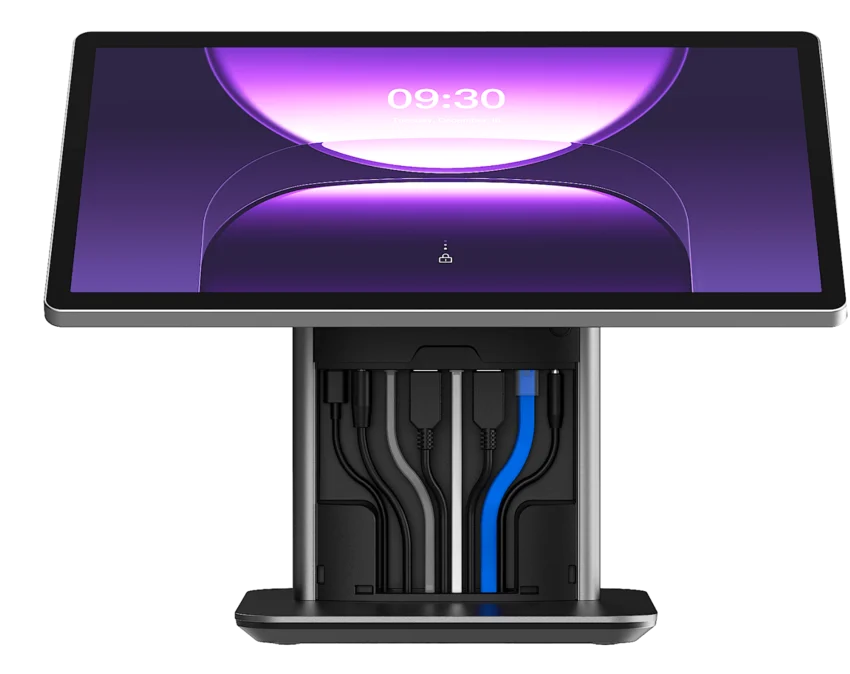
Keep your counter clear
Connect your peripheralsRoute cables through the stand and connect compatible scanners, scales, cash drawers and other peripherals.
Offer tap-to-pay on compatible setupsSupported dual-screen configurations can use customer-facing NFC with a compatible SoftPOS solution. Confirm the display, payment app and acquirer with YCR before ordering.
Manage terminals remotelyKiwiCloud supports device enrolment, app deployment, monitoring and remote assistance across sites.
At the shop and café counter
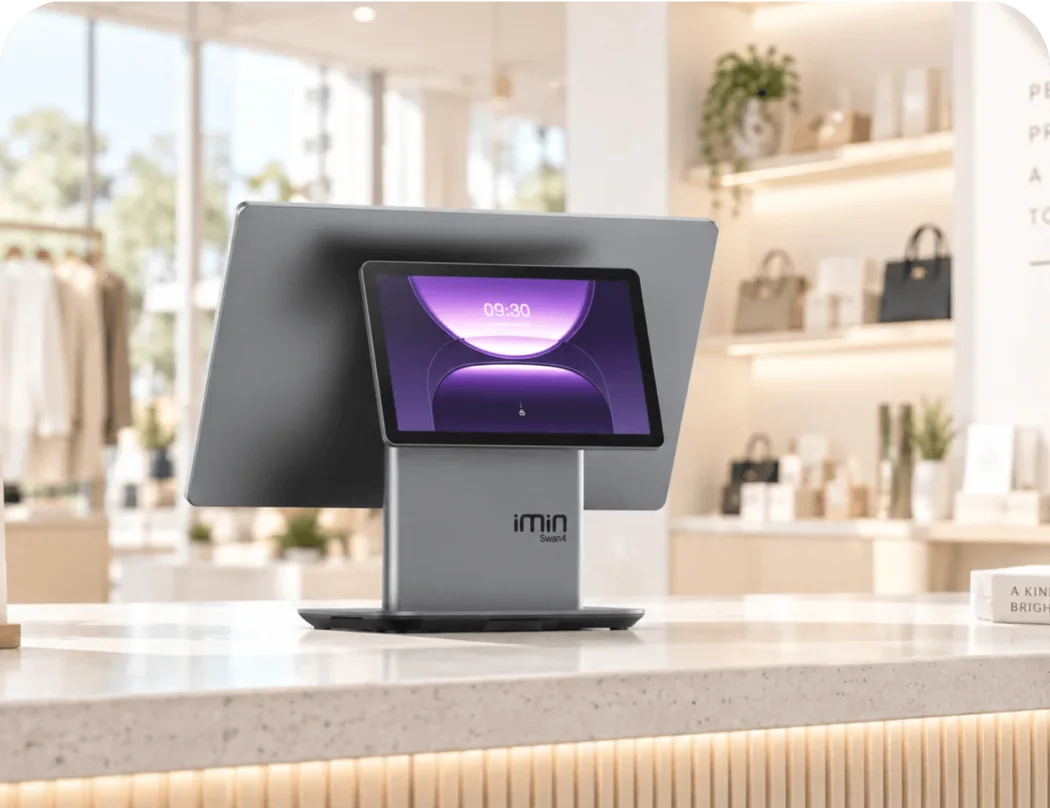
Retail checkout
Pair the terminal with compatible scanners and cash drawers. With a customer-facing display, your POS software can show items and totals as staff scan.
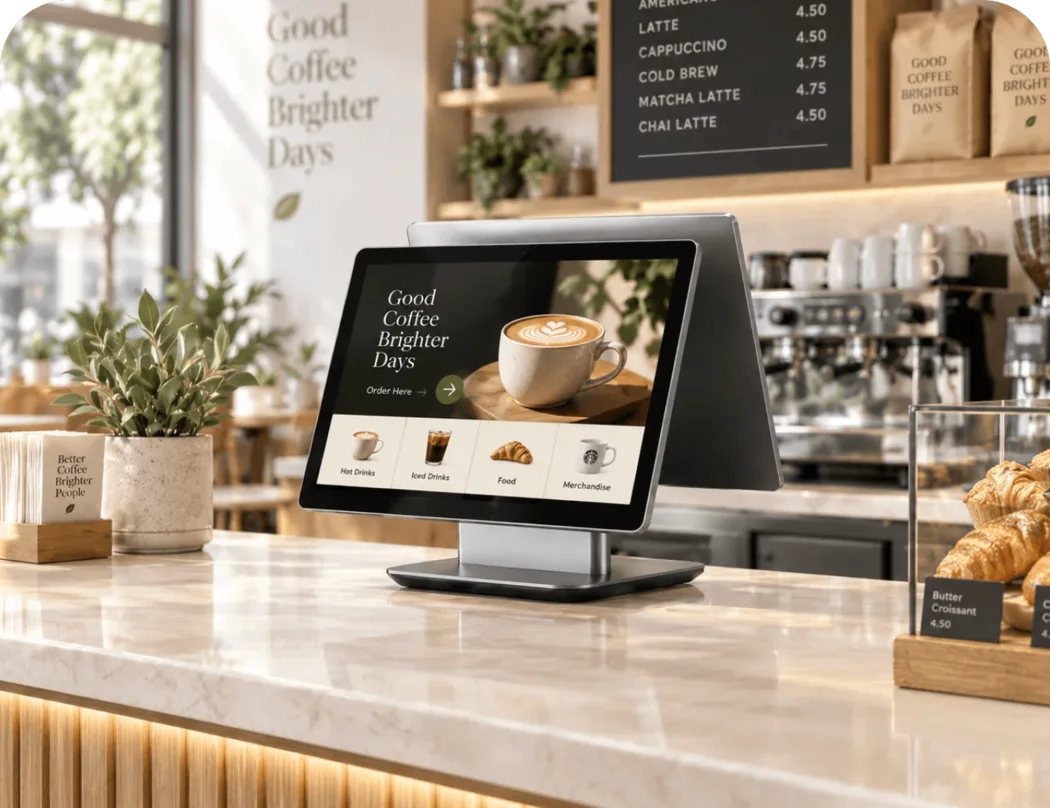
Cafés and quick service
Use the operator touchscreen for order entry and modifiers. A second display can show the order to the customer before payment, where supported by the POS software.
Watch the Swan 4 product video
Manage terminals across sites with KiwiCloud
Use KiwiCloud to enrol terminals, organise them by location, stage app updates and monitor devices remotely. Confirm enrolment and licensing before rollout. Test your POS app, customer display and peripherals at a pilot counter before deploying to more sites.
Technical specifications
| Processor | Eight cores, 2 × Cortex-A76 and 6 × Cortex-A55, up to 2.0GHz |
|---|---|
| Memory and storage | 6GB RAM, 64GB storage |
| Operating system | 64-bit Android 15 with Google Mobile Services |
| Operator display | 15.6″ IPS, 1920 × 1080, 10-point capacitive touch, 250 nits |
| Customer display options | 8.7″ IPS, 1340 × 800, 5-point touch, 500 nits or 15.6″ IPS, 1920 × 1080, 250 nits, with optional touch |
| Networking | Dual-band Wi-Fi 6 (2.4GHz and 5GHz), Gigabit Ethernet and Bluetooth 5.4 |
| Ports | 1 × USB 3.0 Type-A, 3 × USB 2.0 Type-A, 1 × USB 2.0 Type-C (OTG and debug), RJ11, RJ12, RJ45, 3.5mm audio and DC input |
| Audio | 1 × 3W speaker |
| Dimensions | 368.5 × 175 × 291.5mm |
| Net weight | 1.75kg single display, 2.93kg compact dual display, 3.86kg full-size dual display |
| Power adapter | 100–240V input, 24V / 1.5A output |
| Operating temperature | 0°C to 40°C |
Frequently asked questions
Which display can I specify?
Choose the 15.6-inch operator screen on its own, or add an 8.7-inch HD or 15.6-inch Full HD customer display. Confirm customer touch and NFC for your chosen configuration.
Can customers tap to pay on the screen?
On a compatible NFC-equipped customer display, tap-to-pay requires a supported SoftPOS application and acquirer. Confirm support for the exact configuration and any on-screen PIN requirements.
Can I keep my existing peripherals?
Check your scanner, drawer, scale and printer models against the Swan 4 ports and your Android POS application before ordering.