
3-inch direct thermal receipt printer
BIXOLON SRP-E300
Print 80 mm receipts at retail tills and hospitality counters. Choose USB for a nearby terminal or the Plus interface for USB, Ethernet and serial.
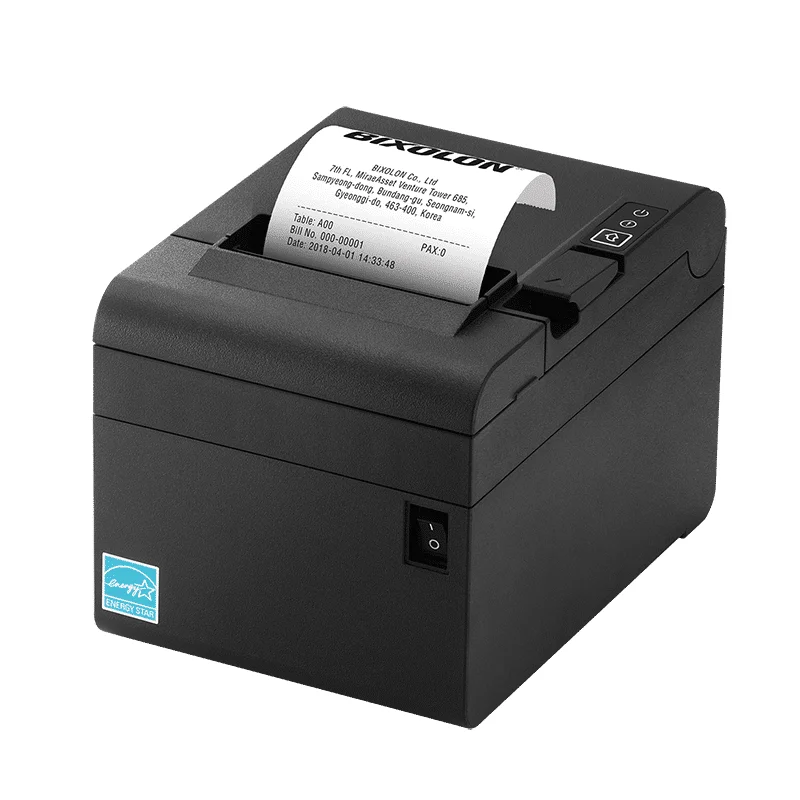
Print receipts and change rolls quickly
Load a fresh roll. Open the cover, drop in a compatible thermal roll and feed the paper through the outlet. Leave enough clearance above the printer for staff to change rolls at the till.
Match the receipt to the transaction. The printer supports a paper-saving mode to reduce receipt length. Check the result with your till’s layout so text, logos and barcodes remain readable.
Give each receipt a clean finish. The built-in auto-cutter separates printed receipts and the status indicators help staff spot paper or printer issues.
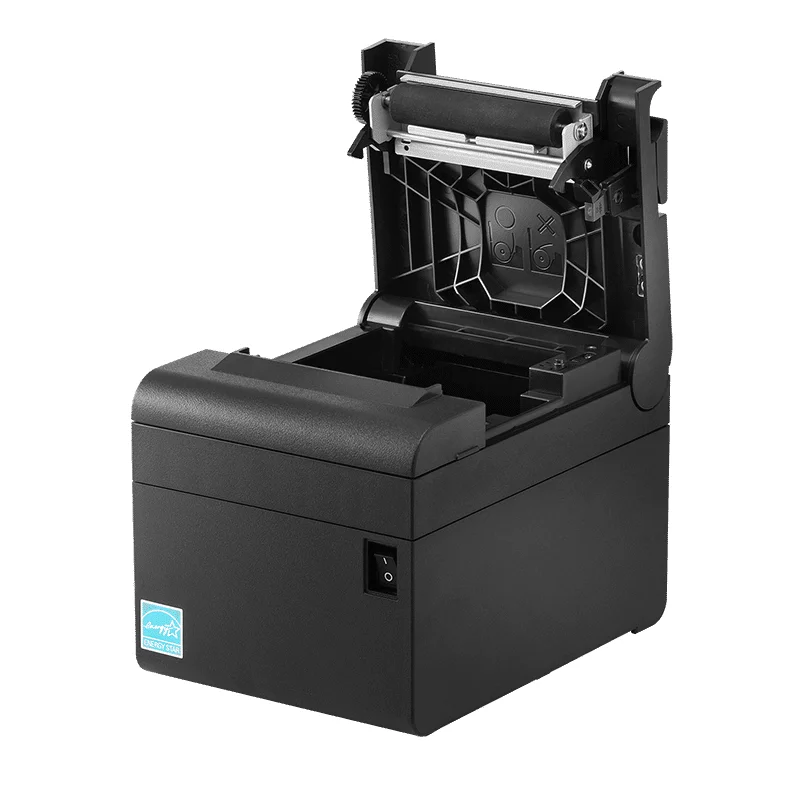
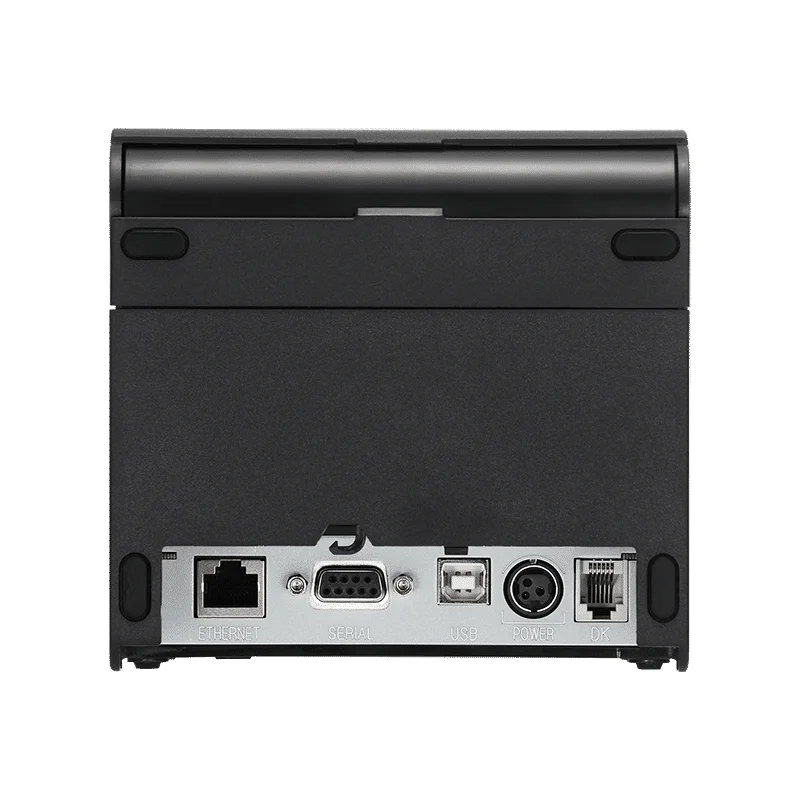
Choose the right connection
USB-only. Connect a nearby compatible POS terminal directly. Check the application’s printer support when replacing an existing receipt printer.
USB, Ethernet and serial. Choose the Plus interface for a wired network installation or a compatible serial POS setup. Confirm the required cable and check how your till software assigns the printer.
Cash drawer integration. Check the drawer connector and compatibility. BIXOLON lists support for two drawers via a suitable Y-type adapter.
At bakery and retail checkouts
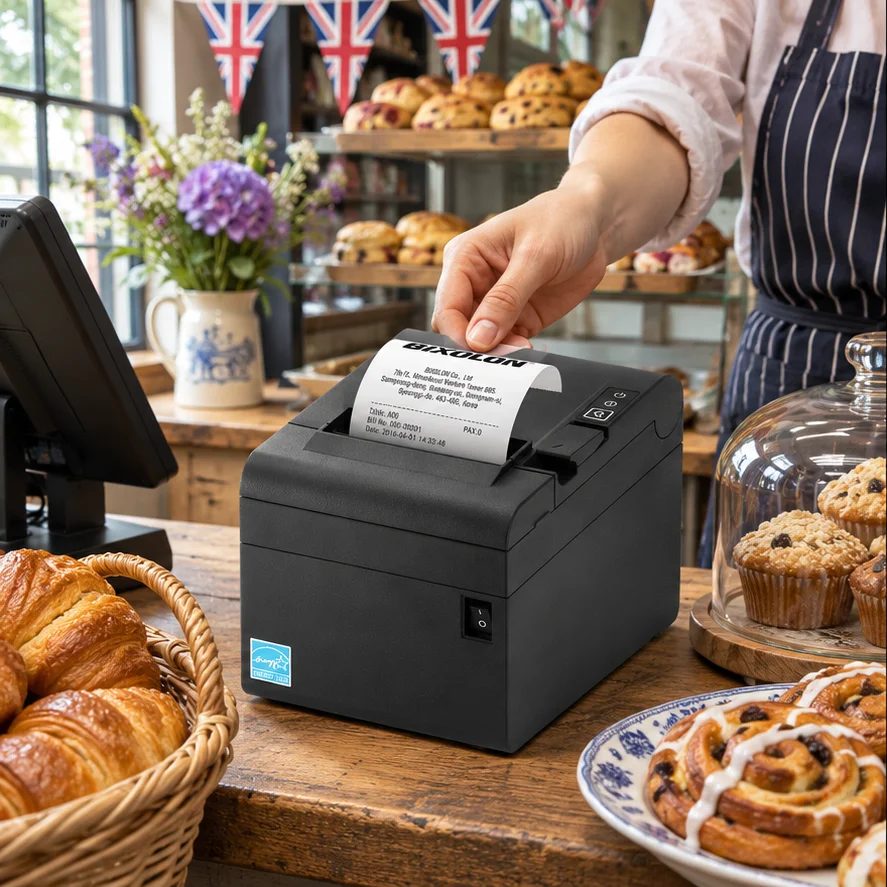
Bakery or café counter
Set the printer beside the till so staff can hand over receipts while packing the order. Check receipt layout and leave clear access to the paper cover for roll changes.
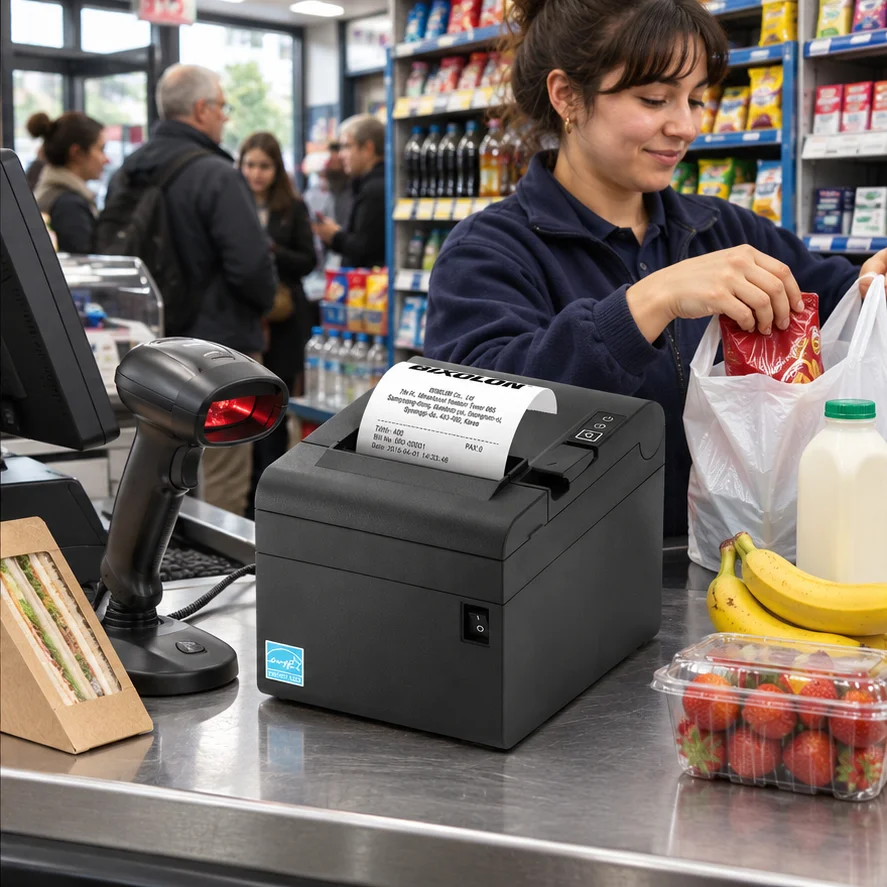
Convenience-store checkout
Use a Plus-interface model if your POS prints over the store’s wired network. Check that receipts go to the right till and test barcode readability before using a barcode for returns or promotions.
Generated illustrations of typical business settings.
Technical specifications
| Print method | Direct thermal |
|---|---|
| Maximum print speed | 220 mm/sec |
| Resolution | SRP-E300: 180 dpi. SRP-E302 variant: 203 dpi. |
| Maximum print width | 72 mm |
| Receipt media | 80 mm thermal paper, up to 83 mm roll diameter, 0.062–0.075 mm thick |
| Sensor | Paper end |
| Interfaces | USB 2.0 Full Speed or USB 2.0 Full Speed + Ethernet + serial, depending on the order code |
| Cash drawer support | Up to two via a compatible Y-type adapter |
| Auto-cutter rating | 1.5 million cuts with specified paper, as rated by BIXOLON |
| Printhead rating | 150 km with specified paper, as rated by BIXOLON |
| Dimensions (W × D × H) | 132 × 182.4 × 128.5 mm |
| Weight | 1.23 kg |
| Power input | External adapter, 100–240 V AC, 50/60 Hz |
| Operating environment | 0–40 °C, 10–80% relative humidity |
| Emulation | BXL/POS |
| Barcode formats | Selected 1D and 2D formats, including Code 128, EAN-13, Data Matrix and QR Code |
| Accessories | USB A–B cable listed as standard. External buzzer and B-Melodist listed as options. |
Frequently asked questions
Does the SRP-E300 need ink or a ribbon?
It uses heat-sensitive 80 mm receipt paper. There is no ink cartridge or ribbon to replace.
Does every version have Ethernet?
Ethernet and serial are included on the Plus-interface version. The USB-only model is for direct USB connections.
What’s the difference between the SRP-E300 and SRP-E302?
The SRP-E300 prints at 180 dpi. BIXOLON lists 203 dpi for the SRP-E302 variant. Check the exact order code if your receipt layout requires a specific resolution.
Can I wall-mount it?
BIXOLON lists countertop and wall-mount use. Check space for the paper cover, cable routing and receipt collection before choosing the position.