
iMin Android kitchen display and digital signage
Swan 1K Gen 2 Put orders and updates where they matter
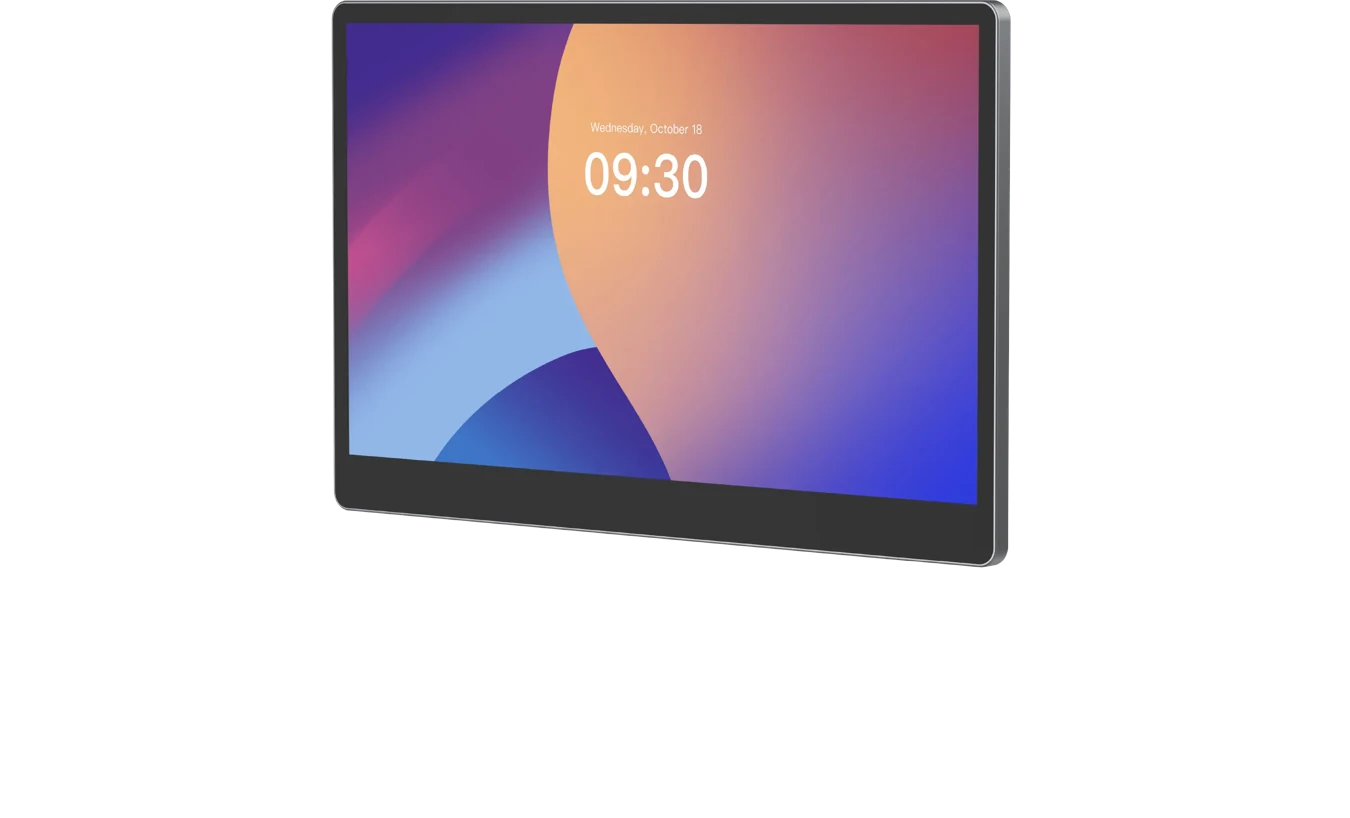
Give kitchen teams a clear view of what to prepare next, or show customers menus, collection updates and promotions. The Swan 1K Gen 2 pairs a 15.6-inch Full HD touchscreen with a slim metal housing and VESA mounting for busy commercial spaces.
Keep service moving from kitchen to collection
See the next order at the prep station
With a compatible kitchen display system (KDS), staff can see incoming orders, check modifiers and mark dishes as ready at the screen. Mount it where the team can read and reach it during service.
Make collection updates visible
Use a compatible order-status app to show which orders are ready. Customers can check the screen while staff concentrate on preparing and handing over orders.
Show menus, promotions and directions
Use compatible digital signage software to display menus, daily specials or wayfinding. Where supported by your app, update content as it changes across the day.
Fit the screen to the space
Keep counters clear
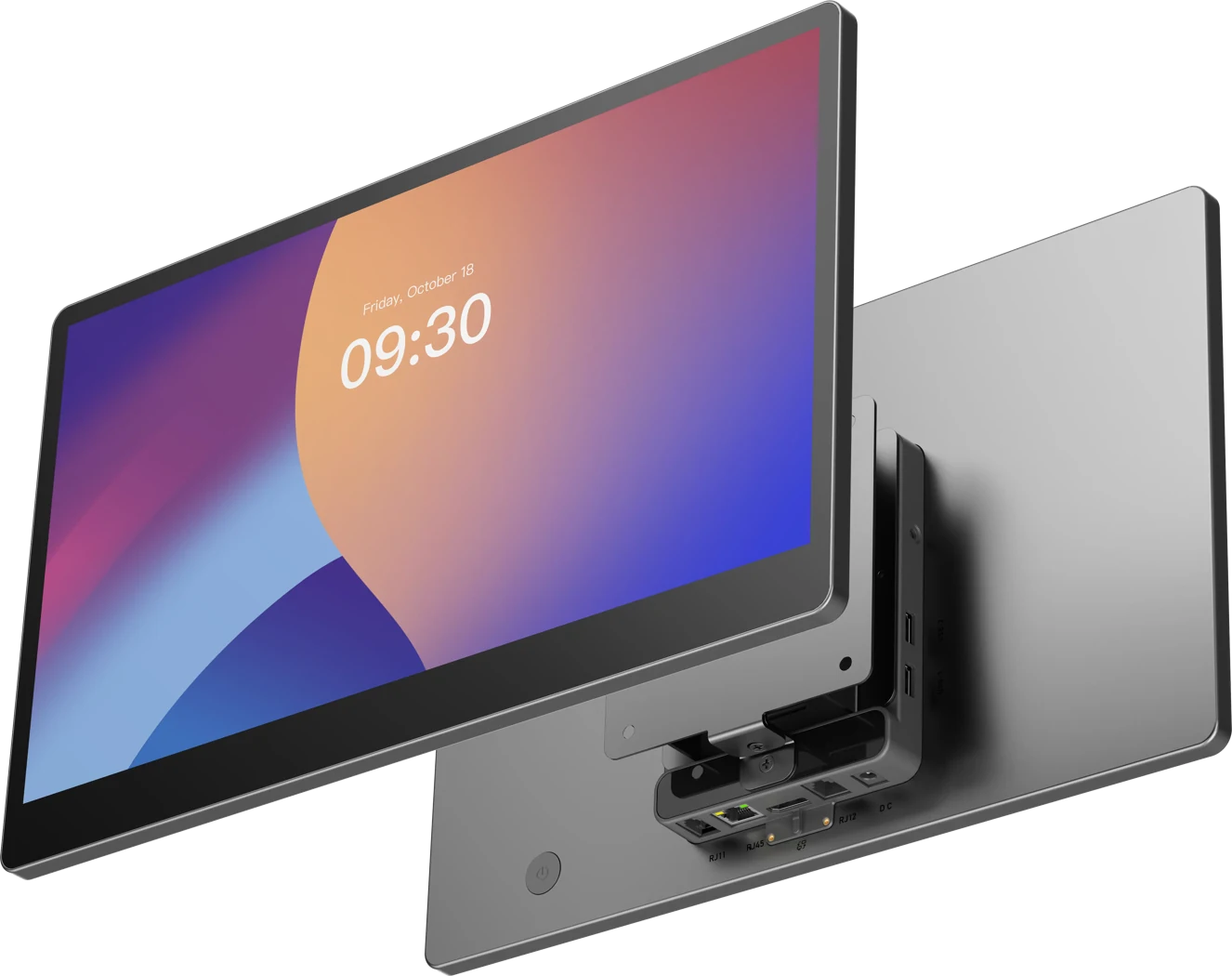
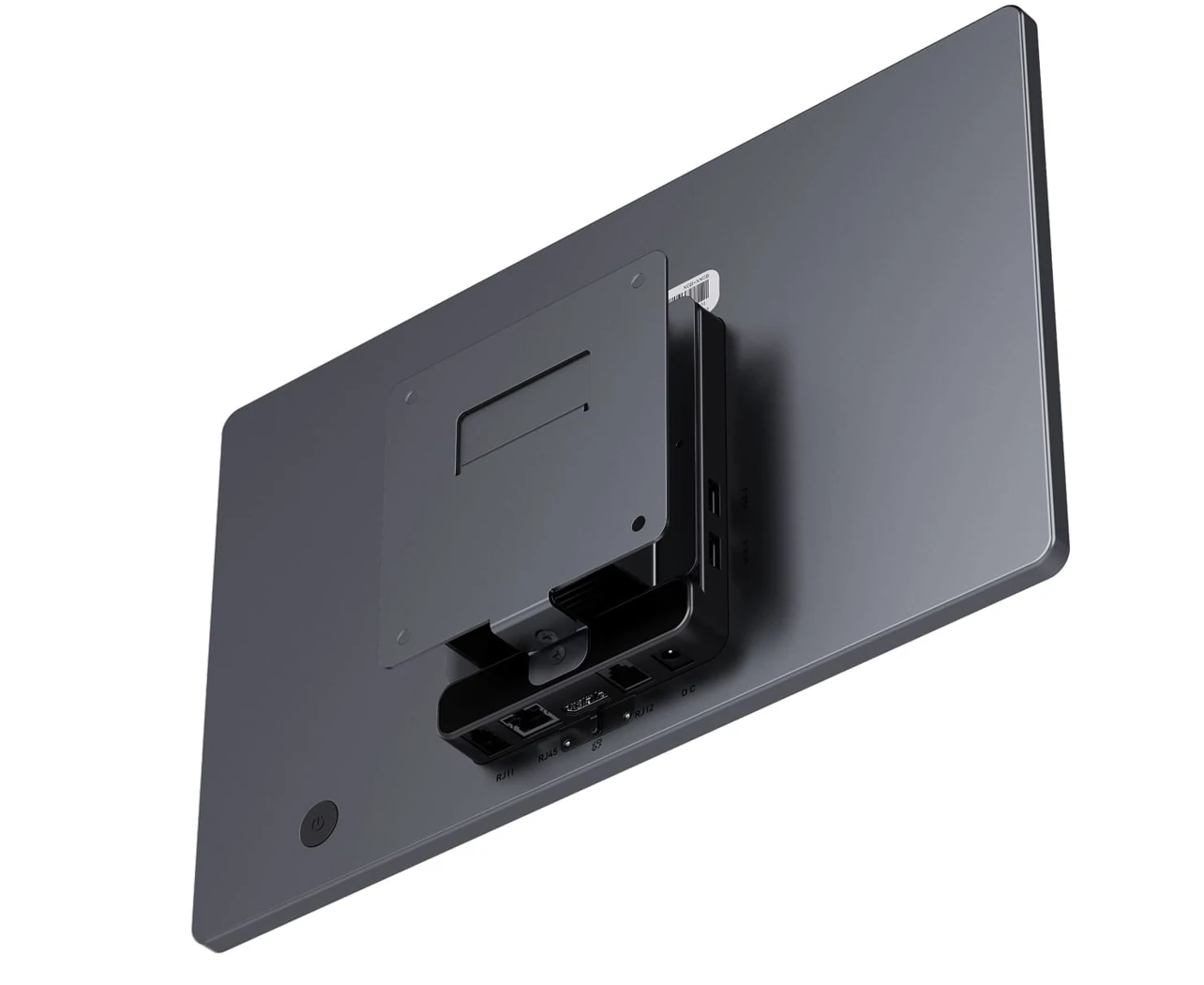
Use a compatible VESA wall mount or stand to position the display at a pass, prep station or collection area. Check access to power and ports when choosing the bracket.
Connect an external screen
HDMI lets you connect a compatible monitor or TV. Confirm how your chosen app handles output if you want to show order updates or promotional content on another display.
Choose wired or wireless networking
Use Gigabit Ethernet where you have a wired connection, or dual-band Wi-Fi 6 where a network cable is impractical.
Swan 1K Gen 2 specifications
| Display | 15.6-inch Full HD (1920 × 1080), multi-point capacitive touch |
|---|---|
| Operating system | Android 13 (64-bit), Google Mobile Services |
| Processor | Octa-core Arm Cortex-A55 at 2.0 GHz |
| Memory and storage | 4 GB RAM, 64 GB storage, microSD/TF card support up to 1 TB |
| Connectivity | Dual-band Wi-Fi 6, Gigabit Ethernet and Bluetooth 5.4 |
| Connections | 2 × USB-A 2.0, 1 × USB-A 3.0, USB-C, HDMI, RJ11, RJ12, RJ45, 3.5 mm audio, DC input, TF card slot and secondary display connector |
| Audio | 1.5 W mono speaker |
| Dimensions and weight | 363.8 × 230.1 × 50.4 mm, 1.56 kg |
| Mounting | VESA-compatible mounting. Confirm bracket fit and port clearance. |
| Power adapter | 100–240 V AC input, 24 V / 1.5 A output |
| Temperature | Operating: 0 to 40 °C. Storage: −10 to 50 °C. |
Frequently asked questions
Does the screen come with kitchen display software?
The Swan 1K Gen 2 is Android display hardware. Check with your POS or KDS provider for a compatible app and how it receives kitchen orders.
Can I use it for digital menus and pickup numbers?
Yes. Choose signage or order-status software that supports the Swan 1K Gen 2 and the content you want to display.
Can I mount it on the wall?
Yes. The display supports VESA mounting. Confirm the bracket fit, cable clearance and reach before installation.
Can I connect a second screen?
The Swan 1K Gen 2 has HDMI for a compatible external monitor or TV. Check your software requirements if you need specific content on each screen.