
Barcode scanners for retail and hospitality
Compare corded, cordless and hands-free scanners for everyday checkouts, stockrooms and customer-facing counters.
Corded handheld scanners
Keep a scanner at each till for everyday product scanning. Choose a 2D imager if your checkout also needs to read QR codes or suitable codes displayed on phones.
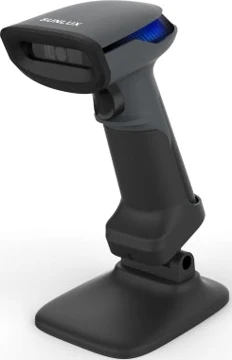
Sunlux XL-3620S
A flexible till scanner for printed labels and codes on screens. Pick it up for awkward items or use the supplied stand for a fixed scanning position.
- Connection
- USB / RS-232
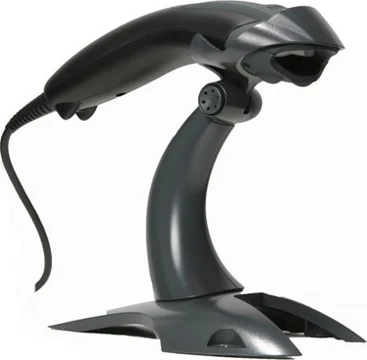
Honeywell Voyager 1200g
A single-line laser scanner for everyday printed product labels. It suits staffed tills that mainly scan conventional linear barcodes.
- Connection
- Interface varies by kit
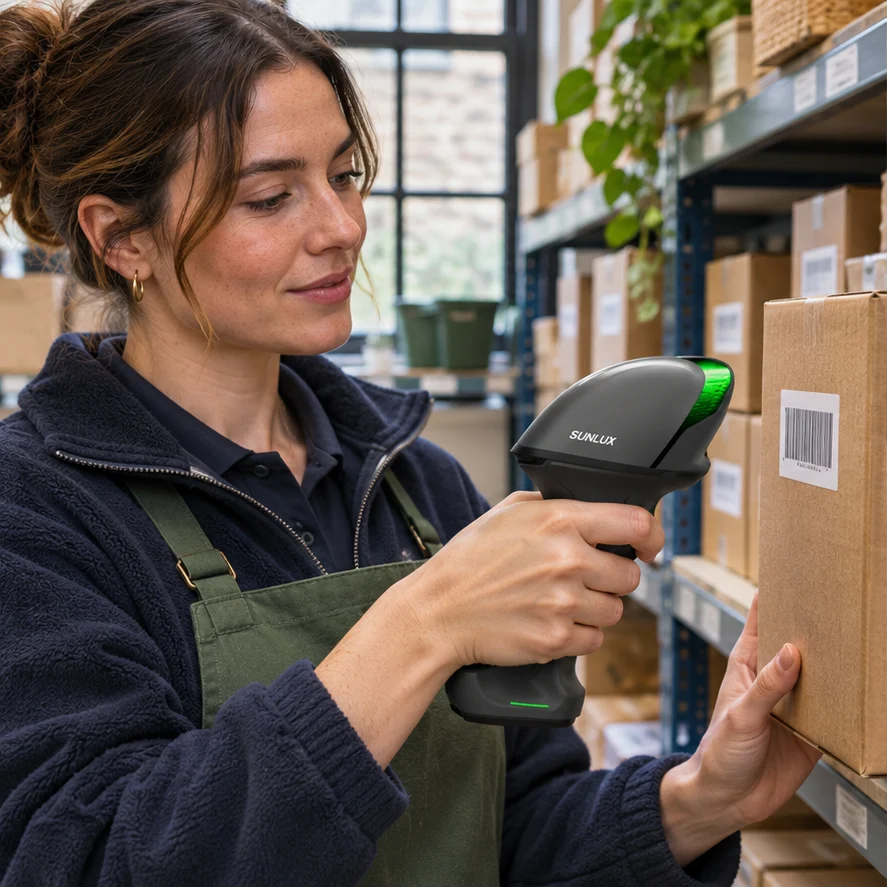
Take the scanner to the stock
Cordless scanning makes it easier to reach carton labels on shelving and scan bulky products without lifting them to the till.
Illustrative product sceneCordless handheld scanners
Give staff room to move around the counter or between nearby shelves. Match the wireless connection and barcode types to the way your team works.
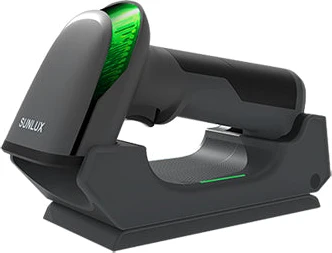
Sunlux XL-9620C
Move around a counter or stockroom without a trailing cable. Scan product barcodes, shelf labels and QR codes with the same imager.
- Connection
- 2.4 GHz USB receiver / Bluetooth
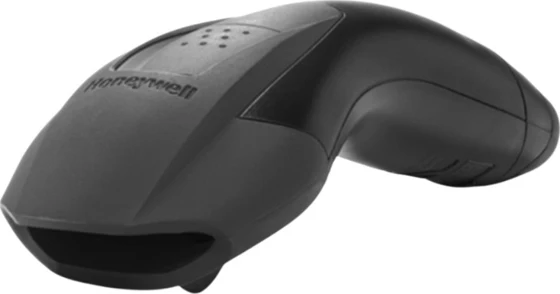
Honeywell Voyager 1202g
Take the scanner to bulky products or scan away from the till. This Bluetooth laser model is designed for printed linear barcodes and returns to its base to charge.
- Connection
- Bluetooth via charging base
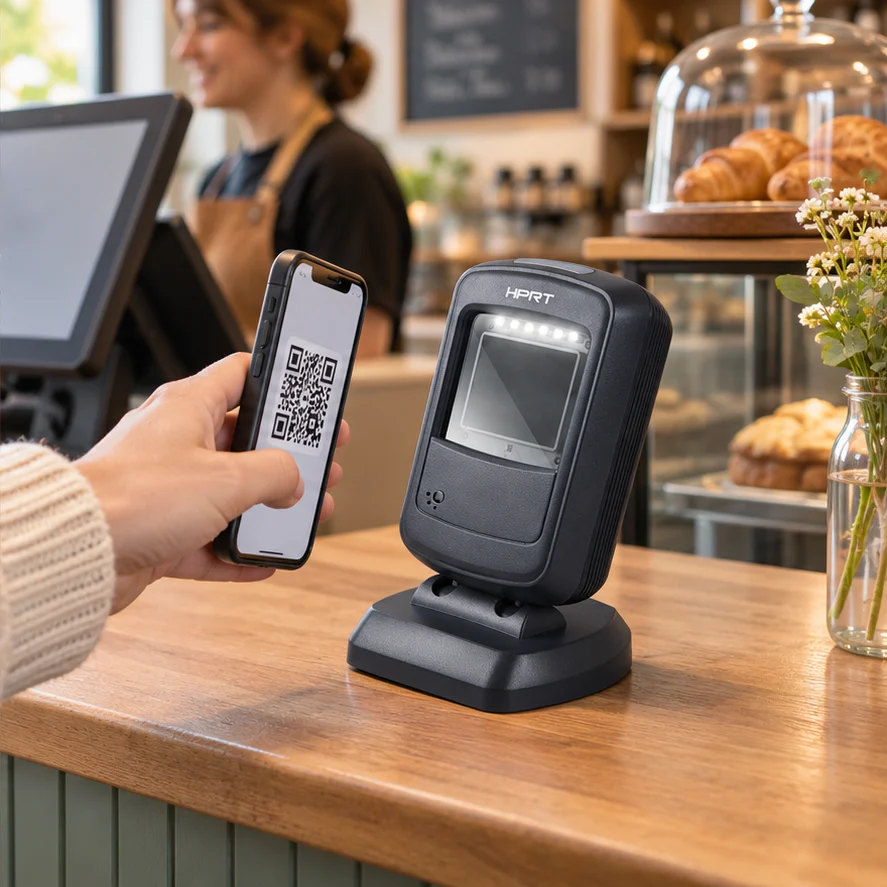
Give customers a place to scan
A fixed scan point works well when customers regularly present digital vouchers or collection codes. Choose a model that explicitly supports the codes and screens you use.
Illustrative product sceneHands-free presentation scanners
Set the scanner where products or codes naturally pass. Compare models for conventional product labels, mobile vouchers and QR-led workflows.
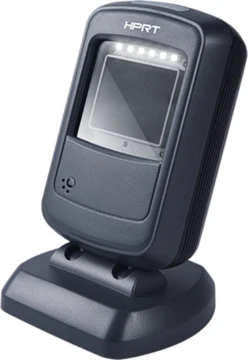
HPRT P200 (BR200)
Present items or a phone to the adjustable scan window while keeping both hands free. Suits checkouts that handle products, vouchers and screen-based codes.
- Connection
- USB / serial
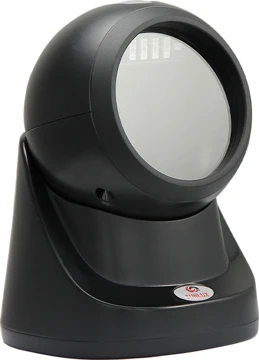
Sunlux XL-2302
Set up a dedicated scan point on a shop or service counter. Its wide presentation window suits workflows where staff bring labels or codes to the scanner.
- Connection
- USB / RS-232
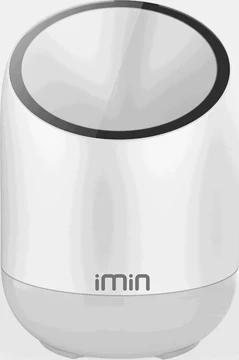
iMin X1-201
Give customers a fixed point to present a phone or printed code. Its camera and LED illumination suit QR-led workflows at service counters and self-service stations.
- Connection
- USB HID
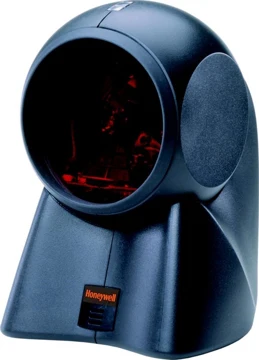
Honeywell Orbit MS7120
An omnidirectional laser scanner for hands-free reading of printed linear barcodes. Staff can present items at different angles without lining them up with a single scan line.
- Connection
- Interface varies by kit
Barcode scanner FAQs
What is the difference between 1D and 2D?
1D barcodes use a row of lines, as found on most traditional retail product labels. 2D codes include QR and Data Matrix. Check the scanner datasheet for your exact code type.
Which scanner should I choose for a QR code on a phone?
Choose a screen-capable 2D model that supports QR, such as the Sunlux XL-3620S or HPRT P200. The iMin X1-201 also supports QR workflows. Test with the codes and screens your customers use.
What should I check before replacing a scanner?
Check the host connection, cable or cradle required, the codes you scan and how your POS expects to receive the data. Honeywell interface options vary by kit.
When is a presentation scanner a better fit?
A fixed unit makes sense when the operator repeatedly brings items to the counter and needs both hands free. A handheld is easier to aim at large or awkward items.
Find the right scanner for your setup
Tell YCR which POS system you use, what you need to scan and how staff or customers will present the code.
Email YCR sales01924 438238