
Commercial digital signage
46″ & 55″ LCD video wall displays
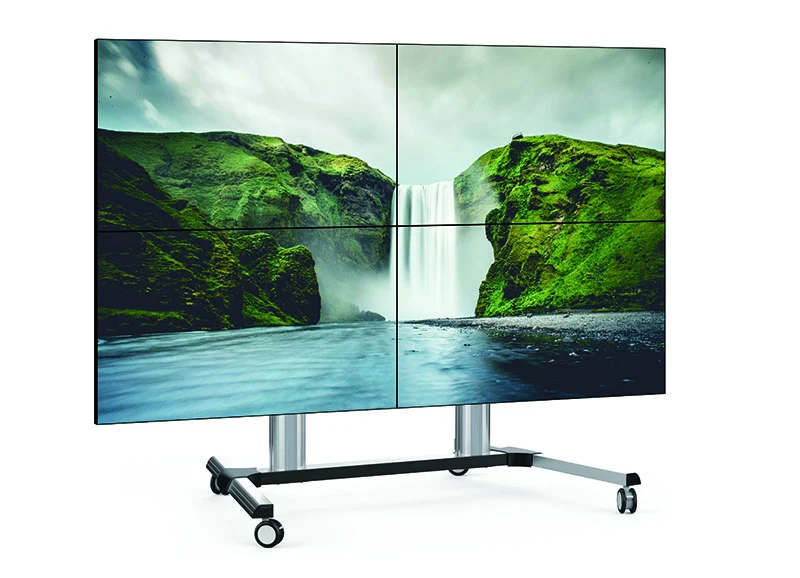
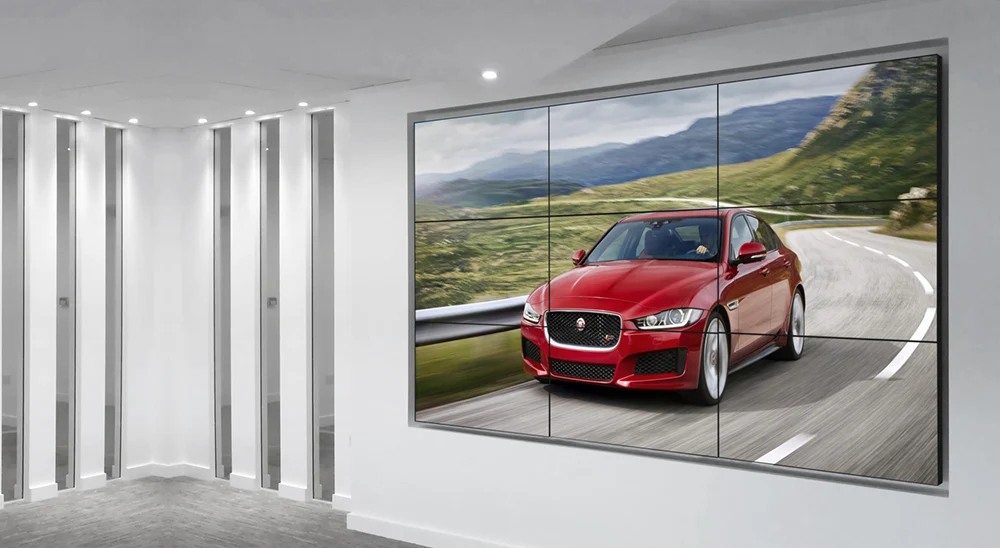
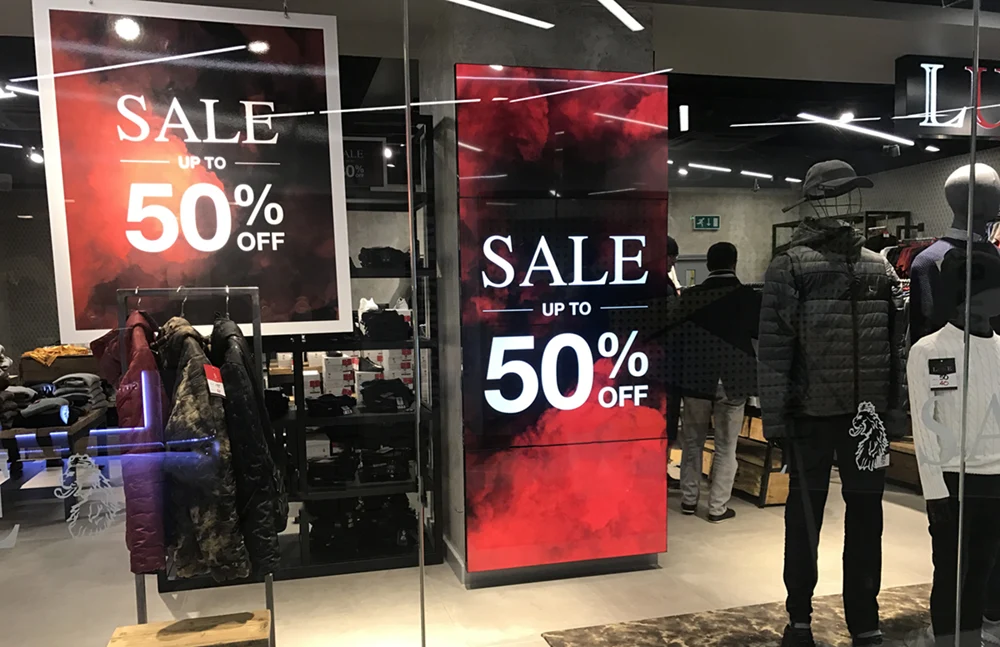
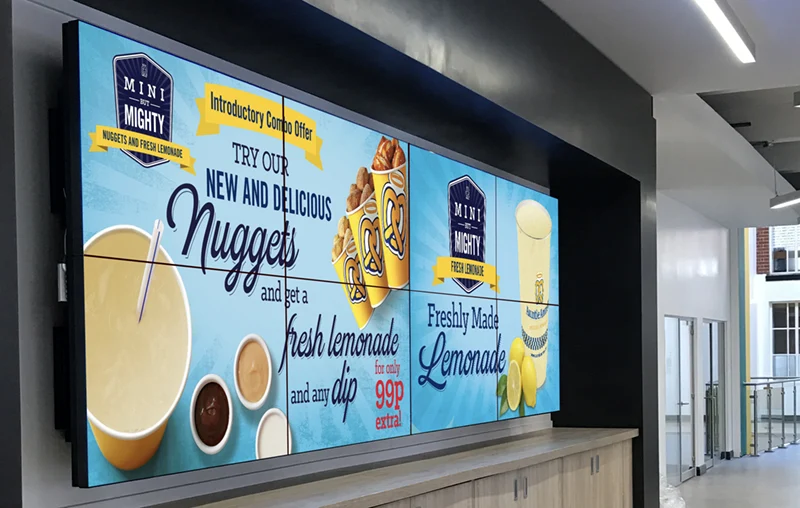
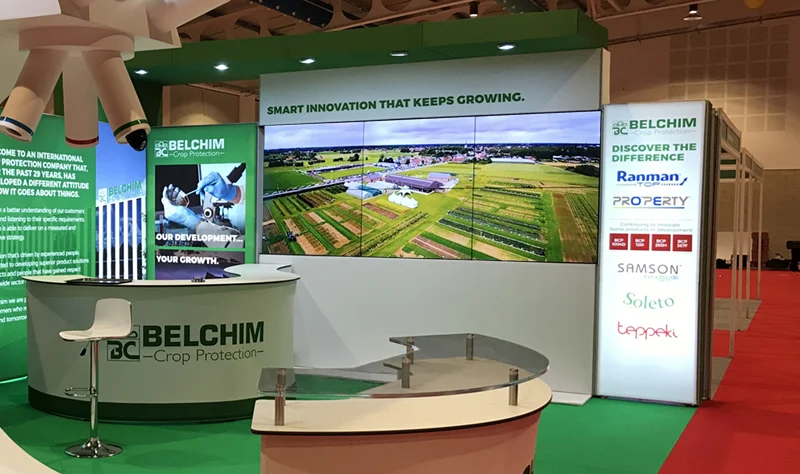
Build a large-format display for retail campaigns, reception areas or exhibitions. The narrow-bezel LCD panels tile together to carry one image across the wall, with a choice of screen sizes and orientations.
One image across multiple screens
The narrow joins help keep attention on the content when a campaign, product film or welcome message spans several panels. The nominal gap between the active image areas is 2.6 mm.
Each screen is Full HD. In a compatible 2 × 2 layout, four panels form a 3840 × 2160 canvas. Built-in matrix tiling lets you distribute a compatible source across the wall. The daisy-chain connection varies by model.
The commercial IPS displays support portrait and landscape mounting. For remotely scheduled content, an optional compatible network media player can be specified alongside the displays.
Choose your panel size
46″ · TL46N1
For layouts where the smaller panel footprint helps fit the available wall area. Uses DisplayPort output for daisy chaining.
55″ · TL55N2
More display area per panel for larger walls and longer viewing distances. Uses HDMI output for daisy chaining.
| Specification | 46″ TL46N1 | 55″ TL55N2 |
|---|---|---|
| Native resolution per panel | 1920 × 1080 | 1920 × 1080 |
| Brightness | 500 cd/m² | 500 cd/m² |
| Bezel-to-bezel / active area gap | 1.8 / 2.6 mm | 1.8 / 2.6 mm |
| Contrast ratio | 1,200:1 | 3,500:1 |
| Dimensions (W × H × D) | 1020.68 × 575.27 × 125 mm | 1212.2 × 683 × 122.6 mm |
| Net weight | 19.87 kg | 22.95 kg |
| Daisy-chain output | DisplayPort | HDMI |
| VESA pattern | 600 × 400 mm, M6 | 600 × 400 mm, M6 |
See how a video wall can work in your space
Video wall FAQs
Is each screen 4K?
Each panel is 1920 × 1080. A compatible UHD source tiled over a 2 × 2 array can use a combined 3840 × 2160 canvas.
How large is a 2 × 2 wall?
Using the published panel dimensions as a starting point, allow about 2.04 × 1.15 m for four 46-inch panels or 2.42 × 1.37 m for four 55-inch panels, before installation clearances. Ask YCR for the model drawing to plan the finished fit.
Can I update content remotely?
Yes, with an optional compatible network media player and content management setup. Specify the player and network requirements when planning the wall.
What should I specify for a quote?
Share the available wall dimensions, preferred panel size and layout, viewing distance, content source and mounting requirements. That information helps YCR advise on the display configuration and associated hardware.